

OpenAI has unveiled GPT-5.5, its latest artificial intelligence model powering ChatGPT, as the company continues to shift from conversational AI toward systems that can handle complex, real-world work. The new model is being rolled out across ChatGPT and Codex for Plus, Pro, Business, and Enterprise users, with a more advanced “Pro” version reserved for higher-tier subscribers.
Unlike earlier updates that focused on improving responses, GPT-5.5 is designed to handle multi-step tasks more effectively. The model can interpret less structured prompts, plan workflows, execute tasks, and check its own output with fewer iterations required from the user.
A Shift From Answers To Execution
GPT-5.5 reflects a broader shift in how OpenAI is positioning ChatGPT. Instead of acting as a tool that simply responds to questions, the model is built to complete tasks end-to-end. This includes coding, debugging, research, document creation, and data analysis across multiple tools and environments.

OpenAI says the model is better at understanding intent and requires fewer back-and-forth prompts to deliver usable results. In internal testing and early enterprise use cases, GPT-5.5 has been able to complete complex workflows more efficiently, reducing the need for constant user input.
The company is also emphasizing improvements in efficiency. GPT-5.5 uses fewer tokens in coding workflows, making it more cost-effective and faster to operate, especially for developers and businesses working at scale.
Why This Upgrade Matters
The release of GPT-5.5 highlights how quickly AI development is accelerating. OpenAI introduced GPT-5.4 only recently, yet the company is already pushing forward with a more capable system focused on real-world productivity.
What makes GPT-5.5 notable is not just its raw capability, but how it changes interaction
The model is designed to handle “messy” instructions – requests that are incomplete or loosely defined – and still produce structured outputs. This reduces friction for users who may not know how to structure prompts precisely.
OpenAI also claims significant improvements in reliability and safety, with stronger safeguards to reduce errors and improve output quality. These changes are particularly important as AI tools become more embedded in professional workflows, where accuracy matters more than novelty.
The launch also comes amid increasing competition in the AI space. Companies like Anthropic are releasing advanced models focused on enterprise and security applications, pushing OpenAI to move faster in both capability and usability.
What It Means For Users
For everyday users, GPT-5.5 may feel like a smoother version of ChatGPT rather than a dramatic shift. The model requires less effort to use, as it can interpret broader instructions and deliver results without requiring detailed prompts.
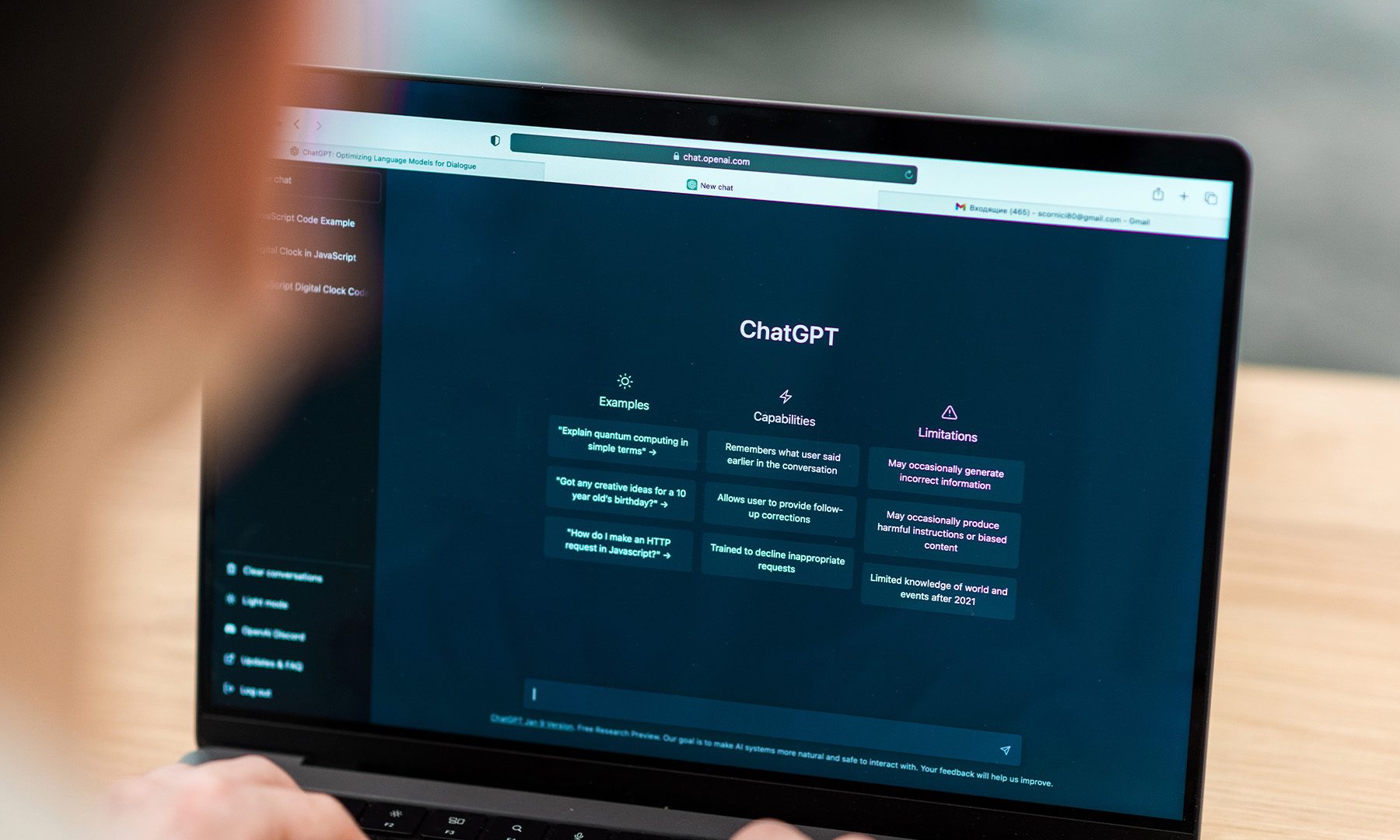
For developers, researchers, and professionals, the impact could be more significant. GPT-5.5’s ability to plan, execute, and refine tasks makes it more suitable for complex workflows, including coding projects, data-heavy analysis, and multi-step problem solving.
Early use cases suggest that users are beginning to treat the model less like a search tool and more like a collaborator. Instead of asking one question at a time, they can assign a broader objective and let the system work through it.
What Comes Next
GPT-5.5 is part of OpenAI’s larger push toward more autonomous AI systems. The company is increasingly focusing on models that can operate across tools, persist through longer tasks, and reduce the need for human intervention.
Future updates are expected to expand these capabilities further, with deeper integrations into software ecosystems and improved ability to handle real-world workflows. The long-term direction is clear: moving from reactive AI systems to proactive ones that can manage tasks with minimal input.
As this shift continues, the key challenge will be balancing capability with reliability. GPT-5.5 shows that AI is becoming more capable of doing work, but its success will depend on how consistently it can deliver accurate and trustworthy results.


