
Razer announced three new headsets on Thursday: The Kraken V3, Kraken V3 HyperSense, and Kraken V3 Pro. All three are revisions to the Kraken V3 X, but two come with a big additional feature: Razer’s HyperSense haptic feedback.
If you’re unfamiliar, Razer introduced HyperSense on its Nari headphones. It’s a haptic feedback driver that vibrates the headset while you’re wearing it, like a console controller. The big difference comes in the design of the feedback motor: It operates in a range of frequencies instead of a fixed one, bringing some depth to the vibration.
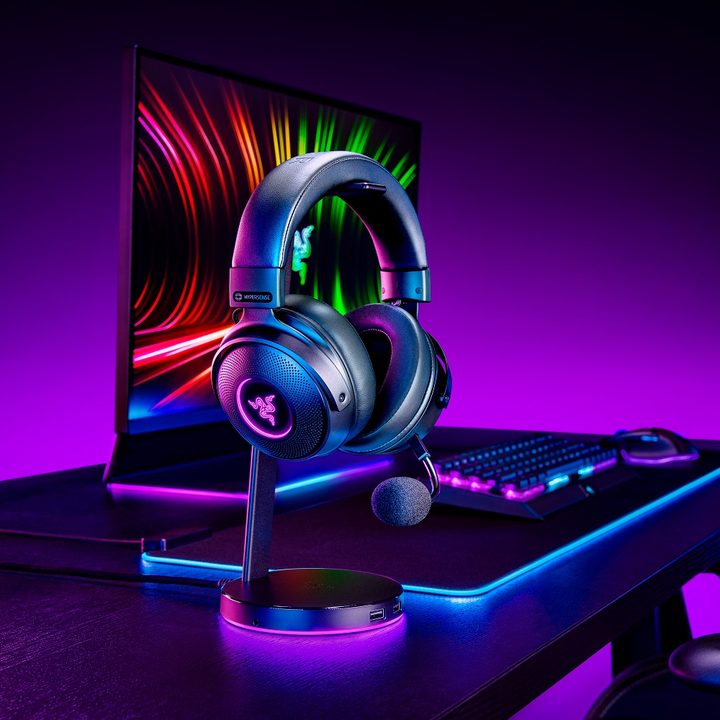
If getting a headache while you’re gaming isn’t your idea of fun, don’t worry — the Nari allowed you to turn off HyperSense in Razer’s Synapse software, and the Kraken V3 HyperSense goes a step further. It includes a button that allows you to adjust the intensity of the feedback, including turning it off.
For the Kraken V3 HyperSense, the difference between it and the Kraken V3 is the HyperSense integration. Both models have the same 50mm TriForce titanium drivers, THX spatial audio, and detachable cardioid microphone. The HyperSense model is a little more expensive, though, clocking in at $130 compared to $100 for the base model. You can pick both up now from Razer.
The Kraken V3 Pro is arriving at a later date. It’s $200, but it comes with an expanded range of features. In addition to HyperSense, the Pro model supports wireless operation with a PC, PlayStation, or Nintendo Switch, and it comes with a detachable supercardioid microphone, which has a more focused range where it picks up sound. It also comes with leatherette ear cushions instead of fabric ones.
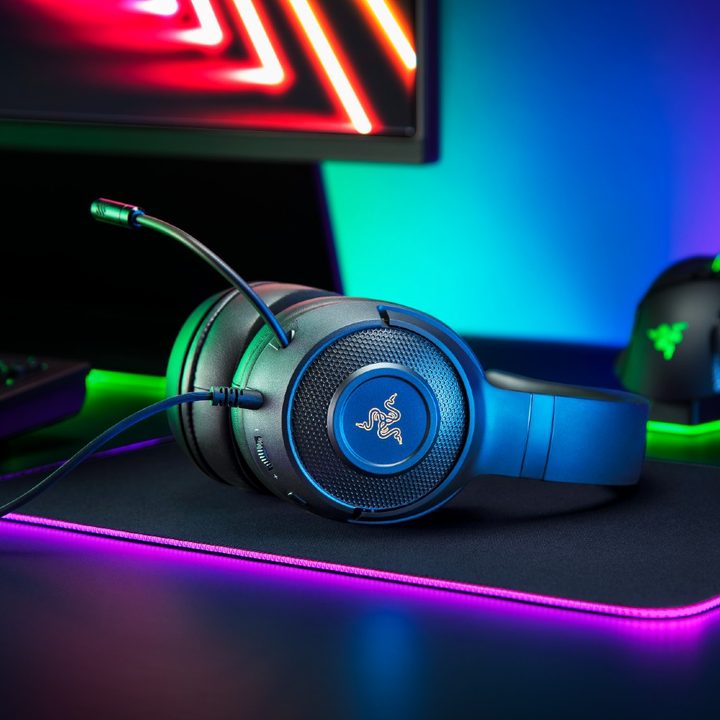
This is the only wireless model from the Kraken range, and Razer says it can last up to 44 hours with the haptics and lighting turned off. Turn them on, and the battery life slips to a measly 11 hours. It’s a headset that can vibrate on your head, after all.
Both the Hypersense and Pro versions support adjustable RGB lighting zones through Razer’s Synapse software, and they also support Razer Chroma, so you can sync them with your other peripherals. All models come with a wind filter for the mic, taking some notes from the Razer Blackshark V2 — aka one of the best gaming headsets you can buy.
The Kraken V3 HyperSense and Kraken V3 Pro are two of several products Razer announced at its annual RazerCon event. The company also brought out PC components for the first time ever, and it launched the crazy Zephyrus mask that made its debut at CES.


