


I knew we would get a bunch of new gaming monitors at CES 2025, but I truly didn’t expect Samsung — along with MSI, Asus, and others — to debut OLED displays boasting an insane 500Hz refresh rate. And I never thought that I would actually be on board with the competitive-focused refresh rate.
Call me a convert, though. I had the chance to play around with Samsung’s new Odyssey OLED G6 at CES, which comes in at 27 inches with a 1440p resolution and that staggering 500Hz refresh rate. And despite the fact that I’m not much of a competitive gamer, there’s a very clear path here for OLED to succeed where previous high refresh rate displays, such as the Alienware AW2524H, have failed.
I sat down to play a bit of PlayerUnknown’s Battleground on the monitor — a favorite demo game for Samsung — and I was shocked by the motion clarity. That’s a concept that’s difficult to describe, regardless of the medium, but motion clarity makes all of the difference when you’re looking at competitive games like Fortnite, or my recent addiction, Marvel Rivals. And OLED as a technology is uniquely positioned to take advantage of the super-high refresh rates that that the most competitive gamers demand.

It’s important to define some terms here. Refresh rate is how many times your monitor refreshes in a second, and it’s measured in frequency. A 500Hz refresh rate means that the Odyssey OLED G6 refreshes whatever’s on screen once every 2 milliseconds. The implications for a high refresh rate in competitive games are clear; if your monitor refreshes faster, you can process and react to whatever you see faster. This is less about the raw milliseconds — even the most-skilled players in the world aren’t battling on a level of a few milliseconds — and more about the motion clarity. You can more easily track targets and react if you’re seeing more unique images within a second.
But there’s another factor at play when it comes to motion clarity, and that’s response time. Response time is how quickly a pixel can change from one color to another. This metric has been completely wiped out of the conversation with gaming monitors, as most brands claim a 1ms response time when going from one shade of gray to another — what you could call gray-to-gray response time. In reality, response times are generally much higher than the 1ms that most gaming monitors claim. And with that information, you might be able to see how refresh rate and response time intersect.
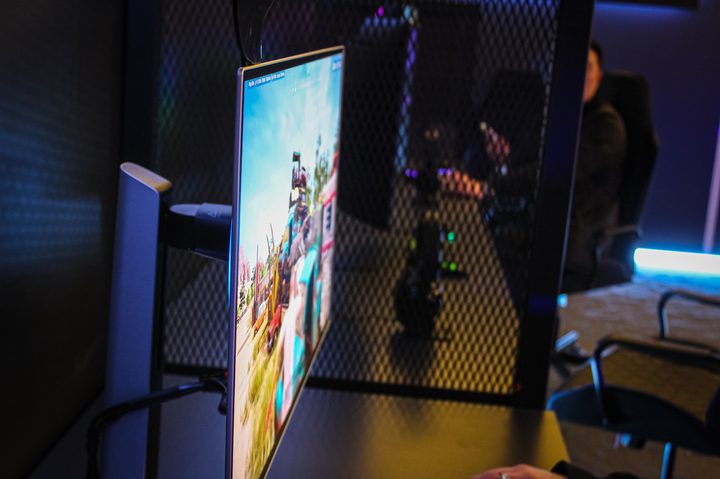
There’s a messy blob of specifics depending on the monitor and game you’re playing, but the idea of motion clarity is some mixture of refresh rate and response time. Previous attempts at a high refresh rate work, but they’re trying to overcome relatively slow pixel response times. Even with a high refresh rate, you get blurring and other visual artifacts if the response time can’t keep up.
That little spec lesson is important for understanding why the Odyssey OLED G6 is a big deal. A 500Hz refresh rate on it is not the same as the 500Hz refresh rate on the Alienware AW2425H, and that’s because Samsung’s QD-OLED tech — and all OLED tech, for that matter — comes with basically instantaneous response times. In short, OLED as a technology is better equipped to show the benefits of a refresh rate as high as 500Hz, and the Odyssey OLED G6 puts that on full display.

You notice the refresh rate. That’s more than I can say for most gaming monitors. The game looked incredibly smooth and plenty sharp due to the 1440p resolution. But more important than both is the fact that I felt completely in control of my character. It’s a feeling that’s hard to describe, but one that becomes abundantly clear the moment you sit down and look at the Odyssey OLED G6.
Now, that doesn’t mean I’d personally buy a monitor like this. You have to be highly focused on games that can even reach that high of frame rate, such as Counter-Strike 2 or Valorant. And even if you dabble in competitive titles, something like the 240Hz refresh rate on the Asus ROG Swift PG32UCDM is more than enough. But for those select few that want the best motion clarity possible on a monitor, the Odyssey OLED G6 is shaping up to be a very compelling option for 2025.


