
When you’re working on something important and have a lot of tabs open in your web browser, things can get messy really fast. You might lose your place when searching for something. You might accidentally close a tab and have to go through a bunch of menus to find it.
But if you struggle with tab overload, we’ve got good news: There’s a simple solution in some web browsers that can help you solve these problems and a lot more. It’s a feature known as vertical tabs, available as an extension for most of the best web browsers, and as a feature in Edge.
With vertical tabs in Microsoft Edge, you’re back in control of your own web browsing, and you can stay organized. Here’s a look at three reasons why every browser should have them.
They fit your natural web browsing flow better
When browsing the web, you’re naturally scrolling or moving your mouse up and down and never really scrolling left or right. That’s where vertical tabs come to the surface.
In a browser that has the feature — like Microsoft Edge — vertical tabs flow better with the way you’re already working or learning on the web. When activated, vertical tabs move your list of tabs out from the top bar of your browser and into a neat, organized column on the left sidebar.
That’s right across from where you’re already scrolling and where your eyes naturally go as you read through a webpage. Plus, the list of websites is tiled up and down rather than left and right, which makes it easier to click through and switch between tabs as you see fit. You also can fit more tabs this way, without shrinking down the tab names.
Without the feature, you need to drag your mouse all the way to the top of the screen and move left and right to choose between tabs. Why not do it more naturally, with a better fit for the 16:9 aspect ratio of your laptop screen?
It puts the most important info front and center
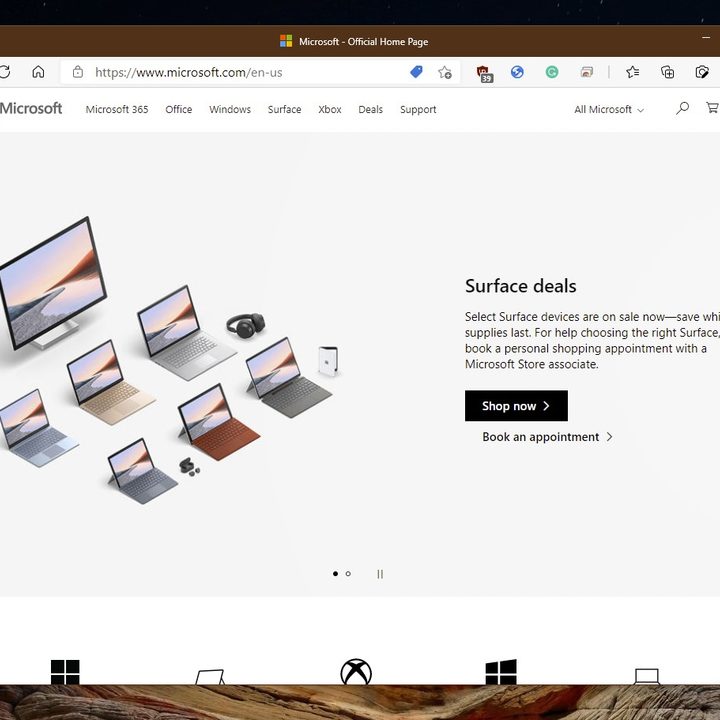
Another common behavior when browsing the web is paying attention to the title bar of your open window, partially so you see which tab is active. It’s something that you’re familiar with doing in programs like Microsoft Word, where the title bar shows you the name of the document as well as whether your recent changes have been saved. But did you ever think your web browser could do this too?
On Windows 11 with Microsoft Edge, that’s exactly what vertical tabs can do for you. Instead of staring at a screen with a long list of tabs as you’re working, with vertical tabs you’ll have the active tab front and center in your title bar. You’ll see the full title, the favorites icon, and the name of that tab and that tab only.
All other inactive tab information moves out of your way and to the sidebar. That can be critical when you have a lot of tabs open and are working on a research project or something else that requires a lot of your attention.
It’s a cleaner way to organize tabs
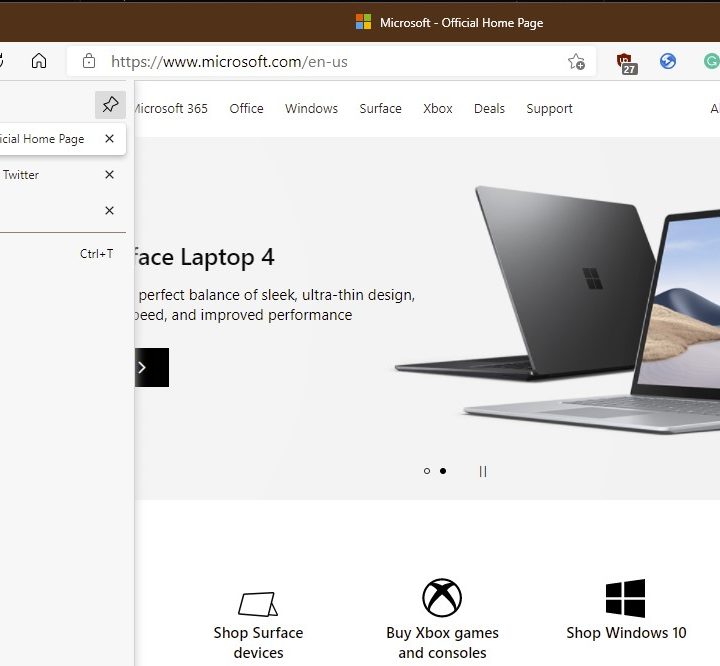
Tab hoarding, or having a lot of tabs open, is a common behavior when web browsing, and this is what vertical tabs are designed to accommodate. With the feature, you can more easily align your tabs in an order that you see fit.
Instead of shrinking down tab names as you open more and more tabs, vertical tabs let you see the full tab name in a cleaner list. In addition to feeling more natural, as we mentioned earlier, this allows you to click and drag your tabs from top to bottom in an order you see fit.
It is quite the clean experience, allowing you to expand the bar outward so you always see your tabs or keep it compact, showing just the favorites icons for your open websites. Again, this is useful for situations where you might be doing a research project, comparison shopping at different online retailers, and so on.
Add it to your browser with an extension
Vertical tabs are a native feature and work best in the new Microsoft Edge, but if you want to add them to your current web browser, you can with a workaround. This is accomplished through extensions. On Firefox, you can try the Tab Center Reborn extension, which uses Firefox’s Sidebar API to move tabs vertically. On Google Chrome, you can use the Vertical Tabs extension — you might find it becomes one of your favorite Chrome extensions.
Just be aware that, on Chrome, most of these extensions will not change the new tab bar. You’ll have both the vertical tabs and the usual horizontal tabs. However, since Microsoft Edge is based on Google Chrome’s open-source Chromium engine, there is hope that one day vertical tabs might end up in the world’s most popular web browser.


