
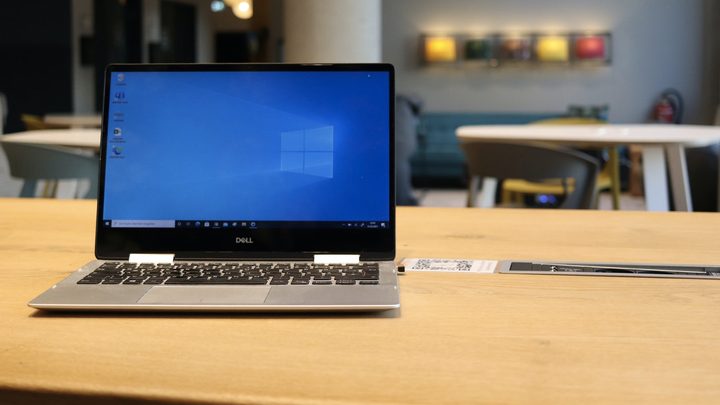
Windows 10 is officially going to sunset in 2025, after a 10-year career as one of the most prominent Windows versions ever made. You don’t have to upgrade before then, but you absolutely should. Once Windows 10 no longer has security support, it’ll be cracked wide open by hackers, and anyone still running it at that time will be extremely vulnerable.
Let’s take a look at when Windows 10 is set to lose support completely, and what you need to do about it.
When will Windows 10 lose support?
Windows 10 will lose support completely on October 14, 2025. That means no more feature updates, no more bug fixes, no more technical support, and no more security patches. If hackers have been sitting on a zero-day exploit, that’s when they’ll use it, so after that date, there’s no telling how secure (or insecure) Windows 10 will remain. It stands to reason, though, that it will be full of holes before long.
This end-of-support date applies to both Windows 10 Home and Windows 10 Pro, as well as all versions of Windows 10. Technically, the October 2025 cutoff date for Windows 10 is only for the latest 22H2 version, because if you’re running anything older than that, then Windows 10 is already unsupported. You are extremely vulnerable and should upgrade to Windows 11 immediately.
If you aren’t already running the latest version of Windows 10 and aren’t quite ready to upgrade to Windows 11 just yet, then make sure you update your install to 22H2 at the very least. Keep it updated over the coming year too, to make sure you don’t fall behind on security.
How to stay secure on Windows 10 after October 2025
The best way to protect your data, devices, and identity after October 2025, is to just upgrade to Windows 11.
However, if you really, really want to continue using Windows 10, or can’t upgrade because your PC doesn’t support its features, then Microsoft will offer a one-year Extended Security Updates program that you can participate in. However, this is a paid service and only gives you access to certain security updates. Microsoft has yet to announce the pricing details for this just yet, but it suggests that it will involve an up-front annual fee. That may hint at future extended support, which could be a lifesaver for those using software that doesn’t work with Windows 11. However, this isn’t an ideal, long-term solution.
There will also be extended security support available through 0Patch, the micropatch provider. This isn’t free either, of course.
Anyone staying on Windows 10 beyond the October 2025 cutoff should also ensure that you have a robust and up-to-date antivirus application to give you additional protection. Consider staying offline entirely, too.
How to upgrade to Windows 11

To upgrade to Windows 11 in the most straightforward fashion, just run Windows update. If your PC is compatible, it’ll handle the upgrade for you, and beyond updating a few drivers, you shouldn’t have to do much else. If you have a valid Windows 10 key, you can even upgrade for free.
For more tips on upgrading, follow our guide on how to upgrade to Windows 11 for free.


