  1. Home
  2. Computing
  3. News

Digital Trends may earn a commission when you buy through links on our site. Why trust us?

Windows 11 will clean up its own driver mess so you don’t have to

Say goodbye to the nightmare of hunting down broken drivers after a bad Windows update.

Add as a preferred source on Google
Surface laptop on wooden table
Digital Trends

It seems that Microsoft is keeping up its promise of making Windows 11 better. After introducing a new low-latency mode that speeds up app launches and an update that fixes the RAM memory leak issue, the tech giant is testing a new feature that addresses one of its most prominent problems. 

The new feature is called Cloud-Initiated Driver Recovery, and it can automatically roll back a broken driver that was pushed to your PC through Windows Update. 

Recommended Videos

Right now, if a bad driver lands on your PC through Windows Update, you are stuck waiting for the hardware partner to submit a fix, or you have to roll it back yourself. If you don’t know where to look, your PC could sit on that broken driver for a long time. 

With this new update, you won’t have to worry about it. Windows 11 will automatically roll back to the working driver via its update system. 

So how does this work?

When a driver is flagged for quality issues during Microsoft’s internal shiproom evaluation process, the company can now trigger a recovery action directly from the cloud. It pushes a rollback instruction through the existing Windows Update pipeline, uninstalls the problematic driver, and replaces it with the previously working version. 
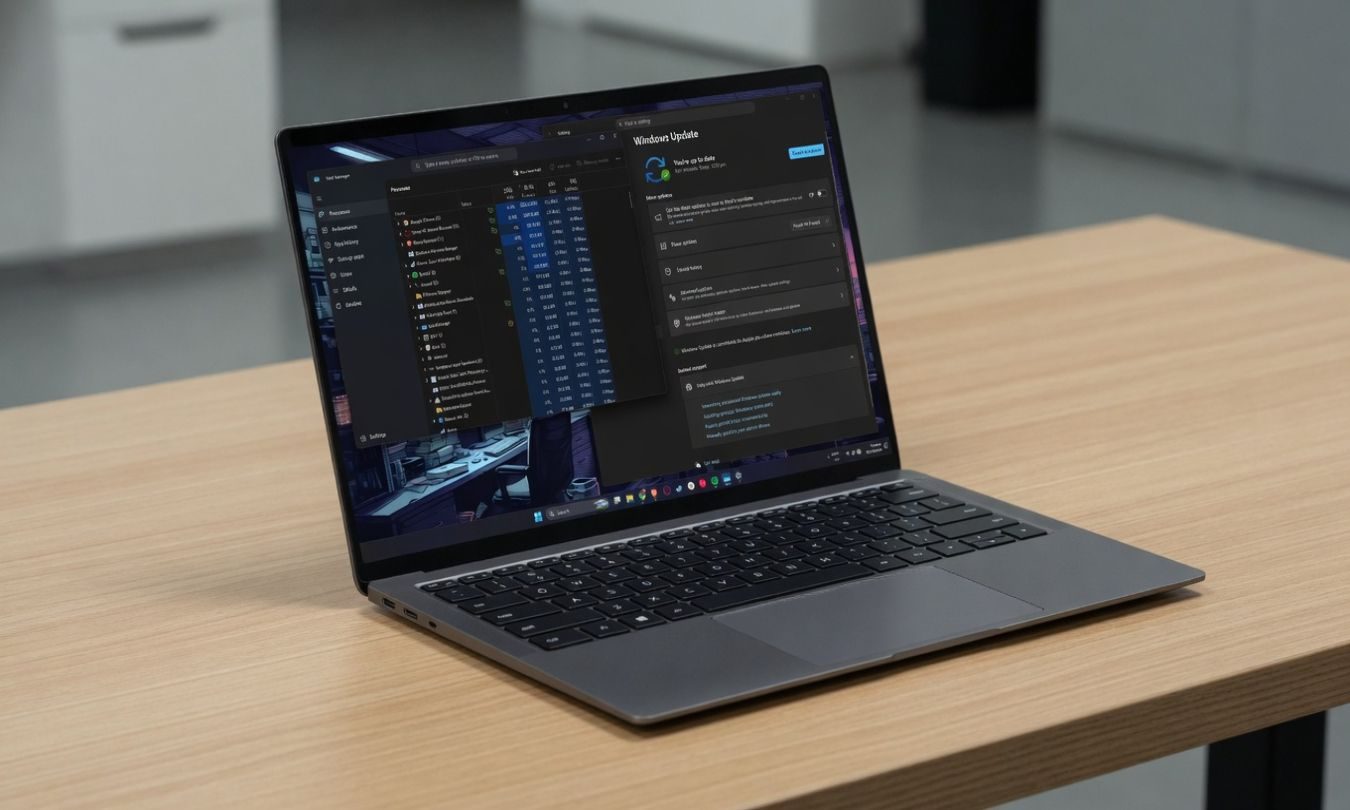
The whole thing happens in the background, and you don’t have to do a thing. Microsoft has also made it clear that hardware partners don’t need to take any action either. The recovery is handled entirely by Microsoft. Partners will be notified when a driver is rejected, but the fix goes out without their involvement.

What does this mean for regular Windows users?

It means one less thing to worry about. Driver issues after a Windows Update are one of the more frustrating problems Windows users run into, and most people have no idea how to fix them. This feature quietly handles it for you.

Microsoft says the feature is currently being tested with hardware partners and will begin rolling out gradually in September.

Rachit Agarwal
Rachit is a seasoned tech journalist with over seven years of experience covering the consumer technology landscape.
After flubbing with Siri, Apple plans to host AI agents on the App Store
One problem is about money Apple won't commit to not charging. The other is about AI agents Apple can't figure out how to control. WWDC needs to solve both.
Electronics, Mobile Phone, Phone

Apple is currently facing a Siri problem that has nothing to do with Siri at all. With WWDC 2026 just weeks away, The Information reports the company is actively courting developers to integrate their apps with the new Siri coming in iOS 27. 

The mechanism powering the overhauled Siri, App Intents, is an API that lets Siri execute actions inside third-party apps without you actively opening them, which sounds quite useful, I’d say. However, some of the world’s largest developers are dragging their feet on it, not because it’s tough, but because Apple left the door open on charging for it later.

Read more
Framework is raising the price of RAM and storage modules, again
Framework is raising prices again, and this time storage hurts the most.
Framework laptop 13 pro in black

If you have been eyeing a Framework laptop upgrade, the window for cheaper storage is officially closing. The company posted its latest monthly price update on May 12th, and while the RAM situation is relatively stable, SSD prices are heading in the upward direction.

What happened to storage prices?

Read more
Dell is bringing Alienware laptops to budget-friendly gamers, even if it means older chips
Dell launches Alienware 15 alongside new AI-focused Dell laptops
Dell Alienware 15 gaming laptop

Alienware is expanding into a more affordable segment of the gaming laptop market with the launch of the new Alienware 15, which comes equipped with a five-year-old RTX 3050 GPU to bring the price down. This launch points towards Dell’s broader strategy to make Alienware systems accessible to more gamers, even if that means stepping away from the absolute latest flagship hardware in some configurations.

Dell now appears to be restructuring Alienware into multiple tiers. The Alienware 15 serves as the “core” gaming option, Aurora systems cover more versatile mid-range users, while Area-51 remains the flagship category for enthusiasts seeking maximum performance. So this means, instead of focusing entirely on cutting-edge specifications, Dell now appears to be prioritising practical gaming performance, cooling, and durability at a lower entry price. A small whoopee for entry-level gamers!

Read more