
  1. Home
  2. Computing
  3. News

You can now use Adobe’s photo and PDF editing tools inside ChatGPT

Photoshop, Acrobat, and Adobe Express are now built into ChatGPT

Add as a preferred source on Google
chatgpt-adobe-tools-free
Adobe

Your ChatGPT just turned into a mini editing studio. Adobe has made Photoshop Express and Acrobat tools free to use directly inside ChatGPT, allowing users to modify images or work on PDFs without opening a separate app. You can now use Photoshop Express features such as crop, background removal, retouch, filters, and adjustments to edit photos. You can also edit and organize PDFs through Acrobat, and features like merge, add comment, sign, redact sensitive details, or convert files. The best part is that now you get AI help from ChatGPT while working and ideas for design, content suggestions, or layout fixes.

How these tools work inside ChatGPT

Adobe’s tools can be launched directly inside a chat, simply by uploading a file and typing what you want done. You can say something like “Adobe Photoshop, help me blur the background of this image,” and the app activates within the same conversation. Once it is running, you can keep asking for changes.

Depending on the request, Adobe may show different versions for you to pick from or provide small interface elements you can adjust yourself. For example, Photoshop Express can surface sliders for brightness, exposure, or contrast so you can fine-tune an image right inside ChatGPT.

Recommended Videos

The Acrobat features inside ChatGPT work the same way, but the feature requires being logged into your Adobe account to save or export files. Using the tools inside ChatGPT itself does not cost anything.
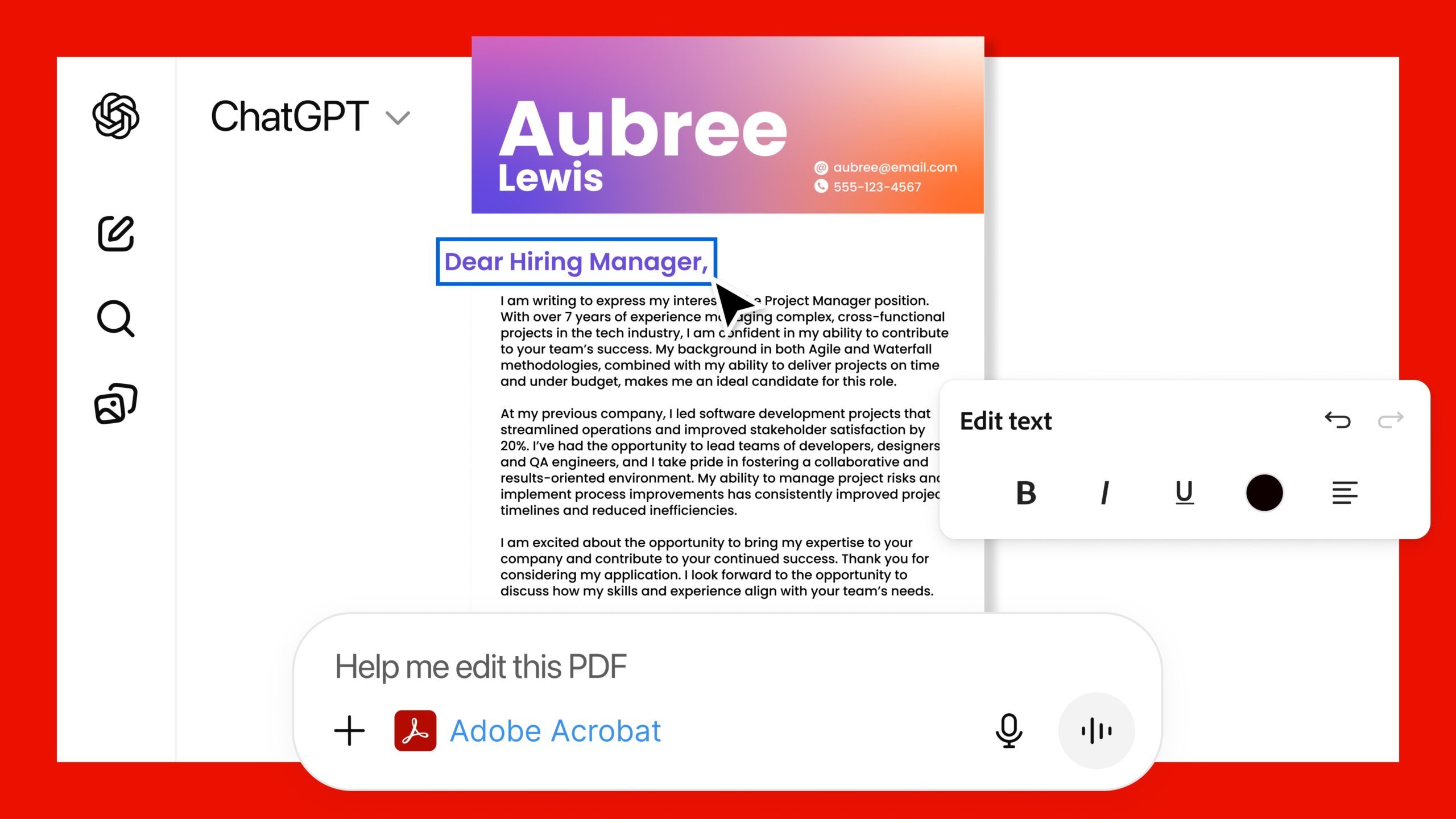
These tools easily cover everyday image edits and document tasks, but for complex editing, you’ll still be better off switching to the full Adobe apps.

Nevertheless, this update turns ChatGPT into a useful workspace for people who deal with documents or images daily. It also fits into a larger shift in how creative tools are changing. Editing is becoming quicker and more guided by AI, so the focus stays on creating rather than learning software. Adobe’s recent update to Premiere on iOS, which gives users an easier way to craft polished short videos for social media, points in the same direction. Together, these improvements point to a future where creative work becomes easier and less technical.


Manisha Priyadarshini
Manisha Priyadarshini is a tech and entertainment writer with over nine years of editorial experience.
Claude’s Sonnet 5 is built to do more on its own and cost you less
Better than its predecessor, nearly as good as the flagship, and meaningfully cheaper than both.
Art, Floral Design, Graphics

Every major AI lab is racing to prove its models can work autonomously with minimal hand-holding; we’re now seeing pricing emerge as the next battleground. 

Anthropic just fired its latest shot, Claude Sonnet 5, a model the company says performs nearly as well as its flagship Opus 4.8 at a fraction of the cost.

Read more
Apple Creator Studio adds AI tools across Final Cut Pro, Logic Pro and Pixelmator Pro
Final Cut Pro gets AI captions, Auto Mask and better Pixelmator Pro workflows in Creator Studio update
Computer Hardware, Electronics, Hardware

Apple has introduced a major update to Apple Creator Studio, adding new AI features, deeper Pixelmator Pro integration, and workflow upgrades across Final Cut Pro, Logic Pro, Keynote, Pages, Numbers, Motion, Compressor, Freeform, and Final Cut Camera.

The update makes Creator Studio more useful across Mac, iPad, and iPhone, especially for people who move between video editing, image editing, presentations, documents, spreadsheets, and music production.

Read more
AI browsers like Perplexity Comet can be tricked into spilling your password through BioShocking exploit
Six AI browsers were found leaking saved passwords and many of them haven't fixed it yet.
MacBook Air in hand, Comet browser loaded—let’s see what Perplexity’s AI can really do

Security researchers just found a strange way to trick AI browsers into handing over your passwords. They managed to trick AI browser agents into exposing sensitive data like saved passwords, session cookies, and private tokens by disguising the theft as part of a harmless "game."

The technique is called BioShocking, named after the popular video game BioShock, where a brainwashed character is manipulated into believing a false reality. Once an AI browser falls for the same trick, it stops following its own safety rules entirely.

Read more