
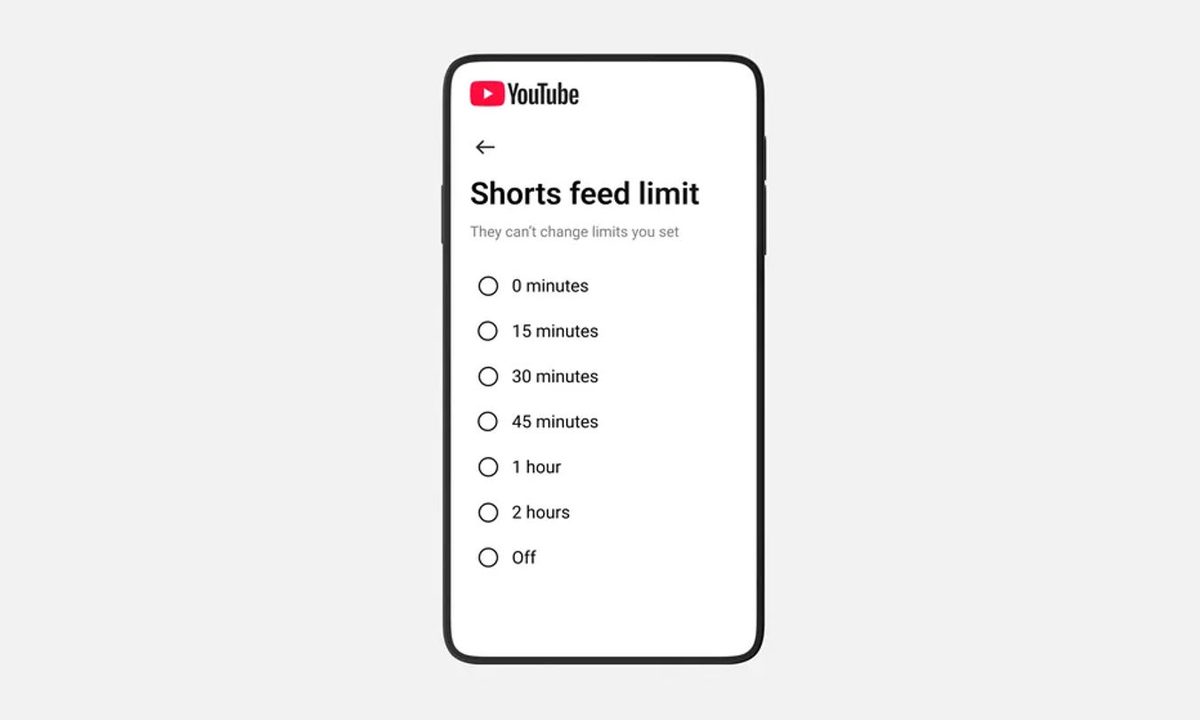
YouTube just added a new parental control that lets you put a hard limit on how long a supervised teen account can scroll Shorts. If you’re trying to rein in swipe fatigue without banning the app, this is a direct YouTube Shorts time limit for teens, built around the feed itself.
The timer is available now, and YouTube says it’s also working on a setting that lets you set the Shorts feed limit to zero. That’s the closest thing to a Shorts off switch for times when you want YouTube for homework videos or subscriptions, not endless scrolling.
Some important details are still missing, including an exact rollout date for the zero option, where it’s launching first, and how consistent the timer is across devices.
How the Shorts cap works
In YouTube’s Family Center, parents of supervised teen accounts can set a ceiling for Shorts scrolling. It’s meant to be flexible, not a one-and-done rule. Set it low on school nights, loosen it on weekends.
What YouTube hasn’t spelled out is what happens at the limit, like whether the feed blocks instantly or just nudges your teen to stop. You’ll want to test it in your house.
Why this change matters for your teen
Short-form video is designed to keep the next clip coming, and teens feel that pull hard. A firm cap gives you a clear boundary without turning every session into a negotiation.
It’s also a more precise tool than generic screen time controls. Your teen can still use YouTube for longer videos, music, or tutorials, while the most habit-forming part gets guardrails. YouTube could also push other platforms like TikTok, Instagram, or Facebook to build similar features.
When the zero option lands
YouTube says the zero setting is coming soon, but it hasn’t shared a date. Keep an eye on the Shorts timer in Family Center and make sure the app is updated on the devices your teen actually uses, but if you need more control, check out the best control apps out now.
YouTube is also adding custom Bedtime and Take a Break reminders for supervised teen accounts. Paired with a Shorts cap, that gives you a one two punch, a timer for the feed, plus prompts that reinforce when it’s time to step away.
Once the feature is live for you, start with a realistic number, then adjust after a week. If Shorts is the main distraction, the upcoming zero option is worth waiting for.


