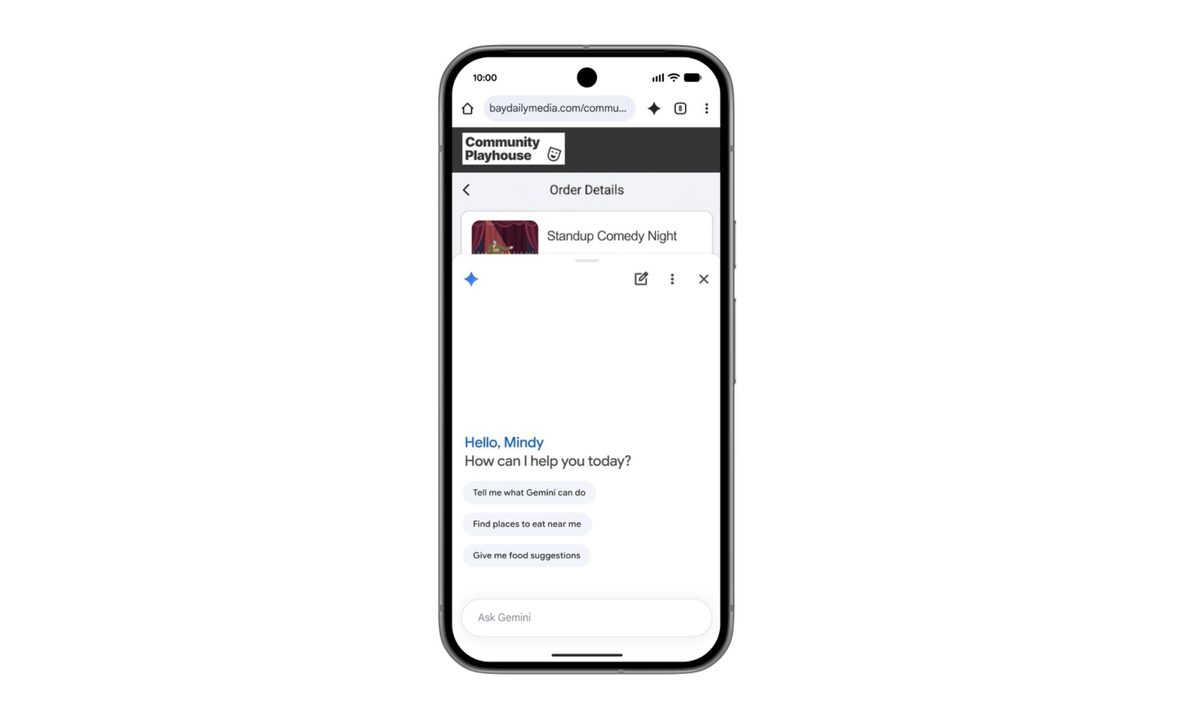
Gemini is clearly becoming the centerpiece of Google’s AI strategy, and that focus is now extending deep into Chrome on Android. Starting in June, Chrome is getting a fresh wave of AI-powered features built around Gemini, and the goal is pretty simple: turn your browser into something that actually helps you think, plan, and act, instead of just showing you pages.
Chrome is about to get a little too helpful in the best way
At the heart of this update is a more contextual version of Gemini inside Chrome. Google wants it to function like a real assistant that understands what you are looking at on a webpage. So instead of copying text into another app or juggling tabs, you can tap a Gemini icon and ask questions directly about the page you are viewing. It can break down long articles, simplify complex topics, and offer clearer explanations without forcing you to leave the page.
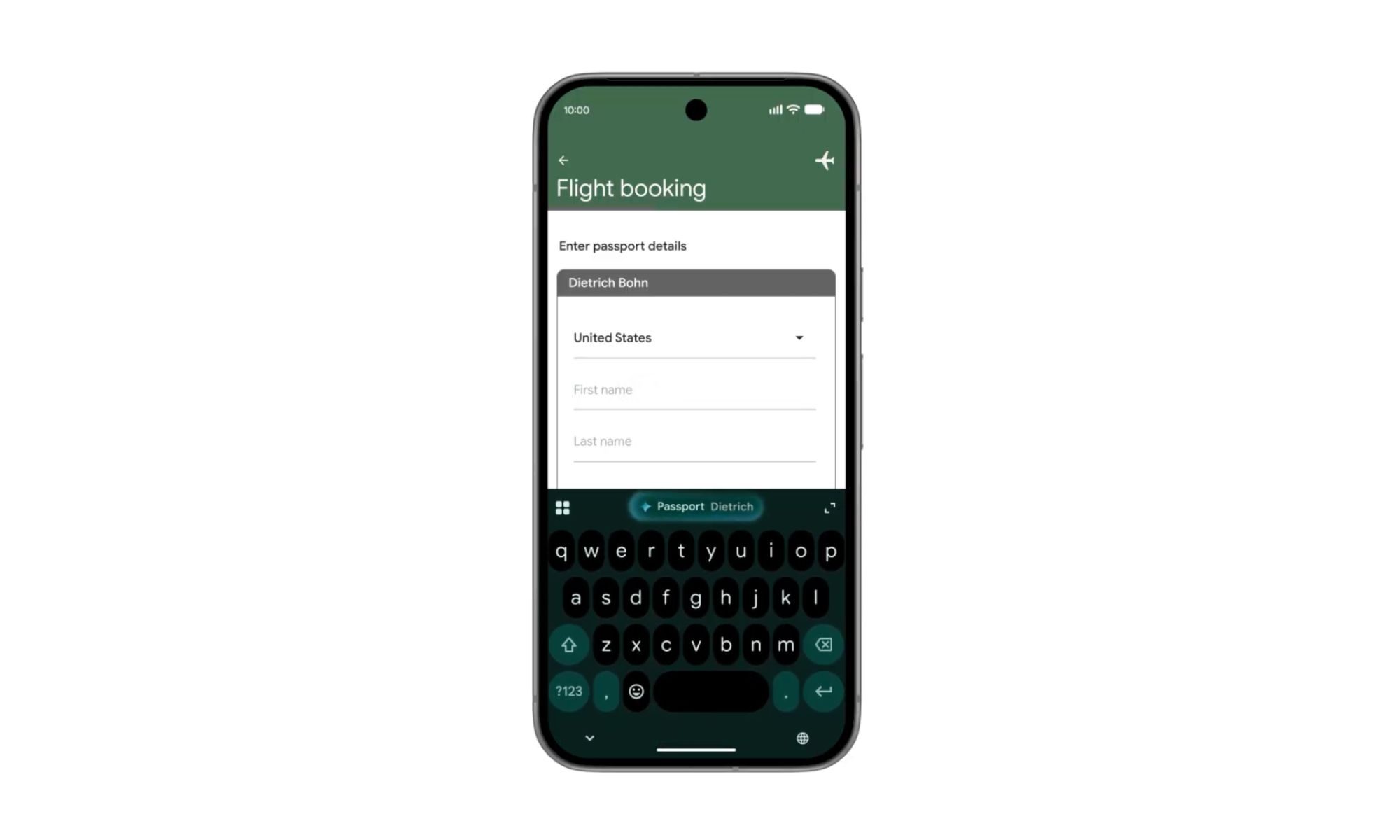
But Google is clearly not stopping at summaries. Gemini is also being pushed into productivity territory inside Chrome. The idea is that it connects across Google’s ecosystem and actually does things for you. You will be able to add events to your calendar, save recipe ingredients to Keep, or pull specific information from Gmail, all without breaking your browsing flow. It is less about searching and more about completing small tasks in context, which is where this starts to feel genuinely useful.
It wants to handle the tedious bits so you don’t have to
Then there is Nano Banana, which leans into the more creative side. It lets users generate and personalize visuals based on what they are seeing online. In a learning context, it can even turn dense text into visual summaries, which is Google’s way of saying it wants Gemini to adapt content to how you prefer to consume it, not the other way around.
Chrome on Android is also getting something called auto-browse, which is designed to handle repetitive or tedious tasks in the background. For example, if you are planning to visit a place and need information like parking details, you can simply share the event, and Chrome will automatically gather the relevant information for you. It is the kind of feature that quietly removes friction from everyday browsing, even if it sounds a bit futuristic at first glance.
Of course, Google is also leaning heavily on safety here. These features are being built with protections against emerging threats like prompt injection attacks, which is Google’s way of saying it is trying to keep AI from being tricked into doing the wrong things.
The rollout begins in June for select Android 12 or newer devices in the US. Auto-browse, meanwhile, will be limited to AI Pro and Ultra subscribers on supported devices at launch. It is still early days, but Chrome is clearly moving from being just a browser to something that wants to actively participate in how you get things done online.