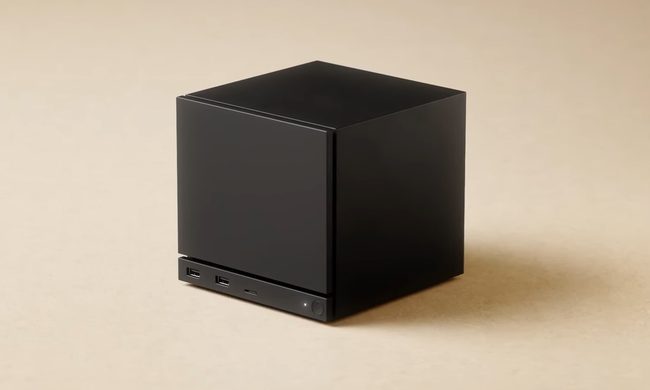
The Elgato Stream Deck gives Twitch and YouTube video game streamers an easy-to-use and intuitive system for sending out alerts, messages, images, and more while you stay focused on playing the latest games. With integration for not just Elgato Game Capture software but also programs like OBS and XSplit, you have plenty of options for how you present your content.
The Elgato Stream Deck isn’t for everyone, however. Its high price tag, bulkier size, and lack of usefulness outside of game streaming can turn off some prospective buyers. Luckily, we’ve put together a list of the best Elgato Stream Deck alternatives to help you get the most out of your streaming.
Elgato Stream Deck Mini
Pros: Has the same functions as Stream Deck, substantially cheaper, customizable buttons and functions.
Cons: Only six buttons available at once.
Compatible with: MacOS and Windows. Works with Elgato Game Capture as well as YouTube, OBS, XSplit, TipeeeStream, Twitch, and Twitter.
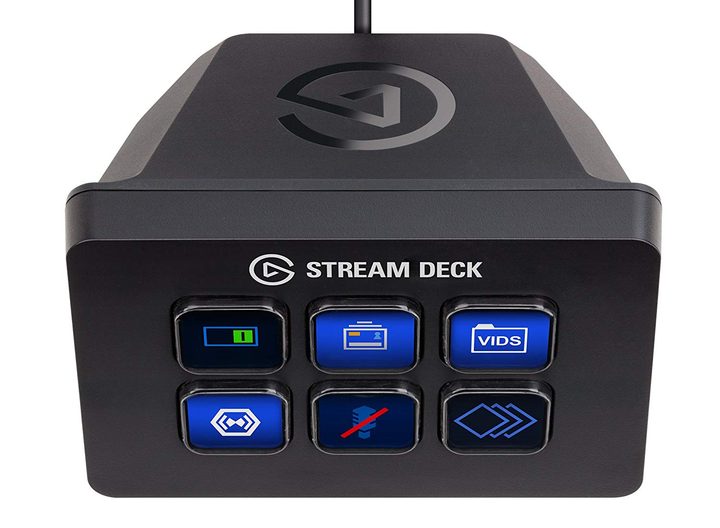
The full-size Elgato Stream Deck can serve streamers well if they have a ton of different preset commands to use, but for those who only need to alert their followers of a stream or change a few different settings, the Elgato Stream Deck Mini is a great alternative. The Stream Deck Mini features six buttons instead of the original’s 15, and is easier to store if you are streaming on the go.
Just like with the Stream Deck, the Elgato Stream Deck Mini also supports folders and custom icons at a substantially lower price than its big sibling. It’s seriously worth looking into. You can even bookend your streams with intro and outro clips, and a Key Creator tool lets you make your own icons easily.
Max Falcon-20 RGB Custom Programmable Mini Macropad
Pros: Inexpensive, can swap layers with a push of a key, RGB makes it easy to find keys.
Cons: Not as intuitive as Elgato’s own devices.
Compatible with: Windows (7, 8, and 10)
The Elgato Stream Deck gives you plenty of visual information on its keys, making it easy to hit them at a glance, but if you mostly stick with just a few set key commands, it can be unnecessary. Even worse is the exorbitant price, especially if what you really need is a mini keyboard.
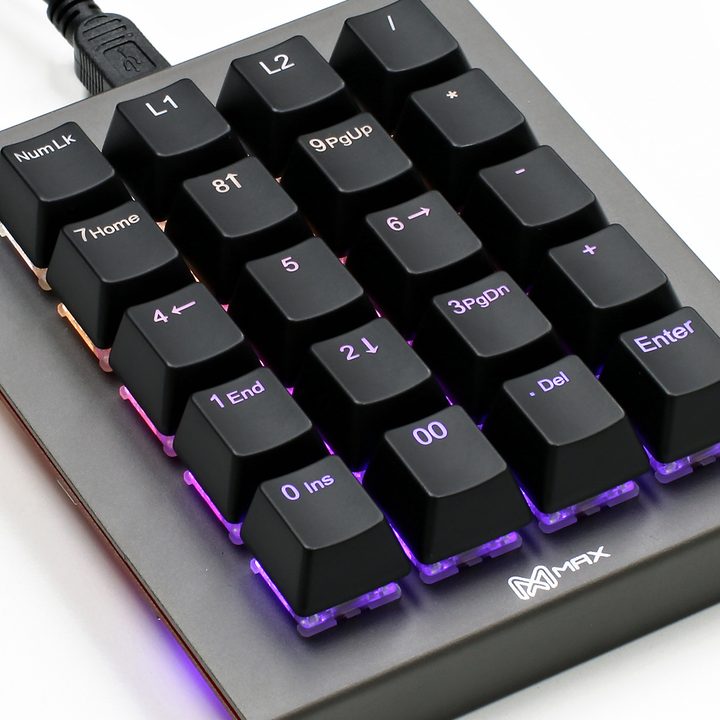
The Max Falcon-20 is a small keyboard that contains 20 keys, including a “layer switch” button that allows you to swap between sets of programmed commands on the fly. In total, you can have up to five programming layers, and it includes onboard memory and a dual Micro USB port, so you can take it with you on the go with ease. It comes with a programming app that you can use without knowing anything about coding, and its RGB feature will make it easy to know which keys do what.
Touch Portal

Pros: Supports OBS and XSplit, full version has unlimited pages.
Cons: Limited usefulness in free version,
Compatible with: iOS, Android, Mac, and PC.
You don’t necessarily need to purchase a separate device to have an Elgato Stream Deck alternative. With the Touch Portal applications on iOS, Android, Mac, and PC, you can have access to a similar suite of features that you’d get on the Stream Deck, and the full version of the program gives you unlimited pages and all the commands you need to manage your stream from your phone.
If you have friends who also use Touch Portal, you can use the import and export features to share your creations with them and easily integrate them into your own work. You can even enable vibration on certain devices, which can help when you’re trying to multitask and lose track of your phone during a gaming session.
Even better, the Touch Portal program supports OBS and XSplit integration, so you should be able to quickly get your current streaming setup working in sync with your phone. An icon pack is even included, so you can customize the look of your buttons and make them easier to distinguish.
Up Deck
Pros: Tons of customization options.
Cons: Free app’s recording capped at 20 minutes, only works with OBS.
Compatible with: iOS and Android alongside OBS
OBS is one of the most popular streaming programs around, and it gives PC users the opportunity to stream without having to fork over extra cash. If you’re using the program and need a Stream Deck but don’t want to spend the money, the iOS and Android app Up Deck just might serve your needs.
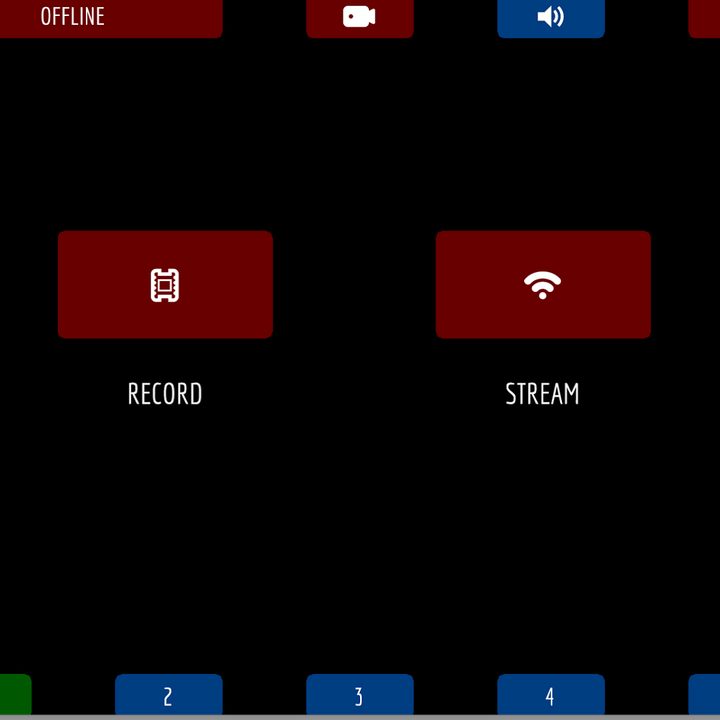
Up Deck gives you a blank set of buttons that can be fitted with different actions and icons, letting you control volume, switch scenes, draw on your screen, and record game replays from your phone or tablet. It doesn’t feature all the community interactivity you can find on Elgato’s device, but for the price of free, it’s worth it.
Other features of Up Deck include starting and stopping external processes like playing songs or apps, displaying a countdown timer, queuing multiple animations, changing the opacity of objects, and a drag pad for manipulating objects from your phone.
Streamlabs Remote Control
Pros: Free, very easy to set up and use.
Cons: Only compatible with Streamlabs OBS, limited functionality.
Compatible with: IOS and Android alongside Streamlabs OBS
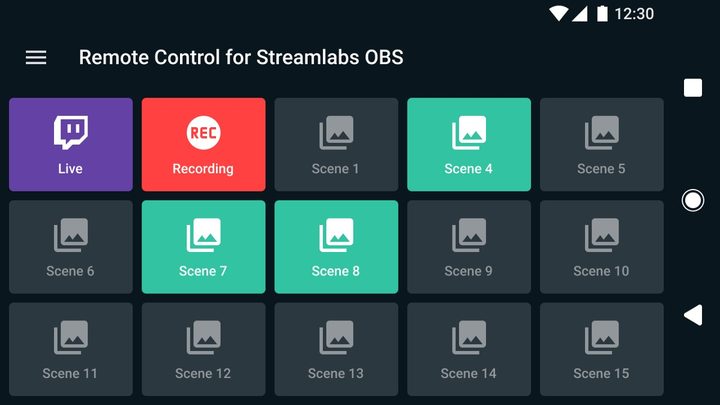
For basic streamers that only require a couple of base functions, and don’t see a need for any extras, the Streamlabs Remote Control is a simple and free way to get the basics of your stream going. It’s equally as limited as Up Deck given it only works with the Streamlabs version of OBS, which comes with a ton of limitations that more seasoned and professional streamers will miss. If you are just beginning to learn about streaming, and are looking for a user-friendly and affordable streaming service, then Streamlabs is the perfect choice for you.
The interface is large, friendly, and will start your stream right away. You will have access to all the necessary functions like go live, switch scenes, switch audio sources, in addition to a few others. However, if you want more innovative and complex capabilities then the Streamlabs Remote Control will fall short of your expectations.
While you may move on to bigger and better streaming programs, this Stream Deck option doesn’t pretend to be any more than a stepping stone that will show you the ropes. It will help you get started in the world of streaming, and when you feel ready to advance, you spend nothing to get started.