
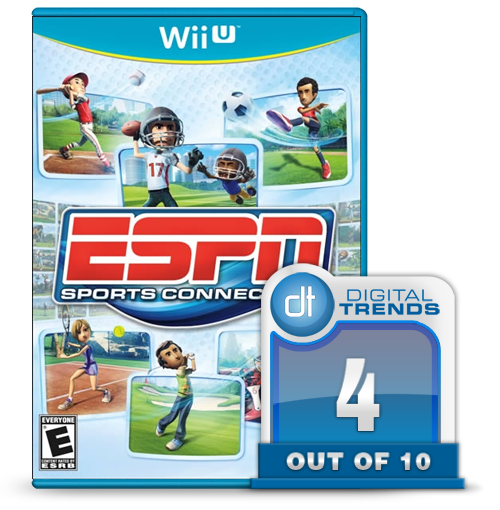
 With any motion based game system, it’s natural to have a sports title that boils the signature characteristics of those sports down to simple movements that allow you to experience that sport without the pesky burden of realistic physics or complicated control schemes. These games are more than just sports titles though, they are de facto tutorials that help to introduce you to the ends and outs of the new hardware in a way that should be accessible for everyone. The Kinect and the Move both have plenty of game like this, but none can hold a candle to the king of this style of gameplay, Wii Sports.
This time out for the Wii U, however, Nintendo went a different direction and released Nintendo Land, a collection of original mini-games that are great for a party environment, but more importantly show the numerous capabilities of the new system and especially the new GamePad controller. It’s a tutorial, just not a sports-themed one. That’s where Ubisoft’s ESPN Sports Connection comes in.
The game features six sports to choose from: tennis, golf, baseball, soccer, car/kart racing, and football. Each of these six titles is a truncated version of its sport, with the essence of each striped down and simplified. Baseball, for example, has you as the pitcher looking at the strike zone, and the movement and speed you make by swiping your finger on the touchscreen is how the pitch is thrown. If you want a fastball, quickly swipe your finger in a straight line. If you want a change-up start fast and then end slow. For a curve, make a half circle motion. If the ball is hit, you then become the fielder, and you’ll need to position the GamePad towards the ball as if it were a mitt and you were physically in the field. For a pop fly, hold the controller up and you’ll make a catch, for a grounder, look for it low. The batter, on the other hand, swings the bat using the Wii Remote, as you might expect.
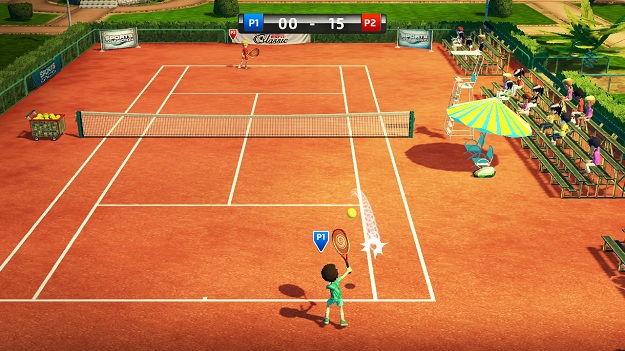
 Similarly, tennis also uses the touchscreen’s abilities to an alarming degree. To serve you swipe up, then down, and to return you do the same. It is less of a game and more of a test for the technology, and a fairly dull one at that.
Likewise, football is a shell of the actual game. The defense controls the GamePad, and at the start of each play you select on of three plays that you expect the offense will run – essentially a small, medium, or big. Once the play begins, you will then face the player who ends up with the ball and select if they will go right, left, or center. It is just a technological way of playing rock-paper-scissors again and again. The offense fares a bit better, as you use the Wii Remote to mimic the act of throwing the football, which does nothing to highlight the new technology.
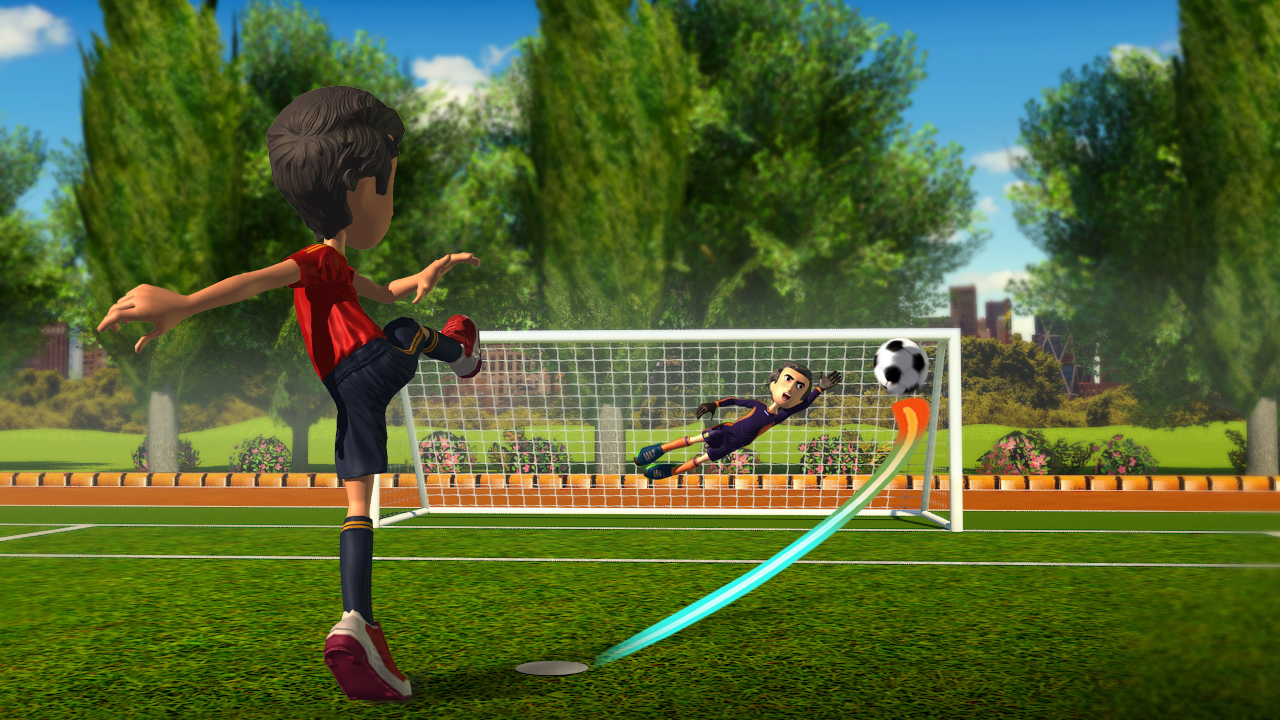
For soccer there is a small version of a traditional soccer match to play, but the technology is used better in the shootout, as you face the net and swipe the direction and path of how and where you want the ball to be kicked, while the Wii Remote becomes the goalie’s tool and that player chooses the side they think the ball will go.
The rest of the games face a similar treatment. The racing is traditional kart-style racing, while the golf is similar, but much less engaging than the other Wii golf games. Of the six, none are deeper than a quick mini-game, and while the GamePad is integrated, it isn’t particularly engaging to use. The touchscreen is just one of the GamePad’s options, and swiping it – while novel – isn’t the most fun way to play. Just because you can do something doesn’t mean you should.
 And as for the ESPN integration, there is the familiar jingle to accompany the logo, but that’s about it. That’s somewhat fitting for this game though. It’s a collection of minigames that aren’t all that interesting or entertaining, and the GamePad’s inclusion doesn’t really make a huge difference. With just a few minor changes this could have been a Wii title, and it would have been a more fun game at that.
Conclusion
Ubisoft’s ESPN Sports Connection fills a void that wasn’t crying out to be filled, and it does so in a minor way. The games are all slight diversions, and the GamePad isn’t used particularly well. The Wii Remote is usually the better controller to use, but you’ll need to have the Wii Motion Plus Controller and even then you may run into some odd calibration problems. The ESPN license is also barely used, and was tacked on to raise the profile of an otherwise instantly forgettable title.
If you are interested in seeing the Wii’s full capabilities in a fun minigame setting, check out Nintendo Land instead. There are a few fun moments to be had in ESPN Sports Connection, but they are as brief and fleeting as this game’s lifespan.
Score: 4 out of 10

(This game was reviewed on the Wii U using a copy provided by the publisher)


