
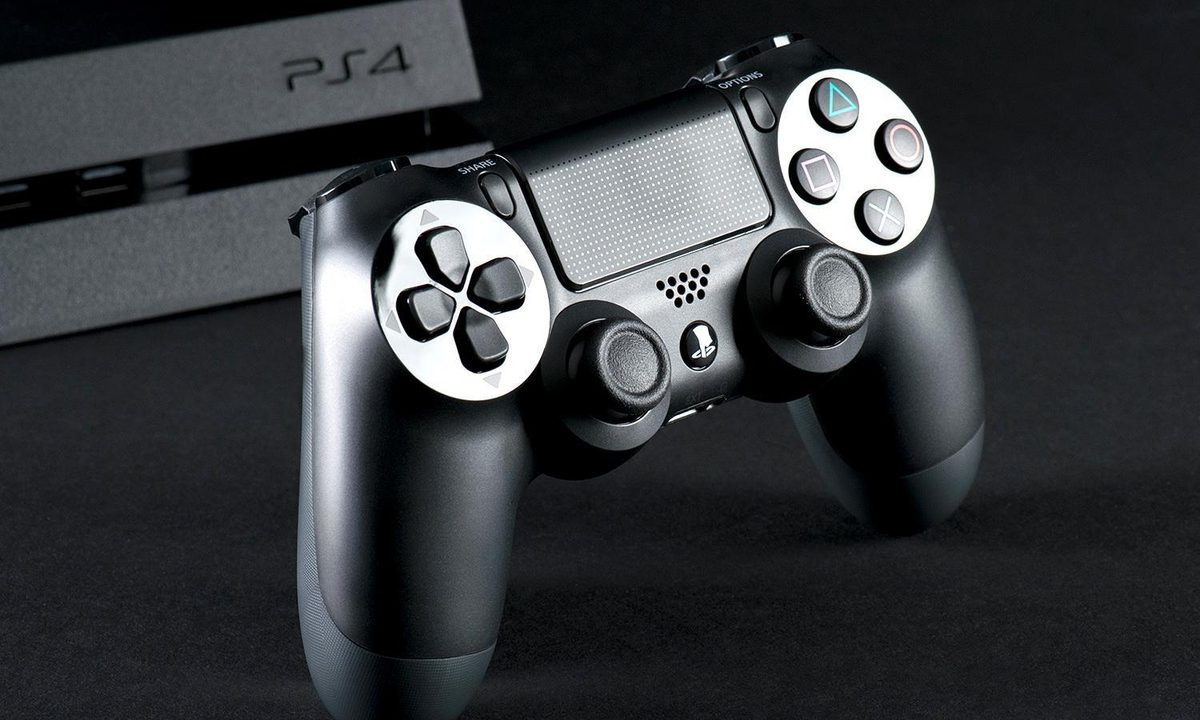
The PlayStation 4 was all the rage a couple of years ago. Now, with the PS5 on the market, it may not be long before you start to consider retiring your PS4.
Before you decide to get rid of it, however, you might want to keep it in your gaming rotation by using it in conjunction with your PC. Connecting your PS4 controller to your PC only takes a little bit of time, a mini-USB cable, and these few simple steps.

How to connect the DualShock 4 with Steam
Steam, the most popular PC gaming portal, offers native controller support for the DualShock 4. It’s incredibly easy to use your DualShock 4 to play games on Steam.
Step 1: Make sure your Steam client is updated.
Step 2: Plug your controller into your PC.
Step 3: Done! Well, almost. Even if Steam is up-to-date, you may encounter a few hiccups while setting up your controller. Steam supports the DS4 as a platform, but that doesn’t mean every PC game works with the controller automatically. If you fire up Dark Souls III, you’ll see what we mean. Steam detects the controller, but Dark Souls III doesn’t. If you find yourself in that boat, or just want to use your controller wirelessly without using Steam, you’re not out of luck. DS4Windows might be the solution for you.
How to connect a DualShock 4 using DS4Windows
This solution requires a bit of setup, but it’s still the best way to get your PC and DualShock 4 controllers talking without any major headaches. You can connect your DualShock 4 controller to your PC using DS4Windows, a third-party application, in either wired or wireless mode (if your PC has Bluetooth). Unless you buy the adapter, this is the best option if you plan to play games through Origin, Ubisoft Connect, GoG, or other PC gaming portals.
DS4Windows essentially tricks your system into believing it’s using an Xbox 360 controller, but you’ll still have access to motion controls and even the touchpad for many games.
Step 1: Download the latest version of DS4Windows, which can be found on the application’s official website.
Step 2: Extract it using an archive manager such as WinRAR or 7Zip. You will then have two files: DS4Windows and DS4Update.
Step 3: Double-click DS4Windows to run the installer, which will prompt the following dialogue box:

Step 4: Follow the on-screen instructions, beginning with driver installation. The installation is quick, so you won’t have to wait long. Click on Install 360 Driver if you’re running Windows 7 or older — the driver comes preloaded on Windows 8 and 10 machines.
Step 5: Once you’ve completed both installations, your controller is ready to be connected. Simply plug the DualShock 4 into your PC using a micro USB cable (the same kind used for most Android phones). This will also charge the DualShock 4 battery, but in order to use the DualShock 4 wirelessly, you’ll need to pair the controller with your PC using Bluetooth.
Step 6: Simultaneously hold the PS Button and Share Button on your DualShock 4 for three seconds, or until the light bar begins to flash.
Step 7: Open the Bluetooth settings on your PC.
Step 8: Connect to Wireless Controller.
Step 9: If prompted to input a pairing code, enter “0000”.
Step 10: Click Finish on the DS4Windows installer.
How to customize your setup
The primary DS4Windows interface allows players to adjust almost every facet of the controller, right down to the color of the LED light bar. The default controller profile should work for most recent PC games, especially if they’re designed to work with the Xbox controller already.
For games that aren’t easily adaptable to controllers, users can select specific pre-made profiles or create their own, assigning more or less any keystroke to any of the DualShock’s buttons. Touchpad sensitivity, macros, and game-specific profiles are supported — just look around to see what works best for you.
Troubleshooting
If you run into issues while using your DualShock 4 controller, you have a couple of options.
Step 1: First, under the settings tab is an option to Hide DS4 Controller. This is handy if your DualShock 4 is taking priority over other connected controllers — such as an Xbox 360 controller — or if you want to make sure your DS4Windows settings take precedence over Steam’s DualShock 4 configuration.
Step 2: Similarly, if the DualShock 4 isn’t working correctly while other input devices are connected, there is a button at the bottom of DS4Windows you can select to connect the DualShock 4 exclusively, making it the primary input source for games.
Step 3: The other file involved in the DS4Windows install, DS4Update, will watch for the most advanced version of DS4Windows and install it automatically. You should regularly perform this update inspection to make sure that the most current version of DualShock 4 is working at the highest level on your PC.
How to connect with a Sony wireless adapter
Although we aren’t huge fans of this particular method, we recognize that Sony has stopped manufacturing the Sony Wireless Adapter. GameStop has even gone as far as to list the telltale price at the terminated item price of 97 cents. We’ve stumbled across these listings, which are still floating around online (though not at the $25 price). If you want to take this route when trying to connect your PS4 controller, we say go for it. Below are a few simple steps that can help you when you’re ready to connect using a wireless adapter.
Step 1: Plug the Sony Wireless Adapter into your PC.
Step 2: Plug the other end of the cord into your DualShock 4 controller. The two will pair automatically.

Because of the canceled adapter, this process isn’t the best overall. However, it’s still the simplest means of establishing a link between your PS4 controller and PC. Make sure to free up some space for this 2-inch adapter, which is an extra expense for effortless connectivity. All that being said, you still have many other options when it comes to connecting your controller if you can’t seem to find this discontinued adapter.


