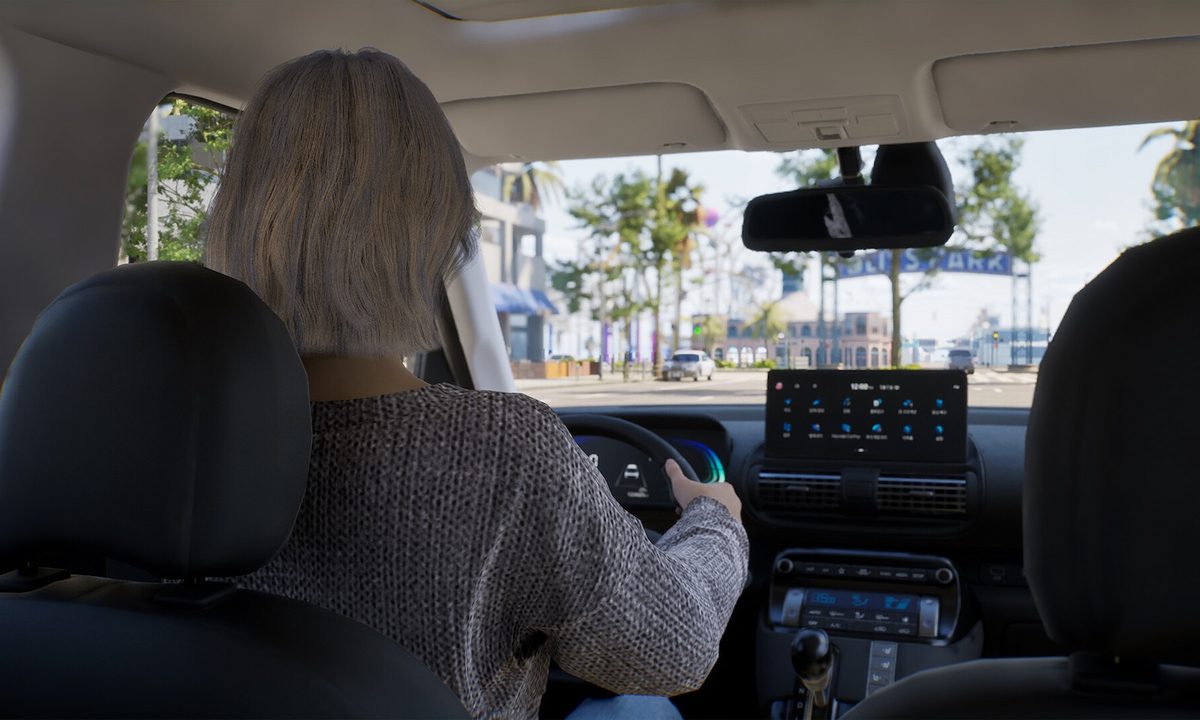
What better way to explore the open cities of Inzoi than with a car? Although you're free to walk or use the fast-travel bus in this life simulator, with enough money, you can afford to purchase your very own vehicle. Owning and driving a car is a lot of responsibility though, especially if you're thinking about manually driving one.
Did you know that Inzoi has the option of manual driving? It's a feature that's still a work-in-progress in this Early Access version, but it can make getting around town a lot more fun. No matter if you're driving the car automatically or manually, you'll first need to learn how to buy a car and how you can swap between the different driving modes in Inzoi.
How to buy a car
Before you can even think about riding around in a brand new car, you need to save up enough money after working hard at your job to afford one.
Step 1: Click the smartphone button on your hotbar (or press the P key on your keyboard) and go to the orange Dream Car app.

Step 2: From here, you can choose which car you'd like to buy for your household. The cheapest option is $10,000, so make sure to save up enough money. Once you choose the type of car you'd like, you can also decide on its color.

Step 3: After you purchase it, the car will appear outside of your house or apartment on the street. You have different options when interacting with it, such as washing the car, repairing it, and even taking a selfie on the hood.

How to manually drive the car
From the start of your game, it will be set to automatic, so if you choose the Drive Here option from the map they will drive themselves. There's a feature that's still a little buggy that allows for manual driving, but you must toggle it on first.
Step 1: Go to Game Options and select the Gameplay tab. From there, scroll down until you see the the Driving (Experimental) section. You can now enable manual driving, but just remember that this will likely be a little buggy since it's an experimental feature in this stage of Early Access.

Step 2: Once you apply this setting change, have your Zoi get in the driver's seat of the vehicle. You can now use the WASD keys to drive around. Swap between first and third person mode using the Tab key, and you can left-click to honk the horn.
Remember, keep other Zois' safety in mind, because there are consequences to crashing your car. It's probably not good for your Karma level to hit a Zoi with your car or crash into another vehicle. If you do, your Zoi and the other driver will actually get out of their cars to argue about it. Damaging your car in an accident will then allow you to repair it.
And no, you cannot hit child or baby Zois with your car. At least, not anymore. Inzoi Studio recently put out a patch to fix the bug that allowed players to hit children with their cars, so don't even attempt it.