
Final Fantasy 7 Remake Intergrade provides a proper PS5 update to one of 2020’s best games. Like other cross-gen titles, though, upgrading is confusing. To help you along, we put together a guide on how to upgrade Final Fantasy 7 Remake Intergrade on PS5, including how to transfer your save data.
More Final Fantasy 7 Remake
- Final Fantasy 7 Remake: Hard mode guide
- Final Fantasy 7 Remake: How to defeat every boss
- Final Fantasy 7 Remake: The best weapon builds for Cloud Strife
How to upgrade Final Fantasy 7 Intergrade on PS5
Final Fantasy 7 Remake Intergrade is available for free to anyone who owns a digital or physical copy of the game on PS4. The recent PlayStation Plus release of Final Fantasy 7 Remake, unfortunately, doesn’t count.
Although the upgrade is free, the Episode Intermission Yuffie DLC is not. You will need to purchase it separately on PS5. If you’re just getting started, you’ll see that the DLC is “unavailable” on the PlayStation Store. We’ll get to that soon, but first things first.
Install Final Fantasy 7 Remake
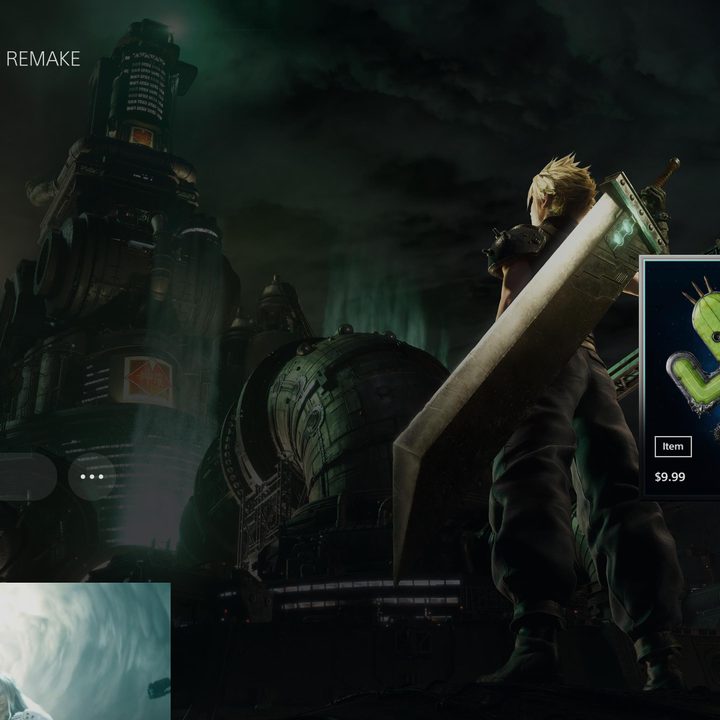
Download and install Final Fantasy 7 Remake on your PS5. At this point, you’ll only have access to the PS4 version, but you need both versions installed to transfer your save data.
If you have a digital copy of the game, you can move on to the next step. For physical owners, make sure to have your disc inserted in your console. Although Final Fantasy 7 Remake was available as part of PlayStation Plus, you still need to insert your disc if you own a physical copy.
Install the Final Fantasy 7 Remake Intergrade upgrade
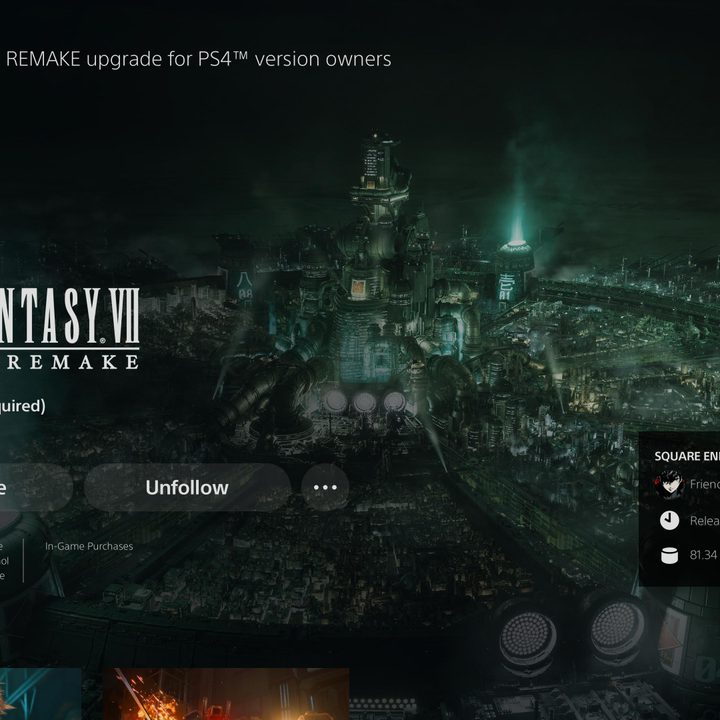
Next, head to the PlayStation Store on your PS5 and search for “Final Fantasy 7 Remake.” A slew of add-ons will come up in the search results. Look for the one that’s titled “Final Fantasy 7 Remake upgrade for PS4 version owners.” You’ll also see the Yuffie DLC, which should be marked as “unavailable.” If you want to purchase it, don’t worry; it will become available after you complete the upgrade.
Wait for the download to finish, and you’re set. Before starting the game, though, you need to make sure you’re playing the right version. Find the game on your PS5 dashboard and select the three dots next to Play Game. You should see the PS4 and PS5 versions — as well as the PS4 demo if you installed it — next to each other. Select the PS5 version to start playing.
Transfer your save files
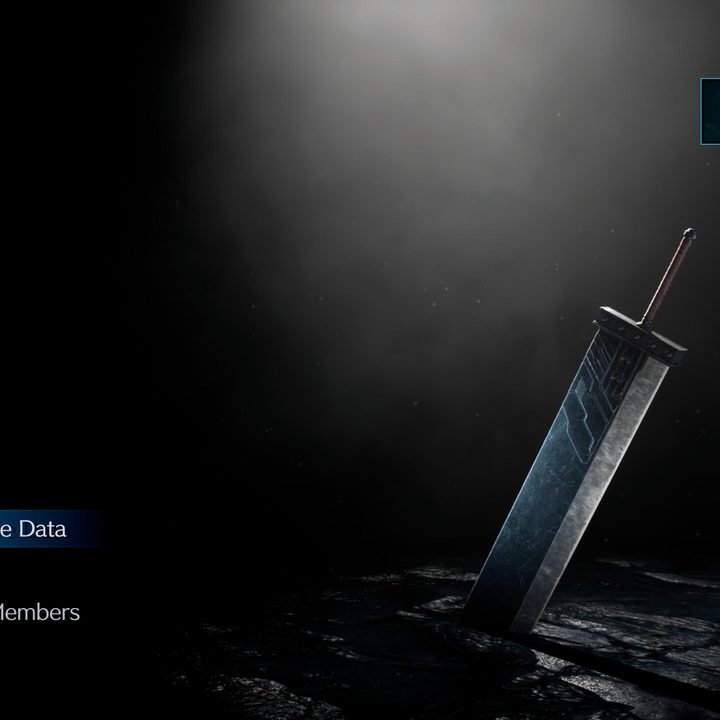
If you start the game, you’ll be greeted with a dreaded New Game button instead of a Continue. Don’t panic. You can transfer your PS4 saves over to the PS5 version, but it’s a little confusing. Don’t follow the process for other cross-gen games for Final Fantasy 7 Remake. Uploading your saves from the PS5 dashboard only works with the PS4 version through backward compatibility.
Instead, launch the PS4 version Final Fantasy 7 Remake on your PS5 and select Upload Save Data from the main menu. Upload the save file you want to transfer. Unfortunately, you can’t transfer them all at once, so we recommend just uploading your most recent one. As long as you have a PlayStation Plus subscription, the rest of your save data should be in the cloud.
After that, launch the PS5 version of Final Fantasy 7 Remake and select Download Save Data from the menu. You will see the save file you uploaded, and after downloading it, you’re good to go. You can pick up where you left off or navigate over to the Yuffie DLC to start it.
What’s eligible for the Final Fantasy 7 Intergrade upgrade?
Cross-gen games are already confusing, and the extra DLC in Final Fantasy 7 Intergrade just complicates matters more. As mentioned, you need to have purchased Final Fantasy 7 Remake physically or digitally to receive the Intergrade version for free. The PlayStation Plus copy released a few months ago doesn’t count as a purchase.
If you have a physical version, you’ll need to play with your disc inserted into your PS5. If you have the disc version but a digital-only PS5, you need to purchase the game a second time. Finally, if you have the digital version, you can upgrade to Intergrade on PS5 regardless of the console variant you own.
Regardless of how you upgrade, you need to purchase the Yuffie DLC separately. This DLC comes as part of the Intergrade package if you purchase it outright, but not as part of the free upgrade. Episode Intermission Yuffie is available on the PlayStation Store for $20 as a separate purchase or $70 as part of the Intergrade package.


