
After surviving your crash landing, which itself was a mission to rescue other crashed explorers, you will need to use anything and everything you find in your environment to survive in Pikmin 4. The titular Pikmin, and your new pup Oatchi, will do the bulk of your work for you, but it will be up to you to craft your own gear to create in The Lab. There are dozens of gear items you can get, but all of them have a cost so you will want to prioritize getting the strongest ones first. This will make your early days trying to survive in this mysterious land that much easier. Gather up your Pikmin and do some research on the best gear you should buy in Pikmin 4.
How to buy gear
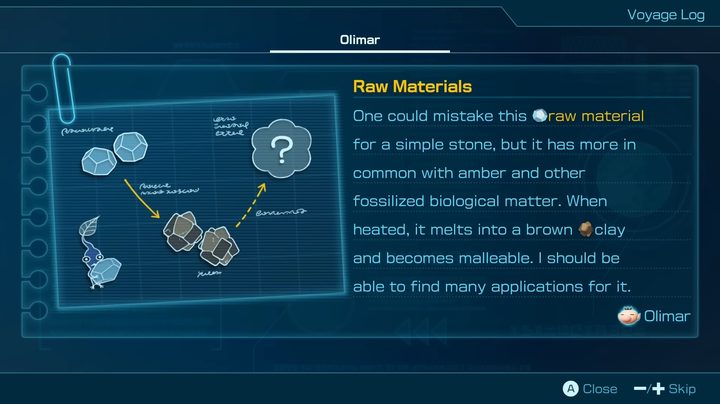
Before you can start buying gear, you need to unlock The Lab where it is sold. This will happen very early on after you rescue the castaway named Russ in a cave in the Sun-Speckled Terrace. Once he’s back at your base, you can interact with him to spend any raw materials you collect around the map. Some gear items won’t be available right away, requiring you to either do specific things or accumulate enough Sparklium first.
Best gear to buy
Charging Horn
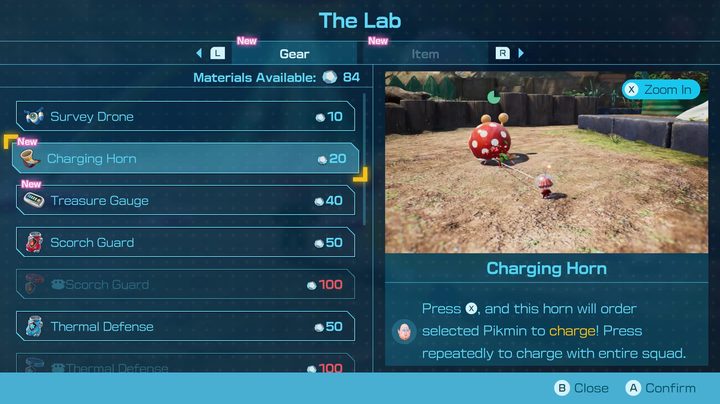
The Charging Horn is great for rushing down your targets. When you have it equipped, if you hold the X button down you can direct all your Pikmin (and Oatchi) toward an enemy or object you want them to interact with and send them rushing towards it. If it is an enemy, they will swarm it all at once for massive damage.
This piece of gear requires you to get 450 Sparklium to unlock and then costs 20 raw materials to purchase.
Treasure Gauge
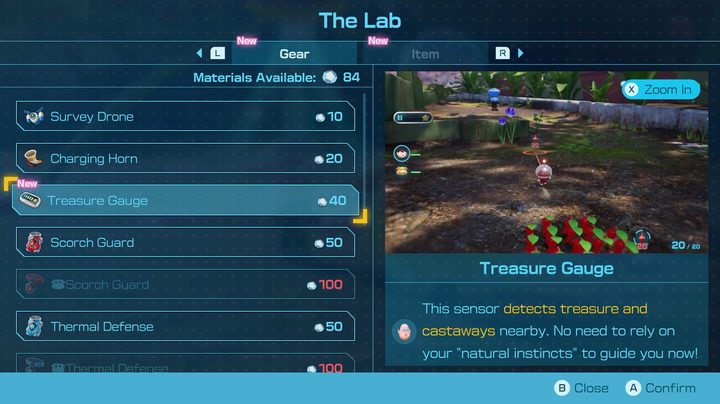
Pikmin 4 is all about collecting things, with the most important of them being treasures and other castaways. The Treasure Gauge makes finding both of these easier by adding a little meter on your screen. The closer you are to either of these things, the more the meter will fill up, helping you track down any pesky treasure or castaway you’ve been looking for.
The Treasure Gauge unlocks when you reach 1,000 Sparklium and will cost 40 raw materials.
Survey Drone
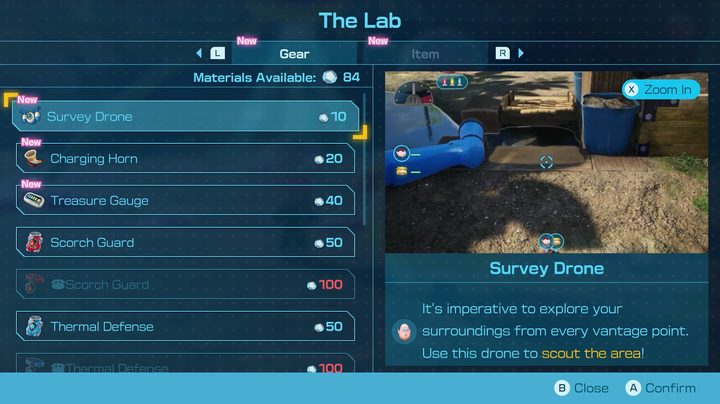
Never get caught off guard again with the Survey Drone. Your default view in Pikmin 4 is fairly limited, making it hard to really scout out what’s ahead of you until you’re basically on top of it. With the Survey Drone, you can take full control of the camera and take a look at what enemies, items, and more await ahead, even beyond obstacles you can’t cross. What’s better is that, if you spot something interesting or worth taking note of, you can drop a pin on it to mark it on your map as a reminder.
You can unlock the Survey Drone by collecting a total of 600 Sparklium and then purchasing it for a mere 10 raw materials.
Rush Boots
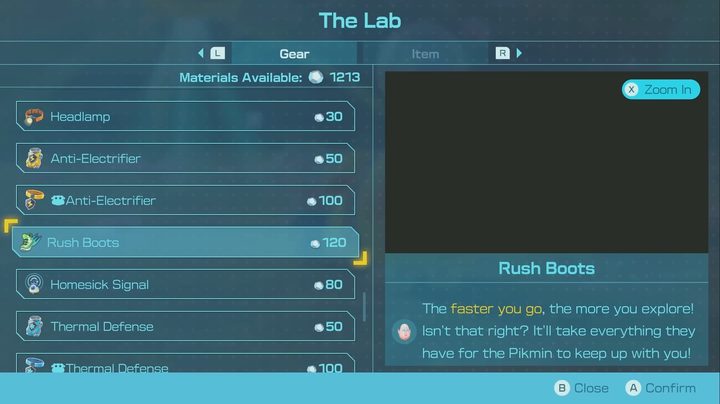
There are a few different boot options to pick from in The Lab, but we found Rush Boots to be the most useful to keep on. As you may have guessed, Rush Boots increase your normal movement speed. You’re doing a lot of running around in Pikmin 4, especially in these larger zones, so getting where you need to fast helps you get more done before nightfall.
By collecting 5,100 Sparklium the Rush Boots will become available in The Lab for 120 raw materials.
Homesick Signal

Finally, grab yourself a Homesick Signal to make managing all your wayward Pikmin that much easier. With this piece of gear, any lost Pikmin not in your squad will be called back to return to the S.S. Beagle. This is perfect for regrouping before you take on a big fight, or to try and save as many Pikmin as you can before nightfall without having to try and rush around finding them all yourself.
The Homesick Signal unlocks at 4,500 Sparklium and costs 80 raw materials.


