

On today’s episode of You Asked, we cover what to do about an 83-inch TV that’s too bright, whether it’s time to upgrade a 10-year-old TV, and whether a calibration can extend the life of your OLED.
Is an 83-inch TV too bright?

@msbgone asks: I went with an 83-inch TV, and it’s so bright that at times I have to close my eyes. I love the size, but man, being so bright is not always great, and I do not have it at max brightness. Also, when there are shows with flashing, wow, it can be a hard watch. So would I go smaller? Well, I’m not sure. Larger seems overall better in most cases.
Well, to answer your last question first: Yeah. Larger is usually better when you want to be fully immersed in what you’re watching. However, I would say there is such a thing as too large of a TV. Like, if you’re within 10–12 feet, 83 inches feels like a little bit of overkill.
At that distance, 65 inches should be fine. 77 inches is probably all you need. And both would save you a considerable amount of money versus an 83-inch TV. And I’m gonna assume you’re talking about an OLED TV in response to a recent episode of You Asked.
Anyway, I think if you’re finding the TV too bright and you aren’t at max brightness, there could be a few things at play.
One: Picture mode matters a lot. Especially in a Vivid or Dynamic mode, but even sometimes just in its Standard or Eco mode out of the box, you’re getting a cooler or more blue color temperature than you would in a Movie or Filmmaker mode. Those modes, movie and filmmaker, tend to give you a warmer color temperature that’s easier on the eyes regardless of where your brightness is set. So if you’re not in one of those modes, it’s worth making that change and getting rid of that harsh blue light that can cause a little more eye discomfort.
Another thing could be your Local Dimming setting. Set to High, it’s going to push the highlights a little harder and darken the shadows to create more contrast. If you were to lower that setting, while it would take away a bit from the higher contrast HDR experience, it would probably be another step toward lowering the brightness.
And the third thing: it could just be the size. If it’s too big, it’s too big and there’s just too much light coming at you at a close distance. So maybe going smaller would be the answer.
Should you upgrade a 10-year-old TV?

@petekropf5335 asks: I need your help on if I would see a huge improvement buying a new low-cost TV versus my current 10-year-old TV. I currently have a 65-inch LG UH6150… that’s an LED TV if you didn’t know… Peter continues… It’s still working, but hard to see dark scenes in shows, and the ethernet / wireless have not worked in years. So I have not been able to update the TV. I was wondering if the picture quality would be worth it if I got a low-cost TV such as the TCL 75-inch Q671G or Hisense QD7N. When you have watched the same TV for a decade, it’s hard to know if the one I got has better picture quality than a cheaper new one. Any thoughts would be greatly appreciated. Thank you!
Hey Peter, before getting into the details, I would say straight up, yes, you’re due for a new TV. I know it’s a badge of honor for us to boast about how long we’ve had something and how well it’s aged, and how good of a value it is since you haven’t had to spend money on an upgrade in a decade. But at some point, if you do value picture quality and a lot of the quality of life improvements that have come in the last 10 years, it’s time to say a respectful farewell to the TV and upgrade. And this is coming from someone, me, who had the same LG LED TV in my living room from 2011 until 2023. I used a Roku streaming stick to keep up with the times and quickly access and update my favorite apps, but I was long overdue.
So, to you, I would say you can confidently upgrade and know that you’ll see a difference in picture quality and how quickly the TV operates and the smart TV interface.
In terms of the TVs you’re looking at upgrading to, I’m sure you’re well aware that as budget models, both have their compromises, but it really comes down to a few key differences, with a caveat I’ll mention at the end.

The TCL uses a VA panel, which will have better contrast, and that’s its biggest advantage.
The Hisense, on the other hand, is brighter and uses an IPS panel, which gives it a much wider viewing angle. But that comes at the cost of contrast.
So if you and your viewing party are primarily watching the TV from straight on and the room dimly lit, or better yet, just straight up dark, the TCL Q671G is probably the way to go. But if you’re in a brighter room or someone will be frequently watching TV from a side angle, I lean toward the Hisense.
The only potential flaw in this logic is this: in the United States, we have the TCL Q651G, which is what I’m basing my advice from. You’re talking about the Canadian Costco version, which is the Q671G. From what I can find, they’re pretty much the same, but just wanted to have that in there so you know in case you’re doing further research.
Can a calibration extend the life of your OLED?

John Craig asks: I have a Sony A8G OLED that I bought after watching a Digital Trends review. It’s been great, and I still enjoy it even more than the newer Sony X90L, which was also a Digital Trends recommendation. Recently, the A8G seems to have lost some of its pop. I’ve tried adjusting some settings based on YouTube channel recommendations, but it still seems like it has lost some of its luster. My questions: Would getting a professional calibration be worthwhile at this point? Can the picture on an older TV be revitalized through those adjustments? Or is the OLED just fading with age?
Oh this is a good one John. First of all, I think that speaks volumes about OLED TVs and how even older models still turn out a superior image compared to newer LED TVs. Glad to hear you’re still enjoying your A8G.
As for your question though, if you’ve gone through the suggested advice, which is probably some of the same stuff I’d say, I’ll save you the time and say that a professional calibration is the next logical choice, but is it worth it?
If you can really tell that it’s lost some of its pop, and you would know better than anyone online because it’s YOUR EYES that have been on it for more than half a decade, then maybe it is too far gone.

But a calibration from a professional can make a big difference. What a pro can do is adjust the TV to what best fits your room and viewing environment. Everything from color to black levels and brightness can be tuned to improve the image. And again, I think it would help.
But consider the price of the calibration and the age of the TV. That professional is probably gonna cost anywhere from 200 to 500 dollars… maybe more. It’s not cheap, but it is less expensive than a new Sony OLED. I’m just assuming you’re Team Sony since you have two of them and like the processing of the A8G.
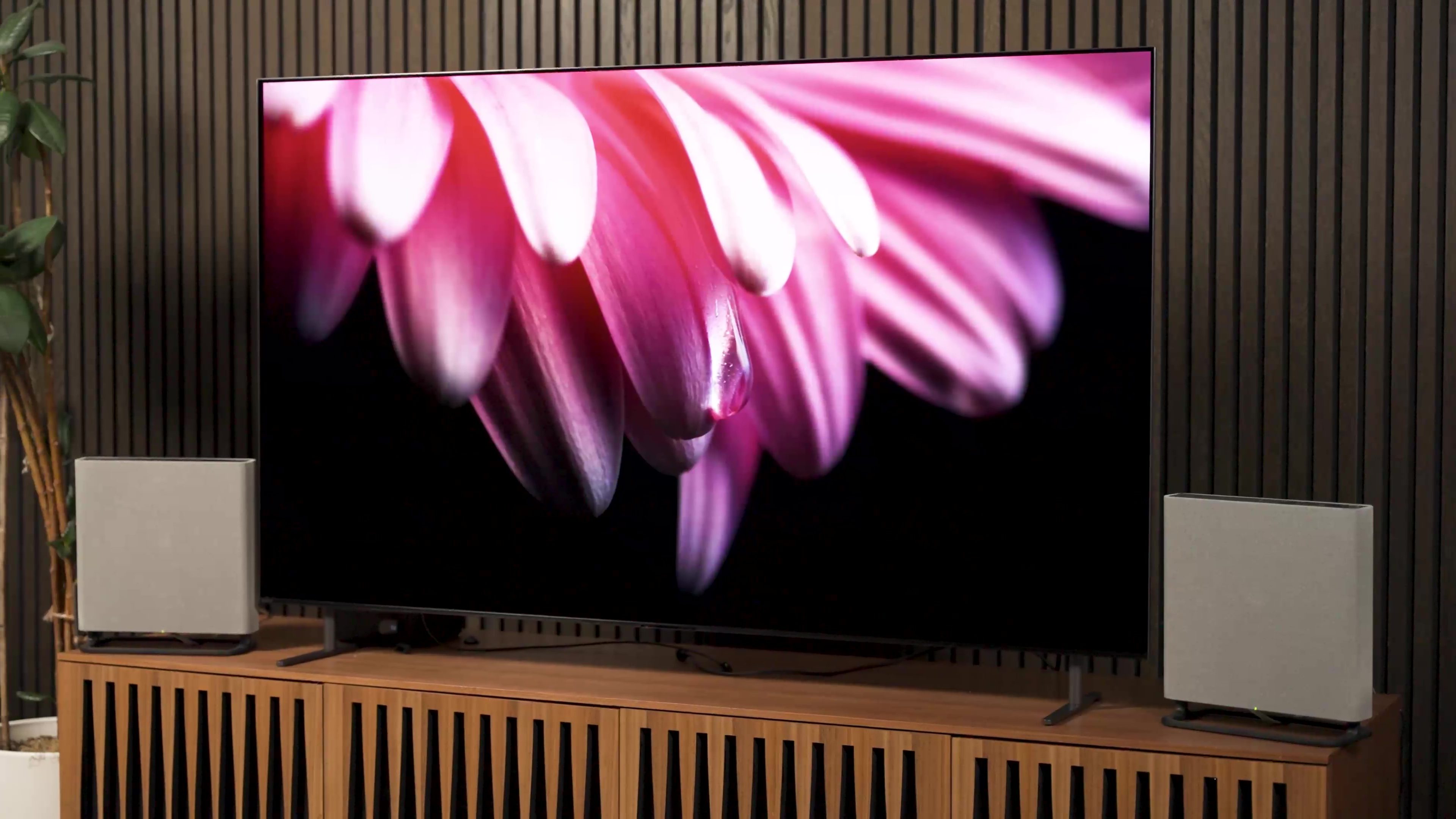
At one point, I probably would’ve just recommended the Bravia 8 Mark 1 when it was on a bigger sale during the holidays, but a 65-inch model is nearly 2,000 dollars again, and that’s a lot more than it would cost you to get your current TV calibrated.
All that to say, I’d say go for the calibration if you want to see the improvement and put off buying a new OLED… OR… If you were to venture from Team Sony, check out the LG B5. At 65 inches, I’m seeing it for 1,000 dollars right now, and THAT might be worth it for a new OLED TV instead. I hope that helps.


