Sling TV is one of the most affordable options for streaming live TV in the U.S. While it might not be as well known as the most popular streaming services out there, it is one of the most affordable options for live streaming TV. However, that lower price point also means that Sling TV doesn’t have access to all the channels that competitors like Hulu + Live TV have.
If you’ve checked out Sling TV and realized it isn’t quite what you were looking for, it’s worth checking out what other options are out there. So what are the best alternatives to Sling TV? Let’s dig in.
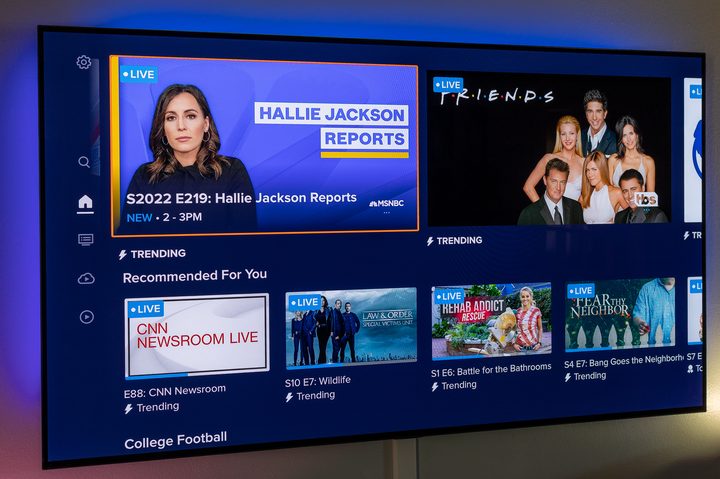
First things first. Sling TV operates a bit differently than the other services we’ll be talking about today. Most have just a single slate of channels, with tiers of service that deliver higher-quality streams, or allow you to stream on more devices at once.
Sling TV operates by using two tracks — Sling Orange and Sling Blue — that each offer their own channel lineup (yes, local channels too), although Sling really wants you to bundle the two together and get everything it has to offer. While this does give you a lot of channels for a lower price than many other options, there are trade-offs. Sling TV doesn’t have access to every major network, and it has fewer channels than many of its competitors.
Let’s take a look at what else is available.
YouTube TV
- The Good: More than 100 channels with a simple interface, free recording, and up to six profiles on a single account. Available on every platform. Lots of optional add-ons. Includes all your local broadcast channels.
- The Less-Good: If you want anything in 4K, you’ll have to pony up another $10 per month.
- The Plans: As of March 2023, the sold plan is $73 a month (plus tax).
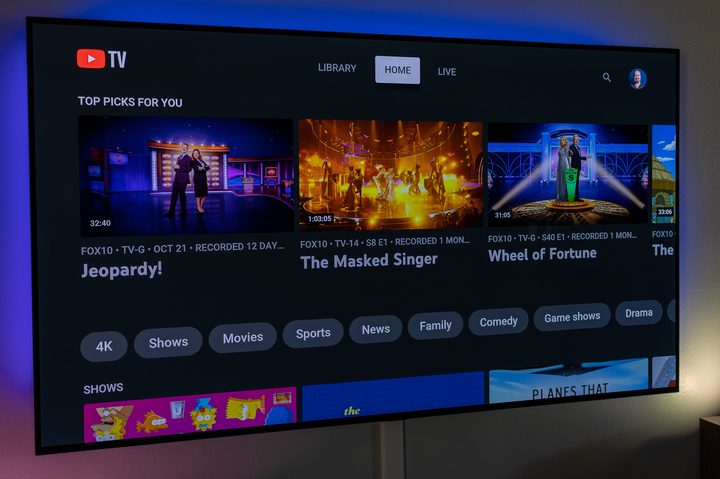
Google-owned YouTube TV is the biggest live service in the U.S., with more than 5 million subscribers, and there’s good reason for that. Several, really. First and most important is that its single plan has more than 100 channels, and they’re competitive with every other service out there. Then there’s the fact that it’s just easy to use. The channel guide is simple, recommendations tend to be relevant (as you’d expect from Google), and the unlimited recording is a breeze. You’ll also get your local broadcast affiliates — including those that Sling TV lacks.
If you set up a family group with Google, you’re able to have as many as six profiles attached to a single YouTube TV subscription. That ensures everyone has their own recordings and recommendations — and it’s a lifesaver if you have kids.
Then there’s the ability to watch things in 4K. And by “things,” we mean some live sports — including the entire 2022 World Cup — as well as some on-demand shows and networks. It’ll cost you, though, but the price is much more palatable now that it’s down to $10 a month, and just $5 a month for the first year. The YouTube TV 4K Plus add-on is free for the first month, $10 a month after that, and then $20 a month after the first year. We’d really love to see that cost come down, and it’s really only worth it if you really want to watch some live sports in the best quality possible. (But once you see a game in 4K, there may be no going back.)
There’s an argument to be made that YouTube TV is the best livestreaming service. There’s also an argument for our next entry.
Hulu + Live TV
- The Good: A competitive slate of channels. plus you get ESPN+, Disney+, and the full Hulu on-demand along with it.
- The Less-Good: The user interface is just OK. May be missing your local broadcast affiliates.
- The Plans: $83 a month (remember that you get the full Disney Bundle for that price). You can get rid of ads on the on-demand Hulu and Disney+ content if you pay $96 a month.
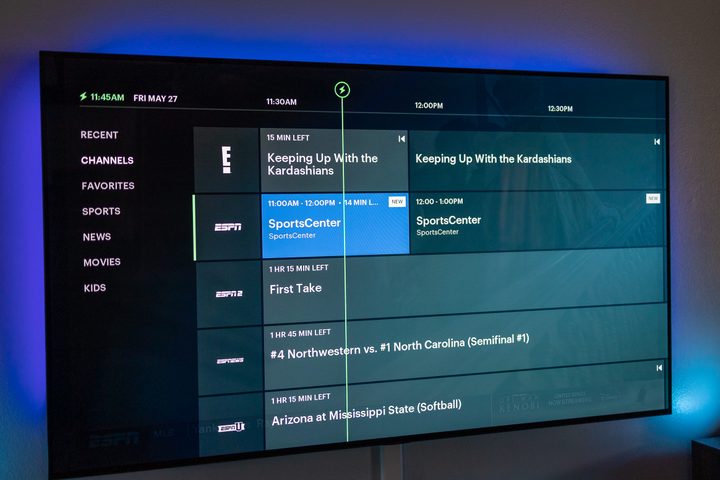
Hulu + Live TV is the second-most popular streaming service at 4.5 million subscribers. That’s thanks to a really good slate of channels — but also because a subscription actually gets you the full Disney Bundle. That’s Hulu With Live TV, Hulu’s on-demand library, ESPN+, and Disney+, all for close to the same price as any other livestreaming service. That’s tough to beat.
What might give you pause is the list of channels. Check out our full look at Hulu With Live TV versus YouTube TV for more, but there’s some disparity between the two services in that regard. You’re looking at a lot of linear channels, including your local broadcast affiliates.
Hulu + Live TV isn’t quite as easy to use as YouTube TV, however, but it’s still really good.
FuboTV
- The Good: A competitive slate of channels at a competitive price, with lots of add-ons, particularly for sports. There are also some live sports in 4K, at no extra charge.
- The Less-Good: Its prices went up in early 2023. Also not as easy to use as other options, and recordings are capped at 1,000 hours (which is still a lot).
- The Plans: Starts at $80 a month for 203 channels; $100 a month gets you 296 channels; $110 per month gets you 308 channels, plus Showtime and more.
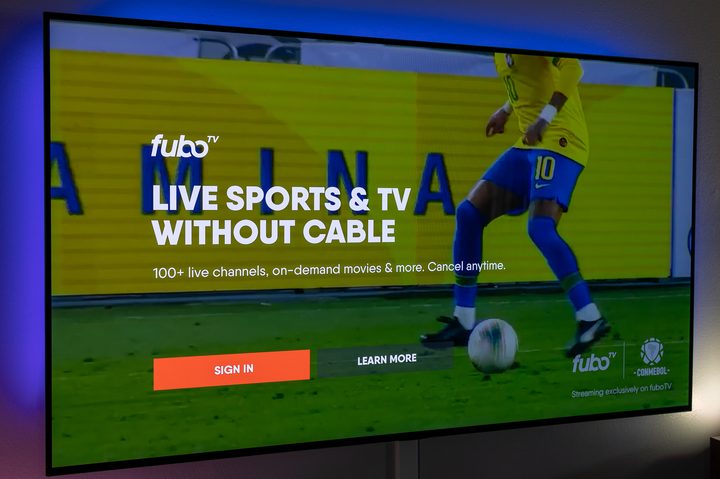
FuboTV is a livestreaming service that leans heavily on live sports, and has 1.45 million subscribers as of Spring of 2024. Along with plenty of live sports, Fubo is no slouch when it comes to delivering a robust channel listing.
Fubo TV has four tiers of service that all offer plenty of channels for the price. The Pro Tier starts at $80 per month for 203 channels. Elite with Sports Plus runs you $80 per month for 203 channels, and includes Sports Plus with NFL RedZone. The Deluxe plan is $110 monthly, and also includes MGM+ and International Sports Plus. Fubo also has a Latino plan for $33 per month, which includes 62 total channels.
Fubo also has plenty of add-ons for their plans, which include some international sports that otherwise might be hard to find.
And FuboTV also still shows some live events in 4K resolution — from Fox, mostly. And while it’s no longer the only way to get live sports in 4K — it was, for a while, the sole source — it’s a great option to have, especially given that FuboTV doesn’t charge extra for the privilege.
The only real downsides here are the prices on the upper end. But it remains a strong option and one you should take a look at.
DirecTV Stream
- The Good: Several plans with lots of channels from which to choose.
- The Less-Good: Having changed hands (and names) several times didn’t help its subscriber numbers any, and you get fewer channels for your money.
- The Plans: $102 for 90-plus channels; $115 for 125-plus channels; $130 for 160-plus channels.
DirecTV Stream has had a weird history. We once knew it as DirecTV Now, and later as AT&T TV. Now it’s a standalone company and lives as DirecTV Stream. The new company doesn’t give subscription numbers, but AT&T last reported about 656,000 subs as of the end of 2020 — and that was part of a downward trend.
It’s not that there’s anything inherently wrong with DirecTV Stream. It has a good slate of channels and four plans from which to choose. It has the options and add-ons you’d expect.
But it’s also more expensive on a per-channel basis. You’ll get a small price break on the first two months, but after that, you’re paying more than any of the other options, and that’s going to make it less palatable for many. At least there’s a free trial, so you can take things for a test drive.
Philo
- The Good: The least expensive option. Unlimited recording.
- The Less-Good: No local broadcast affiliates.
- The Plans: One single plan at $28 a month.
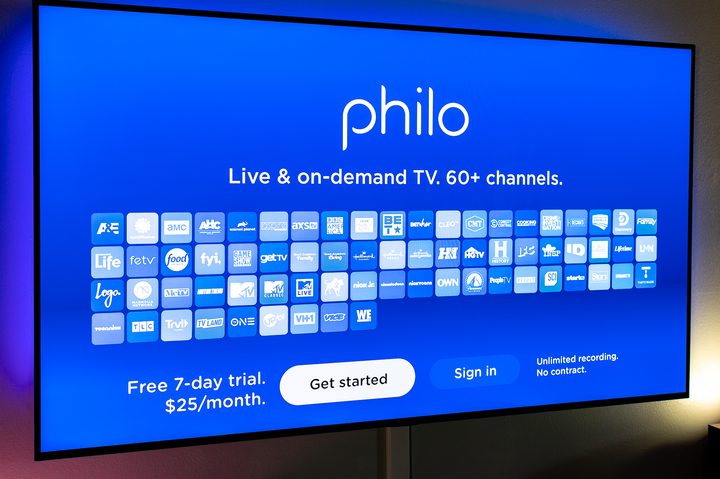
If you’re the sort who doesn’t tend to channel-hop and has some specific things you like to watch on specific channels, definitely take a look at Philo because it only costs $28 a month. And if all you watch is part of its 70-plus-channel lineup, you can save yourself a good bit of cash here.
The biggest downside is that the channel lineup is fairly limited. There’s no ESPN, for example. And no cable news (that’s maybe not a bad thing). Also, there are no local broadcast affiliates — so you’ll almost certainly want to rig up an over-the-air antenna to take care of it.
But again, if what you watch is on one of its channels. you can’t beat $28 a month.

Sling Freestream
And then there’s Sling Freestream. It’s what’s known as a FAST service — that’s short for free ad-supported television. It doesn’t require a subscription, and everything is free to watch. (Thus the name.) You’ll just have to sit through some ads.
Freestream gets you more than 335 channels with more than 40,000 movies and shows, all available from within the existing Sling app.