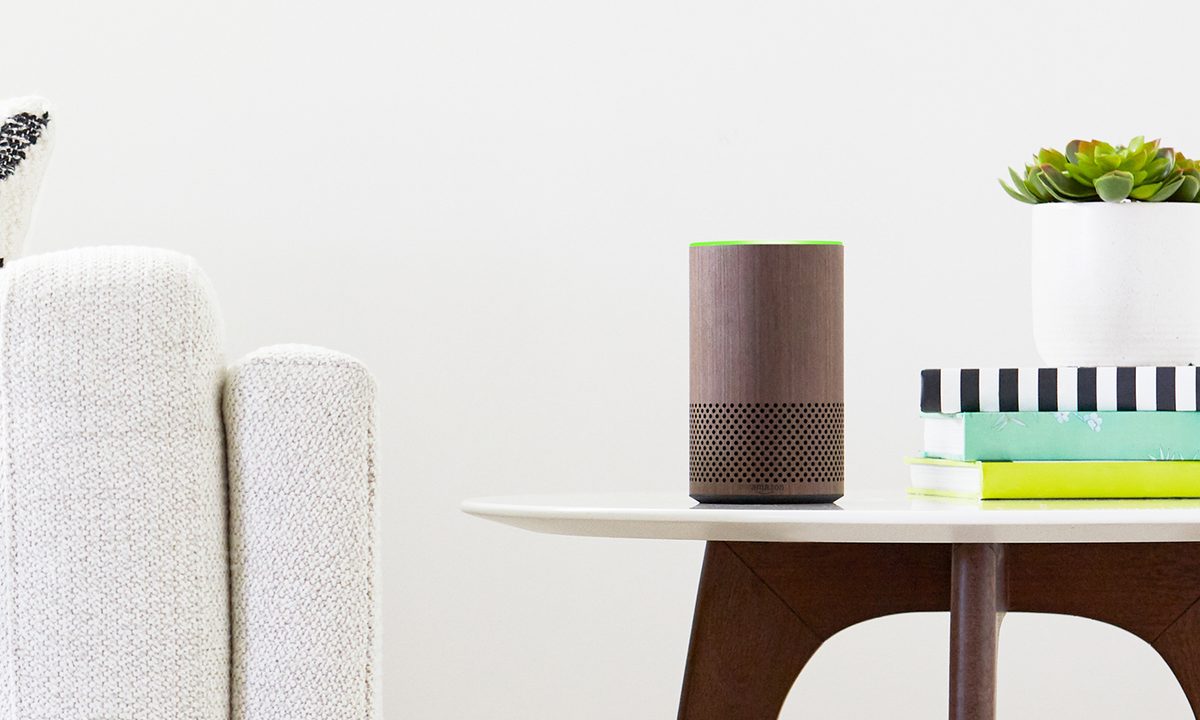
While it’s possible to control all your smart home devices with their individual apps, using Alexa is much more convenient. It requires a bit of setup, but once you’ve synced your compatible smart home products with Alexa, you can issue voice commands to control their performance.
You can even access them through the Alexa smartphone app, giving you a way to look at your entire smart home with just the click of a button.
Here are some tips on how to integrate your smart home with Alexa, particularly when using an Amazon Echo device as a hub.
Frustration-Free Setup makes things a breeze
Before going any further, it’s worth making note of Amazon’s incredible Frustration-Free Setup process. This cool feature allows most Alexa-compatible devices to automatically connect to your smart home network.
To see if this has worked with your current product, simply dive into the Devices section of your Alexa app. If you see your product, then Frustration-Free Setup has done all your work for you and you’re ready to start giving it commands.
If you don’t see the product listed, you can easily add it by heading to the Devices menu in the Alexa app and clicking on the “+” icon. Finish up by clicking Add Device, then searching for the device you want to connect.
Alexa can now lock and unlock your smart lock

Amazon originally designed Alexa in a way that didn’t allow it to unlock your smart lock with your voice. That’s no longer the case — although you might need to wade through a few different menus to enable the skill. Also, note that not all locks support voice controls.
After adding your smart lock to Alexa, navigate to the Front Door menu located in the Smart Home tab. From here, select the Edit button and toggle on Unlock by Voice. You’ll then be prompted to enter a four-digit passcode that will be used to verify the unlocking action.
See security camera footage with Alexa and the Echo Show
If your Amazon Echo model is the Echo Show, it has a video screen. That means that depending on which smart security camera you have, you’ll be able to see footage from a security camera through your Echo Show.
Ring and Netgear are two of the many companies offering that technology with their products and have created specific Skills to facilitate it.
After purchasing a smart security camera that works with the Echo Show, activate the associated skill. Then, you can say a command such as, “Alexa, show me the front door camera,” to see who’s responsible for the knock you just heard. It’s as easy as that.
Adjust the temperature in a room
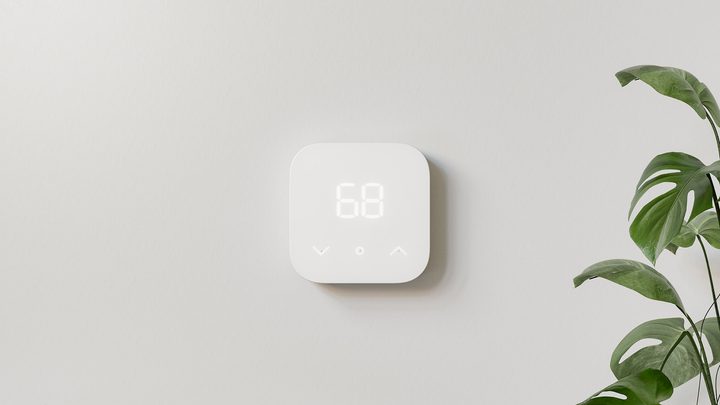
The Amazon Smart Thermostat is designed to work seamlessly with Alexa, but plenty of others work with the voice assistant, too. If you’ve installed one that works with Alexa, you’ll find its full controls in the Thermostat menu. Controls available to you could include raising or lowering the temperature, along with the option to change your Modes (such as Home or Away).
Talk to almost any device connected to a smart plug
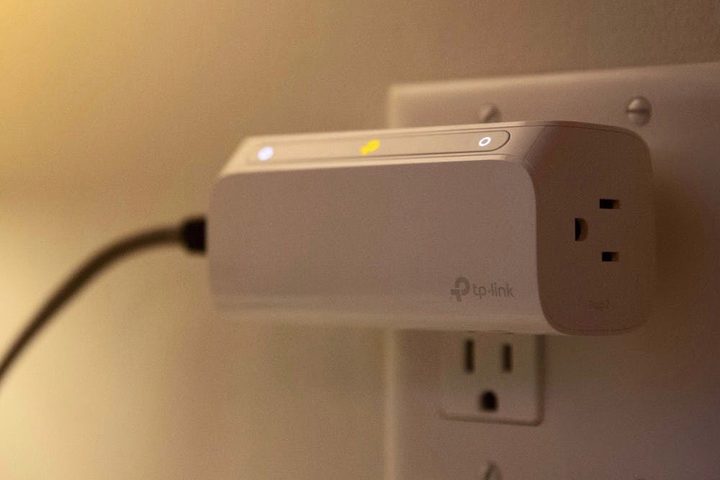
Forecasts predict that there will be 50 billion internet-connected devices by 2020. Smart plugs and outlets are a great way to smartify your home without making major investments or home alterations. They enhance the capabilities of almost any item plugged in to them. In addition to buying devices with built-in smart functionality, you can pair older, standard devices with smart plugs to unlock voice control features.
The setup process varies slightly by smart outlet brand, but you can get started by purchasing a type of smart plug that works with Alexa. The TP-Link Smart Plug is a great example.
Next, follow the manufacturers’ instructions, which may involve downloading a product app to initially set up an account before syncing to Alexa or downloading an Alexa skill.
You’ll also need to name each plug or address them by referring to a group, the same way you would when setting up lights.
Consider naming each plug to represent both the room name and gadget name, such as “living room floor lamp.”
After that, just insert the name of the plug into your voice command when talking to Alexa, such as “Alexa, turn on the living room floor lamp.”
Whether you’re just beginning to set up your smart home or have more smart devices than you know what to do with, using your Echo as a smart home hub can simplify the experience. Before you know it, you’ll to talking to yourself, er, we mean Alexa, in no time.