
Adding automated lighting to your home is one of the best ways to enter the world of smart devices. Smart light bulbs and switches typically utilize Wi-Fi and Bluetooth (along with Zigbee and other wireless protocols) for initial setup and controls. These same wireless pairing methods are how you manage your home’s smart lights, often by way of a companion app that you download to your preferred phone or tablet.
Smart lights are one of the best ways to earn your smart stripes for a few reasons. The installation process is usually straightforward and the results of your investment are visible right away. Open the app, pick which bulbs you want to turn on, and the bulb(s) should illuminate instantly. The same goes for things like brightness adjustment and color changes — and let’s not forget voice commands. Once you’ve taught Alexa and Google Assistant the skills needed to integrate your lighting, you’ll be able to fire off voice commands to power your bulbs on/off.
But when it comes to choosing which first-time bulbs or kits to purchase for your home, how should you spend your money? Do you opt for an all-hands-on-deck starter kit from the likes of Philips Hue or do you invest in something a little less expensive? If you’re just getting into smart home lighting, we might suggest erring toward the latter option. Here’s why.
Keep the cost lower

The Philips Hue brand name is going to be tossed around a lot in this piece, and for good reason. Philips’ lineup of lighting products offers an established and reputable means of outfitting your home with web-connected bulbs, LED strips, and more. While the company offers a myriad of kits and bulb packs to choose from, many of these products cost $50 or more.
With Hue and other top-shelf lighting companies, you’ll actually need to spend quite a bit more than $50 for a proper lighting package. In most cases, this is because your home is going to require a network hub to be able to chain all these bulbs together. Without a hub, you may be able to control individual parts of your home’s smart lighting, but you’ll be limited in how you can group your bulbs and what kinds of features will be at your disposal.
For instance, abilities like custom scheduling options, lighting scenes, and voice controls may be inaccessible without a hub. Once you factor the hub in, along with a few bulbs to get things started, you’re looking at over $100 in most cases.
Fortunately, most budget lighting options do not require a hub to install and manage products. Respected low-cost brands like Sengled sell individual bulbs and bundles, often for less than $50. The bulbs themselves connect directly to your home Wi-Fi with no bridging device required, and key features like Alexa controls and brightness/color adjustments are still available.
Yes, you can still purchase a Sengled hub, but it’s not mandatory. Instead, Sengled’s hub allows you to group up to 64 bulbs together and helps to cut down on overall bandwidth usage.
Build a bigger system … faster
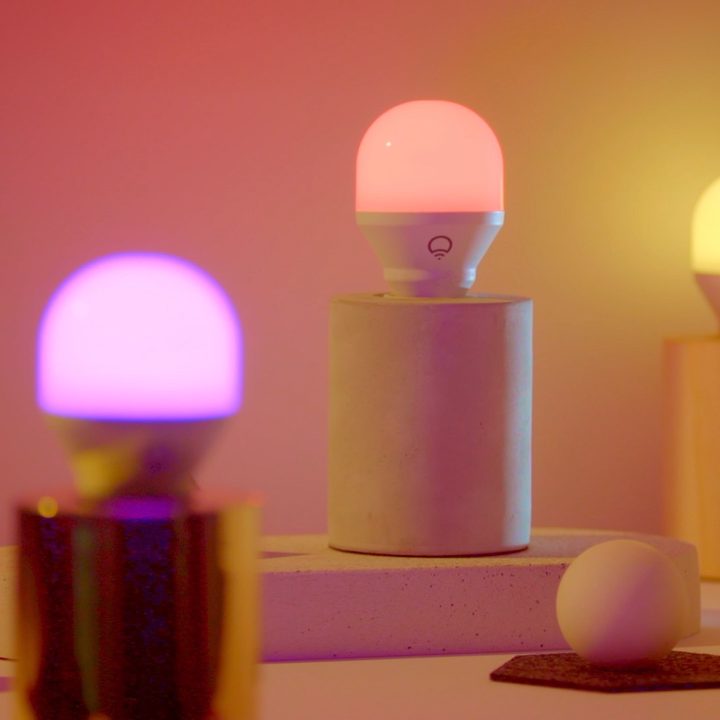
Going hand in hand with lower cost, another great reason to stick with budget smart lighting is how quickly you’ll be able to expand your system. Competitively priced, many stand-alone budget bulbs hover around $15 — with some options costing even less.
Compare this to the startup cost of a Philips Hue system, where you’re looking at about $100 for a starter kit with four bulbs and a hub. Let’s say you’re in love with the lights and you’ve decided it’s time to outfit more rooms with the tech. In the case of Philips Hue, you’re looking at around $50 for another four A19 bulbs (white only) and close to $100 for four colored bulbs.
Think about all the fixtures in your home you want to add smart lights to. Even if you want to expand to just one additional room, the cost to do so can quickly skyrocket. This is why alternative options from the likes of Wyze, TP-Link, and Sengled may be a wiser investment if your goal is to get smart lighting throughout other parts of your home.
Lessen the learning curve
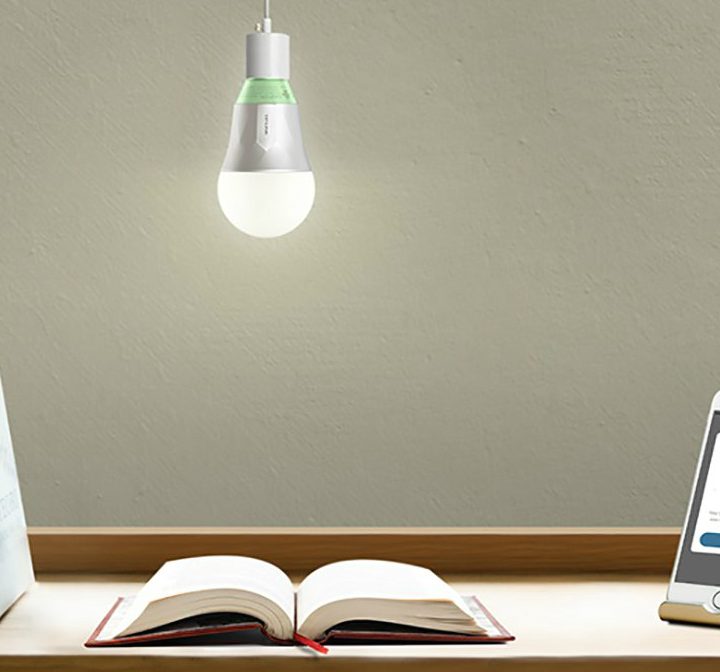
If you’re new to smart lighting, some quick research may flood you with all of the incredible things you can do with automated luminance. From built-in geofencing that works with your smart hub to cue lights the moment you return home from work to automated triggers that throw your lights on/off when your favorite sports team scores a goal, the sky is the limit for numerous lighting brands.
But a robust skillset is usually accompanied by a robust companion app and intricate step-by-step programming (in some cases) to get some of your system’s more advanced features up and running. This isn’t to say that you should stray from top brands because they can do more than the little guy. After all, who doesn’t want a system that can do it all? What we’re merely suggesting is that for some users, simply having lights that can turn on/off may be enough — especially if it’s the first smart lights you and yours will ever own.
In our experience, budget brands typically carry easier setups (with less required peripherals) and offer a breadth of incredible app and voice control features. In the case of Sengled, the app allows you to group lighting by room, adjust color/brightness, and choose from a number of mood scenes. Those are plenty of control options to introduce a new user to the world of smart lights.
Once you’re familiar with the first wave of automation, you can work on some upgrades — maybe by adding a bridge for expanded grouping or one or two LED light strips to begin messing around with accent lighting in the kitchen.
The pros of top-shelf lighting
As previously stated, we don’t mean to deter interested smart light buyers from the likes of Philips Hue and other top-shelf lighting brands. Investing in budget lighting, particularly for new smart light users, can help to reduce the upfront cost while giving you a better-paced entrance to the immense world of automated luminance.
Established, top-tier brands are top-tier for a reason. These are reputable companies that have likely been around for years. Top lighting brands often have product lines that are well-vetted and frequently improved upon, offering users the most cutting-edge tech in terms of performance and reliability. That’s not to say that a lesser-known lighting company isn’t going to focus on development. But just take a look at the sheer number of third-party lighting options on Amazon. There’s a fair chance that, at some point, several of these companies are going to stop producing and supporting their products.
Whether the brand will choose to focus on new devices or the whole company goes belly-up, this is the risk you take when opting for something budget-oriented. But rest assured, even budget brands have several long-standing, reputable names to choose from.


