  1. Home
  2. Mobile
  3. Legacy Archives

Apple iOS 5.0.1 battery life fix is now available

Add as a preferred source on Google
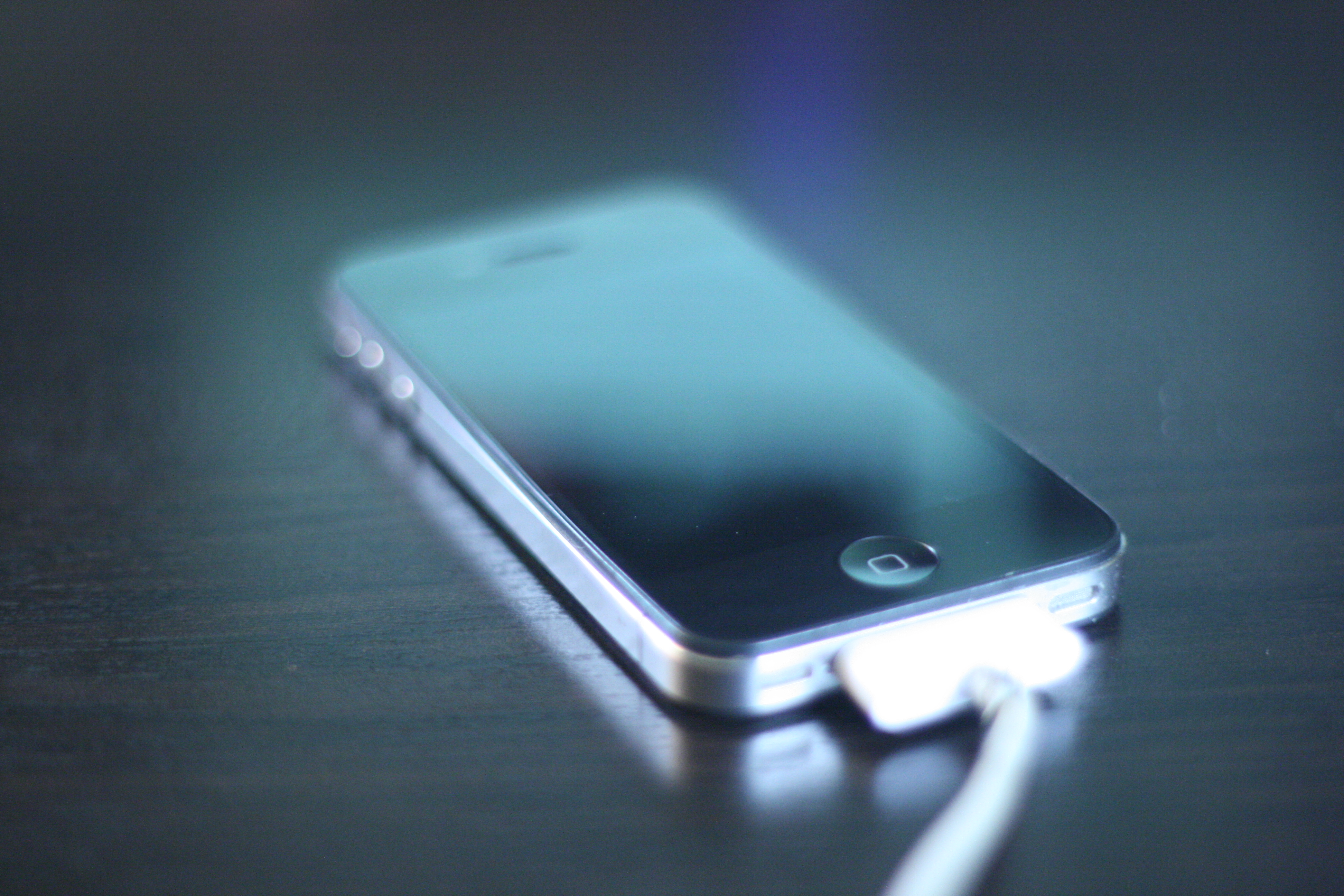
iphone 4 iOS 5
Image used with permission by copyright holder

Apple has officially released a minor update to iOS 5, which is intended to fix the battery drain problem some users have experienced. Based on early tests from some users, the iOS 5.0.1 update does, in fact, fix this problem.

For users who did experience battery life drain after updating to iOS 5 (or with the new iPhone 4S, which comes pre-loaded with iOS 5), the update will certainly offer relief from the pains of having to charge more than once every day or two. That said, not all users had any problem with battery life after updating to iOS 5. So for them, 5.0.1 will offer almost nothing new.

Recommended Videos

Aside from the battery fix, the update also enables mutlitasking gestures for the original iPad, eliminates some bugs that have popped up with Documents in iCloud, and improvements to the Siri voice control system for Australian users.

According to our tests, the update to 5.0.1 is not yet available as an over-the-air download — a feature that has served as one of the many selling points of Apple’s newest OS. Instead, anxious users will have to download it from iTunes the old fashioned way, by connecting to your PC with a USB cable.

UPDATE: Over-the-air update for iOS 5.0.1 is now available (at least for us), but developers who downloaded an earlier version of 5.0.1 are reportedly unable to update to the final version over the air — annoying, but not a big deal, for most users.


Andrew Couts
Features Editor for Digital Trends, Andrew Couts covers a wide swath of consumer technology topics, with particular focus on…
Snapchat Planets: What’s the order, and what do they mean?
Snapchat Planets turns your best friends list into a solar system, and yes, your orbit says a lot
Snapchat Planets being shown on the Snapchat app on iPhone.

Snapchat is already packed with little symbols that can be weirdly hard to decode. You have streaks, emojis, badges, scores, Best Friends, and if you use Snapchat Plus, a tiny solar system that shows where you sit in someone’s closest-friends list.

The feature is called Friend Solar System, though most people just call it Snapchat Planets. It takes your position in a friend’s Snapchat orbit and turns it into a planet. From Mercury to Neptune, these celestial bodies signify how close a person is to you.

Read more
How to use WhatsApp Web
We'll show you how to use WhatsApp on your desktop or laptop
WhatsApp Web

As one of the most popular messaging services, you’ve already heard of WhatsApp. From its humble beginnings in 2009—two years before Apple introduced iMessage—to its acquisition by Facebook (now Meta) in 2014, WhatsApp has become the dominant messaging platform around the globe.

In recent years, it's grown even more potent with new features like video messages, self-destructing voice messages, the ability to edit sent messages, and more. We even finally got an WhatsApp iPad app in May 2025.

Read more
What is WhatsApp? How to use the app, tips, tricks, and more
From setting it up to mastering hidden features, here is your complete guide to WhatsApp.
WhatsApp app store listing open on iPhone

There's no shortage of messaging apps out there. The past decade has given us more options than we know what to do with, largely because smartphones demanded something better than plain old SMS.

Both the App Store and the Play Store are packed with apps that promise to revolutionize the way we communicate. Most of them didn't make it. The truth is, a messaging app is only as good as the number of people using it, and most apps never cross that threshold.

Read more
