Losing important files or data is never fun. This can happen on your computer and laptop, and it can also happen on your Android smartphone or tablet. However, while Android owners might assume they have fewer options available to them in such a situation, there are a surprising number of applications out there for Android data recovery. We run through the best of them in this article, covering a range of software that can help you recover photos, messages, files, contacts, documents, music, and more.
Note that, in a majority of cases, these applications need to be downloaded to a Windows PC, although we’ll state otherwise if you can also download any app for Mac computers as well. Also, remember that some of these apps require you to root your Android device to recover certain files types.
Tenorshare UltData

Tenorshare is one of the most popular Android Data Recovery applications out there, and with good reason. It supports most Android smartphones and tablets, including devices manufactured by Samsung, Huawei, Motorola, Sony, LG, and others.
It’s capable of recovering deleted Android photos without needing to root your device, while it also enables you to recover deleted WhatsApp messages, also without rooting your Android. If you’re prepared to root your phone, it will even let you recover lost contacts, text messages, and your call history. It claims it has the “highest data recovery success rate” in the industry, and while it hasn’t published any data to support this claim, its popularity makes it seem credible.
Even though it’s free to download for Windows, its full suite of features will require a subscription priced at around $40.
iToolab RecoverGo
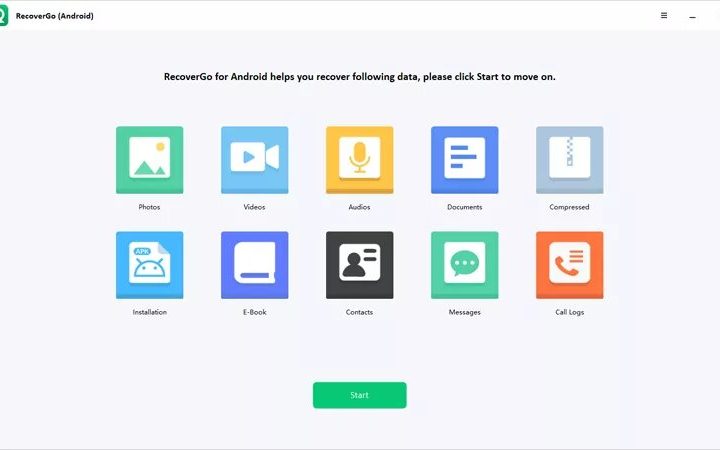
The iToolab RecoverGo software works with 6000+ Android phones and tablets to help you recover deleted photos, videos, contacts, call history, and 11+ file types so you never have to worry about lost data again. It is compatible with most smartphone brands like Google, Huawei, Xiaomi, Samsung, Sony, LG, etc.
The best part about using this tool is that you can recover your data in one click without having to root your device. It also lets you preview the files before recovery so you can be sure you’re retrieving the right information.
It is free to download but the yearly subscription costs $40.
Wondershare Dr. Fone
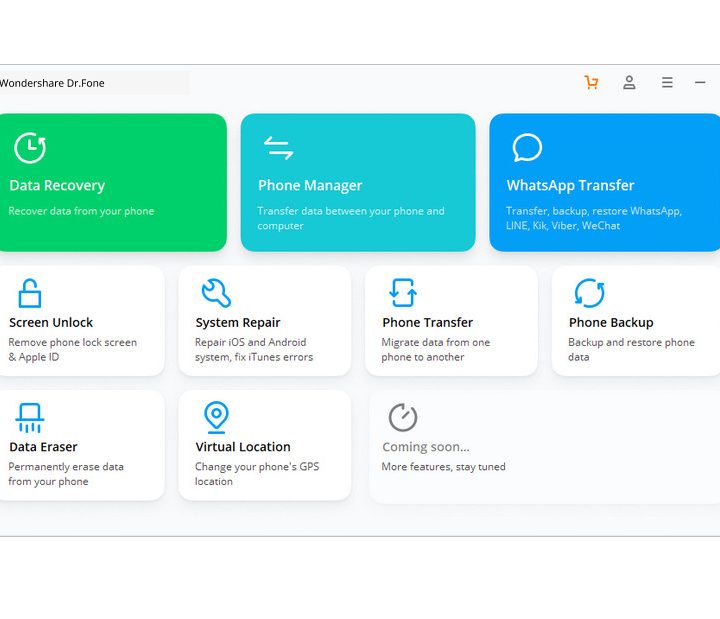
Another widely recognized name, Wondershare’s Dr. Fone for Android is compatible with 6,000 Android devices, and can even retrieve data from broken Samsung devices. Regardless of whether you’ve accidentally deleted files or have suffered damage or a system crash, it can help you to restore lost contacts, text messages, photos, WhatsApp messages (only for rooted devices), music, videos, and documents.
As with Tenorshare’s UltData product, it also claims the highest success rate of retrieving data in the industry. However, while these manufacturers obviously can’t both be right, the high number of positive reviews Dr. Fone has online would suggest that it does a very good job, regardless of whether it’s the most successful.
As with other applications on this list, you can download it for free and check whether your lost files are retrievable, but actually restoring them will require a subscription of $40.
FonePaw

FonePaw is a rare Android data recovery application that you can also download for Mac, rather than only for Windows. Regardless of this difference, it’s at least as good as the other Android data recovery applications on this list. It supports thousands of Android devices, from pretty much every major manufacturer, including Google, Samsung, HTC, Sony, Huawei, LG, Motorola, and OnePlus.
The files you can recover using it are also numerous, covering deleted photos, videos, audios, WhatsApp, text messages, contacts, call logs, and documents. Another nice feature it offers is the ability to not only recover lost files from your Android’s internal memory, but also from SD and SIM cards. Most of this can be recovered without needing to root your phone.
Lastly, FonePaw is downloadable for free and can be used to view restorable files for free, but it will cost you around $50 for a single-user license for a year.
Jihosoft Android Data Recovery

Also available for Windows and Mac, Jihosoft Android Data Recovery is another highly effective and widely compatible application. As with other apps on this list, it currently supports over 6,000 Android devices, including models from Google, Samsung, Huawei, LG, Sony, Nokia, and Motorola.
Regardless of the reason why you’ve lost your files, you can use Jihosoft to recover your contacts, SMS messages, call logs, gallery photos, videos, music, audios, and WhatsApp and Viber chat histories. It’s easy to use and is one of the fastest recovery apps in terms of scanning your phone for retrievable files, while you can also use it to recover files you’ve lost on external memory cards.
You can use it as part of a free trial, but the full version will set you back $50.
EaseUS MobiSaver

EaseUS Mobisaver is one of the easiest Android data recovery applications to use. You simply download it onto your Windows PC, connect your phone and scan it, and then choose which files you want to recover. It’s as simple as that, letting you recover deleted or formatted photos, videos, messages, contacts, music, documents, and other files.
It works regardless of whether you’ve deleted files or lost them as a result of a virus or damage, and is compatible with devices from Samsung, HTC, LG, Google, Sony, Motorola, ZTE, Huawei, Asus, OnePlus, and others. You can also use it to recover data from corrupted SD cards.
It’s available as a free trial but costs $40 for the full version, although EaseUS will provide free one-year upgrades if you purchase it.
Stellar Android Data Recovery
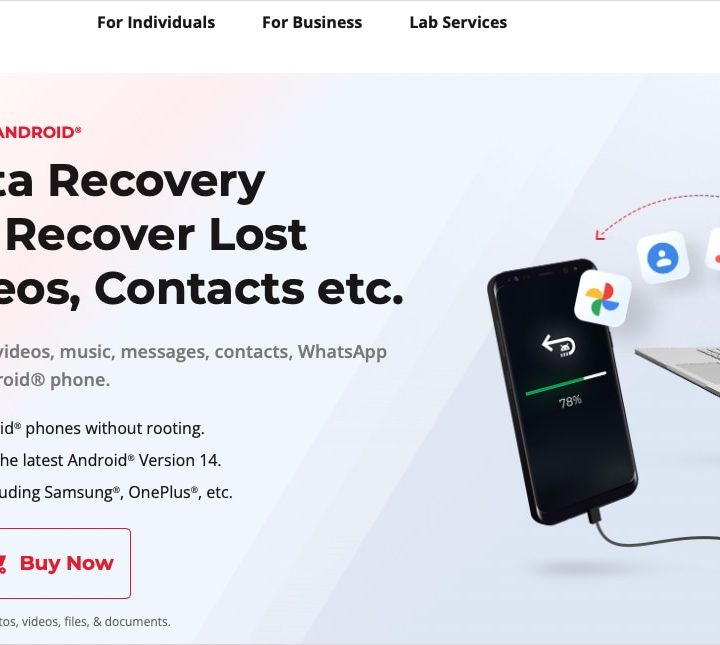
One more app to check out is Stellar Data Recovery for Android. You can recover photos, videos, messages, files, documents, contacts, and call history. It supports all Android phones including Samsung, Xiaomi, and OnePlus.
With Stellar, you can recover data from virus infections and broken devices, preview files before restoring them, and restore your data without rooting your device. The app supports multiple formats and also recovers WhatsApp chat, media, and attachments.
You can download Stellar Data Recovery for free and check out paid plans for multiple devices starting at $30 yearly.
Tip: Check out our comparison of EaseUS versus Stellar if you’re on the fence between the two.