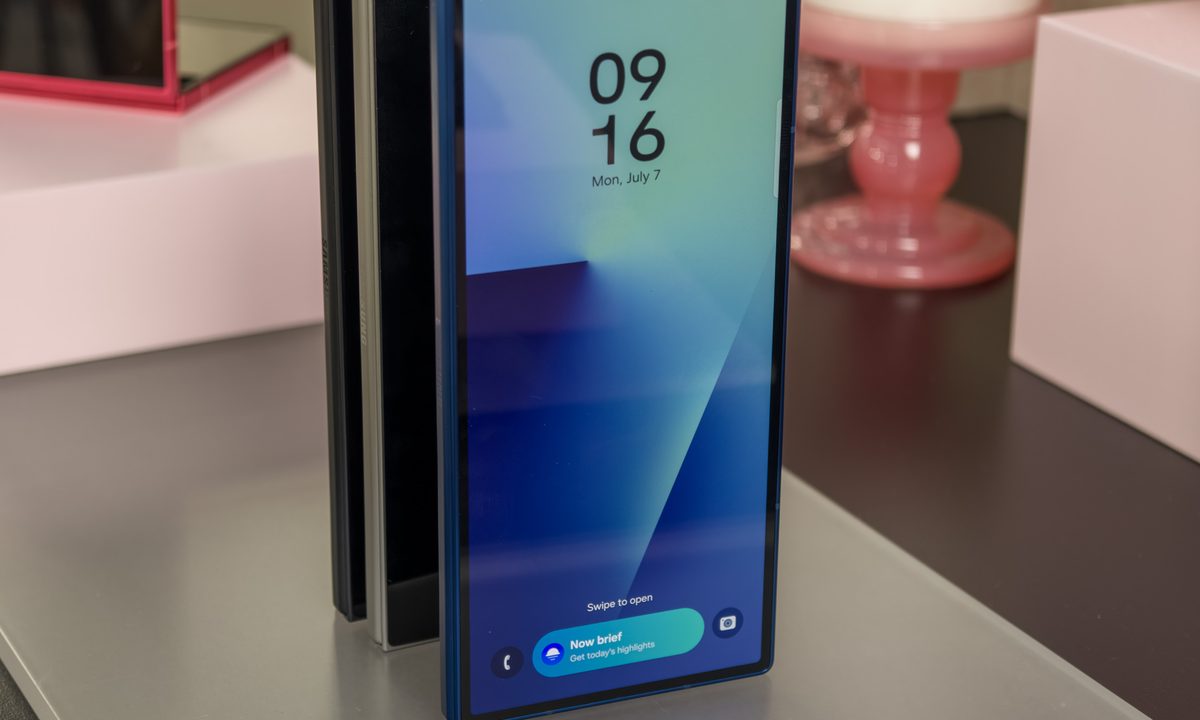
Following Google’s early release of Android 16 earlier this year, Samsung officially began rolling out its Android 16-based One UI 8 interface to the public. Starting with the Galaxy S25 lineup in September and expanding to older flagships and foldables like the Galaxy Z Fold 7, Samsung’s approach with One UI 8 focuses on refinement over reinvention.
It keeps the familiar Galaxy look and feel while layering in smarter AI tools, stronger privacy protection under Knox Matrix, and a cleaner, more consistent design language across apps and settings.
With the scene set, here’s everything you need to know about Samsung’s Android 16-based One UI 8, and what shiny new software treats it brings to the table:
Next-gen split-screen mode

In One UI 8, Samsung is reimagining how you interact with multiple apps on the same page. Inspired by the Open Canvas system on OnePlus phones, the updated split-view mode on the Galaxy Z Fold 7 now supports vertical switching between apps.
Essentially, the foreground app occupies the majority share of the screen, while the background app’s UI is only visible as a bar at the top or bottom edge of the screen. You can tap on this bar to open the app in near full-view on the screen, just like the preceding app.
This is done by dragging the split bar to the bottom, until you reach the point right before the window goes full screen. Once there, the two apps are split in such a way that one of them is always partially visible, and with a single tap, you can bring it back to focus.
Samsung has also extended parts of this refinement to larger-screen devices like recent Galaxy flagships and tablets like the Galaxy Tab S11, improving gestures and split-bar behaviour without overhauling the familiar interface.
Easy access to camera controls

In the Samsung camera app, swiping on the preview area has historically switched between the front and rear cameras. This gesture can now be customized to access the camera quick controls for easier access to the composition tools and filters.
When you navigate to the Settings section in the camera app, there’s now a new “Open Quick Controls” option tied to the swipe gesture. You can also choose to keep the gesture locked to the camera switching process, or just disable it entirely.
When you set it to access quick controls, it will open a slide-out tray right above the shutter button, where you can make adjustments for aspect ratio, flash, timer, resolution, exposure, and photographic styles, among others.
Enhanced Quick Share

Quick Share is now the unified, cross-Android sharing system (Google merged Nearby Share with Samsung’s Quick Share in 2024), and the refreshed full-screen UI continues to roll out beyond Galaxy devices – aligning what you see on Pixels/other Android 16 phones with Samsung’s panel.
One UI makes the process of sharing and receiving files much easier, thanks to a revamped quick share system. The UI now has large share and receive buttons at the bottom of the screen, and a separate option for instantly generating a QR code or link for sharing the files.
The refreshed Quick Share panel now appears on the first page of the Quick settings panel. You can also choose the private sharing option from the menu bar at the top, and access all the sharing settings from the same place. Everything now looks less cluttered, and you even get a carousel of recommended devices for transferring data.
A supercharged Reminder app
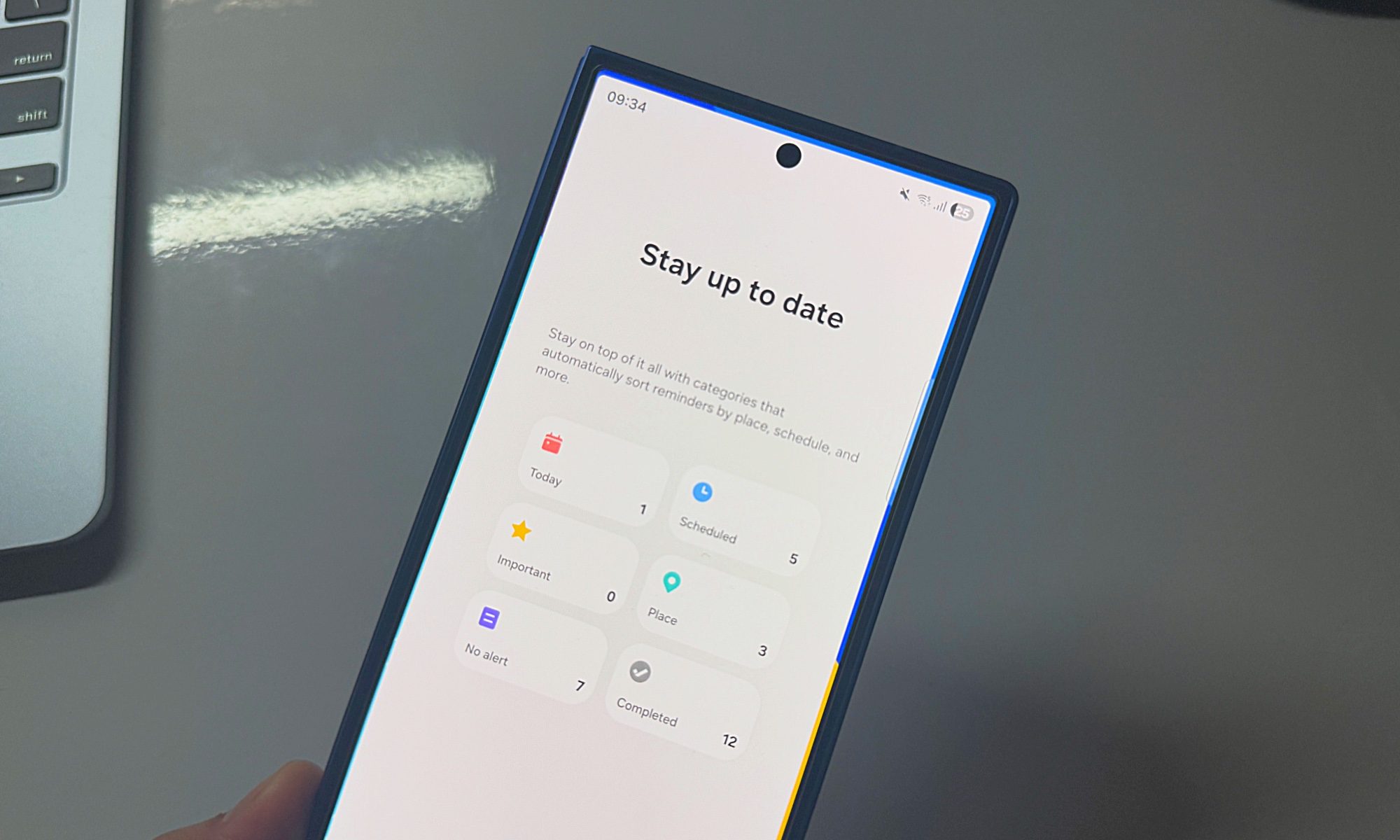
The Reminder app has received a design makeover in One UI 8, and it looks much cleaner this time around. All the events are categorized neatly on the homepage. You will now see separate category pages for same-day events, scheduled entries, important alerts, completed tasks, and active alerts.
Users can add custom categories, and even color-code them with appropriate symbols in tow for easy identification. There are a whole bunch of new sample reminder templates in the app, such as pickup, workout, payments, and more.
The best part is that creating reminders is no longer a hassle. There’s a dedicated text field at the bottom, where you can directly type the details and then quickly add other details such as time, location, date, and even media files using a slide-based system. It’s easier and more intuitive than ever.
Auracast support

With the release of One UI 8, Samsung is finally bringing Auracast to its Galaxy smartphones. Auracast is Bluetooth-based technology that allows users to share the audio stream from their phone with other audio devices in the vicinity.
Aside from Samsung’s wearables, such as the Galaxy Buds 3, Auracast also works with Bluetooth LE Audio-compatible hearing aids, sold by companies such as GN Hearing and Starkey. Think of it as a controlled audio broadcasting system.
In order to ensure that strangers don’t hop in on your audio stream, you can set a password for your audio broadcast so that only your friends can hear on their earbuds, what you are playing on your phone. Notably, this feature is now a staple for Android and will soon appear on devices by other smartphone brands, as well. Auracast itself is part of the Bluetooth LE Audio broadcast feature set included in Android 16, and users can now also join streams via QR code for easier connection.
Easier file search

For years, file management has been a mess on Android phones. You either get a simple design with easy functional flow, or too many features served atop a cluttered interface. In One UI 8, the chore of finding data will be a tad easier in the My Files app.
All the categories, such as audio, video, documents, images, and downloads, now appear at the top of the page. Below it is a new “recently added files” section, which you can expand to see all the data that has made its way to your phone’s memory, in an orderly fashion. The most notable addition is the app-based filtering system.
It is now possible to filter files according to the app from which the package was downloaded. The name of each app appears as a dedicated pill-shaped button in a sliding carousel at the top, and appears across the Downloaded and Recent sections in the My Files app.
One UI 8 eligible devices
| Galaxy S25 series Galaxy S24 series Galaxy S23 series Galaxy S22 Galaxy S21 series | Galaxy Z Fold 7 Galaxy Z Flip 7 Z Flip 7 FE Galaxy Z Fold 6 Galaxy Z Flip 6 Galaxy Z Fold 5 Galaxy Z Flip 5 Galaxy Z Fold 4 Galaxy Z Flip 4 | Galaxy A73 Galaxy A56 Galaxy A55 Galaxy A54 Galaxy A53 Galaxy A36 Galaxy A35 Galaxy A34 Galaxy A33 Galaxy A25 Galaxy A24 Galaxy A15 Galaxy A16 Galaxy A06 | Galaxy M56 Galaxy M55s Galaxy M55 Galaxy M54 Galaxy M53 Galaxy M34 Galaxy M33 Galaxy M16 Galaxy M15 Galaxy M06 | Galaxy F55 Galaxy F54 Galaxy F34 Galaxy F16 Galaxy F15 Galaxy F06 Galaxy Tab S11 series Galaxy Tab S10 series Galaxy Tab S9 series Galaxy Tab S8 series Galaxy Tab S6 Lite Galaxy Tab A9 |
What’s next for Samsung One UI?
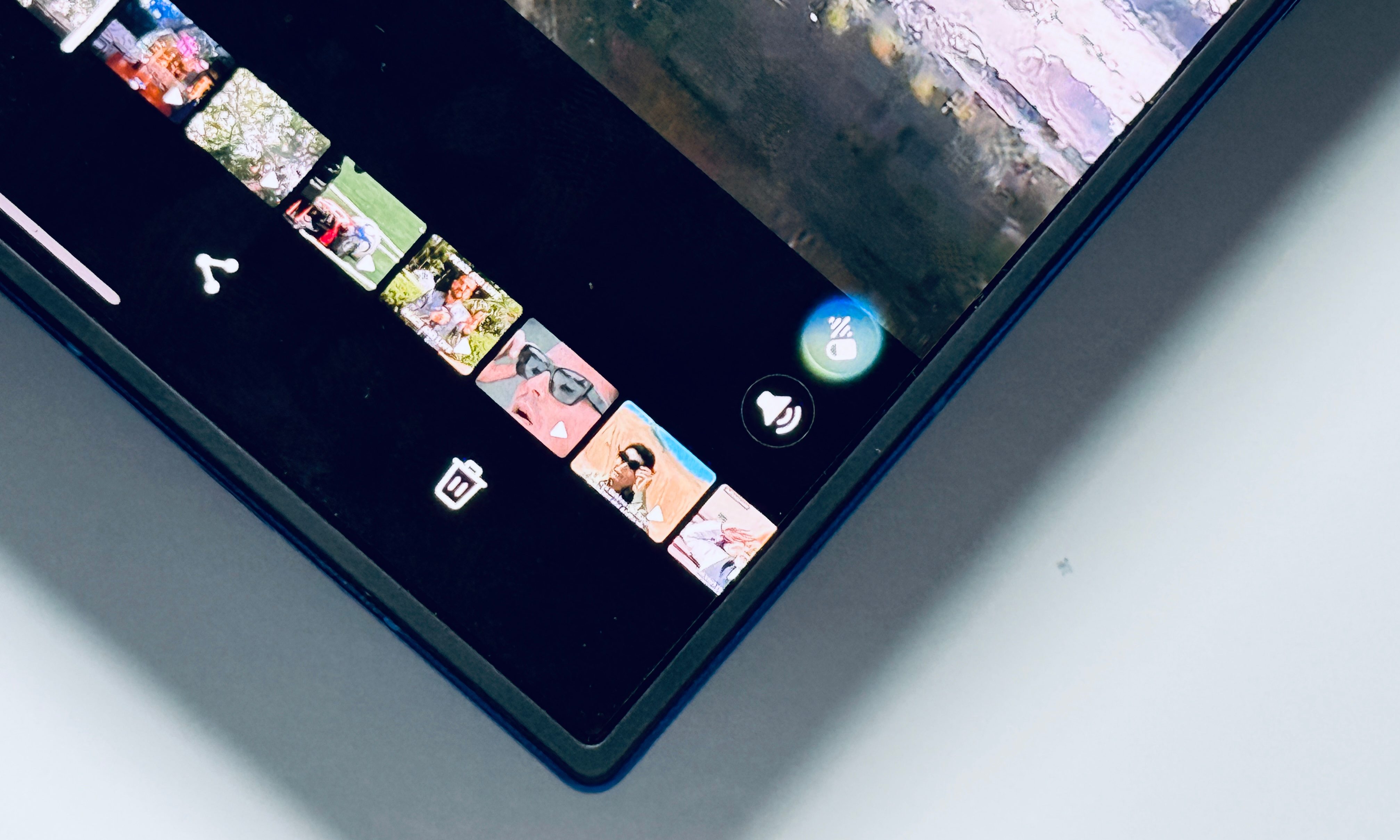
As with all OS systems and interfaces, Samsung’s One UI is constantly being worked on. The company is, for example, beta-testing a Gallery Assistant add-on for One UI 8 via Samsung Members users in Korea (before a wider rollout). It adds batch-editing, compression, and watermarking tools within the Gallery app, with global availability expected later.
Elsewhere, the rumour mill suggests that Samsung is expected to unveil One UI 8.5 alongside the Galaxy S26 series in early 2026, bringing a refreshed visual style and deeper integration with Galaxy AI tools.