
Detailed within the Starbucks Newsroom, the coffee company is launching an updated version of the company’s iPhone application that lets customers add an additional tip onto their coffee purchase. Rolling out on March 19 to app users in the United States, the UK and Canada, customers will be able to tip in three increments that include 50 cents, 1 dollar and 2 dollars. Of course, the application also allows customers to pay for their entire order using the credit card that adds funds to their Starbucks Card balance.
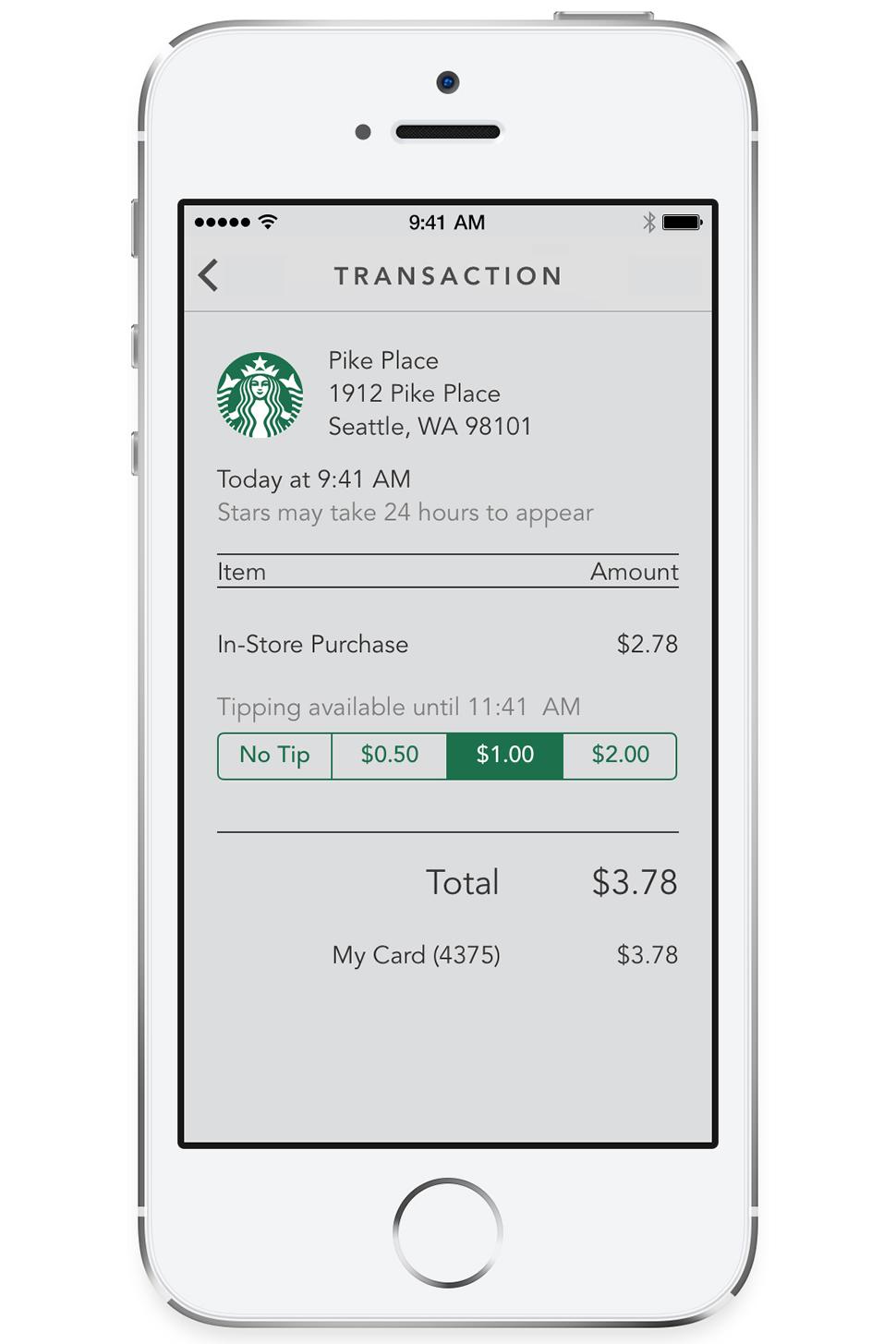 From the perspective of baristas at Starbucks, this is likely a welcome addition to the app since many users may not carry any cash for tipping. It’s a similar issue for anyone that pays with a credit card at a coffee shop, basically not having any cash to leave a small tip for the employees.
Starbucks doesn’t specify how the baristas will eventually receive the tips though. It’s likely that all digitally-left tips for the day or week will be split among the staff working within the store during that time period.
Speaking about the updated app, Starbucks chief digital officer Adam Brotman said “With more than 11 percent of transactions a week now happening with a mobile device in our stores, and nearly 10 million customers currently using our mobile app, we’re thrilled to make the digital experience even easier and more rewarding for our customers and partners. This update to the Starbucks App for iPhone is an important next step in digital innovation at Starbucks and one of the many ways we’ll expand and improve our digital experience in the months to come.“
Starbucks also has an updated version of the Android application in the works and will launch that app update later in the year. In addition to the digital tipping feature, Starbucks is also adding a Shake to Pay feature that brings the barcode of their Starbucks Card to the screen when shaking their smartphone while the application is active.



