
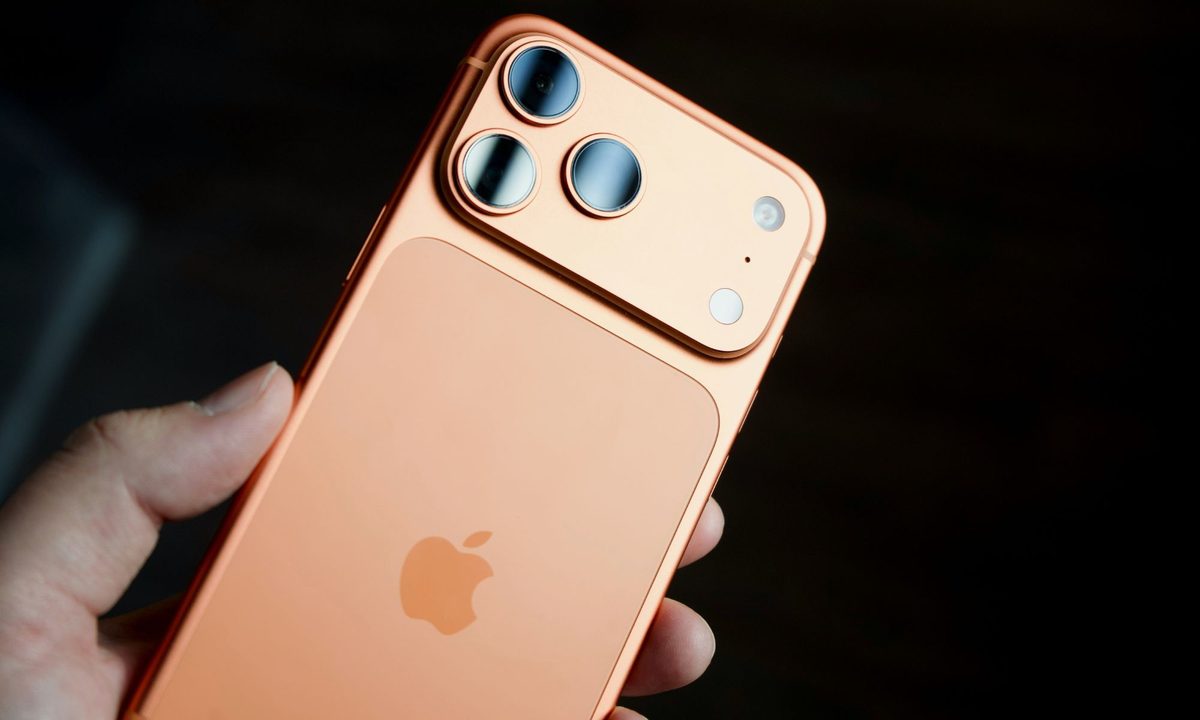
There’s no better time than the Holiday season to spread some cheer by gifting tech gear and rewarding oneself, as well. iPhones happen to be a highly sought-after gadget, and I often see folks around me upgrading to the latest models. But the journey is not always smooth-sailing, especially for folks jumping ship from an Android device.
And even for season iPhone users, they often stick to the vanilla experience Apple serves, instead of pushing the device and realizing its true potential. That’s where apps come into the picture. I’ve been driving an iPhone for half a decade now, and testing new and exciting apps for a living.
And yes, I am the unofficial tech support guy in my circle, one who fixes problems and doles out iOS wisdom. If you’re getting a new iPhone this year, I can suggest a few apps that will add considerable convenience to your life, or just enhance the experience in a few key areas.
Gboard

Apple’s default keyboard on the iPhone just gets the job done, but it’s notoriously devoid of features. The best option I can suggest is Google’s Gboard (aka Google Keyboard) app. This one comes with plenty of theming and customization options, offers a superior glide typing experience, and supports multilingual input.
On the functional side of things, it comes with built-in integrations for Google Search, Google Translate, YouTube, and even Google Maps. Simply put, you don’t have to switch back and forth between apps, and copy relevant material with a single tap.
Gboard also offers a more convenient route to pick emojis, stickers, and GIFs. The experience is not as rewarding as Android, but Gboard on iOS still offers enough standout features to ditch Apple’s in-house keyboard.
ChatGPT

Now, this is a controversial addition, but hear me out. If you already use ChatGPT, then it’s a no-brainer to have it on your iPhone. But ChatGPT’s presence on the iPhone runs deeper, thanks to the integration with Apple Intelligence. And this is where things get interesting.
Even if you don’t use the core ChatGPT app, it can still make your life easy indirectly. For example, you can summon ChatGPT’s AI chops as part of a multi-step Shortcut, such as an automatic memory bank generator within Apple Notes or identifying a film or TV show with just a screenshot.
Additionally, ChatGPT now has access to dozens of apps, and it can handle tedious chores with just a voice. For example, you can just say, “Create a playlist with songs similar to Drive by Ed Sheeran in Apple Music” or “Find me a place for a two-day stay starting December 21 near the Crawford Market area on Expedia.”
Instagram Edits

I often get queries about the best editing apps for posting videos on social media. There are numerous options out there, some of which offer plenty of deep controls. But for an average user who merely takes videos for posting clips on Instagram, most of these apps are overkill.
That’s where the Instagram Edits app comes into the picture. It’s one of the easiest and user-friendly video editing apps I’ve tried so far, yet it still offers plenty of snazzy tools and core editing controls to make your videos pop.
You can also record your own narration, add captions, and apply overlays, which are well-suited for reaction videos. I particularly love the AI-powered green screen effect, while support for 4K videos also comes in handy. Overall, it’s pretty fun and feature-loaded without a steep learning curve.
VSCO Capture

A lot of people get an iPhone for its consistently good camera output, but it’s not without its flaws. Apple’s excessive algorithmic process is often discussed with disdain in user communities. At the same time, a lot of users struggle with giving that refined, cinematic look to their pictures that attracts eyeballs on social media.
This is where VSCO Capture lends a helping hand. At its heart, VSCO is a camera filter app. These filters, however, have been designed with VSCO’s vast community of photography experts. There are over fifty filters to play with, tagging alongside deep controls to achieve the perfect composition.
“The biggest victory of the VSCO capture app is that it can turn even the most boring view into something a lot more theatrical and expressive,” I wrote in my review of the app. For amateurs, you can simply slide past the carousel and pick the best look, but if you’re digging deeper into controls, you can adjust everything from halation strength to bloom intensity.
Merlin

Merlin is an app for birdwatchers, but it has a massive fan following in a very short span of time. Developed by the Cornell Lab of Ornithology, this app allows you to identify birds using a picture or their sound. The app is built atop the world’s largest database of avian signatures, and it can identify 1,300 bird species around the world based on their songs.
With over 33 million downloads under its belt, the app is encouraging people to discover a crucial part of nature around them and also go out on nature walks. While that’s an encouraging move in itself, bird song itself is known to have a soothing effect on our mental health.
“I find it impressive that an app can empower people to go out into nature,” John Williamson, a guide at Norfolk Wildlife Trust, told The Guardian. Aside from song identification, Merlin also offers a general overview of all the bird species in your geographical zone, with plenty of knowledge to go with it. The app has over a hundred thousand ratings on the App Store, averaging at 4.9/5, so there’s evidence of its sheer popularity.
Partiful Invites

Planning a friendly gathering or a party can be a nightmare, especially when the discussions are happening in a buzzy group chat. This is where Partiful Invites comes to the rescue. It’s a free app that lets you send fun party invites to friends and family members, irrespective of whether they have an iPhone or Android device in their pocket.
Partiful makes it a cakewalk to create an event invite, but the depth of fun customization options gives an altogether different vibe to the digital cards. The app can handle updates and reminders pretty well, and guests can add their own comments and pictures, too
More importantly, the poll system takes the pain out of fixing the party time. Additionally, integration with payment services (such as PayPal, Cash, and Venmo) offers an easy gateway for guests to chip in. The app is good enough to handle personal gatherings, as well as professional events, and its five-star rating on the App Store is a testament to its excellence.


