Apple CarPlay Ultra is the next generation of the Cupertino, California-based firm’s smartphone projection system for your car, and it’s available in new vehicles in the US and Canada.
When we say “new cars”, your options are very much limited to one brand… Aston Martin. So you’ll need deep pockets if you want to experience CarPlay Ultra for yourself.
CarPlay Ultra provides much deeper integration and customisation over the traditional CarPlay you may have already used. The standard version takes over the infotainment display in your vehicle, giving you access to supported CarPlay apps including Phone, Messages, Maps and a host of music streamers.
What it doesn’t do is give you access to your car’s controls (you have to exit CarPlay and return to the built-in operating system), nor does it take over the cluster display.
So what does CarPlay Ultra do? Yep, you’ve guessed it – it rights both of those wrongs.
Vehicle-specific features, now in CarPlay Ultra
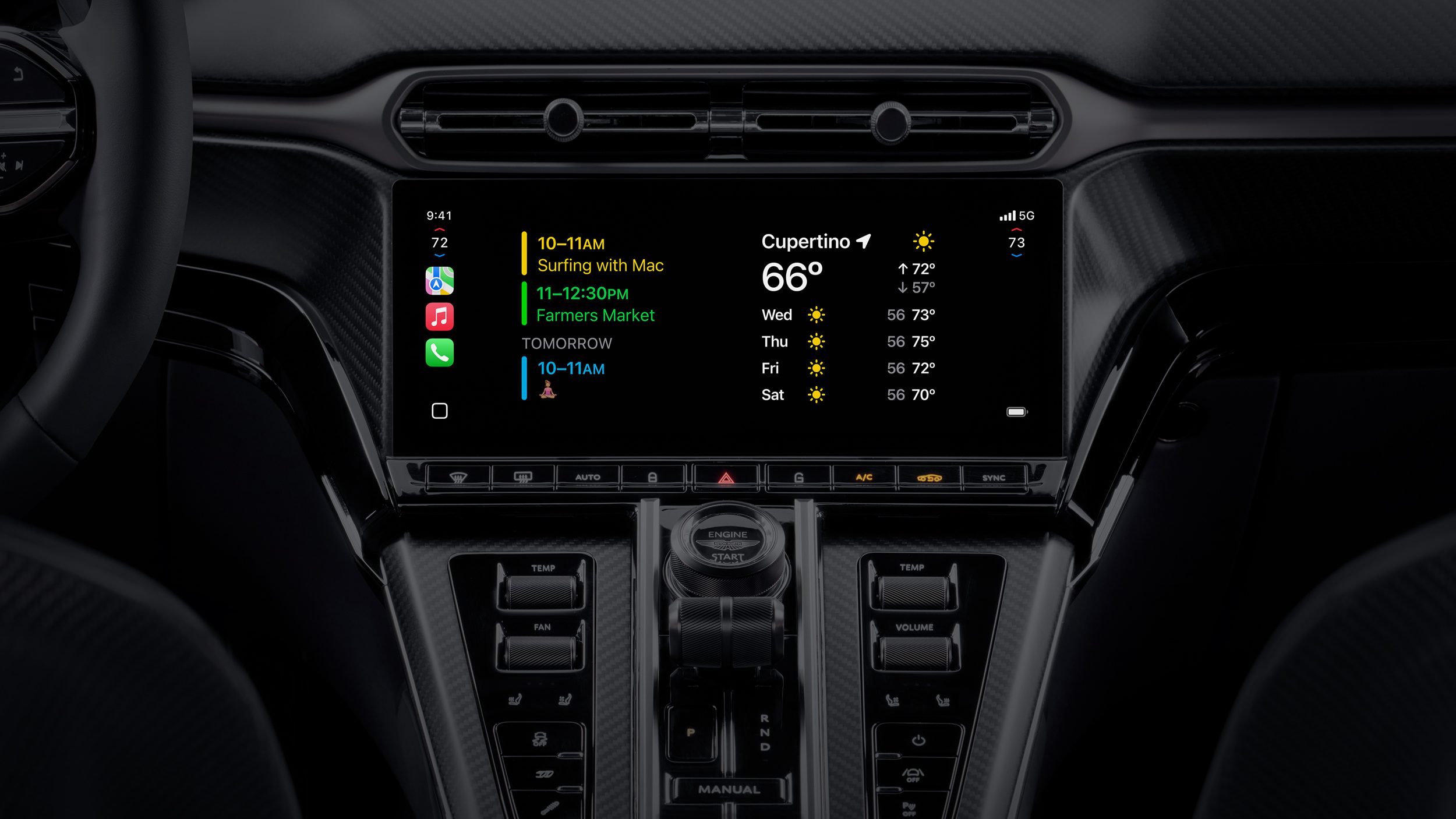
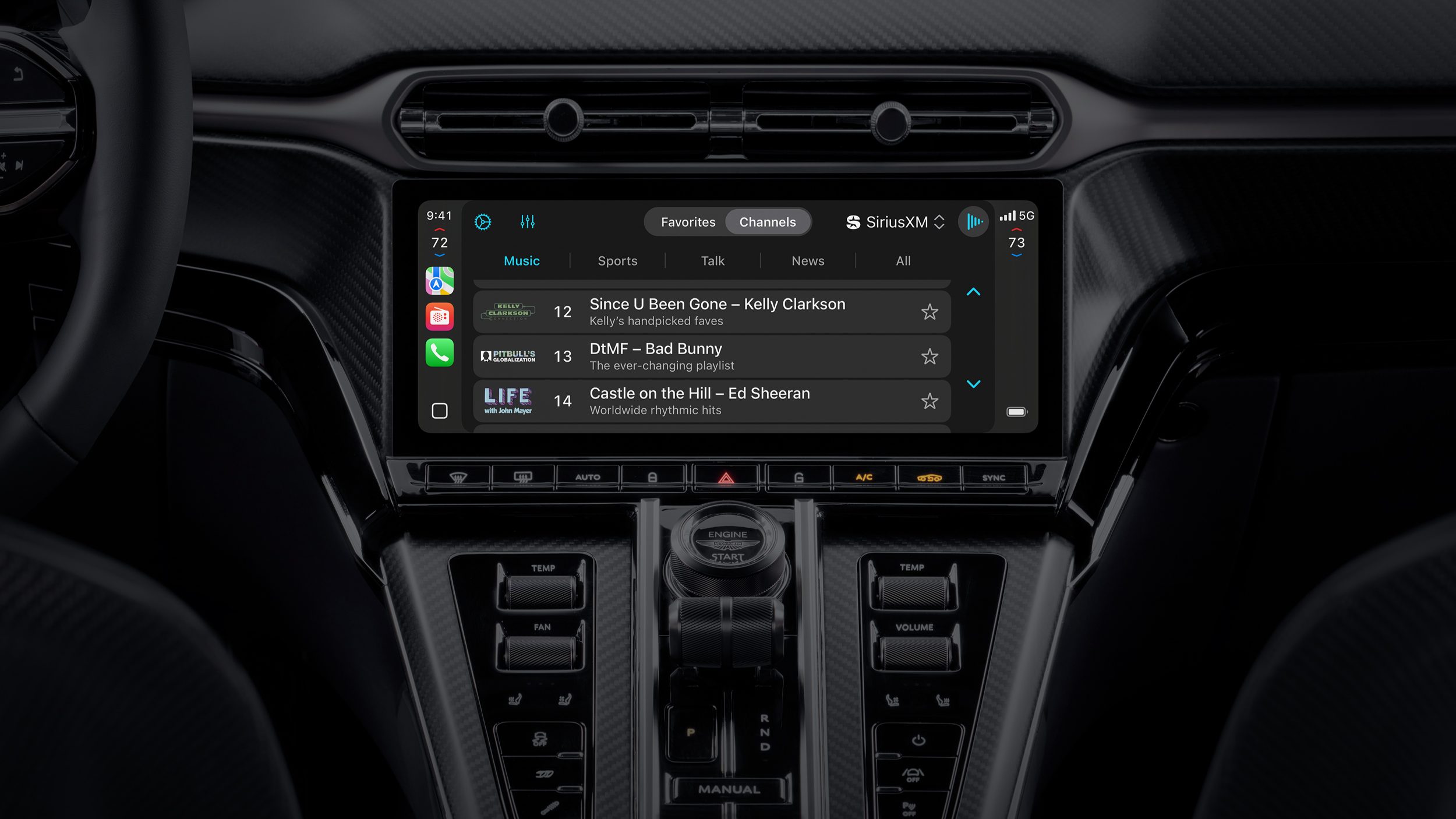
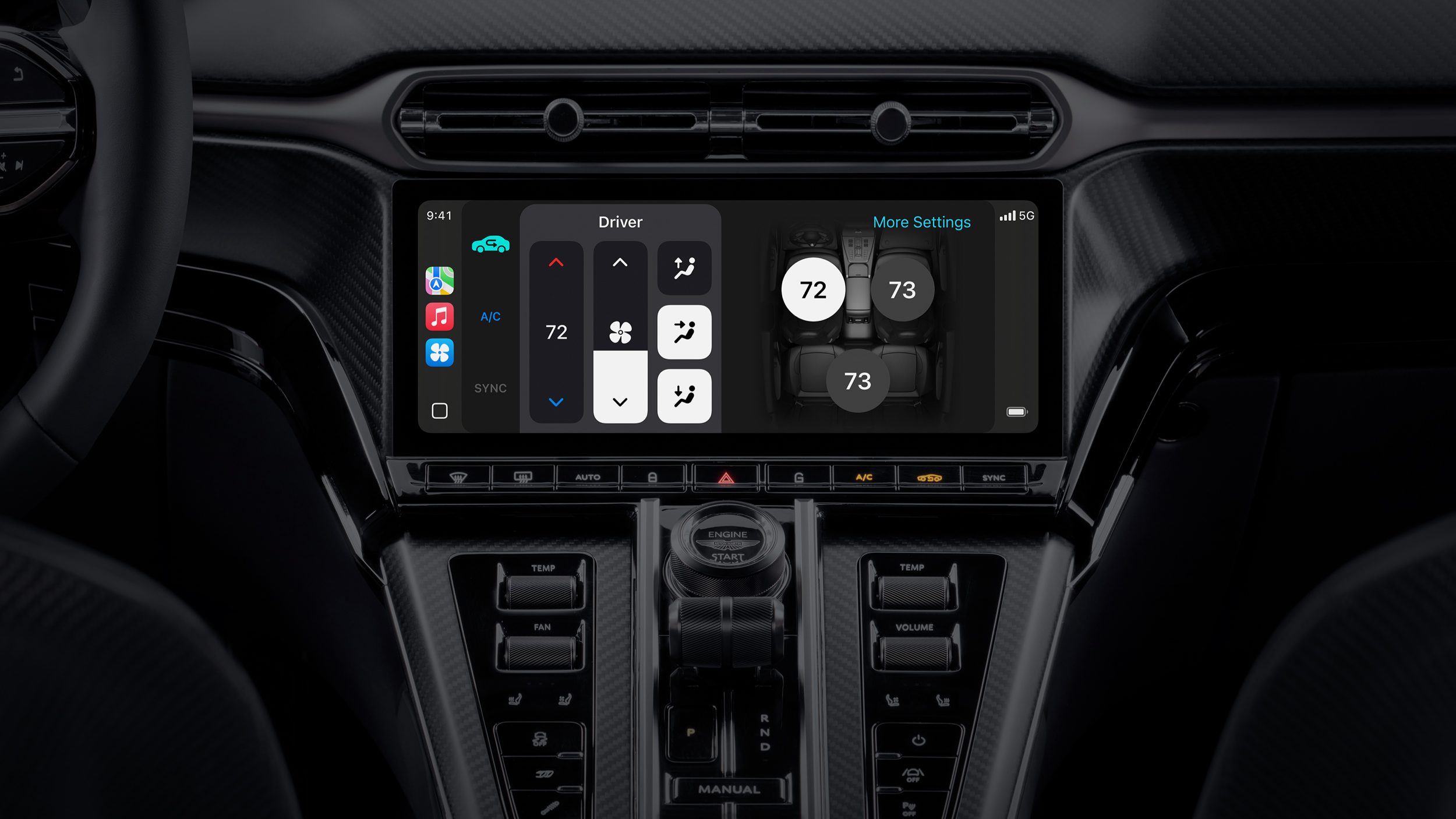
We’re all used to seeing CarPlay take over the central infotainment display in our vehicles, but with CarPlay Ultra you’ll get much more functionality at your fingertips.
Whether you’re changing the radio station on your vehicle’s built-in stereo, adjusting the climate control, or dabbling with the performance settings, these can now all be done through the CarPlay Ultra interface. Apple says you’ll also be able to ask Siri to control various car functions.
But the most exciting development is on the screen reserved solely for the driver.
Cluster control
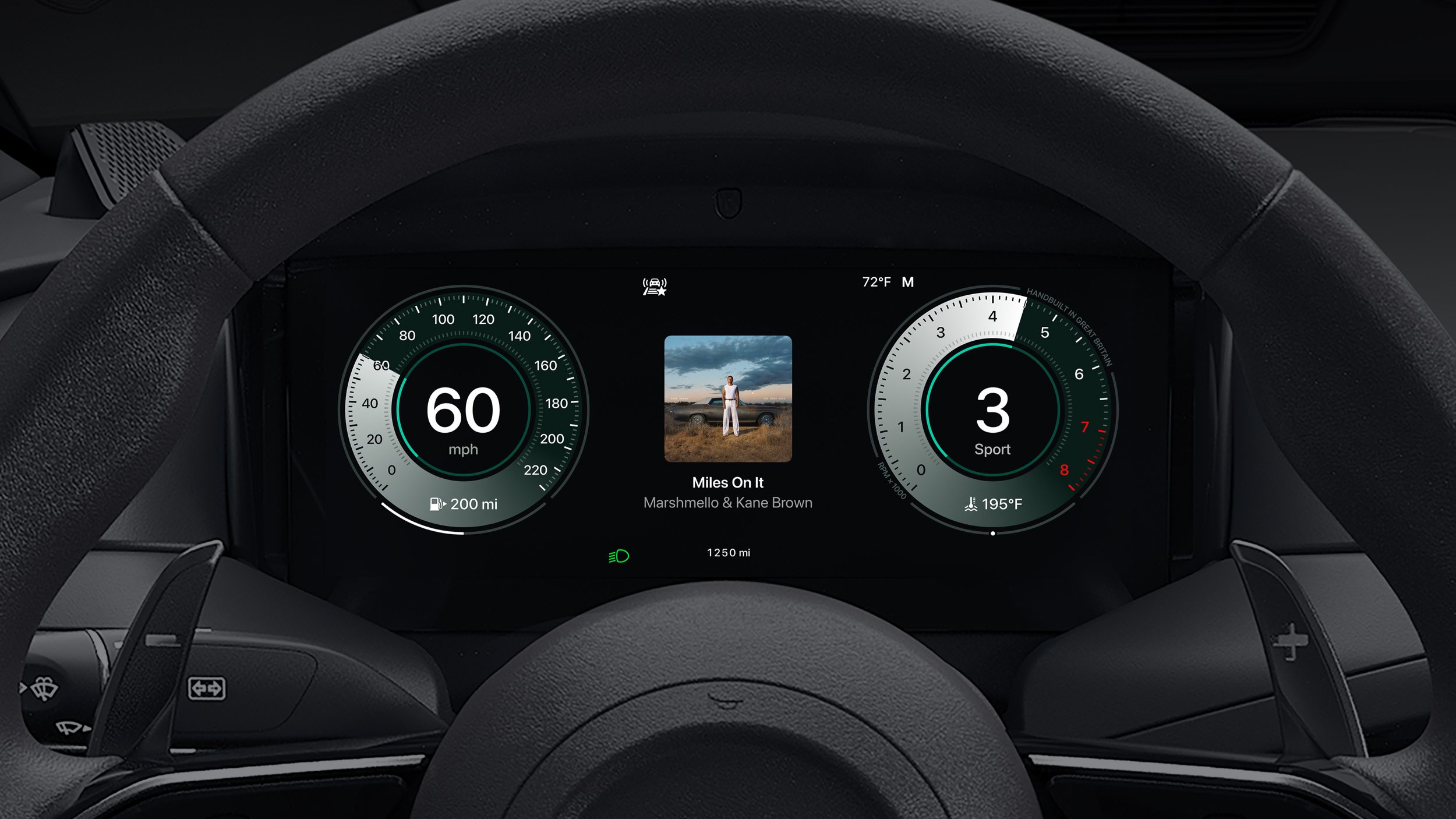
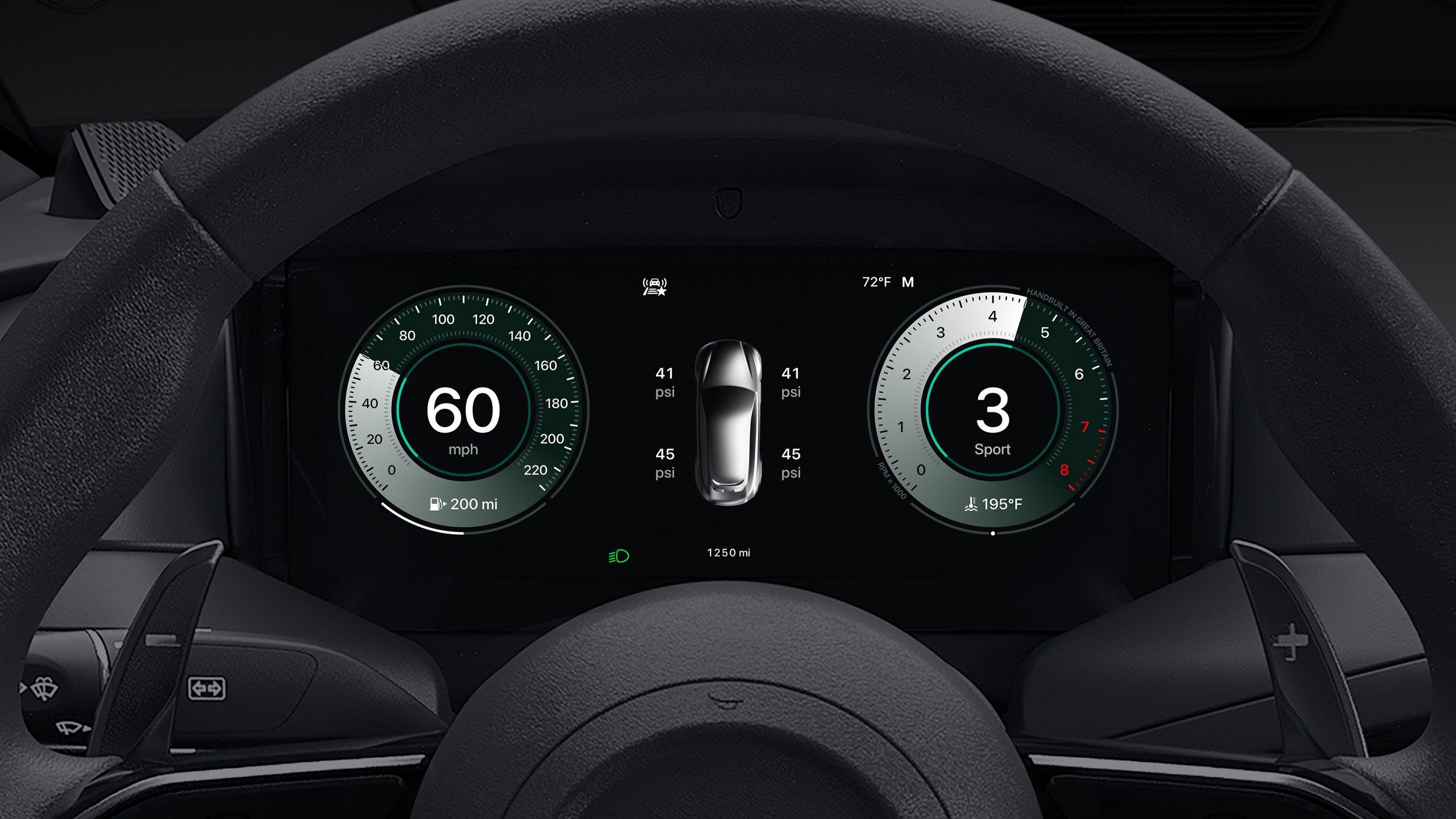
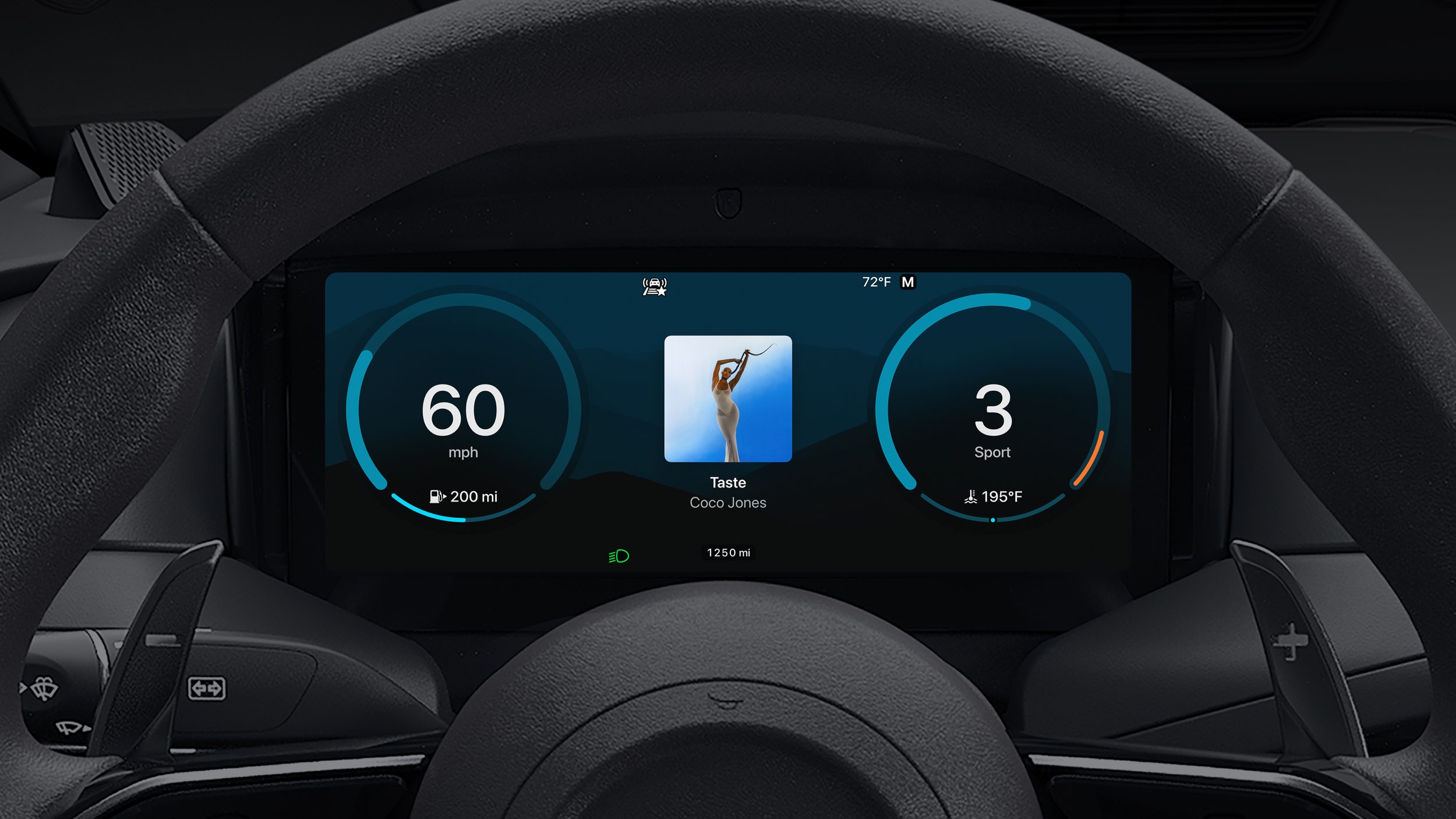
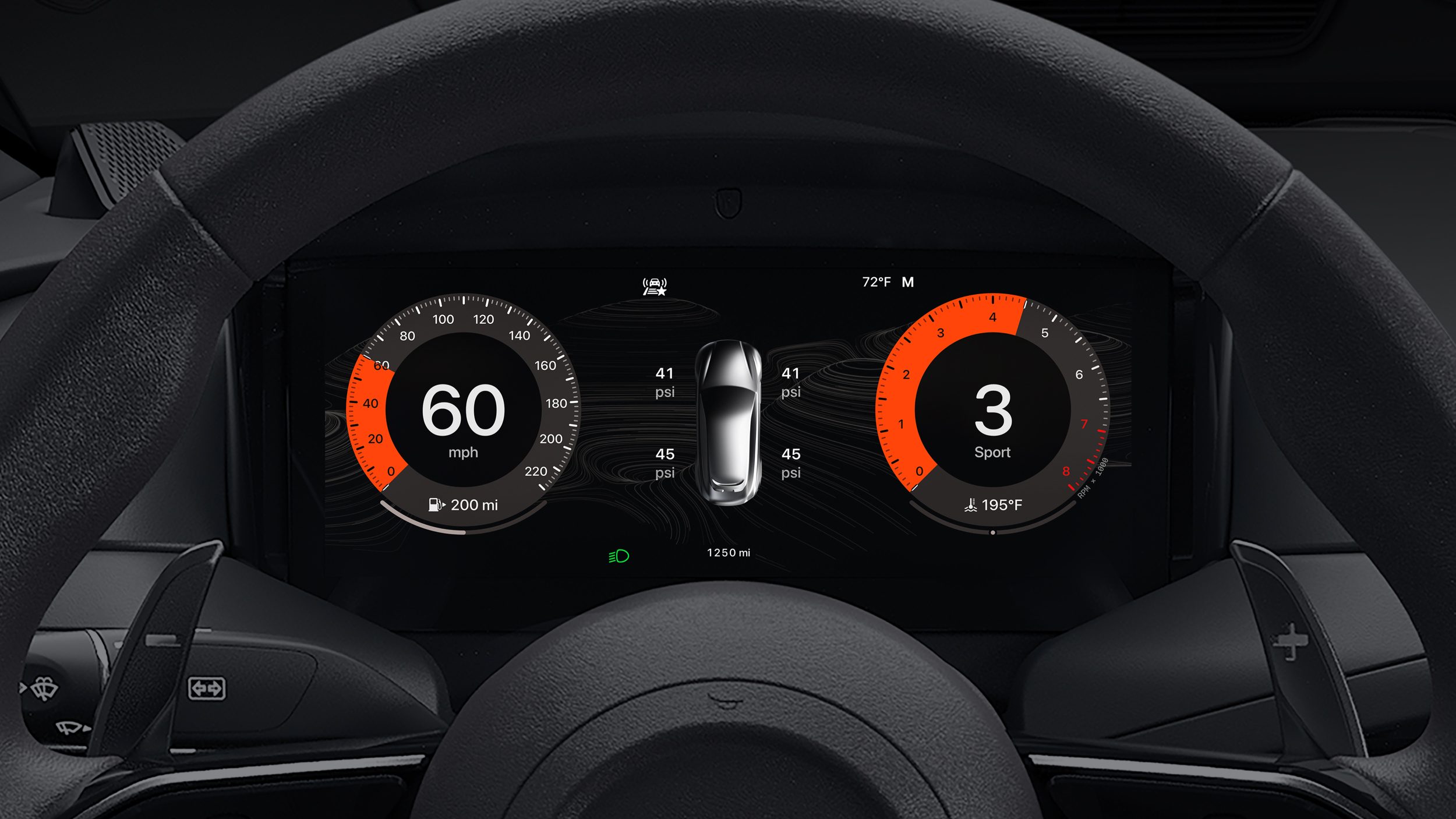
I’ve been fortunate to drive and review a wide range of cars over the years, and while I love Apple CarPlay and Android Auto integration I’m always left frustrated that they don’t take advantage of the increasingly-common full cluster displays behind the steering wheel.
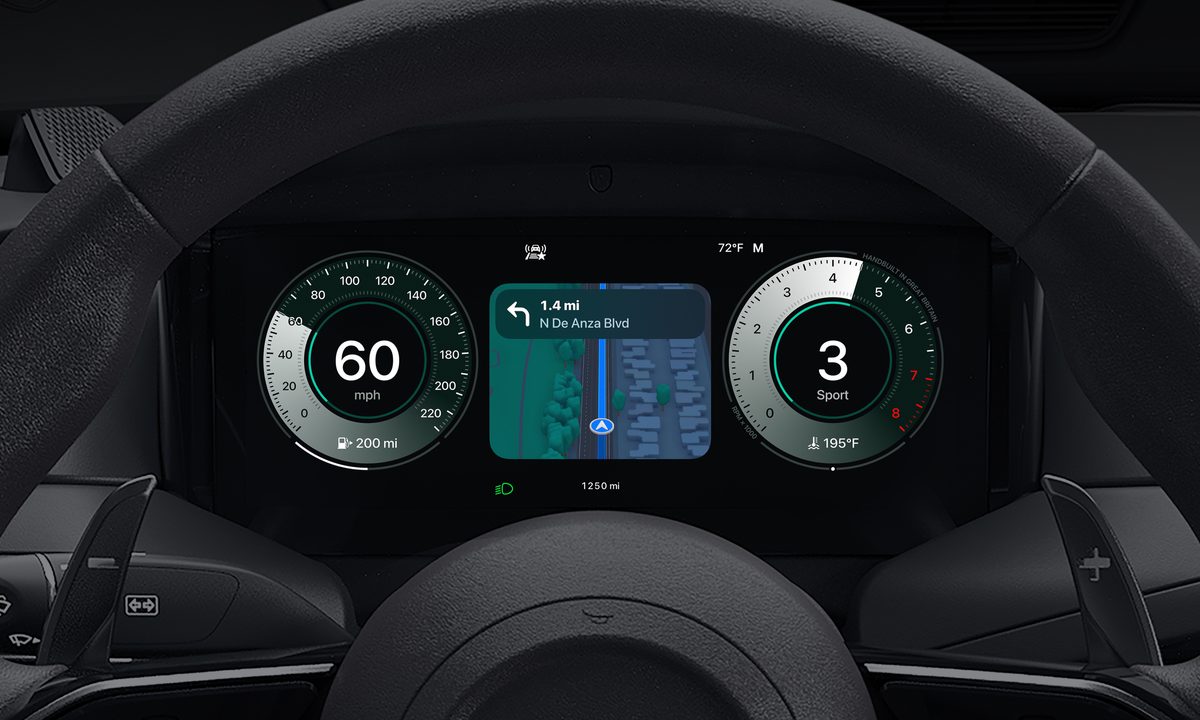
CarPlay Ultra solves my frustration, by taking over the entire digital cluster display, providing you views of important app features such as navigation in Maps, as well as the usual information you’d expect to see here – speed, revs, range etc. Apple’s worked with Aston Martin to fine-tune the design of its cluster display, with a range of themes for drivers to choose from.
How to use Apple CarPlay Ultra
To be able to use CarPlay Play Ultra you’ll need a supported car (currently, a new Aston Martin) and an iPhone 12 or later running at least iOS 18.5.
Initially, CarPlay Ultra is available in new Aston Martins cars (the DBX, Vantage, DB12 and Vanquish) ordered in the US and Canada, starting May 15. Existing Aston Martin owners in the US and Canada with a car packing the brand’s next-generation infotainment system will be able to get CarPlay Ultra in the coming weeks through a software update at local dealers. Within 12 months, Aston says it will have rolled out CarPlay Ultra to supported vehicles globally.
For those of us who can’t splash out on an Aston, the good news is other manufacturers are working on integrating CarPlay Ultra in their vehicles, with Apple confirming Hyundai, Kia and Genesis are all working on it.
We may learn even more about CarPlay Ultra next month, when Apple hosts its WWDC 2025 conference.