

Apple’s Wonderlust event brought us a revamped iPhone 15 lineup, including the iPhone 15 Pro, as well as the Apple Watch Series 9 and Apple Watch Ultra 2.
With the iPhone 15 lineup, the Dynamic Island and USB-C charging make their way to all models. The iPhone 15 Pro models got even more cool new hardware features — including the highly anticipated Action button, which was inspired by the Apple Watch Ultra.
The Action button replaces the classic mute switch toggle that has been present since the original iPhone. This new button defaults to toggling mute on or off, but it can also be customized to perform another action through a press-and-hold gesture.
As great as it is, the iPhone 15 Pro Action button is also a bit disappointing. Why? Because of one huge missed opportunity.
What can you do with the iPhone 15 Pro Action button?
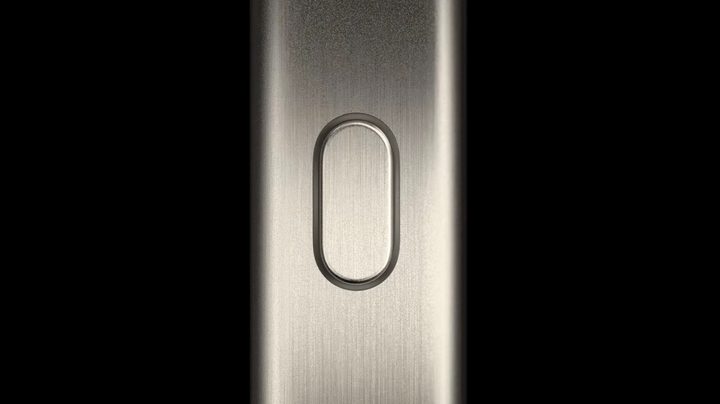
As we mentioned already, the default setting for the Action button will be to turn silent mode on or off, just like the old mute switch used to do. However, you can also assign eight other actions to it if you so choose.
Currently, these are the other options available for the Action button: Accessibility, Shortcuts, Camera, Flashlight, Focus, Magnifier, Translate, and Voice Memos.
Accessibility can bring up different settings like VoiceOver, Zoom, AssistiveTouch, Live Speech, and more options. Camera will probably be one of the more popular options, and you can even set it to launch right into a regular photo, selfie, video, portrait, or portrait selfie.
Shortcuts is the one that opens up the most possibilities, as you can create a shortcut for pretty much anything, as long as you know what you’re doing (or know where to get those cool power user shortcuts). And if you don’t have extensive Shortcuts knowledge, you can even create a very simple one to launch an app of your choosing.
How Apple could have done more
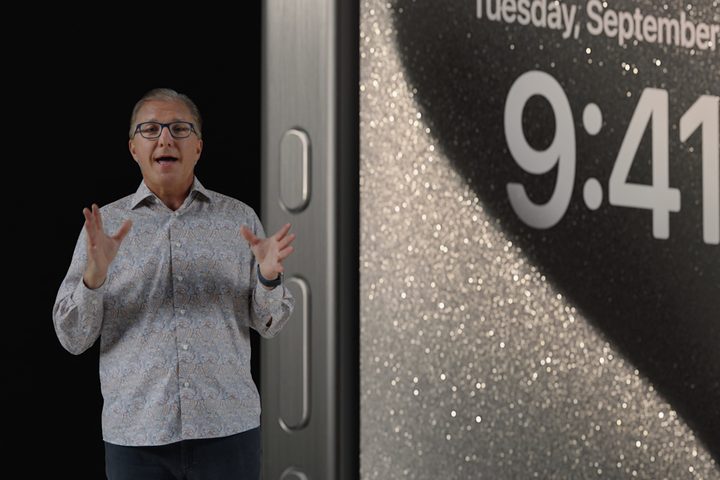
One of the things that Android phones have done much better than Apple is give users more options. On some Android phones, like the Samsung Galaxy S23, you can map multiple actions to the side key. For example, it can be set to open the camera when you press it twice, or it can launch Bixby with a long press.
From what it looks like with the iPhone 15 Pro’s Action button, however, you’re limited to just one action with the press-and-hold gesture. Perhaps this was designed specifically to prevent accidental presses with a quick press, which seems very Apple-like, but it’s still disappointing.
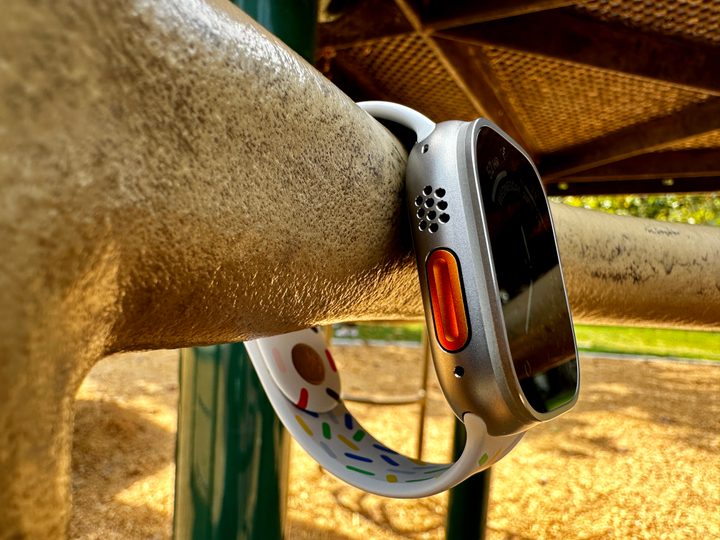
I was already disappointed with how limited the Action button was on the Apple Watch Ultra, and it seems that it’s still quite restricted on the iPhone 15 Pro. I was hoping that I could map the iPhone 15 Pro Action button with multiple actions. For example, I would prefer to double-press to launch the camera app and perhaps triple-press for the flashlight.
Perhaps this can be remedied in the future through software. I mean, how hard can it be to just add one or two more pressing gestures to a mappable hardware button?
And speaking of software, now that we can remap the Action button to launch the camera or toggle the flashlight, can we please customize the two lock screen shortcuts to whatever we want? I mean, how many different ways do we really need to get to the camera, honestly?
Apple’s on the right track with the iPhone 15 Pro’s Action button, and it’s great to see it actually come to fruition. Now, if Apple can just expand its functionality a bit more, it’ll be perfect.


