
The Samsung Galaxy Z Fold 3 has been my daily driver for a while now –and I love it. Unfolding it to get a bigger display still feels futuristic every time I do it. The cameras get the work done, and it is an amazing mobile device for productivity. But despite being the best of its kind, all things can use some improvement, and that’s the case for the Galaxy Z Fold 3 as well.
Here’s what I hope Samsung improves on with the Galaxy Z Fold 4.
A wider cover display … with a caveat
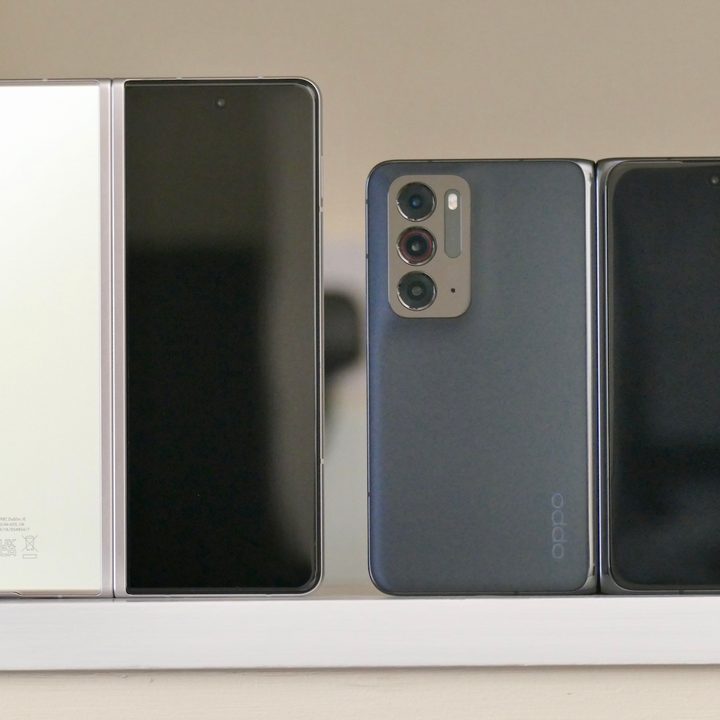
Front displays on foldables are meant to get things done quickly, without having to go to the next step of unfolding the phone. For instance, replying to that message on WhatsApp, checking the time, swiping through notifications, and anything that requires little effort. The Galaxy Z Fold 3 flies through quick tasks on the slim 6.2-inch display — unless I have to quickly type something on it.
Typing on the cover display of the Galaxy Z Fold 3 is a troublesome task. Due to the slimness of the screen, you don’t get the usable width on the keyboard, which results in a lot of typos that end up frustrating me. Making the cover display wider solves the problem of typos, but also leads to a wider foldable display.
Based on my experience with the Oppo Find N, it might not be a good idea despite the usability improvement. The web is built to operate vertically. You scroll down on stuff, be it your Twitter feed, TikTok, Instagram Reels, reading on a browser, or anything else. Personally, I’ve yet to come across an app or a webpage where I prefer a wider aspect ratio to a taller one. I like the taller aspect ratio of the Fold 3 rather than the wider aspect ratio on the Find N.
If Samsung could shrink the size of the left bezel on the cover display and increase its width, while keeping the dimensions the same as the Galaxy Z Fold 3, I’ll be glad. If not, I’ll just unfold the display to type quick replies as I have been doing.
Longer-lasting battery and faster charging
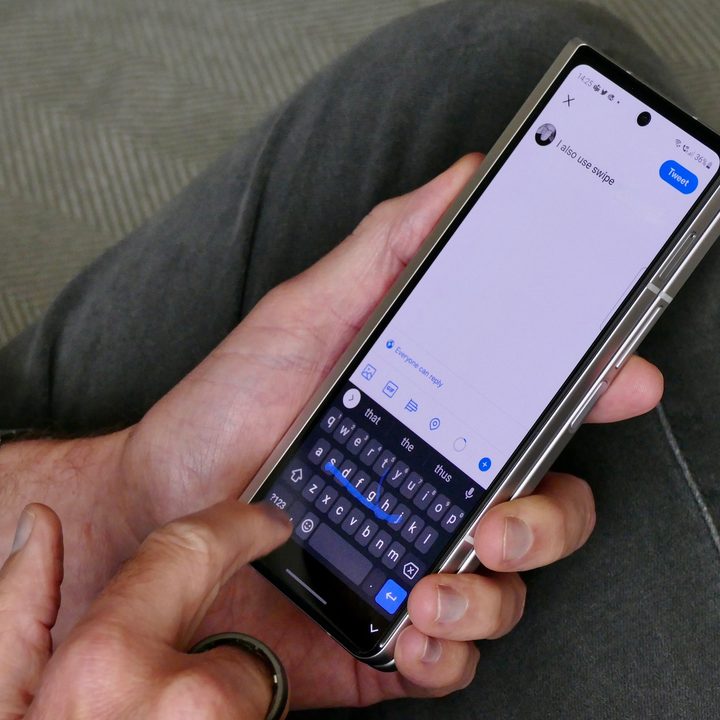
The Fold 3 battery life is above average, but not the best. If you push it to the limits or have a busy day without access to Wi-Fi, it’ll drain the battery before you get to bed. And unfortunately, the fast-charging support is limited to 25 watts.
With Chinese smartphone manufacturers raising the bar on fast charging to a mind-boggling 120W, I hope to see the Galaxy Z Fold 4 offer up to 45W fast charging at least. I’m fine with a 4,400mAh battery if I get support for fast charging that can get my phone from 10% to 60% within 35 minutes or so. Samsung has done it before with the Galaxy S20 Ultra, so there’s no reason it can’t bring 45W fast-charging support to the Galaxy Z Fold 4.
An upgrade to 11W fast wireless charging would also be much appreciated.
Make it lighter
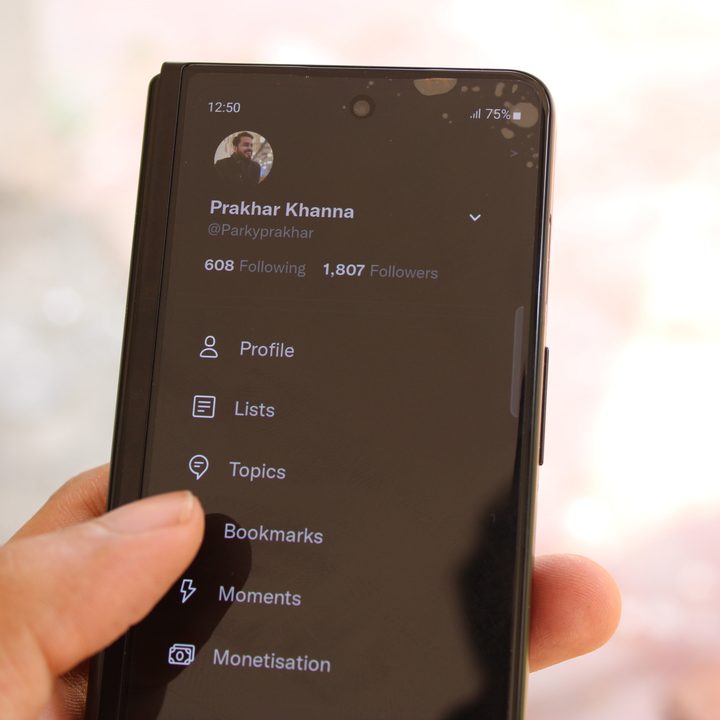
The first thing you realize when you start using the Galaxy Z Fold 3 is its weight. Depending on how you hold the phone, your pinkie finger could feel strain when using it folded for longer durations. That shouldn’t be the case with any foldable. It unfolds! Use it that way.
A reduction in the current 271-gram would be a welcome change and provide some relief to people’s pinkie fingers. I have had no major issues with the weight on my current Fold 3, but a lighter model would just feel better in the hands.
Better app optimization

This one has much more to do with Android app developers than Samsung, but apps could definitely use some optimization. And by app optimization, I don’t mean a full-screen Instagram (although, you can do that in the Samsung Lab in Settings).
Apps like WhatsApp, which is used by billions of people, need to step things up. On the Galaxy Z Fold 3, if I’m clicking a photo from the app, it magnifies everything. The viewfinder doesn’t give you an accurate estimate of what your photo is going to look like. Everything is blown up and magnified – even on video calls! If the user at the other end is holding the smartphone at the usual distance, you’ll see a cropped version on the folding display.
I hope WhatsApp can push out an update that fixes things, especially when its sister app — Instagram — has it all figured out in the Stories section. Instagram Stories don’t crop or magnify your image in the viewfinder.
There’s a decent chance the situation will start to improve with Android 12L, but a lot still rides on app developers implementing these changes.
Creaseless folding display
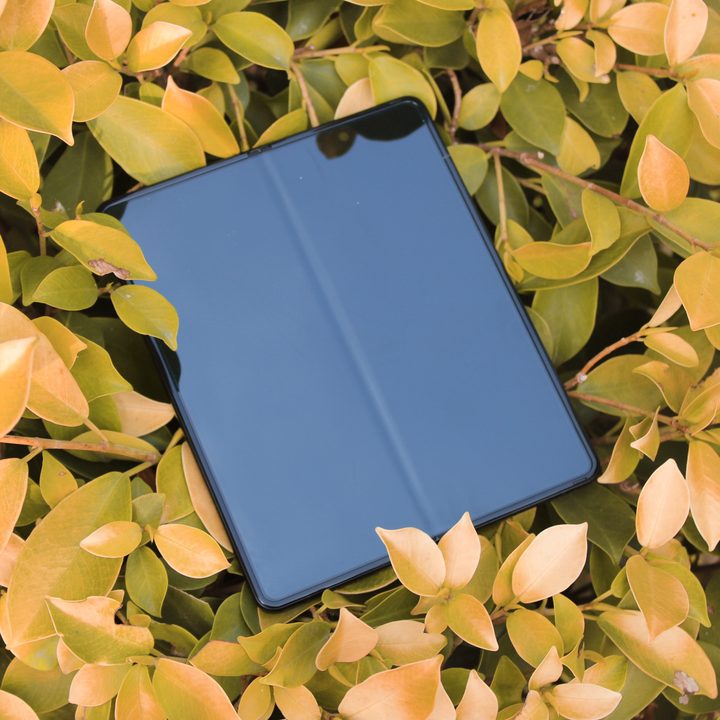
The crease on the Fold 3 folding display is much like the notch on Apple devices – you stop noticing it after a while. However, it is still noticeable when there’s a dark background, especially when reading something on the Kindle app, which is a common use case for me. Despite the crease bothering me sometimes, I love reading on the Fold 3.
On the other hand, the Oppo Find N‘s foldable display doesn’t have a deep crease like the Fold, though that might change after long-term use. But out of the box, the Find N has a much more seamless foldable display that looks and feels more pleasant to use. I just wish Samsung could figure out a way to minimize the crease to make my reading experience more pleasant.
Better UDC selfie shooter on the inside
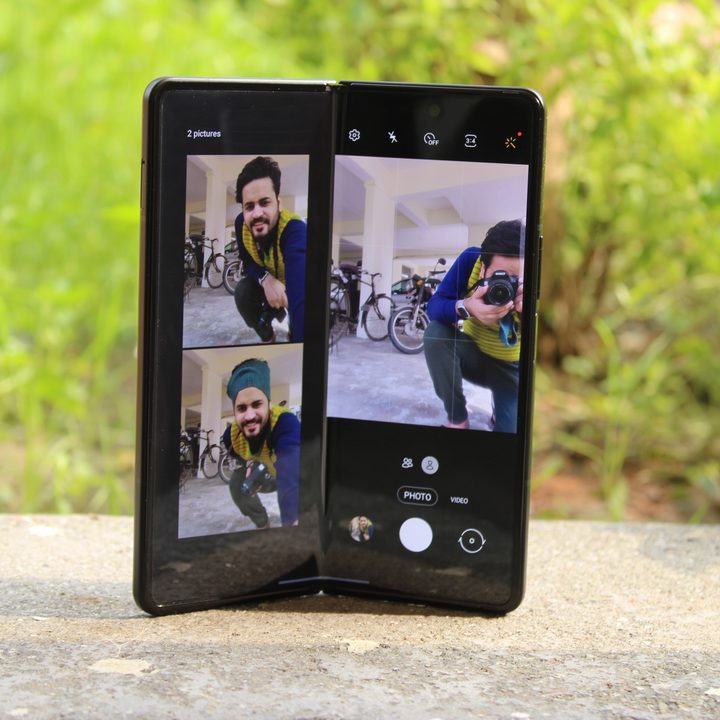
When Samsung debuted the 4MP under-display camera (UDC) on the Fold 3, it was making a huge bet by adding an innovative new feature while also sacrificing usability. It’s beautiful to have a 7.6-inch display without any cutout bothering you and makes full-screen content appear more thrilling.
However, the quality of the selfies taken from the UDC isn’t great, as we noted in our review. Fortunately, Samsung is likely already working on a next-gen UDC with better image quality output, and I hope it debuts on the Galaxy Z Fold 4.
Built-in dock for S-Pen
Samsung introduced the capability of S-Pen support from its Note lineup to the Galaxy S21 Ultra and the Galaxy Z Fold 3. However, both of them missed out on a huge functional design feature that the Note had – a place to keep the S-Pen. If the Galaxy S22 Ultra renders are anything to go by, Samsung is already working on a place you can slot the S Pen without needing to shell out for a special case. That’ll make the S22 Ultra feel much more like the presumably defunct Note series, while the Z Fold 4 could get this slot, too, and serve as a more effective note-taking slate.
When will Galaxy Z Fold 4 launch?
The Galaxy Z Fold 4 has largely replaced the Galaxy Note lineup, which used to serve as the second flagship series lineup for Samsung. Now, the Galaxy Z Fold 4 is expected to launch alongside the Galaxy Z Flip 4 toward the end of 2022.


