  1. Home
  2. Phones
  3. Android
  4. Computing
  5. Mobile
  6. Photography
  7. Social Media
  8. Web
  9. News

Google Photos is one year old — here’s what’s next for it

Add as a preferred source on Google

Hard to believe, but Google Photos is nearing its first birthday. And boy has it been a success. Photos was launched as a new way to organize and manage your photos on Android, iOS, and within a browser, and in the span of one year it has gained a hefty 200 million users.

In celebration of Photos’ first birthday, the team behind that app has come up with a few favorite tips and tricks for using the service. One of these involves pressing Shift-? to see a list of keyboard shortcuts useful for navigating Photos.

Recommended Videos

Another cool feature is a real space-saver. When using Photos, you use storage space from Google Drive if you choose to upload your images in original quality. To save space, however, you can have your photos automatically converted from “original quality” to “high quality” by flicking a switch in settings.

A successful launch, however, isn’t the only thing that makes a successful product. It’s also important that Google update Photos, ensuring that users get what they need and that another service doesn’t come in to dethrone it. So what kinds of features could be next? According to a report from Buzzfeed, the team over at Photos has a few ideas.

First of all, it looks like Google is looking into smarter photo storage — such as using artificial intelligence to automatically delete blurry or duplicate photos. With this, you may not need to convert your photos to a lower quality after all.

A big feature of Google Photos is Google Assistant, which will soon be implemented throughout other Google Products. Assistant will also be able to automatically group photos, group photos based on the people in them, and so on. What this means is that you’ll be able to search “mom at the Eiffel Tower,” for example, and find any photos you took of your mother at that famous site.

All in all, Photos has grown into an extremely helpful service, and it looks like that’s not going to change anytime soon.

Christian de Looper
Christian de Looper is a long-time freelance writer who has covered every facet of the consumer tech and electric vehicle…
You could soon use Apple Music without paying full price
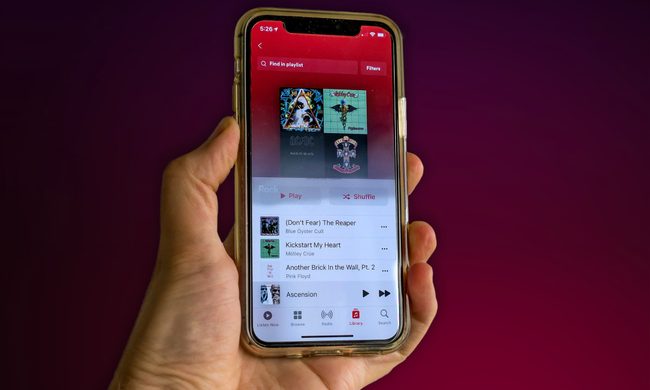
A person holds an iPhone 11 with the Apple Music app open.

Apple Music has spent years proudly standing apart from Spotify and other streaming rivals by refusing to offer a free listening tier. That stance may not change just yet, but a newly discovered clue suggests Apple could be experimenting with different subscription tiers for its music service.

The discovery comes from developer Aaron Perris, who spotted new strings inside the beta version of Apple Music for Android. Among them are references to “premium access” and an error message that appears after a user reaches a track-skipping limit. On their own, the strings don’t tell us much. However, they paint an interesting picture.

Read more
Oppo next flagship could bless your selfies with a 100-megapixel front camera
A leaked 100MP square-format front sensor for the OPPO Find X10 would make it the first Android phone to rethink selfie camera geometry.
Oppo Find X9 Ultra Back

The last time a selfie camera really impressed me was the iPhone 17’s Center Stage front camera, but no Android manufacturer even comes close. It looks like smartphone makers have forgotten the front cameras, as there has been no serious innovation in the last few years. 

Well, Oppo might change that arrangement this year. Chinese tipster Digital Chat Station (via Weibo) claims that Oppo is testing a 100MP square-format front camera sensor for its purported Find X10 series. If it makes the cut to a commercial release, the Find X10 would be the first Android smartphone to ship with a 1:1 square selfie sensor.

Read more
Google Drive can now batch-scan your documents and spare you a few other frustrations, too
The automated scanning experience runs entirely on your device, without sending anything to Google’s servers.
Electronics, Phone, Mobile Phone

Scanning documents from a phone has always been a frustrating experience, especially on Android smartphones. You’ve to scan one page at a time, blurry captures you don't notice until after, or accidentally hovering over the same page twice; all these issues bother users on a day-to-day basis. 

Well, Google Drive's new document scanner redesign fixes all three problems at once. Announced by Sameer Samat, the President of Android Ecosystem at Google, the feature is now rolling out for Android users.

Read more