
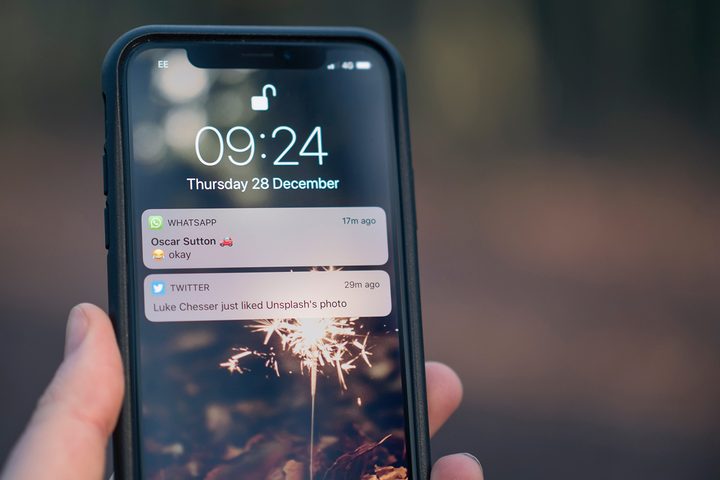
Notifications are a necessarily evil for a lot of us. We get loads of them every day, only some of which have any real importance. You know how it goes. You let them stack up all day and when you finally get a chance to sift through it all, you’re welcome by a huge mess of a lock screen. Thanks to iOS 12, clearing notifications on an iPhone is easier than ever. Here are all the ways you can dispose of them once they have served their purpose.
Clear one notification
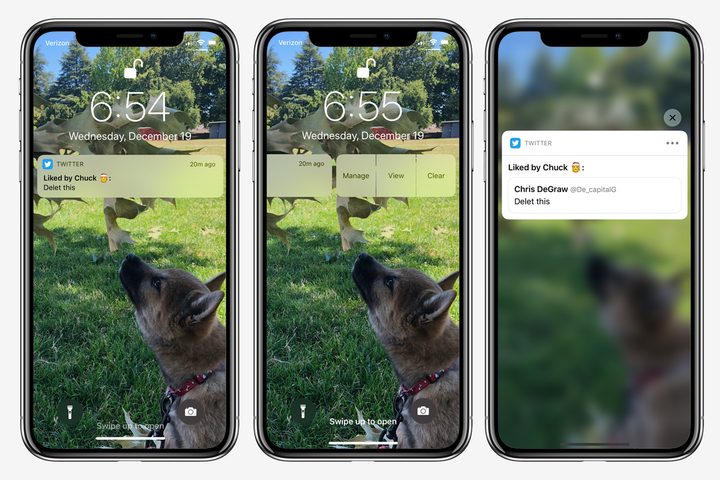
As we all know, when you get a notification, it lights up your phone and requests your attention to the lock screen. You can, of course, tap this notification to launch into the respective app, which will also clear it. You can also swipe right on it to accomplish the same task. Swiping left will reveal three additional options: Manage, View, and Clear (or Clear All if this is a set of grouped notifications), the last of which will get the job done even more quickly. Another way is to swipe the notification from the far right to the far left edge of the screen, where a larger Clear bubble will appear. Let go once you see that prompt to clear it.
Lastly, with rich notifications, you can clear a notification when in its expanded view. Hold down on it to bring up the full interactive notification, then tap the ‘X’ in the corner to clear it.
Clear all notifications
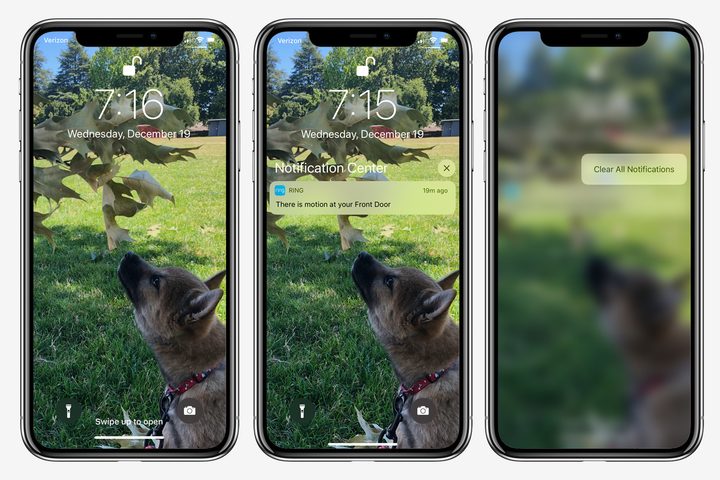
Here’s where things get really satisfying. You can get rid of everything at once because iOS 12 brings the long sought-after functionality to clear all notifications with just a couple of taps. In iOS 11, this feature was only available to people with devices that supported and had enabled 3D Touch. It won’t be accessible when you first receive a notification, but once you have put your phone to sleep and woken it back up, you can swipe up on the lock screen to jump into the Notification Center. From here you can press and hold the ‘X’ above your notifications to reveal a hidden Clear All Notifications option. Give that puppy a tap and all the clutter will elegantly dissolve to reveal a clean, beautiful, empty lock screen.
With the introduction of new phones that don’t support 3D Touch, like the iPhone XR, it’s no surprise that Apple is starting to make features once only available to people with higher-end models accessible from all devices running iOS 12. This may be a bad sign for the future of 3D Touch as a whole, but we’re just happy to see universal functionality in place of device limitations.
That’s it, you’re in the clear! Now, if only there were a guide to getting fewer emails in the first place.


