
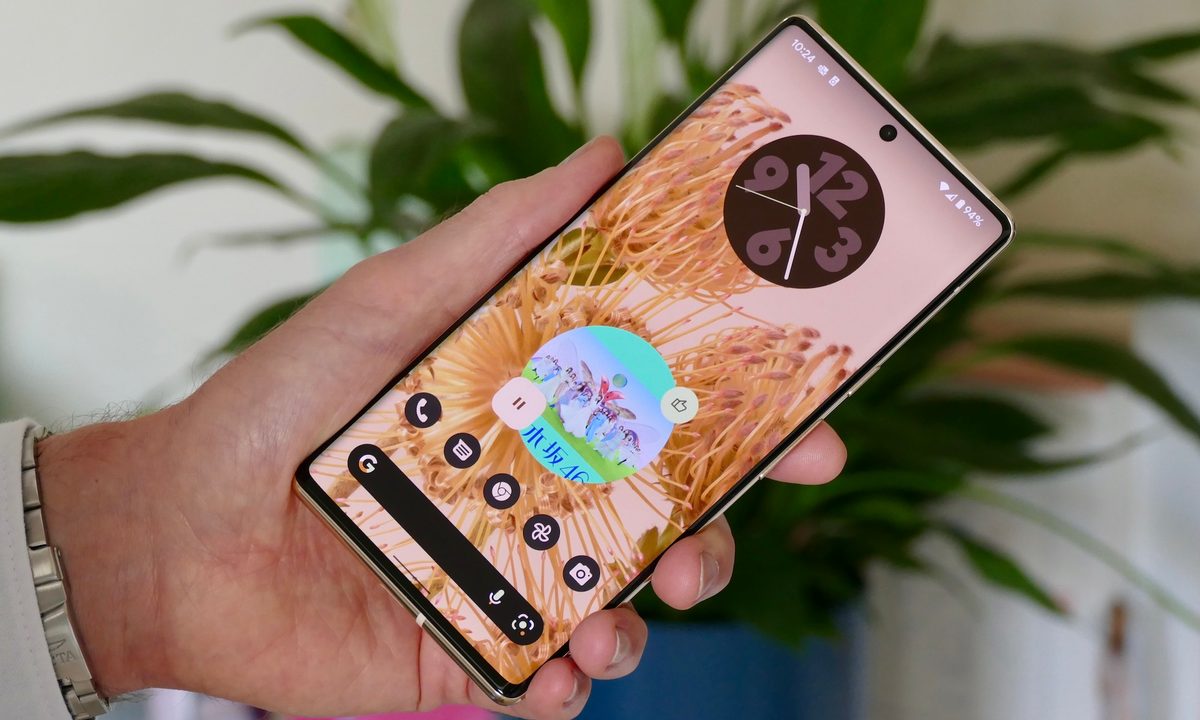
Android 13's public beta is now live, but that doesn't mean it's upgrade time yet. Only a small number of smartphones can access Android 13's public beta, and that means, for now, Android 12 is still the latest and greatest Android offering.
But how do you download and install Android 12 to your smartphone? How do you even know if your smartphone is eligible for Android 12? We've got the lowdown on it here, with some hot tips on when you might be able to expect Android 12 to land on your smartphone, plus how to download it when it does land.

When can you expect Android 12 to arrive?
This can be a fairly difficult question to answer, and that's because of the way Android works. Google's own Pixel phones are always going to be the first phones to get new Android versions, closely followed by those brands who use unaltered, "stock" versions of Android, like Nokia. After that, though, release dates come down to how quickly individual manufacturers can create their brand's "skins" for the new version. As such, it takes a lot longer for brands like Samsung or OnePlus to release their new versions of Android. Thankfully, they're also generally quite vocal about releases, and we've gathered all that info into our Android 12 release timetable.
As for whether your phone will get Android 12 at all, that tends to come down to a few factors. The first is age: Newer devices are more likely to receive big updates, and as your device ages, it's less likely to get the next version. The next factor is price: More expensive devices get more updates. Some cheaper devices don't even get a single Android update, which is something we're really not keen on — new Android versions are vital for continued security updates at the very least, and not getting updates can seriously hamper a smartphone's lifespan.
If you're not sure whether your phone is going to get the Android 12 update, check our previously mentioned Android 12 release timetable. If you can't find your phone's model in that list, then it's worth Googling your question to see whether there's been any more recent news about it.

What new features can you expect in Android 12?
Before you actually download Android 12, you'll want to know if it's even worth downloading. In short, what are you getting from this version of Android that you don't get from Android 11?
The biggest change is a dramatic change in style. Android 12 was the debut of Google's new design language, called Material You. Buttons are bigger and bolder, with more rounded edges. The rise of huge devices means Google isn't worried too much about screen space anymore, and that shows in Android 12's design. These larger buttons and sliders mean everything is easier to spot and — crucially, for many — easier for fast-moving fingers to select accurately.
The bigger buttons mean the notification shade gets a big rework, with buttons now being much larger and easier to toggle. There are also new privacy controls, courtesy of the Privacy Dashboard, which let you see which apps you've given permissions to, as well as a timeline of when apps have accessed your location data.
Those are some of the biggest new features, but they're not the only ones. Our Android 12 news post has a full breakdown of everything Google is bringing to the table with Android 12.

How to install Android 12
But enough about all that — how do you actually get going? Well, start by backing up your device. Big updates like these don't wipe your data like they used to, but accidents do happen, and it's worth backing up just in case. We have a guide on backing up your Android phone, so make sure to do your due diligence before you start, as no one wants to lose data.
Once that's done, follow these steps.
Step 1: Open the Settings app.
Step 2: Head to Settings > System > System update. That's the pathway on Google phones, but your exact pathway may vary. For example, on Samsung phones, you'll just scroll down until you find Software update in the main Settings menu.
Step 3: Regardless of how you get there, select Download and install.
Step 4: Your phone will check for updates. If one is available, simply follow the instructions to install it. Keep in mind that your device will restart and be busy for about half an hour, so don't start this if you're expecting an important phone call.
Once this has completed and your phone has restarted, you should be running the new version of Android. Congratulations, and have fun!


