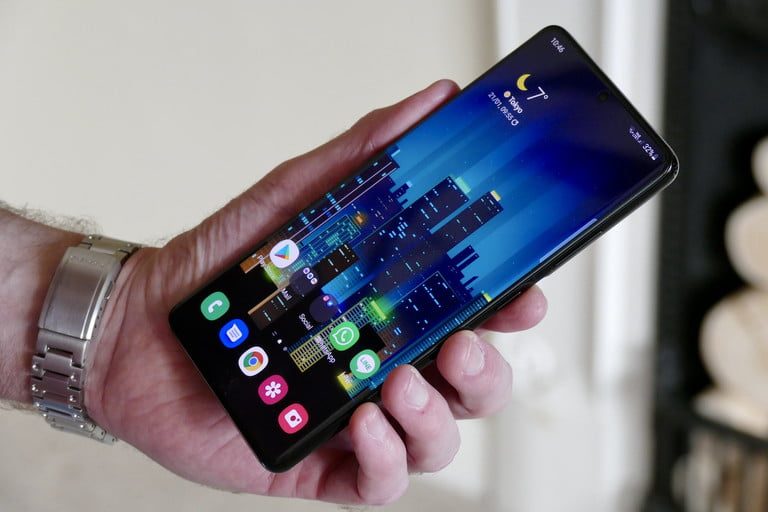
It seems like just yesterday that people were excited about 3G networks -- but here we are, with 5G readily available throughout the country. Offering the fastest possible speeds, 5G provides you with incredible connectivity and an overall improved smartphone experience. However, 5G isn't perfect. Select locations still don't have the best support, and if you're not actively using it, you might be tempted to turn 5G off entirely.
Thankfully, its possible to turn off 5G networks on Samsung smartphones, including the new Galaxy S24. This option is typically available for all major carriers, including Verizon, T-Mobile, and AT&T. If you don't need 5G network coverage, consider diving into its setting menu and toggling it off.
Need help with the process? Here's how to turn off 5G on a Samsung smartphone. Note that this process should be the same across almost all Samsung smartphones, though it may vary based on which software version you're running.

How to turn off 5G on a Samsung phone
These instructions will work on most Samsung phones with 5G connectivity.
Step 1: Go to Settings, then find the Connections menu.
Step 2: Tap on Mobile Networks.
Step 3: Tap on Network Mode.
Step 4: Select LTE/3G/2G (Auto), LTE/CDMA, or one of the other 4G/LTE options to prevent the phone from using 5G. It’s easy to switch it back on whenever you want.
Depending on your carrier and whether your phone is unlocked or purchased from a carrier, you may find there are fewer options available under Network Mode. You may see just Manual and Automatic, or have no option to adjust the settings at all. (Verizon’s particularly strict about this.) If this is the case, your carrier may be blocking your ability to turn off 5G — there is, unfortunately, nothing you can do about that.
Why turn 5G off?
Unless you live in a small town or rural area, it’s probably best to leave the 5G Auto setting enabled, so you can take advantage of faster speed where it’s available and conserve (some) battery life where it’s not. But if extra speed isn’t critical, or you’re concerned about battery life, just leave your 5G off for now.
It’s worth pointing out that turning off 5G won’t necessarily save a significant amount of battery. Your phone isn’t constantly searching for a 5G tower — it knows when 5G is available. When you’re connected to a 4G network, if that tower also supports 5G, it will “hand off” your phone to the 5G signal. On some networks, the same antenna may be used for both 4G and 5G, and on other networks, you won’t even be switched over to the faster connectivity until you start using data. Don’t think that just because you’re in a 4G-only area that your phone will constantly “search” for 5G.
Don’t feel compelled to turn off 5G for the sake of battery life, unless you’re frequently traveling on the edge between areas with and without 5G, which could affect your battery life. The default 5G settings are designed to work for most people — but remember, if you decide to turn them off, it’s easy to switch them back on again.
Always double-check with your carrier to ensure your plan supports 5G, or whether you’ll need to adjust your plan or possibly even replace your SIM card to accommodate the next-generation technology.
In short, there aren't many drawbacks to leaving 5G enabled. If you've invested in an expensive device like the Galaxy S24 Ultra or Z Fold5, you'll probably want to take advantage of its support for 5G. The new and improving network type is a big selling point of the gadgets, and turning it off takes away one of their best features.