  1. Home
  2. Phones
  3. Mobile
  4. How tos

How to use spatial video recording in iOS 17.2 (and why it’s a big deal)

Add as a preferred source on Google
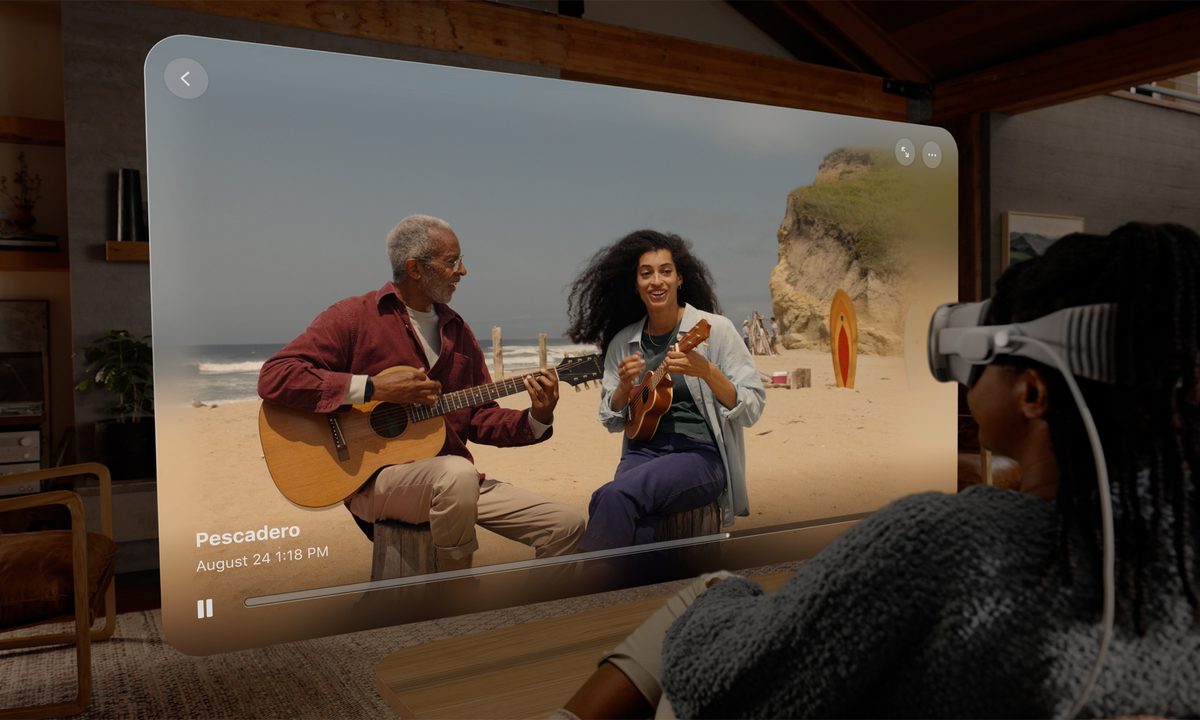
Spatial Video on Apple Vision Pro.
Apple

If you happen to have an iPhone 15 Pro or iPhone 15 Pro Max, you can now access a new feature in iOS 17.2. This feature is called Spatial Video, which is a brand new video recording format that works with Apple’s upcoming Vision Pro headset. Although the headset is not yet available, you can start recording videos in this format on your iPhone right now, thanks to the iOS update. Here's how to activate it.

Recommended Videos

Difficulty

Easy

Duration

5 minutes

What You Need

  • An iPhone 15 Pro or iPhone 15 Pro Max

  • iOS 17.2 installed on your device

The release of the much-awaited Vision Pro headset is expected in the first quarter of 2024. In the meantime, you can use your supported iPhone to record videos in a new format called Spatial Video.

How to turn on Spatial Video recording on your iPhone

Here's how to activate Spatial Video on your iPhone 15 Pro or iPhone 15 Pro Max.

Step 1: On your device with iOS 17.2 installed, open the Settings app.

Step 2: Scroll down, choose Camera, then select Formats.

Steps showing the activation of Spatial Video on an iPhone 15 Pro or iPhone 15 Pro Max with iOS 17.2 installed.
Digital Trends

Step 3: Scroll down, then toggle on Spatial Video for Apple Vision Pro.

Steps showing the activation of Spatial Video on an iPhone 15 Pro or iPhone 15 Pro Max with iOS 17.2 installed.
Digital Trends

Step 4: And that's it! With just a couple of taps, you've officially enabled Spatial Video recording on your iPhone. But what exactly does that mean?

Why you should care about Spatial Video recording

When you enable Spatial Video, it only affects the videos viewed on Apple Vision Pro headsets. These devices offer an immersive viewing experience that appears to be three-dimensional. The video files are recorded at 1080p and 30 frames per second. You would need about 130MB of storage space to store every minute of video.

For the best results, Apple recommends recording in landscape format. It will be interesting to see where Spatial Video goes from here, and it’s reassuring to know that recording in this format does not affect existing devices.

But it all comes back to the Vision Pro headset. If you plan on buying one, and you want to watch your recorded videos on it, it's a good idea to enable this setting. But if you have no intention on purchasing a Vision Pro when it becomes available in 2024, you're fine to ignore this setting. It's a big deal for Vision Pro enthusiasts, but for everyone else, it's just another iPhone setting you don't have to worry about.

Bryan M. Wolfe
Former Mobile and A/V Freelancer
Bryan M. Wolfe has over a decade of experience as a technology writer. He writes about mobile.
Apple says Lockdown Mode thwarted spyware attacks with a clean slate
Apple’s strongest defense is actually holding up
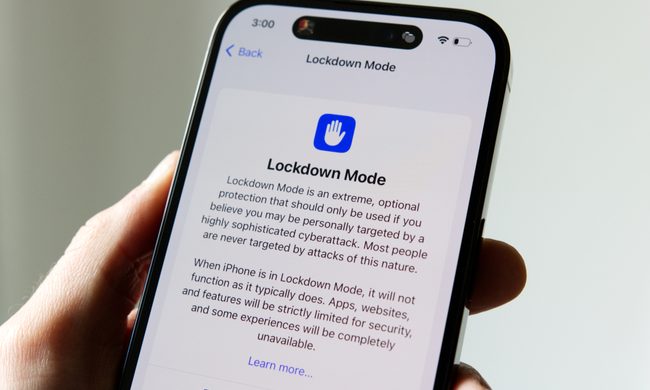
Lockdown Mode information page on an iPhone 14 Pro.

Apple says it has not seen a successful spyware attack on any iPhone with Lockdown Mode enabled, a claim it shared with TechCrunch.

Lockdown Mode arrived in 2022 as an opt-in feature for iPhone, iPad, and Mac. It was introduced as a stricter security mode for people at high risk of targeted attacks, such as journalists, activists, and government officials.

Read more
The Dynamic Island could shrink on the iPhone 18 series, and not just on the Pro models
One leaker, one claim, and a big question: is Apple genuinely ready to give every iPhone buyer the same design treatment as Pro owners this cycle?
Apple iPhone 17 Pro in Cosmic Orange leaning on a gray wall.

Apple’s Dynamic Island has been around long enough that most people have made their peace with it or forgotten it’s there. In fact, I’ve seen people associating the pill-shaped notch with newer iPhone models (released in the last 3 years). Now, a fresh leak suggests that the notch replacement is about to shrink, not just on the expensive models. 

What did the leaker actually say?

Read more
Apple Podcasts finally gets serious about video, adds multiple YouTube-inspired features
With offline downloads, Picture-in-Picture, and a dedicated video hub, iOS 26.4 turns Apple Podcasts into a platform creators can no longer afford to ignore.
Electronics, Phone, Mobile Phone

For years, the Apple Podcasts app supported video, at least it did technically, but nobody used it. Creators ignored it, while listeners forgot it. Meanwhile, other platforms like YouTube and Spotify quietly built empires on video podcasting. However, that changes with the iOS 26.4 update, or at least that is what Apple hopes for. 

Video podcasting exploded in popularity in recent years, with audiences gravitating toward platforms that treated the format well (as already mentioned above). Despite being an iPhone user, I personally consume podcasts on YouTube (I briefly paid for the Premium membership as well). 

Read more