  1. Home
  2. Phones
  3. News

iOS 26.4 puts your iPhone in anti-theft mode by default

With iOS 26.4, Apple automatically activates Stolen Device Protection, strengthening iPhone security while adding encrypted RCS messaging, video podcasts, and AI-powered playlist creation tools.

Add as a preferred source on Google
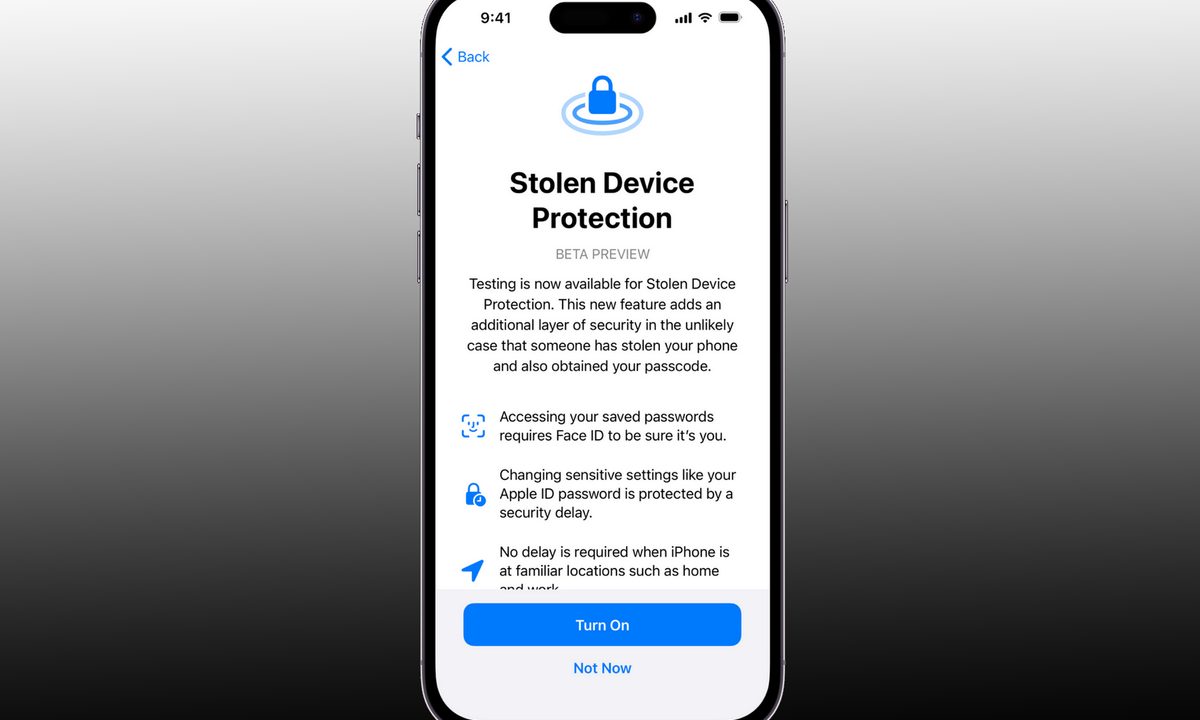
Stolen device protection feature on iPhone.
Digital Trends

The first developer beta of iOS 26.4 is rolling out, and with it, Apple is flipping a major security switch for buyers. A security feature that was previously optional is now enabled by default for everyone, making it harder for thieves to change your iPhone’s critical settings.

We’re talking about Stolen Device Protection (first released with iOS 17.3), the feature that is designed to protect your Apple ID, saved passwords, payment methods, and other sensitive information, even if someone knows your iPhone’s passcode.
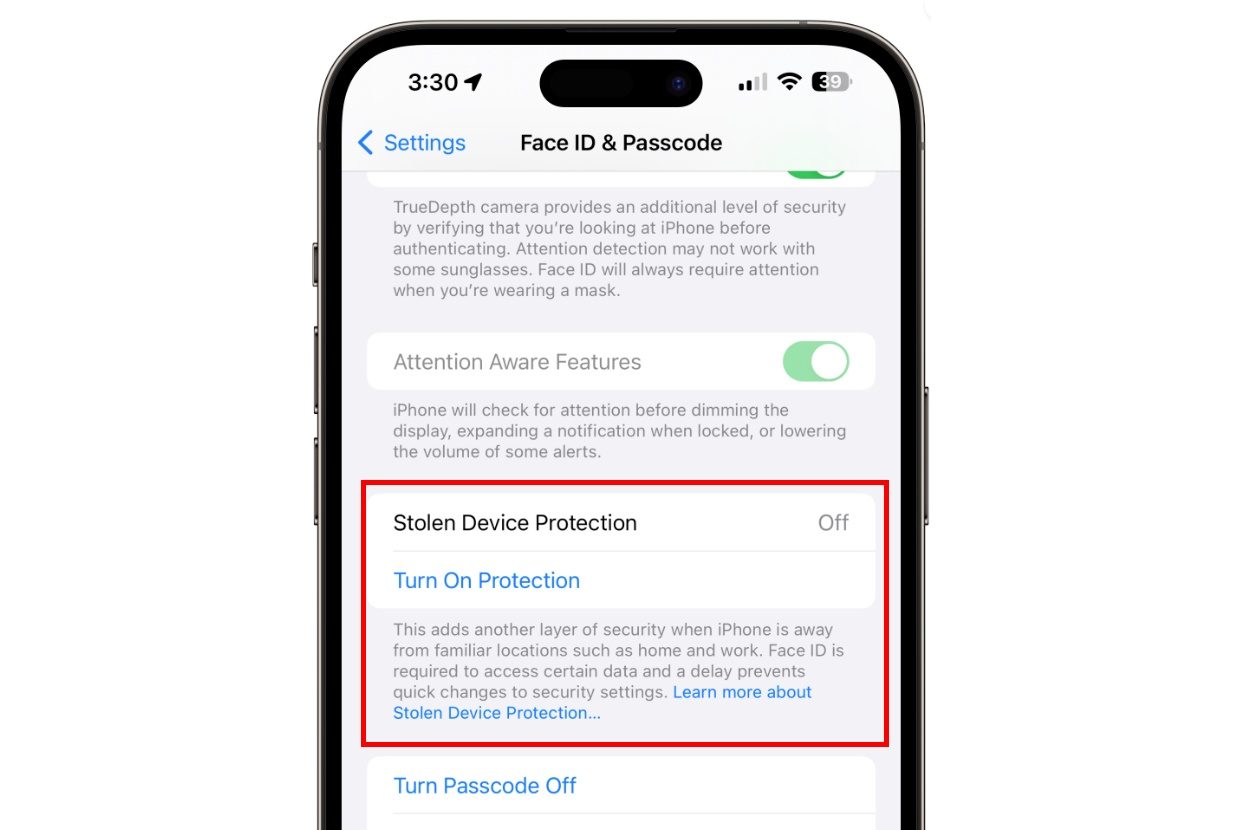
Changing critical security settings requires more than just a passcode

The feature asks for more credentials than your iPhone’s passcode (such as Face ID or Touch ID) for actions like viewing or using passwords or passkeys saved in iCloud, viewing an existing Apple card or applying for a new one, turning off the Lost Mode, and erasing all the content and settings.

Recommended Videos

Further, the feature also delays changing critical security settings, such as the Apple ID password, adding or removing trusted devices, changing the iPhone’s passcode, and adding/removing Face ID or Touch ID, for an hour.

It also requires biometric authentication, followed by a one-hour security delay and a second biometric confirmation before changes can be made.
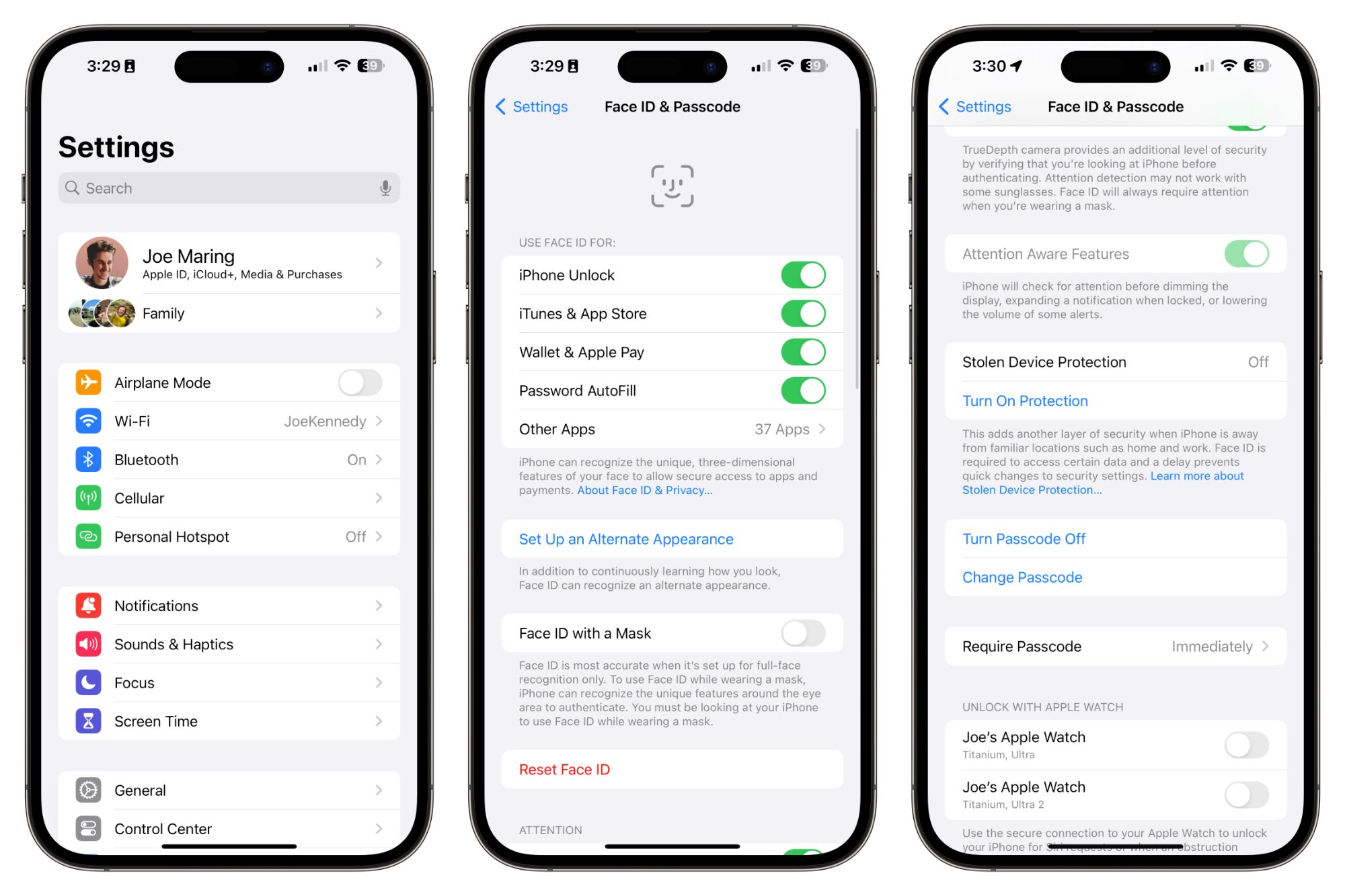
Why this matters

Basically, by enabling Stolen Device Protection in iOS 26.4, Apple is making it harder for bad actors to exploit the critical information stored on your phone or to reset it and sell it for quick cash.

In other words, your iPhone will be more paranoid than usual, even when you’re using it, but it is better to have the feature and not need it than to need it and realize that you didn’t turn it on (which is the entire point of making it a non-optional feature).

Elsewhere, the iOS 26.4 developer beta also includes encrypted RCS messaging support, native video support in Apple Podcasts, and a new Playlist Playground feature in Apple Music. A full public release of iOS 26.4 is expected this spring.

Shikhar Mehrotra
For more than five years, Shikhar has consistently simplified developments in the field of consumer tech and presented them…
iOS 27’s Apple Pay fix won’t have you hunting for the right card before checkout
A small Apple Pay fix that's been a long time coming.
Apple Pay

Every time you check out with Apple Pay, tapping the card shown on the payment sheet to switch to a different one, they end up getting confused. In iOS 26, that tap does not switch your card. 

It opens an address-editing screen instead. The real card switcher is a different, easy-to-miss button near the bottom of the screen. If you’ve ever fumbled through Apple Pay at checkout, wondering what’s going on, Apple just fixed it with iOS 27. 

Read more
Apple has finally put the planned obsolescence rumors to bed
If you've been nursing an old iPhone, iOS 27 is the rare update that actually rewards you for it.
Electronics, Mobile Phone, Phone

Every time Apple released a new iOS update, people swore their iPhones suddenly felt slower. This rumor has followed Apple for years and while the company always denied it, the suspicion never really went away. With its latest iOS 27 update, I believe Apple has finally put this rumor to rest. 

I installed the beta on my iPhone Air, but the bigger story is what's happening on the older models. Reports from people running iOS 27 on even older iPhones say their phones feel faster, not slower.

Read more
Apple made Liquid Glass adjustable, which says plenty about Liquid Glass
The new slider is useful, welcome, and mildly hilarious after a year of Apple acting like transparent everything was the obvious future.
Text, Document, Business Card

Apple’s big glassy software future now comes with a way to make it less glassy. In iOS 27, users can adjust the translucency of the Liquid Glass effect, while macOS Golden Gate adds its own Liquid Glass controls under System Settings.

Liquid Glass is still alive across Apple’s platforms, still shimmering through menus and panels, still doing the elegant UI trick Apple clearly likes. The big visual bet has already earned a dimmer switch. After a year of treating translucency like the obvious next step, WWDC’s most revealing design update may be the one that lets people dial it back.

Read more