  1. Home
  2. Phones
  3. News

iOS 27 makes Shortcuts so easy, you have no excuse not to use them

Say goodbye to the complicated setup. iOS 27 lets you describe a shortcut and watch it build itself.

Add as a preferred source on Google
Apple shortcuts WWDC featured imge
Apple
Promotional logo for WWDC 2023.
This story is part of our complete Apple WWDC coverage

Shortcuts is one of those iPhone features I always recommend but rarely see people use. The reason is simple. While Shortcuts is incredibly powerful, creating one requires some technical understanding and takes time. 

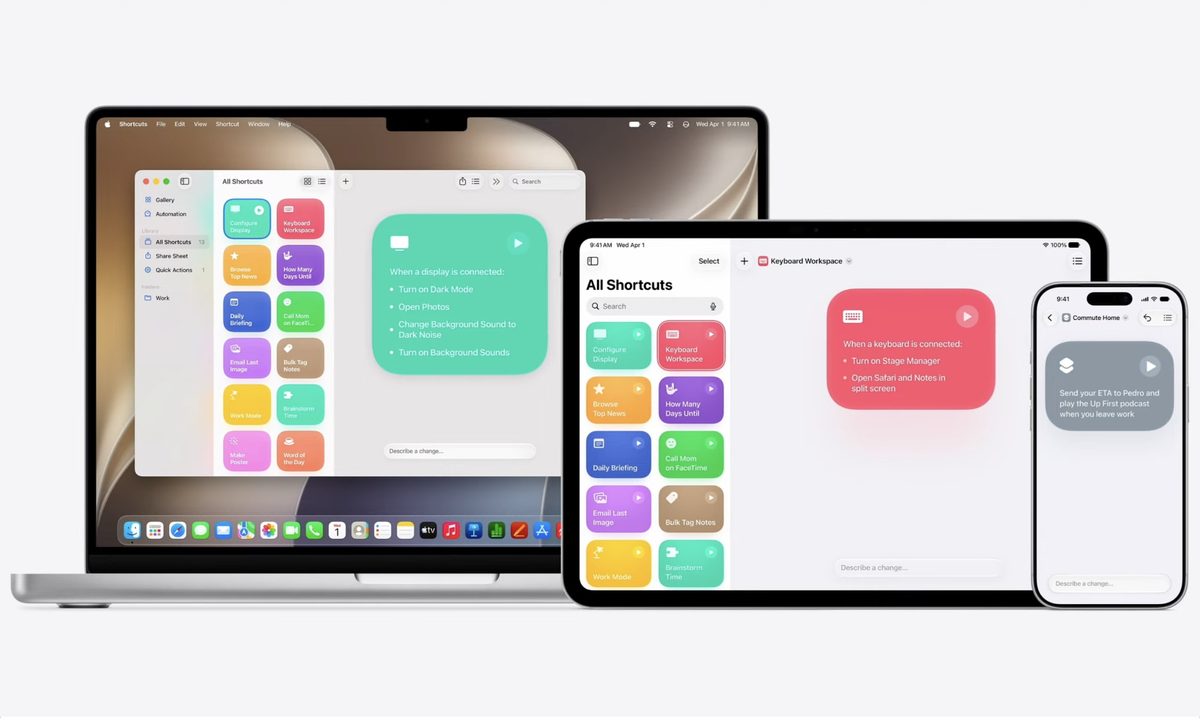
You have to connect dozens of system and app actions to create a shortcut. Apple is finally fixing this with iOS 27, announced at WWDC 2026. The company is using Apple Intelligence to make Shortcuts more approachable than ever, and the change is a big one.

How does the new Shortcuts work?

Instead of manually piecing together each step, you can now simply describe the shortcut you want in plain language. Apple Intelligence will reason over your description and assemble all the required steps for you, just like that.
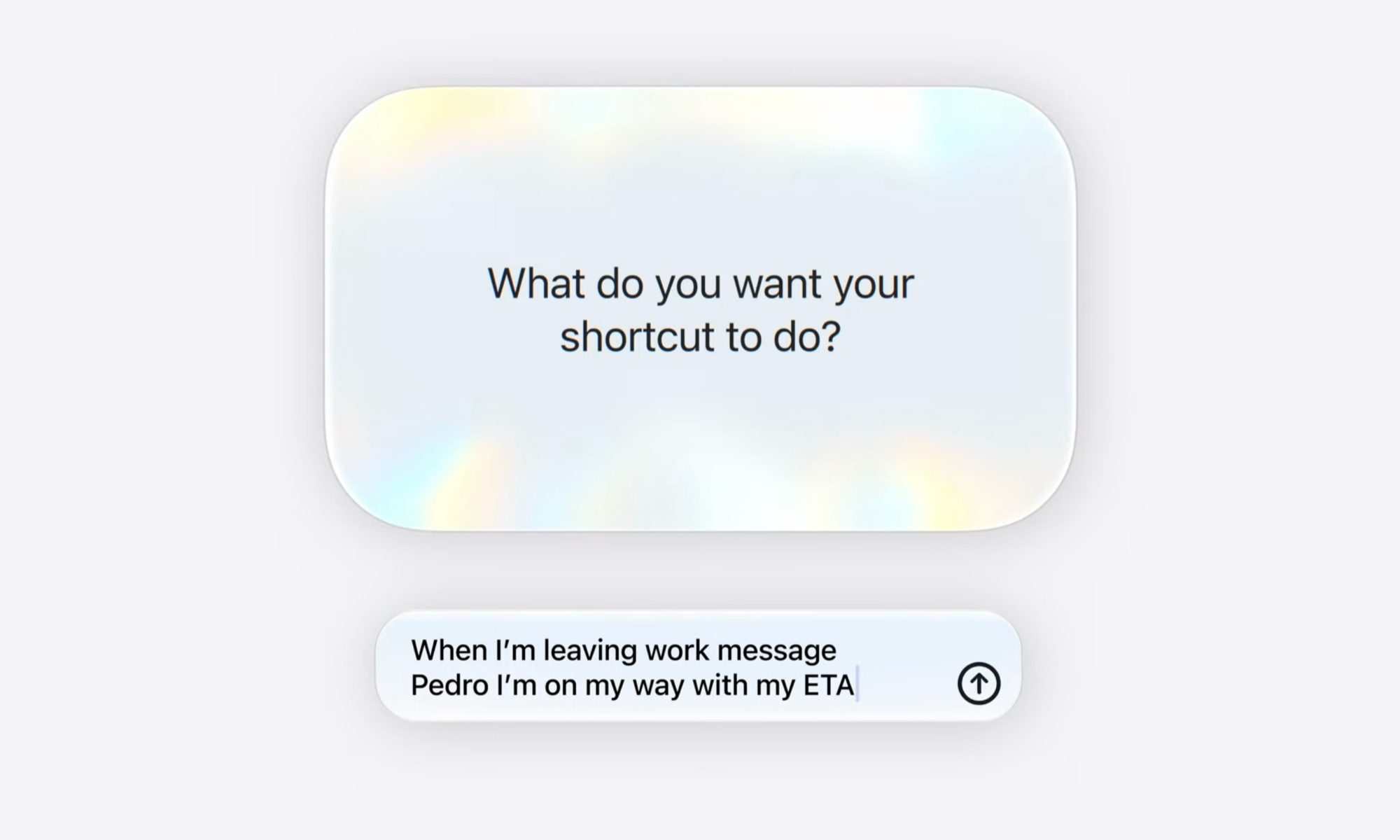
Apple gave a handy example. Say you want to let your partner know what time you will get home every time you leave work. You could type something like “when I’m leaving work, message Pedro I’m on my way with my ETA.” 
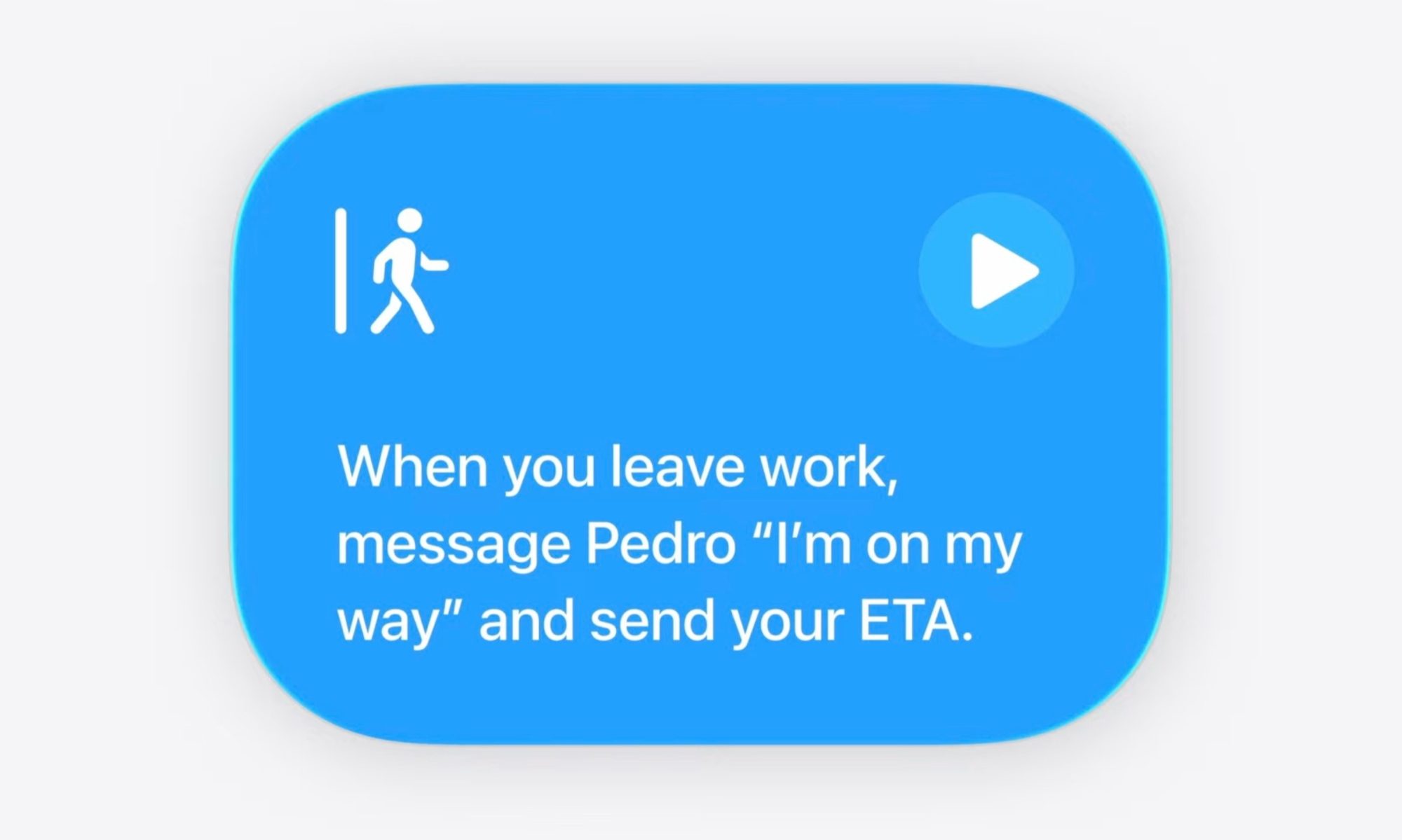
Shortcuts then pulls together the system and app actions you need. In this case, it creates an automation that runs when you leave your work address, calculates your ETA home with Maps, and sends it through Messages.

What if you need to change something?

It might be possible that Siri will not get the shortcut right on the first attempt. If you see something you need to tweak or add, you can just describe the change, and Shortcuts will make it for you. 

Recommended Videos

It’s the kind of feature that turns a powerful but intimidating tool into something anyone can use. For people who love automation but hate the setup, this is a welcome change.
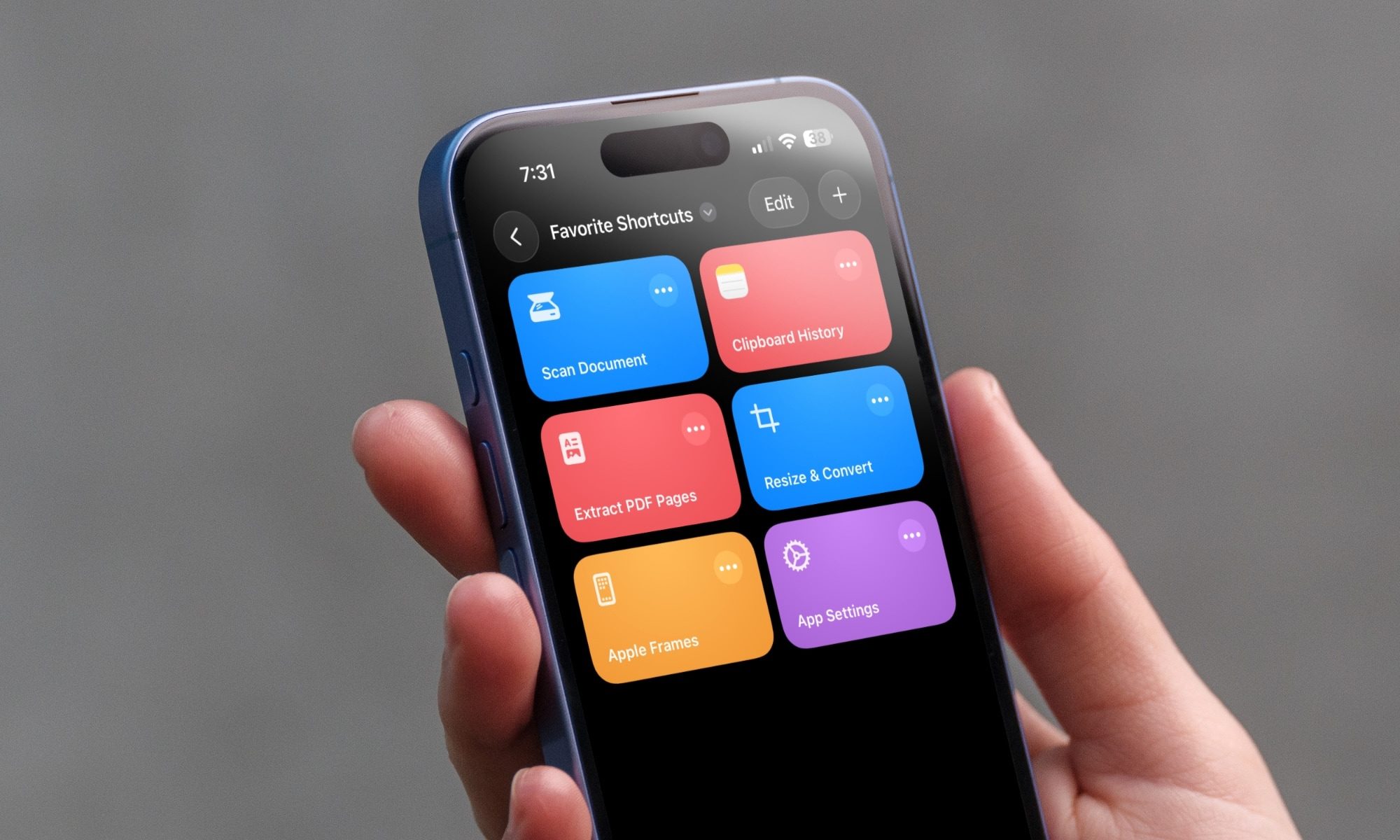
Although I remain skeptical about its ability to create complex shortcuts, like the ones I recommended in my favorite shortcuts article, I will say that there has never been a better time to try out Shortcuts.

Rachit Agarwal
Rachit is a seasoned tech journalist with over ten years of experience covering the consumer technology landscape.
Finding photos is so much easier with Siri AI in iOS 27 that I no longer scroll
Natural language photo search in iOS 27 is the kind of feature that quietly becomes essential.
Electronics, Phone, Mobile Phone

My camera roll has crossed 8,000 photos, and it got there by capturing random moments (only to forget them later). The problem, however, starts when someone asks me to share something specific. It could be their portrait from last weekend or the food pictures they snapped using my phone.

Finding those pictures usually means scrolling through my seemingly endless camera roll. If the photo is a month or two old, I end up scrolling past hundreds of other images to find it, and that gets old fast.

Read more
WhatsApp clears that usernames won’t leave you open to scammers
New safeguards include username keys, rate limits, and anti-impersonation protections.
Whatsapp Usernames Whatsapp Username

WhatsApp's long-awaited username feature is now officially rolling out to users. But almost as soon as it was announced, many began asking an obvious question: won't this make it easier for scammers to message strangers? Now, WhatsApp has stepped in to explain why it believes that won't happen.

WhatsApp says usernames aren't as open as Telegram's

Read more
Forget Apple’s AirTag, Motorola’s new Android tracker lasts over 500 days and costs less too
Moto Tag 2 could be the AirTag Android users actually buy
Moto Tag 2 with car keys

Motorola is finally bringing out its second-generation Android smart tracker. While Apple's AirTag has been hogging the limelight, the Moto Tag 2 is the new rival in town, arriving in North America starting June 30. It brings UWB (Ultra Wideband) tracking support, Bluetooth Channel Sounding, and Google Find Hub support in a compact tracker built for keys, bags, luggage, camera gear, and anything else people keep misplacing.

The real headline, though, is the battery life. Motorola claims that this is its longest-lasting smart tracker yet, with more than 500 days of battery life from a replaceable CR2032 battery.

Read more