What’s happened? ̆Roughly six weeks after the launch of iPadOS 26 (alongside iOS 26), Apple has released the first major update to its tablet operating system — iPadOS 26.1 — and it brings back a beloved multitasking feature.
- On Monday, Apple rolled out iPadOS 26.1 to all eligible iPad users.
- The update includes a handful of new features, such as gain control for external USB microphones via local capture and a new tinted look that increases the opacity of app backgrounds and lock screen notifications.
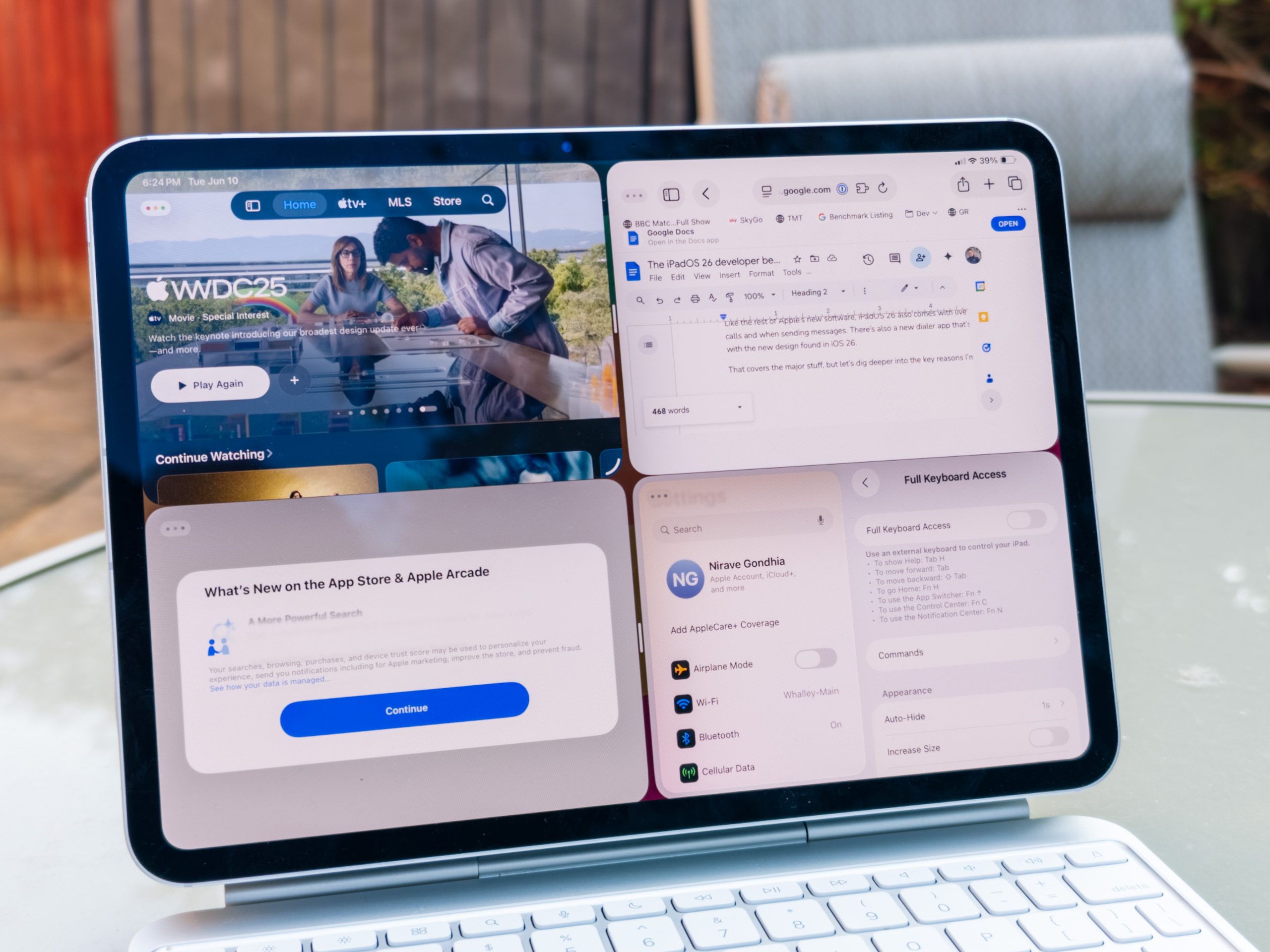
- The most noteworthy addition is the Slide Over feature. Alongside the new windowed multitasking system, it allows users to access their favorite apps more easily — without having to switch screens.

Why is this important? With iPadOS 26, Apple removed the Slide Over feature in favor of its new window-based multitasking system. However, due to popular demand, the company has brought it back in iPadOS 26.1, with a few notable changes.
- Slide Over lets users open an app in a smaller, vertical window that floats over the main application or Home Screen. It can be quickly swiped in or out from the side of the display.
- In iPadOS 26.1, you can now resize the Slide Over window and use it alongside the new multitasking system. To activate it, tap the green icon in an app’s window controls and select “Enter Slide Over.”
- While the original version allowed stacking multiple apps in Slide Over, the new version currently supports only a single app in the Slide Over window at a time.
Recommended Videos
Why should I care? Slide Over makes it easy to access information from another app while continuing your work in the current one. You can also use the keyboard shortcut Globe key + to quickly invoke the Slide Over app.
- Furthermore, users also get an Apple Music MiniPlayer swipe gesture to go to the next or previous track, AutoMix support over AirPlay, a setting to turn on/off Lock Screen swipe to open camera, and improved FaceTime audio quality in low-bandwidth conditions. All these features are also rolling out to iPhones with iOS 26.1.
- The Apple Vision Pro app is now available on iPad, letting users discover new content, spatial experiences, and quickly access information about the device.
- Last but not least, Communication Safety and Web content filters to limit adult websites are enabled by default for child accounts (for ages 13-17) in iPadOS 26.1.
- To download the update, head to Settings > General > Software Update, check for available updates, and install the latest one.