Google has announced a broad set of security upgrades for Android at the Android Show I/O Edition today, and the most impactful ones target the scams that cost users real money. From automatically hanging up on fake bank calls to hiding your one-time passwords (OTPs) from malicious apps, the updates add up to Google’s most significant push yet to protect Android users from fraudsters and rogue software.
Your bank will verify its own calls
The headliner of today’s announcement is verified financial calls, a new feature that automatically ends phone calls from numbers spoofing your bank or financial institution. Phone spoofing, where scammers use internet-based calling systems to fake a trusted caller ID, costs users an estimated $950 million annually worldwide. With the new feature, if you have a participating bank’s app installed and are signed in, Android will automatically check with the app in real time to confirm whether it’s actually calling you.
If the app says it isn’t, your phone will automatically hang up. The feature will roll out in the coming weeks to devices running Android 11 and later. At launch, it’ll support Revolut, Itaú, and Nubank, with more banks to follow later this year.

Android’s Live Threat Detection is also getting broader coverage. The on-device AI tool will flag apps that silently forward your SMS messages or use accessibility permissions to display hidden content on your screen. A new dynamic signal monitoring capability will go even further, watching in real time for apps that change or hide their icons before launching in the background, which is a common malware tactic. It will also allow Google to push updated threat rules to devices as new attack patterns emerge. Dynamic signal monitoring will arrive with Android 17 on select devices in the second half of the year.
Android will also automatically hide OTPs from most apps for three hours, so malicious apps with SMS access won’t be able to intercept them while they’re active. Chrome on Android will gain the ability to scan APK files for known malware before a download completes. This feature will be available to users who have Safe Browsing turned on.
Stronger protections for high-risk users
For users who need the strongest protections available, Android’s Advanced Protection mode will get a significant upgrade with Android 17. It will restrict accessibility service access to apps explicitly labeled as accessibility tools, disable device-to-device unlocking and Chrome WebGPU support, and add scam detection for chat notifications. Android Enterprise support for Advanced Protection will arrive later in the year.
Two new security features are already in the process of rolling out ahead of Android 17: USB protection is coming to all devices running Android 16 and later, and Intrusion Logging, developed in partnership with Amnesty International and Reporters Without Borders, is rolling out to devices running the Android 16 December update and newer.
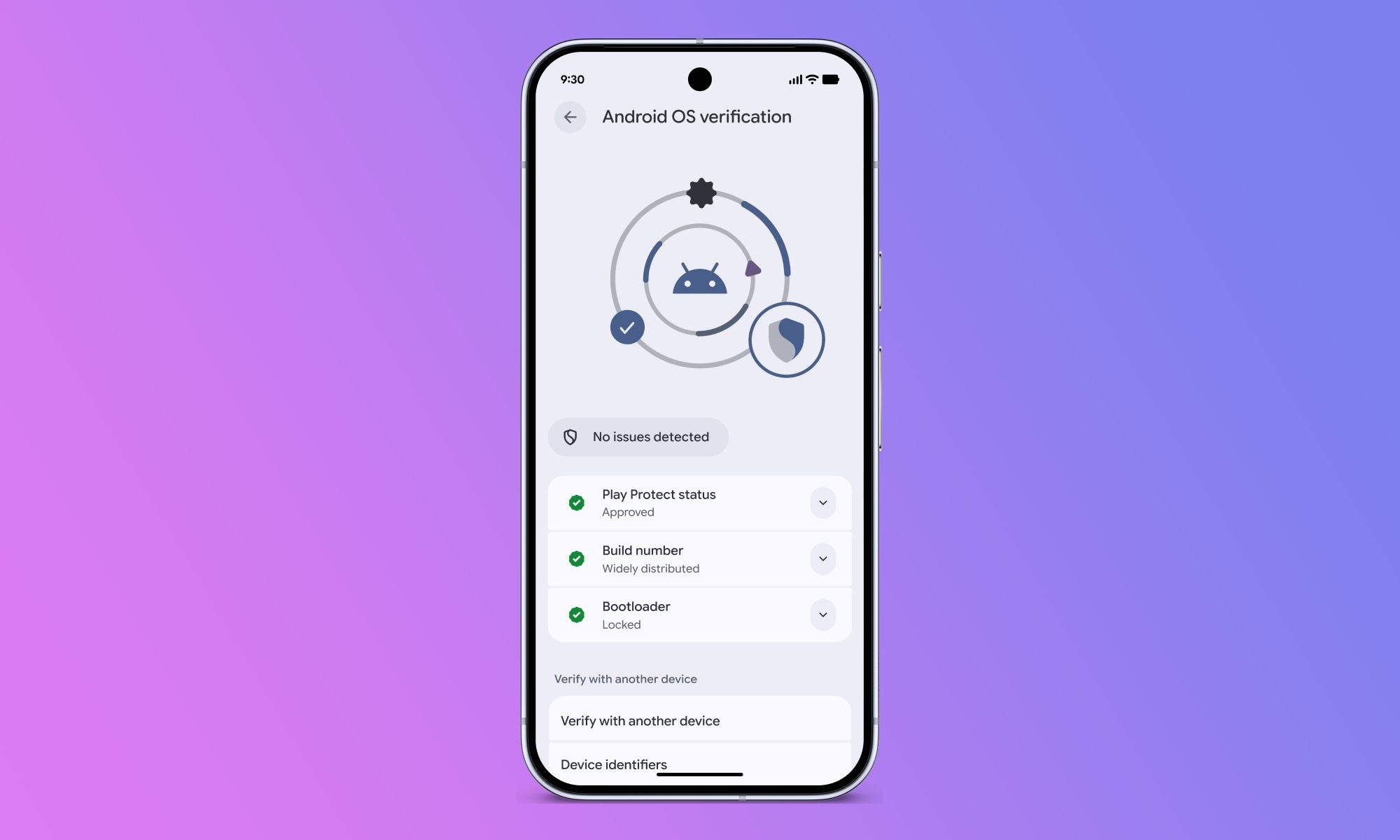
On the OS integrity front, Android 17 will introduce Android OS verification, which will let you confirm your device is running an official build of Android. The feature will first arrive on Pixel devices.
Google will also launch a public, append-only ledger that provides cryptographic proof that production Google apps on Android are authentic. Android 17 will also introduce Post-Quantum Cryptography to protect data against future threats, and carriers will gain the ability to configure the disable 2G toggle to default to off, cutting off a common vector for network-based attacks.
Most of these protections will work automatically in the background, meaning Android users will be safeguarded against a wide range of attacks without having to change a single setting.