If you’re still rocking a first-generation Kindle Paperwhite or an older Kindle device, I have some bad news for you. Amazon is pulling the plug on all Kindle e-readers released in 2012 or earlier, starting May 20, 2026.
There’s a lot of confusion about what this means, so as an avid Kindle reader, I decided to cut through the noise and find out exactly what’s going to happen.
Here’s what you can expect from this end-of-device support for your Kindle if it is facing the axe.
Is your Kindle on the chopping block?
Before you start panicking, the first thing to do is to ensure that your Kindle is on the list of deprecated devices. Amazon has released the list of impacted Kindles on its support page. The list includes,
- Kindle 1st Generation
- Kindle 2nd Generation
- Kindle DX
- Kindle DX Graphite
- Kindle Keyboard (3rd Generation)
- Kindle 4
- Kindle Touch
- Kindle 5
- Kindle Paperwhite 1st Generation
What is happening to your Kindle if it’s on the list
If your Kindle is on this list, here’s what will happen. After the May 20th deadline, these devices will lose access to Amazon’s services. That means you won’t be able to buy, borrow, or download new books.
You also won’t be able to register the device to an Amazon account. So, if you have an old Kindle you were planning to give to your grandma, you should register it to the new account right away.

The more concerning thing for me is the last point on Amazon’s support page. “If you deregister, or factory reset an impacted device, you’ll not be able to reregister it or use the device in any way,” the page reads.
I understand about the registering part, but it’s the “use the device in any way” that has me concerned. Kindle has always allowed us to sideload DRM-free books, but it seems the company will brick the device if someone tries to remove the Amazon account and pass it on to someone else after the deadline, which is concerning.
What happens to my already downloaded books?
Here’s the silver lining, if you can call it that. If you stay logged in and don’t reset or deregister your device, you can read anything that’s downloaded on it. Your Amazon account and your entire Kindle library also remain accessible on other devices and apps.
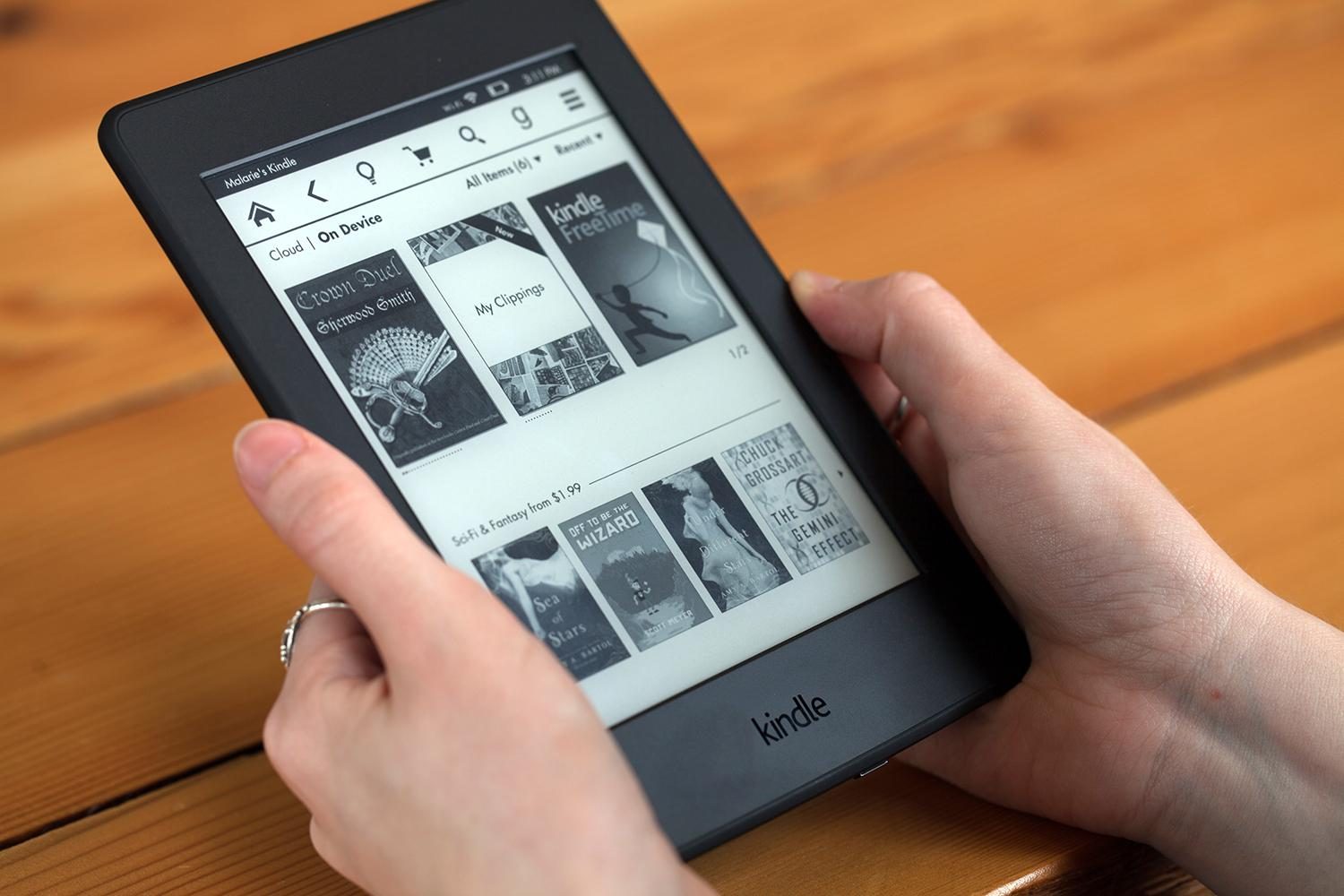
The first thing you should do is download any books from your cloud library before the May 20 deadline. This will ensure that you can at least access your current library on your Kindle.
As far as adding new books to your Kindle library is concerned, there are a couple of solutions you can try.
I don’t like the fix Amazon is offering
First, let’s go through the solution Amazon is offering. The company says you’ll still be able to download new books through the Kindle app. The free Kindle app works on Android, iOS, Mac, and PC, and gives you access to your entire existing library and any new books you download.

But is this really a solution? People buy a Kindle for two reasons. First, it makes buying books super easy and offers the most comprehensive collection of books compared to other platforms. Second, the Kindle devices are actually good e-readers at reasonable prices.
Removing the hardware from the equation makes Kindle like any other platform. If I have to read books on my phone or laptop, why would I stick to buying them on Kindle and not move to other platforms?
What about sideloading books?
One thing that won’t go away is the ability to transfer personal documents and DRM-free books via USB. You can still plug the old Kindle into your computer and move files over manually. So if you have a collection of your own files, that option stays open.
If you’re looking to build a library of free e-books, there are some great places to start. Project Gutenberg offers over 70,000 free books, mostly classics. Standard Ebooks takes those same public domain texts and gives them a proper, well-formatted treatment.

For DRM-free paid books, Humble Bundle regularly sells e-book bundles at a steep discount. I also recommend checking your favorite authors’ websites. Some of them offer a way to buy ebooks directly from them, which you can then sideload on your Kindle.
I know these solutions are not perfect, but it’s better to use the device than throw it away as e-waste.
Should you just get a new Kindle?
Finally, we come to one reason Amazon might be implementing this policy. Don’t get me wrong, providing nearly 14 to 18 years of support is impressive, but Kindles are relatively simple devices.
They don’t need to support all the latest technologies. Amazon could have kept them working with the current set of features. But that would mean fewer people upgrading to a new Kindle.
If your old Kindle works, there’s no immediate rush. You can keep reading what’s on it or sideload books if you can find what you want to read. However, if you buy books regularly or want to access your full library on a proper e-ink display, a newer Kindle Paperwhite is worth considering.
This might be a good time to look at Kindle alternatives. Keep your old library on the Kindle and look for a more open platform for future books.