A framed photograph you’ve taken yourself is a lovely way to spice up an empty wall at home. When you want to print your photos, the usual approach is to send them off to a printer — but that can be expensive. Why not do it yourself with a wide-format photo printer?
For amateur and professional photographers, having your own photo printer allows you to customize your work. The best printers are investment pieces that take your business or hobby to the next level. Our list includes the top options and where to find them.
Epson Expression Photo HD XP-15000
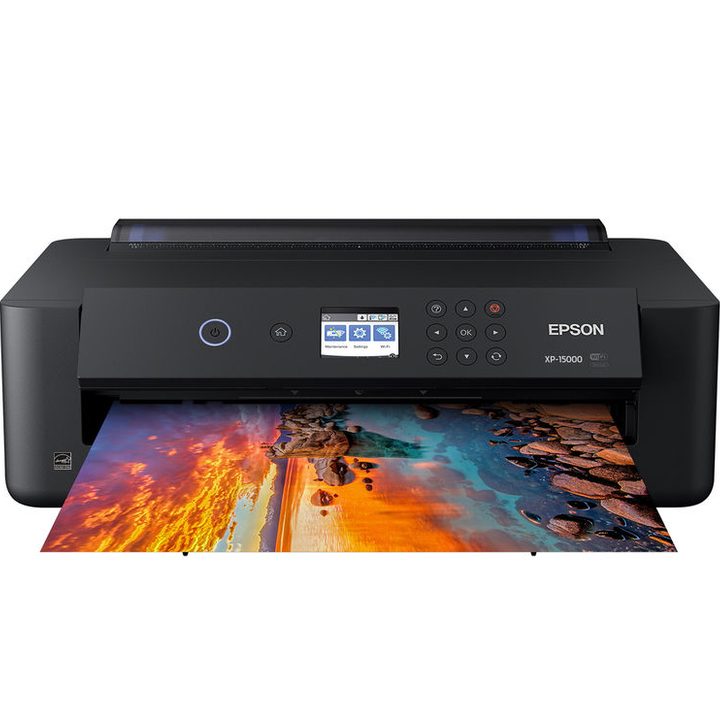

Buy at Amazon prints beautiful 13 x 19-inch photos with ease. The device measures 30.9 x 18.7 x 16.2 inches and weighs approximately 19 pounds — like the rest of the printers here, it’s neither lightweight nor compact, but Epson says it’s 30-percent smaller than the previous model. It holds up to 200 sheets of regular paper or 50 sheets of fine art paper, such as canvas. It can connect to Wi-Fi, so you can send photos from your computer or smartphone (AirPrint and Google Cloud Print compatible), or use a hard-wired connection via USB or Ethernet. The printer uses six ink tanks to deliver a wider range of colors, and prints documents at 9.2 pages per minute (ppm) and 9.0 ppm when using color. A 4 x 6-inch borderless print takes just 27 seconds from beginning to end (real-use speeds will vary, of course). Other useful features: a small LCD for setup, two-sided printing, and support for printing on compatible blank optical discs.
Canon Pixma iP8720
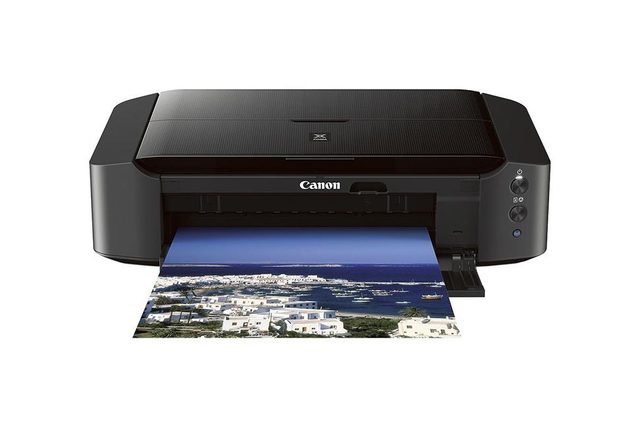

Canon knows a thing or two about cameras, but it also knows how to make excellent photo printers. Smaller than the Pixma Pro models yet bigger than most inkjets, the iP8720 is perfect for the home photographer. It holds up to 120 sheets of regular paper and 20 sheets of heavier photo paper, and the front-panel even houses a space for a CD or DVD tray. Surprisingly, the Buy at Amazon Marketplace New doesn’t have a PictBridge-compatible USB port, but it can connect to newer cameras or smartphones via Wi-Fi, or shared via a home network — the latter two being more popular, anyway. It has excellent output quality, manual duplex printing, and NFC support for quick pairing with compatible Android devices.
Read our full Canon Pixma MG7520 review
Canon Pixma Pro-100
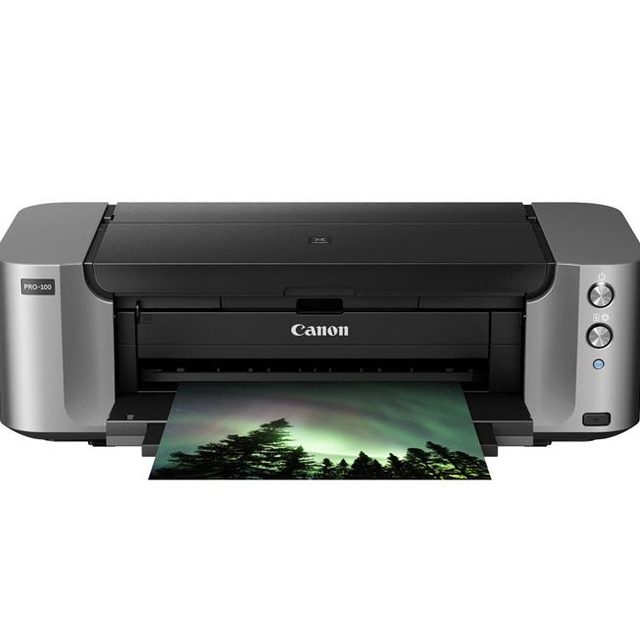
The Buy at Amazon is another great offering from the brand, even if it is one of the more advanced printers in our roundup. The reasonably-priced device is known to produce photos that are nearly on par with printers that cost upward of $1,000 at a cost that is far better for your budget. The printer offers a CD-DVD print tray (hey, why not?), Wi-Fi, and also has a PictBridge USB port. It uses eight ink cartridges for vibrant, accurate colors. The device is rather slow and a bit cumbersome when it comes to size, but there’s a good deal to be said about its color output and its ability to generate first-rate monochrome prints with a little patience.
Read our full Canon Pixma Pro-100 review
Canon Pixma Pro-10
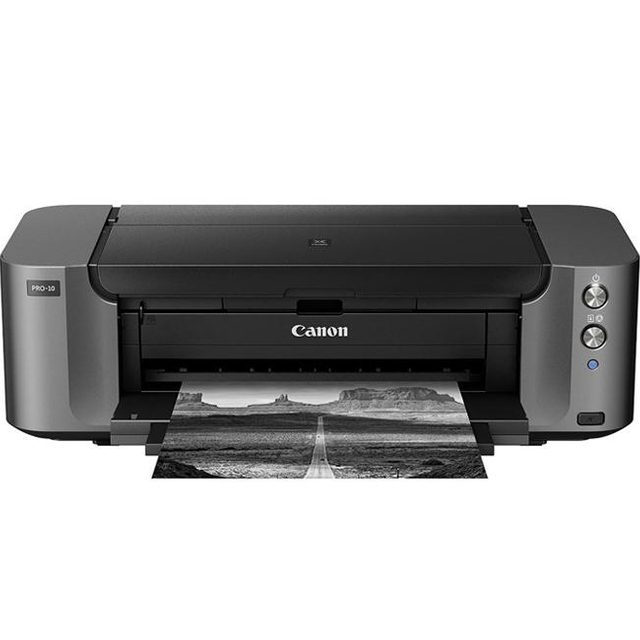

Another option in the versatile Pixma Pro Collection is the Pro-10, which comes conveniently bundled with My Image Garden software. This software lets you quickly create banners, collages, and even calendars. The Canon Pixma Pro-10 can print directly to CDs, DVDs, and Blu-ray discs to create custom discs and jackets in no time. This printer produces professional-quality prints but is easy enough for a hobby photographer to use at home. The printer’s output quality is superb, particularly when handling high-resolution image files. It uses ten ink cartridges, including a clear coat (Chroma Optimizer) cartridge that levels the printed ink surface for a smoother-looking print. The Pro-10 also uses three black ink cartridges that can generate high-quality monochromatic images. It supports Ethernet, Wi-Fi, and PictBridge networks.
Read our full Canon Pixma Pro-10 review
Epson P600
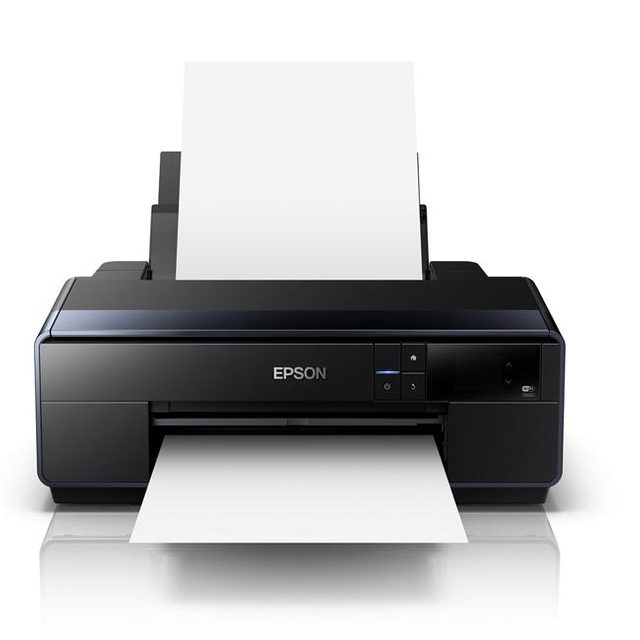

The Epson P600 is one of the newer models on this list. It’s especially appealing to those who like making panorama prints since it supports rolls of paper. This allows you to print panoramic pictures up to 10 feet long. You can easily set preferences and view instructional illustrations that detail the proper way to insert paper and replacement ink cartridges on the P600’s 3.5-inch color touchscreen. The touchscreen also lets you pair the printer with other devices through Wi-Fi. Plus, you can rest assured that each colored print will showcase the maximum vibrancy and smooth transitions, whether you are printing in color or strictly in black and white, thanks to the device’s three-level ink technology. The Epson P600 is compatible with Apple AirPrint, Google Cloud Print, Wi-Fi, and Ethernet networks.
Read our full Epson SureColor P600 review review
What is a wide-format photo printer?
Wide-format printers typically print on paper measuring 13 by 19 inches or larger, but you’ll want to double-check your specific device’s specifications before investing. This option separates them from smaller photo printers, often limited to 8 x 10 inches or smaller. Wide-format printers use multiple black cartridges to deliver a photo quality that beats any basic photo printer and also offer a wider variety of ink colors. So if you’re looking for a printer that can handle as many prints as you throw at it, wide-format photo printers excel on two levels: you’ll get to print larger images, and the color and photo quality will likely be better.