  1. Home
  2. Social Media
  3. News

Google Messages gets a Trash folder for your unimportant chats to simmer in

Deleted the wrong chat? Google Messages now has a Trash folder

Add as a preferred source on Google
AI-generated Google Messages with a Trash Bin
Nadeem Sarwar

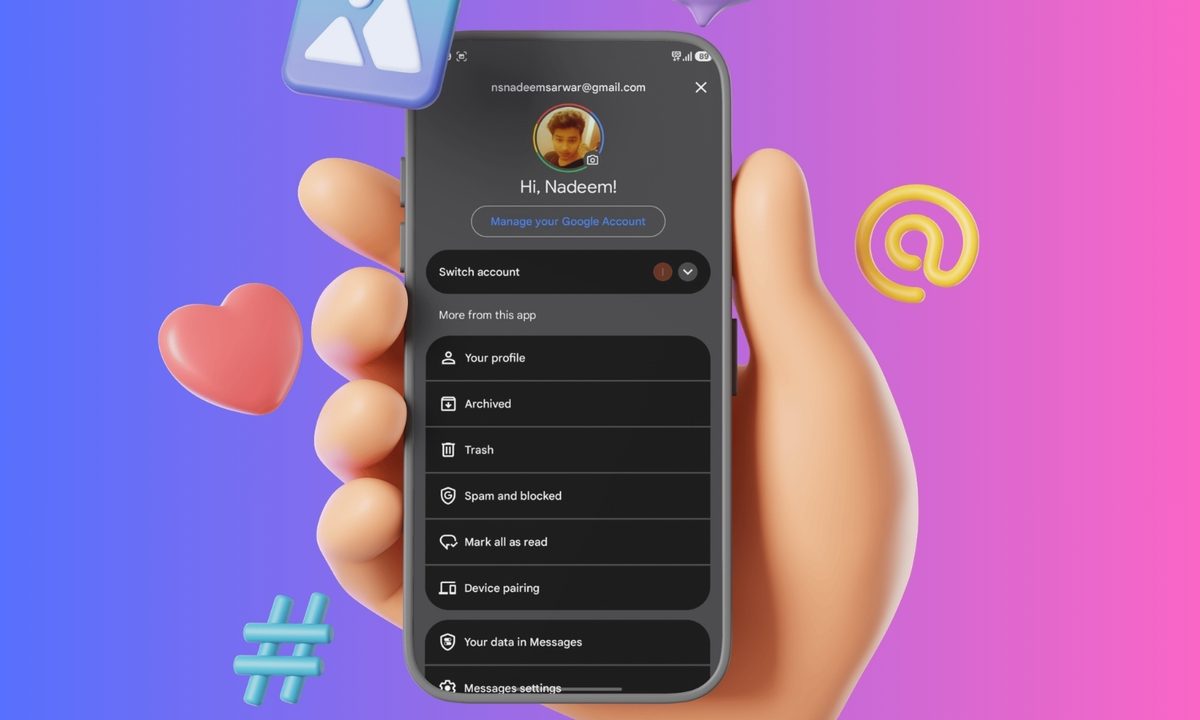
Google Messages is getting a small but genuinely meaningful feature that can help with cleanups and accidental inputs. The app now has a proper trash folder to let you get back to conversations you recently got rid of.

Why this is a handy new feature

Recommended Videos

The company’s official support documentation revealed the new Trash folder that lets users recover deleted conversations within 30 days. This adds a buffer that should help cut down on accidental message loss. But after this month-long window ends, the conversation is permanently deleted.

Though, the feature is still very useful. Instead of a deleted conversation vanishing for good right away, it goes into Trash first, similar to Google Drive‘s Bin folder. From there, users can restore individual chats, restore all of the deleted chats, or permanently wipe selected conversations. Google says that each trashed conversation shows an individual countdown indicating how many days remain before they are truly removed.

There’s more than one way to send chats to Trash
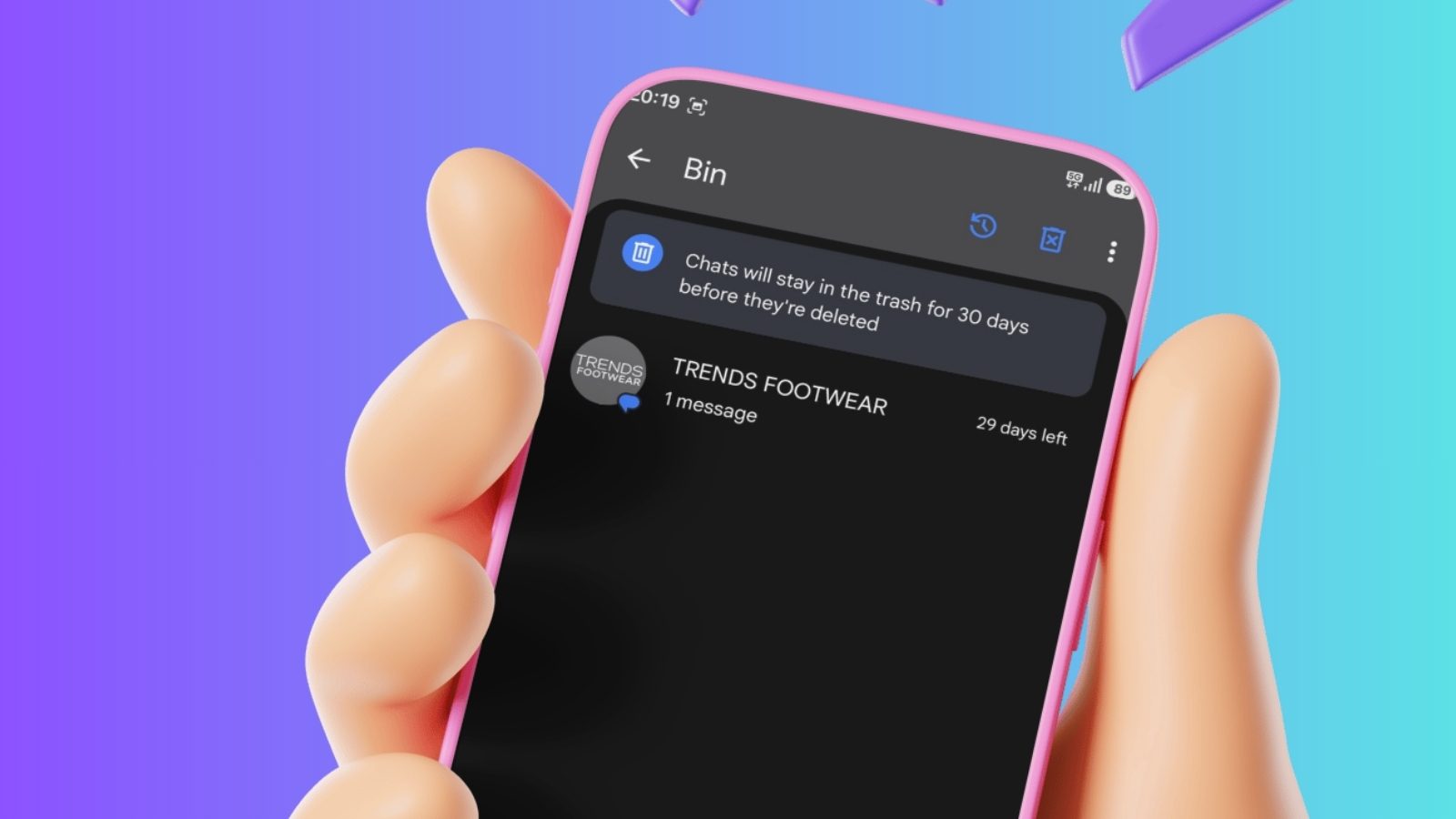
Google built this feature to be easily accessible. Users can move conversations into Trash either by setting up a swipe action or by touching and holding one or more chats and tapping the Trash icon. To enable the swipe shortcut, users need to head into Messages settings, open Swipe actions, and assign Trash to either the left of right swipes.

There is also one small catch.

If you receive a new message in a conversation that is currently in Trash, that incoming message can appear as a new conversation in your inbox. So Trash is not necessarily a holding area for chat threads you are trying to avoid.

Vikhyaat Vivek
Tech journalist and product reviewer specializing in consumer electronics. Sean has covered everything from flagship…
The influencer economy’s invisible workers are first in line for the AI chop
The stars will keep posting. The freelancers in the Philippines, India, and Latin America who helped manufacture their reach may not be so lucky.
Influencer

On a 2024 trip to Dharamshala, a well-known spiritual hub in India, I was surprised by the number of remote workers occupying cafe seats and glued to their laptops. At least three of my dorm mates told me they handle social media content for US-based creators with hundreds of thousands of followers.

One enterprising 17-year-old enthusiastically told me she handled regional YouTube channels for a well-known US-based creator with over three million subscribers and wanted to aggressively win fans in the densely populated Southeast Asian market.

Read more
X’s Grok AI now breaks language barriers and lets you edit photos using simple prompts
Automatic post translation and a new AI-powered photo editor aim to make your experience on X more seamless.
x image editor on iOS featured.

Elon Musk's X is continuing its push to bake AI deeper into the platform with two new Grok-powered features aimed at helping users reach a wider audience and edit images seamlessly.

What's new on X?

Read more
Your random food photos finally have a purpose thanks to Google Maps
Screenshots of the new Google Maps AI Search feature in action.

Think about the last time you checked Google Maps before heading out. Chances are, you weren’t just looking for directions — you were scrolling through photos, skimming reviews, and trusting strangers on the internet to not ruin your plans. Now flip that for a second. Those photos and reviews you rely on? They come from people just like you — people who casually snapped a picture of their coffee or left a quick note about a place.

Google wants more of that energy, just with a lot less effort from your side. And with its latest updates, sharing your experiences is about to feel like something you’d do without even thinking twice.

Read more