  1. Home
  2. Social Media
  3. Computing
  4. How tos

How to view tweets chronologically on Twitter

Add as a preferred source on Google
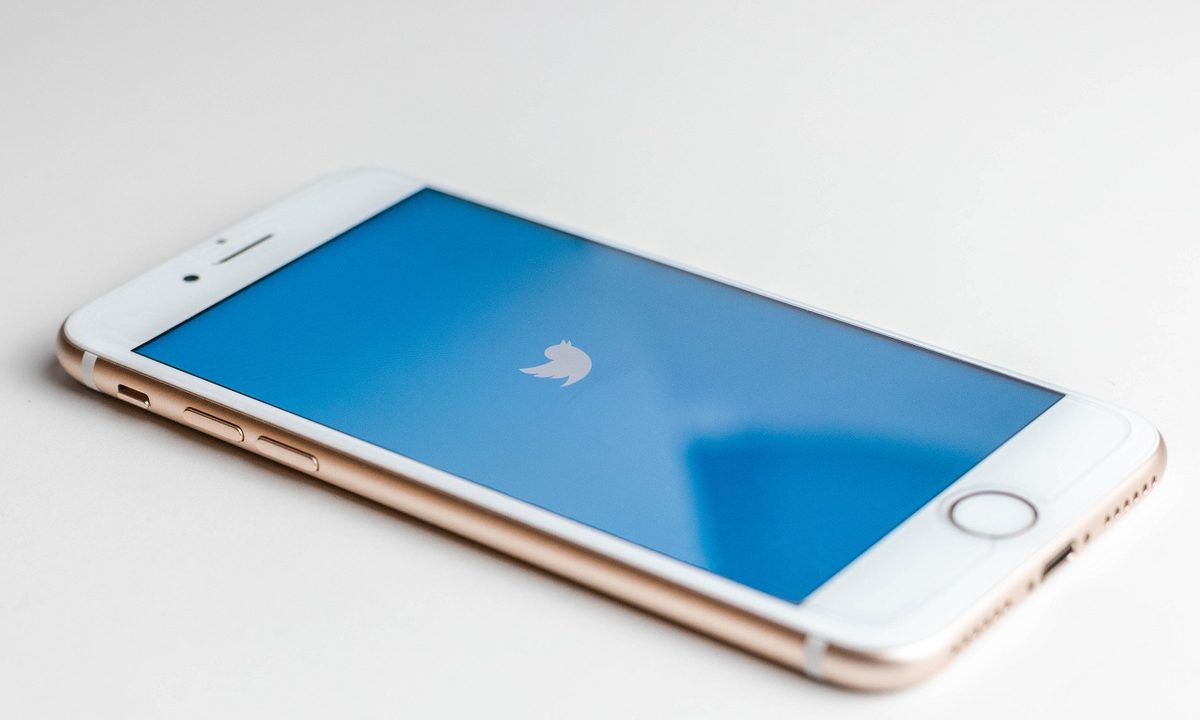
A Twitter icon on a blue background on a smartphone's screen, all on a white background.
Sara Kurfeß/Unsplash

As with Facebook's feed and Instagram's feeds, Twitter also lets you switch between its own algorithm-run timeline and a timeline that is sorted from most recent to oldest tweets. And so, if you're not particularly interested in Twitter's recommended tweets in its Home timeline, you still have the option to view a chronologically sorted timeline instead.

In this guide, we'll show you how to view tweets in your timeline chronologically either on the desktop website or on the mobile app. You can't go wrong with either method: They're both incredibly simple.

Recommended Videos

Difficulty

Easy

Duration

5 minutes

What You Need

  • A Twitter account

  • A PC or mobile device

  • A web browser or the Twitter mobile app

How to view the most recent tweets first: on desktop web browser

If you normally scroll through Twitter via a desktop web browser, this is the method for you. Here's how to view the most recent tweets first on Twitter's desktop website:

Step 1: Go to Twitter.com and log into your account if you haven't already.

Step 2: Once logged in, you'll see your Home timeline. To switch your timeline view to show the most recent tweets first, select the Three star sparkle icon. It's located in the top right corner of your main timeline.

Desktop website Twitter timeline's Three star sparkle icon.
screenshot

Step 3: From the menu that appears, select the See latest Tweets instead option. This option is also marked with a Double arrows icon.

That's it. You're now viewing your Twitter timeline chronologically with the most recent tweets posted at the top.

Desktop website Twitter timeline's latest tweets menu option.
screenshot

How to view the most recent tweets first: On the mobile app

You can also sort your timeline chronologically via the Twitter mobile app. Here's how to do it:

Step 1: Open the Twitter app on your mobile device.

Step 2: On the main timeline screen, select the Three star sparkle icon at the top of your screen.

Twitter mobile app's Three star sparkle icon.
screenshot

Step 3: From the menu that appears, choose the Switch to latest Tweets option. This menu option is also marked with a Double arrows icon.

And that's pretty much it. Your timeline should immediately be sorted now to show you the most recent tweets first.

The Twitter mobile app's latest tweets menu option.
screenshot
Anita George
Anita George has been writing for Digital Trends' Computing section since 2018. So for almost six years, Anita has written…
Instagram is testing a more convenient way to tune recommendations
A Reels shortcut is being tested to make Instagram’s Your Algorithm tool easier to access
Instagram

We have all had an Instagram feed go off track. A random Reel catches your attention for a moment, and before long, the app starts serving up the same kind of content again and again.

Instagram already has a way to fix some of that through Your Algorithm, a feature that lets users adjust the topics shaping their recommendations. Now, the company wants to make that tool easier to reach while people are actually using the app.

Read more
Snapchat Planets Meaning: Order, Rankings, and How Friend Solar System Works
Snapchat Planets turns your best friends list into a solar system, and yes, your orbit says a lot
Snapchat Planets being shown on the Snapchat app on iPhone.

Snapchat+ includes several exclusive features, but few have generated as much curiosity as Snapchat Planets. Part of the app's Friend Solar System, it transforms your Best Friends list into a planetary ranking, assigning each of your top eight friends a planet based on how often you interact.

From Mercury, which represents your closest friend, to Neptune, which represents your eighth closest, the system offers a quick visual snapshot of your interactions. But what do the different planets actually mean, and how does Snapchat decide who gets which one?

Read more
Instagram lands on Samsung TVs, with episodic series and live TV coming to your screen soon
Instagram for TV adds new features for group watching.
instagram-samsung-tv

Meta just expanded Instagram for TV to Samsung Smart TVs across the US, rolling out a bunch of new features built for group viewing. With Samsung now on board, Instagram for TV has officially landed on the three biggest connected TV platforms in the country.

https://twitter.com/metanewsroom/status/2069062429821026732?s=46

Read more
