
The Apple iPad (2022) comes with a plethora of upgrades. It has a landscape front-facing camera, a new keyboard, upgraded cameras, and more. But you don’t get these upgrades for the affordable price tag of $329 that the base model has been for years.
The iPad (2022) ramps up the price to $449. You would expect the Lightning port to be gone, as the base model was the only iPad without a USB-C port. So, does the iPad (2022) feature a USB-C port? Here’s the answer.
The iPad (2022) comes with a USB-C port
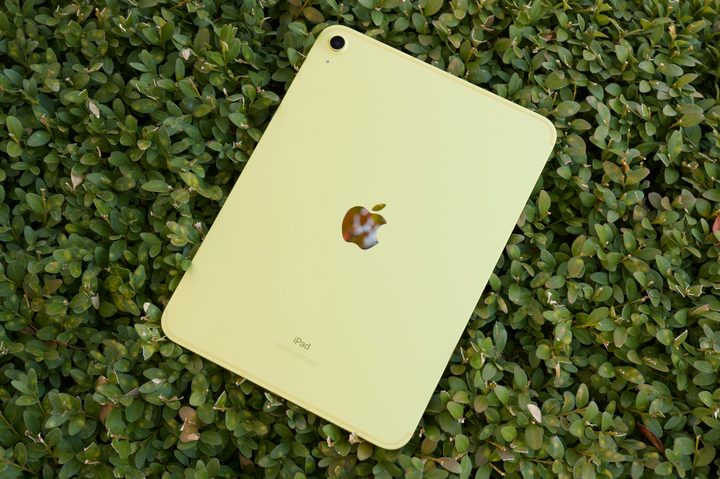
You no longer need to fumble with dongles to attach an external SSD to transfer your media with the iPad (2022). That’s because the iPad (2022) comes with a USB-C port. It’s a significant change from the iPad (2021) — and all baseline iPads before it — which have relied on Apple’s Lightning port.
But it’s a tricky situation if you want to buy the tablet for artistic reasons.
The USB-C conundrum with Apple Pencil
The second-gen Apple Pencil was launched in 2018, but after four years, it still doesn’t support the base iPad (2022). The latest tablet only works with the first-gen Apple Pencil.
If you remember correctly, the first-gen Apple Pencil consists of a Lightning connector that was used to attach to the iPad (2021)’s Lightning port to charge. But since the new base iPad has a USB-C port and doesn’t support the second-gen Apple Pencil, you’ll have to stick to the first-gen Pencil. And getting it to charge via the iPad is a bit clumsy.

Apple came up with an odd solution: a USB-C to Lightning adapter. Plug the end of the Apple Pencil into one end of the adapter, a USB-C cable into the other, and then put the other end of the USB-C cable into the iPad to pair and charge the Apple Pencil.
If you buy a first-gen Apple Pencil to use with the iPad (2022), this adapter comes included in the box. However, if you buy the iPad (2022) and already have an existing Apple Pencil you want to use, Buy at Apple .
This USB-C is different from iPad Pro’s USB-C
While this is the first baseline iPad to come with USB-C, the port is different from the iPad Pro’s offering. The Pro variants come with a Thunderbolt/USB 4 port, whereas you don’t get the advantage on the iPad (2022).
For the unaware, a Thunderbolt port gives you better data-transfer speeds. It also supports up to two 4K displays on the iPad Pro. The feature is especially useful for professional creators who might want to connect their iPad to an external monitor. All of this can’t be done with the iPad (2022).


