
It’s been nearly half a decade since I got my hands on the iPad Pro with the M1 silicon. And ever since, I’ve been waiting for Apple to create a pathway that would allow this arguably overpowered slate to run macOS. I’m not even asking for an ambitious dual-boot, as that would be too taxing, of course.
I was hoping for something less fundamentally overlapping. Like running a virtual instance of your Mac on your own iPad. Somewhat like streaming your Xbox or Steam library on a tablet, miles away from the actual console or PC. Or even without owning a physical console at all.
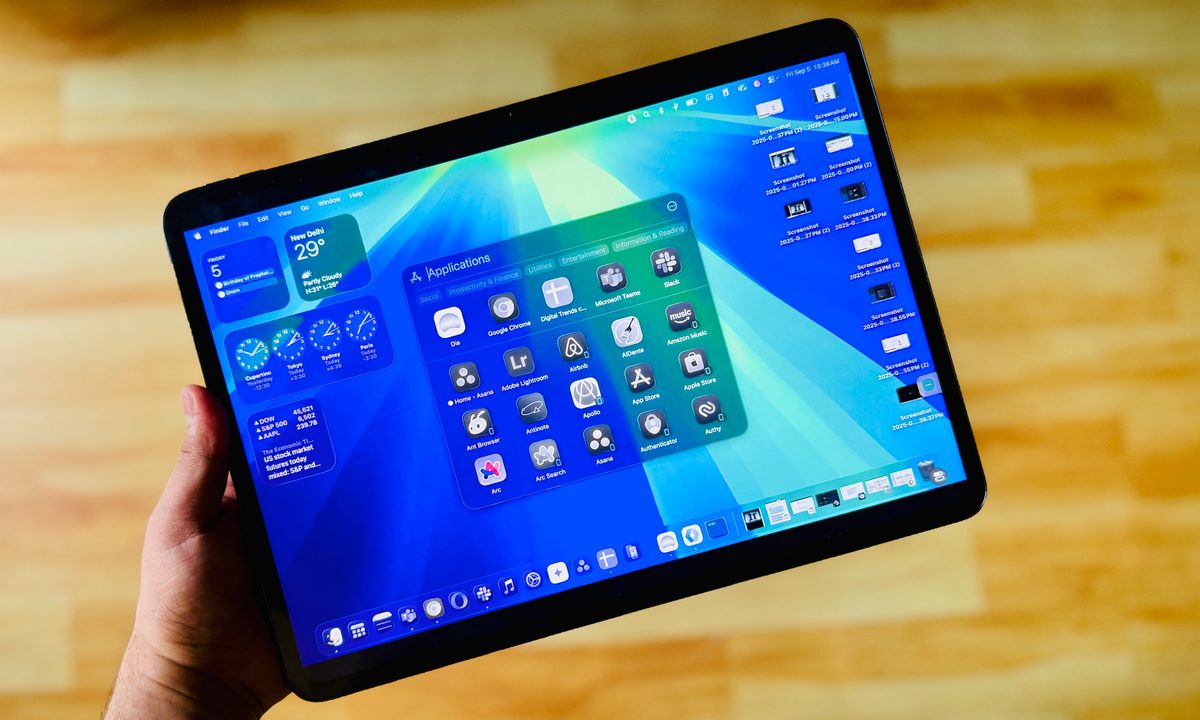
So far, I’ve held the belief that maybe it’s not technically possible. But OnePlus proved me wrong. The OnePlus Pad 3, which costs $700, lets me run macOS without paying an extra dime, if I exclude the horribly overpriced latte at the nearby coffee shop, which came with a free Wi-Fi perk.
How is it even possible?

OnePlus is the first company to let you officially run macOS on an Android tablet, though it isn’t the first brand to pull the stunt. The Oppo Find N5 foldable phone was the first one to enable a remote Mac system. It was fantastic to witness, but not particularly usable on a cramped 8.12-inch screen, where the keyboard took half the space.
The tech has finally landed on the OnePlus Pad 3, thanks to the O+ Connect bridge. All I did was download the namesake app on my MacBook Air, sign in with my OnePlus account, scan a code with my tablet’s camera, and everything went smoothly after that. I just had to make sure that my Mac was connected to a stable Wi-Fi connection and the lid was not closed.
Now, as far as the experience goes, it’s a bit of a mixed bag. Let’s start with the positives. The OnePlus Pad 3 has a more pixel-dense screen that is also brighter than the one you get on the 13-inch M4 MacBook Air. More importantly, it supports a 144Hz refresh rate for smoother visual interactions. The difference, however, is hard to notice.

Now, this is the full macOS experience we are talking about here. I was running a beta build of macOS Tahoe, and was able to handle my workflow across WordPress, Ghost, Trello, Asana, and Slack with ease.
All the local files available on my Mac were readily available via a streamed channel on the OnePlus Pad 3. In fact, even when I shifted to a cellular 5G network, I had no issues getting my usual work done. Yes, there’s definitely some latency, especially if you intend to use large files and media assets.
Yet, it’s almost surreal to see macOS respond to on-screen taps and multi-finger swipe gestures to switch between apps and desktops. In fact, the persistent OxygenOS sidebar even lets you handle basic tasks such as brightness adjustment and screenshot capture with ease. There were no fundamentally broken computing experiences.
The devil is in the details

Being able to run macOS on an Android tablet is an extremely promising avenue. Of course, the top-tier silicon and networking components fitted inside the OnePlus Pad 3 lent a helping hand, but the ecosystem dissonance is very much here to stay, and that’s going to hurt power users.
First, it’s the keyboard, the fundamental input method for a laptop. Simply put, it’s a test of patience. I don’t have many complaints with the keyboard’s quality, but it’s the layout and the lack of MacBook keys, such as Command and Option, that make you run into a functional wall every now and then.
I was often left confused whether the Ctrl key would work reliably instead of Command. What am I going to do with the search key if it can’t reliably open Spotlight? What use is the Alt key for my Mac? Is there a point in having a dedicated AI key? Those buttons play a meaningful role when running an Android instance, but not a Mac.
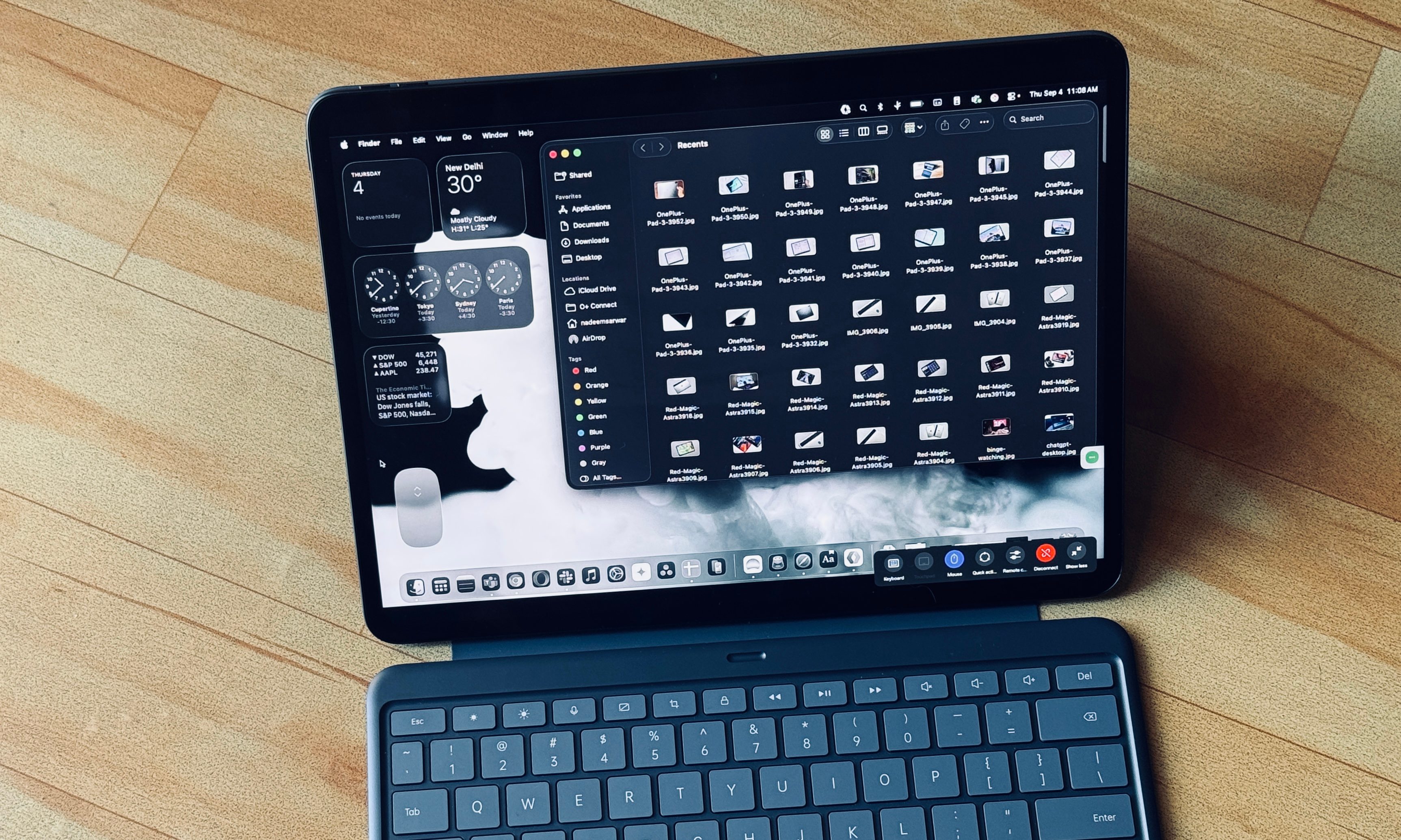
A makeshift recourse is pulling the on-screen Mac keyboard and hitting all the native shortcuts. I could even add a virtual Magic Mouse and execute the multi-finger gestures using the trackpad. But it feels unnatural shifting from physical to on-screen keyboard, even for pulling the most basic Menu Bar utilities and executing shortcuts.
For someone who works across half a dozen native apps, or more, running macOS on an Android tablet is a constant trip to the Launchpad, Finder, and app drawer with a cursor. But at simpler workflows, such as those that live in a browser, it gets the job done.
There is, however, a persistent sense of jittery UI transitions. It’s not terribly handicapped, but it’s visually obvious. The O+ Connect app offers a respite by letting you downscale the resolution and make the whole “streamed macOS” feel snappier. The gains are obvious, but combined with the slightly off UI scaling and lowered clarity, it doesn’t quite offer the refined experience you expect from a Mac.

Though the touch-screen finger inputs work, you can’t do window resizing. Additionally, the cursor drag and drop can be occasionally finicky. In a nutshell, O+ Connect is more like a stopgap solution, but far from a replacement. What it does offer is a bright vision of the possibilities, one that Apple refuses to embrace.
Some thoughts for Apple
One can make multiple arguments why Apple won’t ever bring macOS to the iPad, directly or indirectly. Instead, the company has only doubled down on making iPadOS feel more like macOS. The approach can’t be blamed, as it creates a sense of familiarity for users, without taking away the fundamental benefits of each platform.
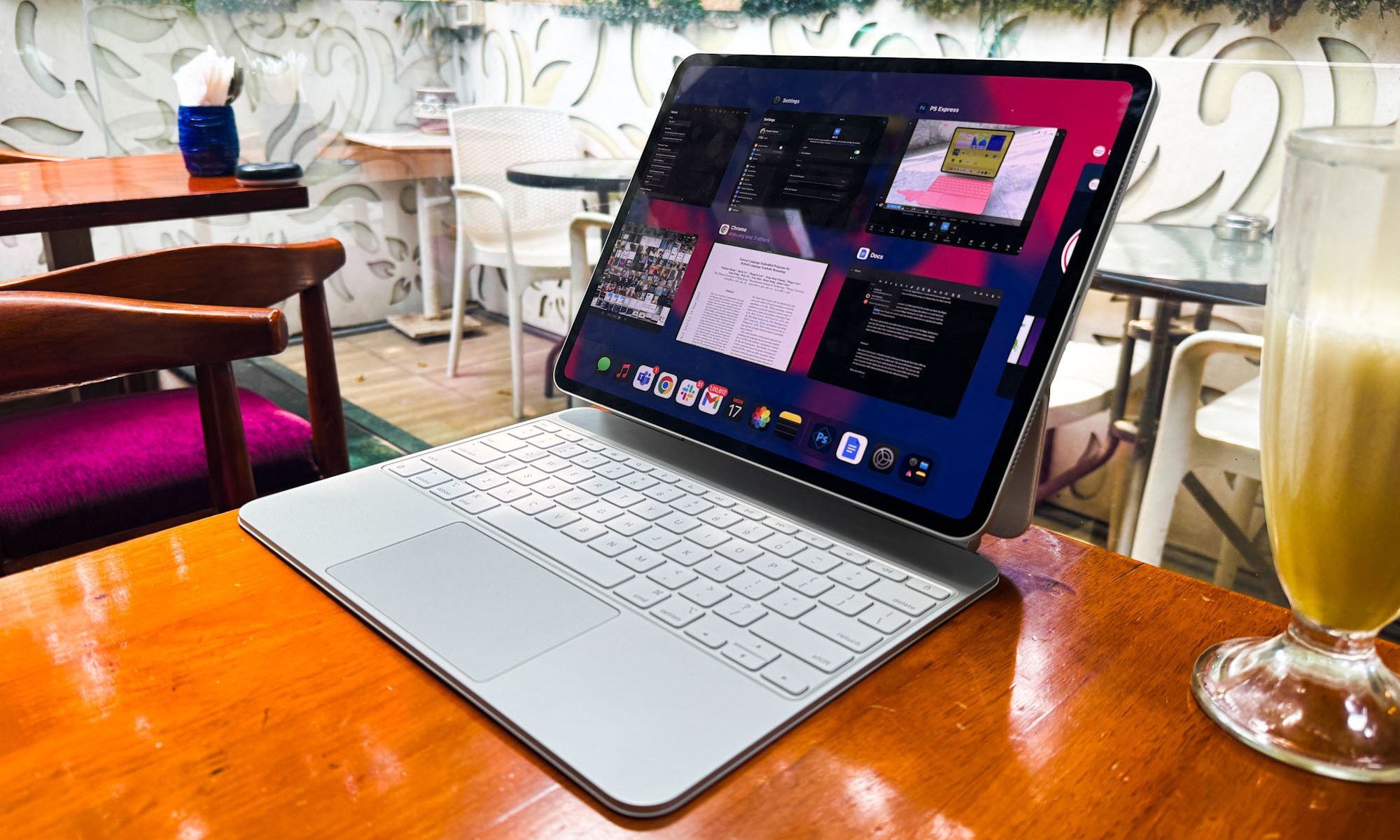
The iPad is now an ecosystem of its own that has loyal users working on it full-time, or those who keep returning to it. I count myself among those users. Plus, this distinct schism allows Apple to focus and improve each OS separately without rethinking touch and traditional keyboard and mouse input for two distinctly different operating systems. And let’s not forget that the tablet’s battery would come crumbling down.
But the same time, the iPad is now closer to the Mac at both hardware and software levels. Besides the chip firepower parity, even the keyboards are now almost identical. Plus, the Apple account universe offers an even more seamless and far secure lane for pulling off a trick that the OnePlus Pad 3 manages with the O+ Connect bridge.
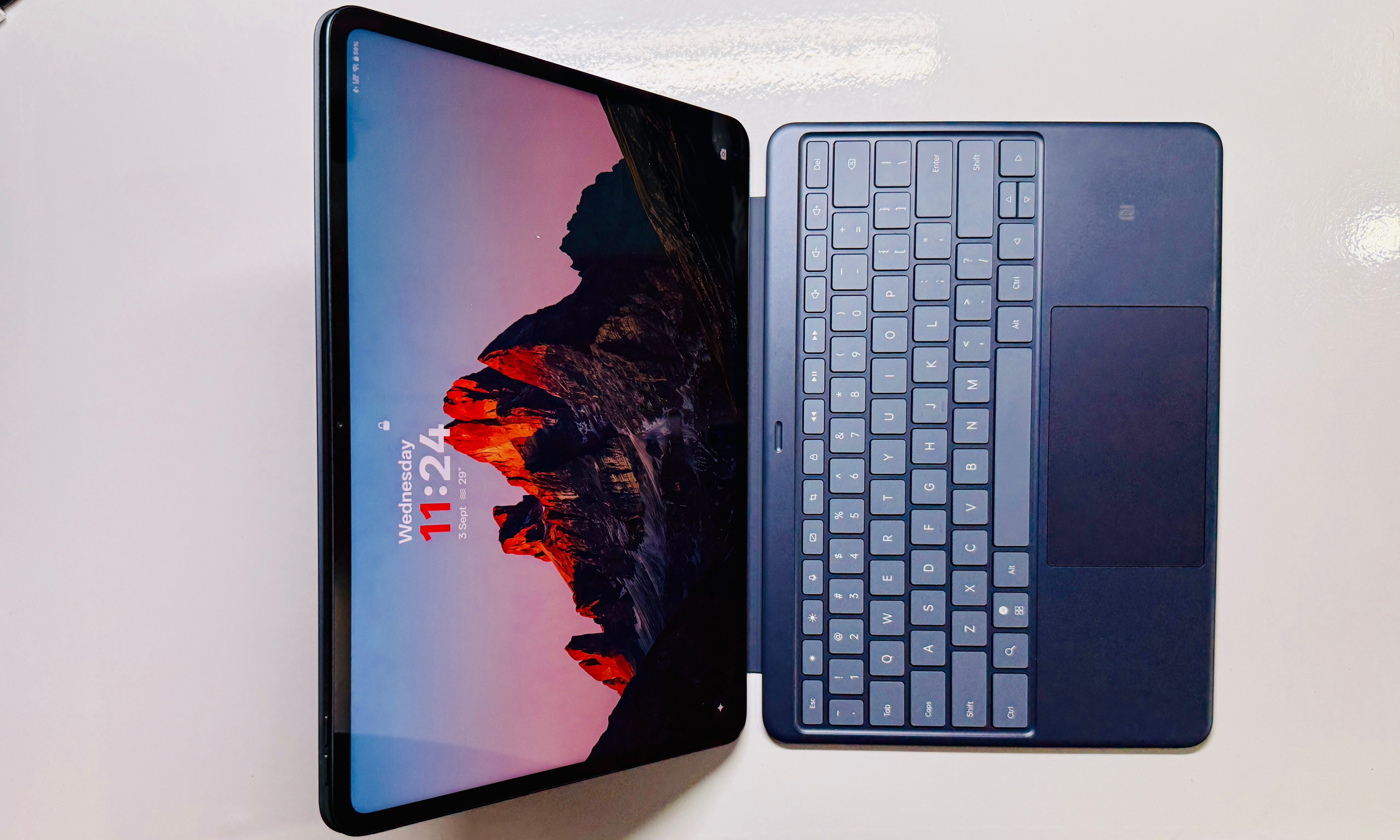
Apple is definitely in a place where it can at least let iPad Pro (and maybe, Air too) users stream their own Mac at home. Or at least let them own one in the cloud and pay a fee to access it. We’re in an era where I can stream a AAA title on a mobile phone. Doing the same for a Mac, an uber-powerful laptop with a desktop-tier chip, shouldn’t be too difficult. It’s more a question of commitment, rather than technical feasibility.
Or maybe, it’s just Apple’s way of saying, “Let the iPad act like an iPad.”


