
As someone who writes for a living, I admit that I don’t read as much as I should — at least as far as actual books go. On a daily basis, most of my reading is done through various online news media, but that’s pretty much a part of my job. In my free time, I simply find it hard to make time to pick up a book and read (and even write creatively).
I used to love reading books when I was younger, and when e-readers were first becoming popular in the early 2000s, I thought they were fantastic. I picked up my first Kindle over 10 years ago, and I liked the fact that I could carry a collection of books with me everywhere. But I eventually got lazy with book reading. And it remained that way for about a decade. But then I got a chance to check out the Kindle (2022) this year, and I’ve been enjoying it a lot more than I thought I would. In fact, it’s basically reignited my love for reading.
A tiny, compact collection of books in my hands
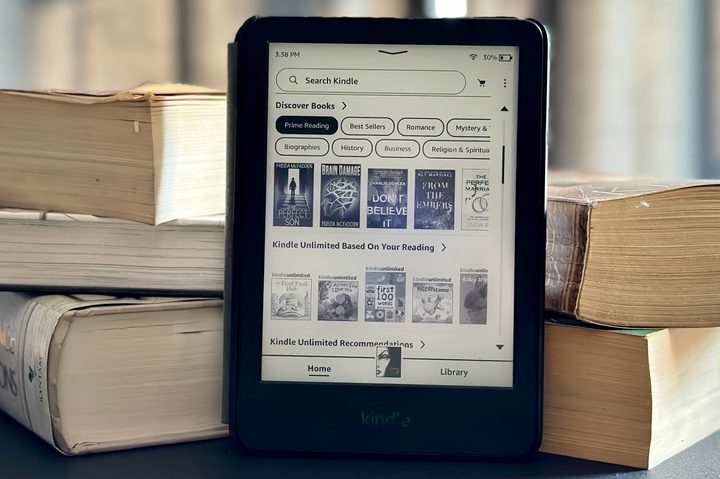
I purchased my first Kindle many years ago. But back then, Kindles were a little taller, and perhaps still very lightweight, but still big enough to be noticeable when throwing one in your bag.
One of my favorite things about the new Kindle is the size — it’s incredibly small and lightweight with a 6-inch screen. In fact, I can fit it into the pockets of my coats and hoodies, and I have no problem throwing it into my Tom Bihn Small Café bag or one of my many Loungefly mini backpacks. Because it’s so compact, I really can take it with me everywhere, and it’s so lightweight that I often forget it’s even there. It’s similar to the size of your typical paperback book, except it’s much thinner, less bulky, and can hold an entire collection of books — not just a single title.
This new Kindle also offers 16GB of storage, which is four times the amount of storage from the previous iteration. I’m not sure if I’ll ever come close to filling all of that up, but it’s great not to really have to worry about running out of room for books. I’m trying to read at least a book or two every month since I received my new Kindle, so 16GB should be more than enough space.
And since a new Kindle purchase includes three months of the Kindle Unlimited service, and Prime members have access to Prime Reading, I’ve been discovering plenty of titles that I wouldn’t have known about. I think after my trial is up, I may continue to subscribe to Kindle Unlimited, just because there are plenty of hidden gems out there to discover. Plus, it would continue to give me a steady stream of things to read.
A backlit screen with dark mode
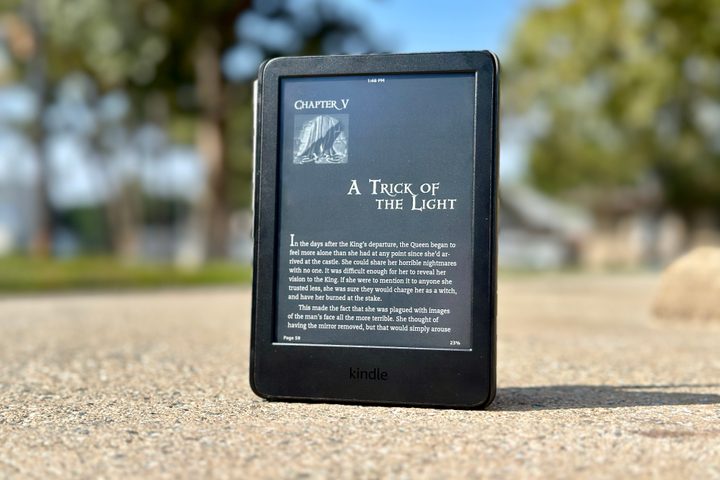
I prefer to read before going to bed, as it eventually helps me fall asleep. The problem, though, is that my old Kindle from the ancient times did not have a backlight in the display; if I wanted to read in the dark, I needed a clip-on light of some kind — how tedious.
Thankfully, those days are long gone thanks to the Kindle; even the base models now have a backlight. Sure, it may not be the brightest as it only has four LEDs compared to the 17 LEDs in the Kindle Paperwhite and 25 with the Kindle Oasis, but it’s good enough to let me read, especially in direct sunlight or even a dark room. And speaking of dark, despite being the entry-level version, the Kindle now has dark mode, making it even better when reading at night. With dark mode, you won’t disturb your sleeping partner with a bright white display in pitch-black darkness. The only caveat is that you have to adjust the backlight manually — there’s no ambient light sensor like in higher-end models, but that’s entirely fine for me.
No distractions
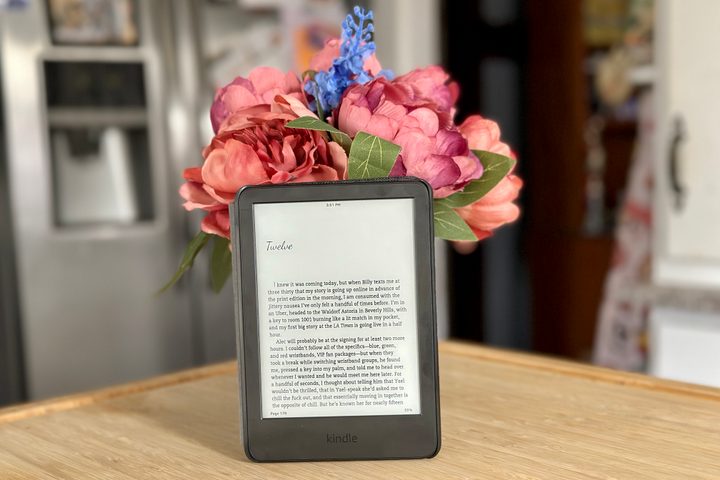
Though it’s not impossible to read on a smartphone, such as the iPhone 14 Pro that I primarily use, they’re full of distractions. You have social media, games, messages, emails, and everything else under the sun. I mean, sure, you could use something like Apple’s Focus modes to stop said distractions, but even then, I usually end up searching for other apps or things to do once my brain wanders.
The best thing about a dedicated e-reader like the Kindle is that there are no distractions. You just have your book, a digital bookstore, and nothing else. For someone like myself, who may be easily distracted, using a single-purpose device like the Kindle is just what I needed to fully immerse myself in a good (or bad) book like I used to.
A basic Kindle that gets the job done
Amazon has several different models of Kindle available, including the Paperwhite and Oasis, as well as the all-new Scribe. Those models have many extra features, such as more LEDs for the backlit display, waterproof IPX8 ratings, auto-adjusting ambient light sensors, cellular connectivity, and even stylus support on the Scribe. They’re pricier, but can also do so many extra things.
But if you just want to read, the base model Kindle is simple and basic, which are both great traits to have for an e-book reader. For $100, this Kindle is a fantastic upgrade from whatever older model you’ve been using, or even a great first Kindle. Its simplicity makes reading an absolute joy, and I’ve been trying my best to set aside some time each day, mostly before going to bed, to squeeze in some reading. Whether that’s just a few pages or several chapters of whatever book I picked up, Buy at Amazon has made me love reading books again.


