
A stylus and tablet make pretty poor stand-ins for pencil and paper. The smooth, friction-less glass feels unnatural against your palm; the bright screens can strain your eyes over time; and incessant notifications compete for your attention. But as good as paper feels, it’s not a convenient way to collaborate.
Those shortcomings are what ReMarkable, the startup behind an E Ink drawing tablet, set out to reconcile more than five years ago.
“We wanted a gadget that felt like the pen and paper we used through school,” Magnus Wanber, ReMarkable’s chief executive officer, told Digital Trends. “We fell in love with the idea of a paper experience.”
The team settled on a one-two punch of a solution: An E Ink with a pencil-like stylus.
.gif)
E Ink screens, unlike the color LCD screen in Apple’s iPad and Microsoft’s Surface Pro, are made up of millions of microscopic capsules that contain positively charged white particles and negatively charged black particles. When a positive or negative electric field is applied, the corresponding particles move to the screen’s surface, making it appear as though they’ve been printed.
E Ink’s unique properties make it much more power-efficient than LCDs. When nothing’s changing on screen, it doesn’t consume any power, and it doesn’t need a backlight — E Ink screens use ambient light for illumination. But E Ink isn’t typically sourced for stylus-equipped tablets. When the ReMarkable tablet’s development began in 2013, the team learned that displays with refresh rates high enough to support drawing apps didn’t exist. Most E Ink screens refresh every 100 milliseconds — fast enough for flipping pages in an eBook, but about half a second too slow for styluses.
Undeterred, the team engineered their own solution. They spent three years refining an E Ink screen design, refining on a platform — Canvas Display — that leverages five core technologies to deliver sub-55ms response time. They teamed up with E Ink, the privately held company that manufactures E Ink screens, shortly after to produce Canvas Displays at scale.
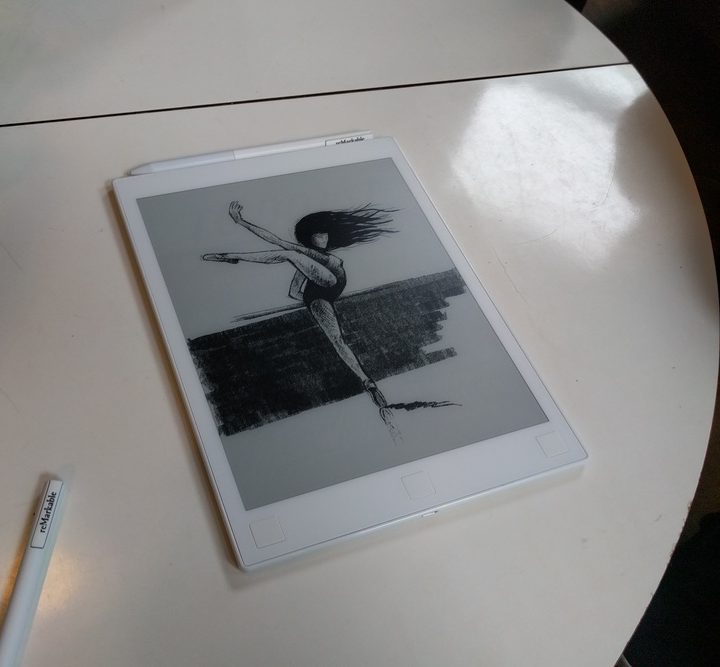
Then, the team turned its attention to the tablet. The Canvas Display was molded into a tablet form factor — the ReMarkable — which launched on Kickstarter last year. “We needed to see if there was a market for it,” Wanberg said. “We needed to prove that we weren’t just building it for ourselves.”
Validation came swiftly. The ReMarkable blew past its goal, raising $11 million on more than 30,000 in pre-orders. “It’s made us more confident than ever that we’re solving a real problem,” Wanberg said. “The device has a crystal clear rationale.”
But the product isn’t quite finished — the team’s testing the seventh generation prototype, with plans to ship the tablet in August. The design has been finalized, and the hardware’s fully functional. It’s lightweight and thin, with a 10.3-inch 226ppi (pixels per inch) touchscreen and physical buttons that handle navigation. It’s dust resistant and durable — Wanberg said it can withstand drops without cracking.
The ReMarkable’s stylus is just as impressive. It supports more than 2,000 levels of pressure and tilt detection, and uses electromagnetic resonance to register taps and touches on the tablet’s surface. Unlike most drawing styluses, it’s passive — it doesn’t require batteries or need to be recharged.
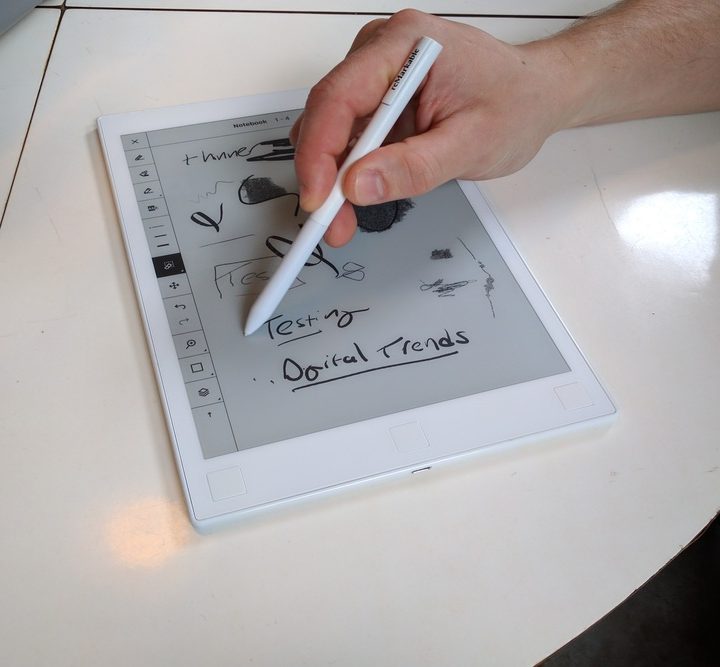
There’s more to the stylus than meets the eye. The tip — a combination of felt and plastic that took the team nine months to formulate — approximates the feel of notebook paper. Just like graphite in a pencil, the stylus’ material wears down after a while — about nine months. You’ll have to buy replacements for the tip, though no price has been announced yet.
True to the ReMarkable team’s claims, the stylus feels unlike any on the market. During a demo in New York City, we used it to scribble and sketch on the tablet’s blank canvas mode, and were impressed by its responsiveness.
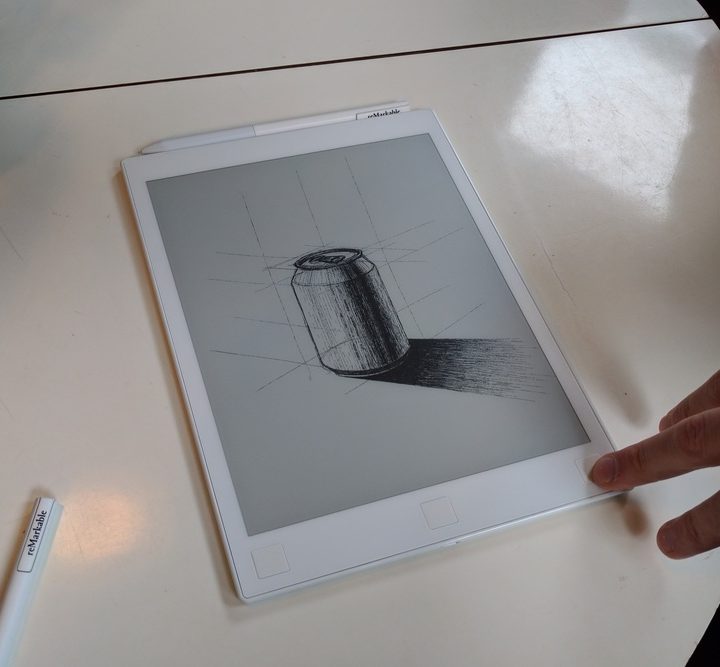
The ReMarkable team’s paid no less attention to the tablet’s software. An extensive brush library boasts includes a tilt-sensitive pencil tool that broadens your strokes as the stylus is laid flat against the tablet’s screen. A background editor lets you upload and switch between graphs, lined notepaper, and even staff paper.
Saved sketches sync to ReMarkable’s suite of smartphone and desktop apps, and a “digital whiteboard” option lets collaborators see (and contribute) changes in real time.
Eventually, the ReMarkable team plans to add optical character recognition (OCR) in a future software update — it converts handwriting to text. Wanberg said it’s already up and running on internal prototypes, but the team wants to ensure it’ll work in “all drawing scenerios.” The team’s also planning on integrating Microsoft’s OneNote, Dropbox, Evernote, and other cloud storage platforms down the line.
“We’re very open,” Wanberg said. “Whatever the users want, we’ll try to add it.”
The ReMarkable tablet, which ships with a stylus and protective folio cover, will start at $530 when it goes on sale later this year.


