
The Samsung Galaxy Tab S8 Ultra is a tablet that might be unlike any other I’ve used before. For one thing, it’s monstrous at 14.6 inches, making it even bigger than the 12.9-inch iPad Pro. For another, it departs from Samsung’s traditional strategy for tablets, which typically consists of a standard model and a Plus model. Finally, it’ll cost you a hefty $1,100, making it one of the most expensive tablets on the market, perhaps next to the 12.9-inch iPad Pro.
I had an hour to go hands-on with the Samsung Galaxy Tab S8 Ultra, its two lesser siblings, and the S22 lineup that Samsung announced during February’s Unpacked event. Here are my impressions of the Tab S8 Ultra.
Display

Let’s start right at the top. The Tab S8 Ultra has a huge 14.6-inch, 2960 x 1848 Super AMOLED screen with a 120Hz refresh rate. Right away, that ticks pretty much all my boxes when it comes to what I look for in a top-tier device and especially a device I’m expected to get work done on.
A big, high-resolution screen is essential if you want to do any meaningful amount of multitasking, and especially if you want to do any amount photo and video editing. And naturally, watching shows, movies, and playing games will look gorgeous, so it’s a great multimedia tablet in addition to its productivity potential.
Design and usability
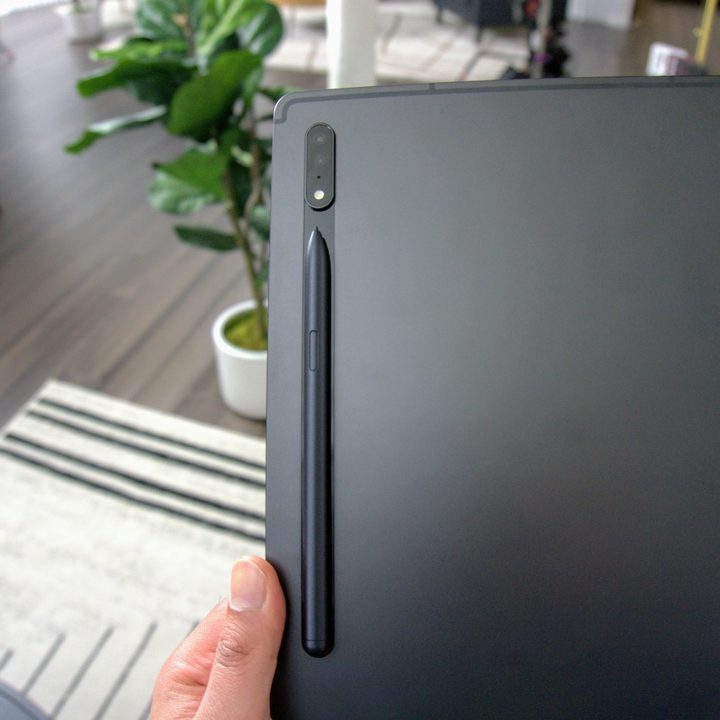
One consequence of a big screen is a somewhat unwieldy design. If you use the Tab S8 Ultra docked in its keyboard cover, it’s not a problem since it basically functions as a laptop. Detaching it really emphasizes just how big a 14.6-inch tablet is, though. I couldn’t hold it with one hand, making taking photos of it a challenge. With dimensions of 12.85 inches by 8.21 inches by 0.22 inches and a weight of 1.6 pounds, it’s also fairly hefty for a tablet.
The Tab S8 Ultra is not designed for portability, so if you want a more compact device that you plan to use as an e-reader, travel with, or hand to your kids, you’ll probably want to invest in a Fire tablet or an iPad Mini.
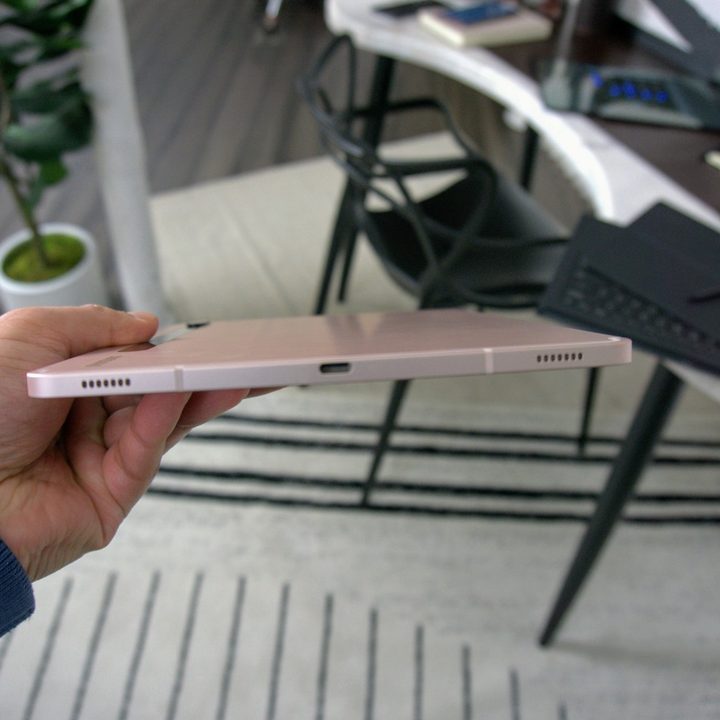
The overall design feels premium, though, with a metal unibody and quad speakers tuned by AKG and Dolby Atmos. I didn’t get a chance to blast music but having used previous generations of the Tab, I feel safe in saying it probably offers great audio for media consumption.
Your work-from-home slate
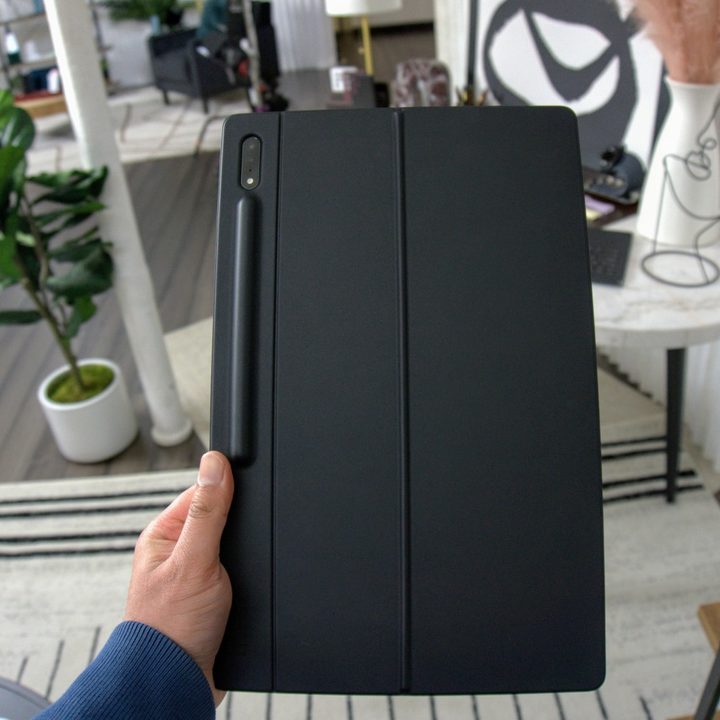
I’d be remiss if I didn’t mention the work-from-home features of the Tab S8 Ultra. There’s a magnetic wireless charging panel on the back to accommodate the S Pen. It snaps into place easily and felt very stable, which I appreciated. When you snap a Keyboard Book Cover on any of the S8 models, there’s an easily accessible pocket to accommodate the S Pen underneath, so you also won’t have to worry about accidentally knocking it off when taking it out of your bag.
The S Pen feels very responsive, no doubt assisted by the buttery smooth 120Hz screen. I’m not much of an artist, as my terrible handwriting can attest to, but I could easily see myself using the S Pen to jot down notes or sign PDF documents.

If you pre-order the Tab S8 Ultra, it comes with a Keyboard Cover complete with a touchpad. There’s even a button you can use to boot into DeX for a full desktop/laptop experience. The keys feel nice, and the cover has a kickstand on the back for better stability, but it doesn’t seem to lend itself to typing on your lap, which is always my biggest gripe with keyboard covers.
The elephant in the room here is the much-maligned notch, which people were unhappy to hear Samsung included after rightfully roasting Apple for the choice on the MacBook Pro. The trade-off is that you get a pair of 12-megapixel selfie cameras. One is a standard sensor, and the other is ultrawide. Together, they offer better viewing angles for videos, and they can automatically zoom in and expand on your face during video calls. I briefly tested it out, and it seemed to work well, offering solid and stable video recording in good lighting. How it’ll fare in the less ideal conditions of my dimly lit apartment remains to be seen.
Built for power users
The Tab S8 Ultra seems like a closer match for users of the Galaxy S22 Ultra, due to how it’s packed with top-tier specs, a big screen, and geared toward productivity. Samsung is clearly trying to differentiate the Tab S8 Ultra from its standard consumer models, the same way it’s done across its S series phones.
The result is one of the biggest, most powerful tablets I’ve ever used, with productivity potential that can match most 2-in-1 laptops.
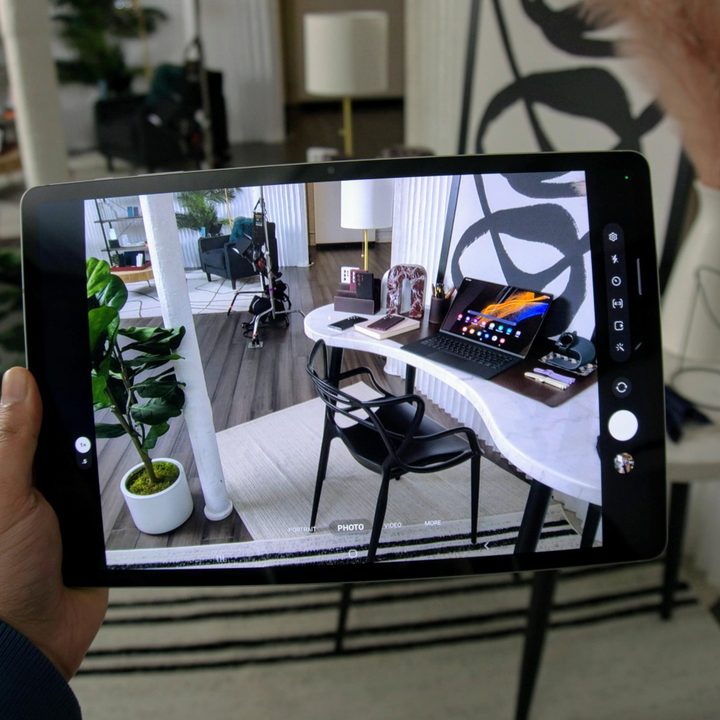
Specs include the latest and great 4nm Snapdragon 8 Gen 1 processor and multiple configurations, including 8GB RAM/128GB storage, 12GB RAM/256GB storage, and 16GB RAM/512GB storage. I’m not entirely sure what you can do with 16GB of RAM on an Android tablet, but I bet the AnTuTu benchmarks are impressive.
I only had an hour with all six devices Samsung is launching, so I can’t speak to performance in any meaningful way. What I will say is the scrolling and browsing felt smooth and responsive, multitasking is almost certainly not going to be a problem, and it should be able to handle the most demanding games like a champ.
Everything else
Other specs are fairly standard. There’s a 13MP rear sensor with a 6MP ultrawide sensor. They should be good for scanning documents and QR codes, but I can’t envision anyone using the Tab S8 Ultra for snapping actual photos.
Under the hood, there’s an 11,200MAh battery with support for fast charging via the USB-C 3.2 port. It has Wi-Fi 6E connectivity and Bluetooth 5.2, and it supports microSD cards up to 1TB.
Is this really a laptop replacement?
Maybe. It’s hard to say without spending more time with the Tab S8 Ultra. The screen size and resolution are on point, DeX mode is useful, and the dual front camera seems great for video calls. It’s a shame the keyboard isn’t included by default if you pre-order, since that’s likely to add several hundred dollars on top of what’s already a $1,100 tablet. At that point, you’re pretty much paying Ultrabook prices, though getting the S Pen in the box is a nice bonus.
Another thing to note is that there’s only one USB-C port for charging and data, so if you want to have additional accessories like a non-Bluetooth mouse or an SD card reader, you’ll almost definitely need a hub.


