
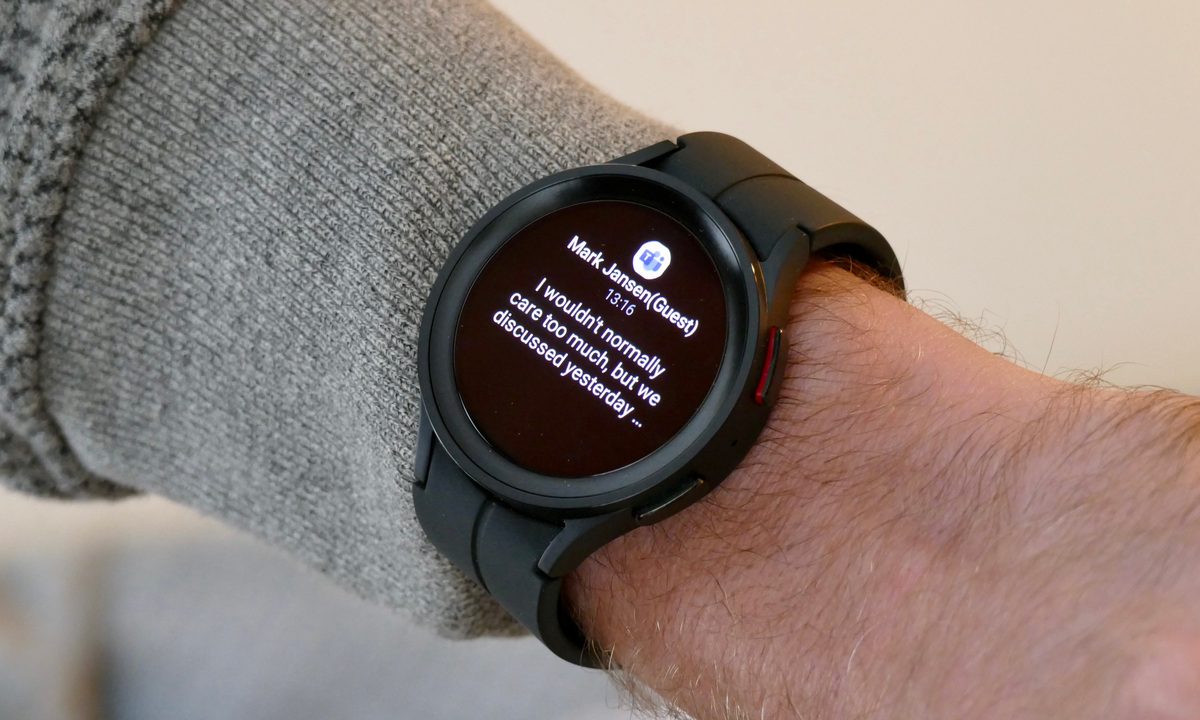
Samsung has been around since the very first wave of smartwatches, so it's fair to say it's a real veteran that knows what it's doing. The Samsung Galaxy Watch 5 range is the culmination of some very impressive tech, and that applies to its predecessors too, like the Galaxy Watch 4 and Galaxy Watch 3. Starting from humble beginnings, Samsung's watches can now play your Spotify tunes, track a huge range of activities, and even measure your body composition.
But did you know they can also take screenshots? So if you've spotted something on your watch — maybe a message that's been amusingly truncated by the smaller screen or your current favorite song — you can quickly take a screenshot of it and share it with your friends. Best of all, you can do it on either the new Galaxy Watch range using Wear OS or older smartwatches running Tizen. Here's how.
How to screenshot on your Galaxy Watch 4 or newer
Taking a screenshot on the Galaxy Watch 4 or Watch 5 is extremely easy, and just involves pressing two buttons. Here's how to do it.
Step 1: Head to the screen you want to screenshot.

Step 2: Press the Home + Side keys at the same time.
How to screenshot on your Galaxy Watch 3 or other Tizen-based Samsung smartwatch
Galaxy Watches before the Galaxy Watch 4 ran Samsung's homebrew operating system, Tizen. As a result, you'll be doing something slightly different if you're taking a screenshot on a Galaxy Watch 3 or older. However, it should be just as easy to execute.
Step 1: Navigate to the screen you want to take a screenshot of.
Step 2: Hold the Home key and swipe from the left to the right.

Where to find your screenshots
You'll need to find your screenshots after you've taken them, of course, and you'll find them all in the same place, regardless of your watch's operating system. Just open your watch's app list and choose your Gallery app.
It's a little bit trickier if you want the screenshot on your smartphone, and the methods differ depending on which smartwatch you're using.
Using the Galaxy Watch 4 or newer
If you've signed in to Google on your Galaxy Watch, then your screenshots should automatically upload to your Google Photos account, under the Watch album. Otherwise, you can open your Gallery app on your Watch, open the image you want to send to your phone, long-press it, and then tap Send to phone. You'll then be able to find it in the Watch folder of your phone's Gallery app.
Using the Galaxy Watch 3 or older
If you're using a Galaxy Watch 3 or older device that uses Samsung's Tizen operating system, then you'll need to manually send the images to your phone. Like the above example, head to your watch's Gallery app, select the image you want to send over, long-press it, and select Send to phone. It'll then be found in your phone's Gallery app.
Why can't I screenshot in certain apps?
There are certain apps you'll find you're not able to screenshot from. For instance, any money apps you have will probably not allow for screenshots. This isn't to annoy you — it's done in order to prevent any sensitive data from being stolen from your smartwatch. You might think that's a bit silly since it's your data you want to take a screenshot of, but remember, the smartwatch can't really verify the difference between you and a piece of malicious software that wants to steal your data. So it's just easier to lock off screenshots for certain apps.
Of course, in other examples, it's to protect copyright and is done in a different way. It's less likely this will come up on a smartwatch, but on phones, you often can't screenshot on the Netflix app — the image will just show up black.


