
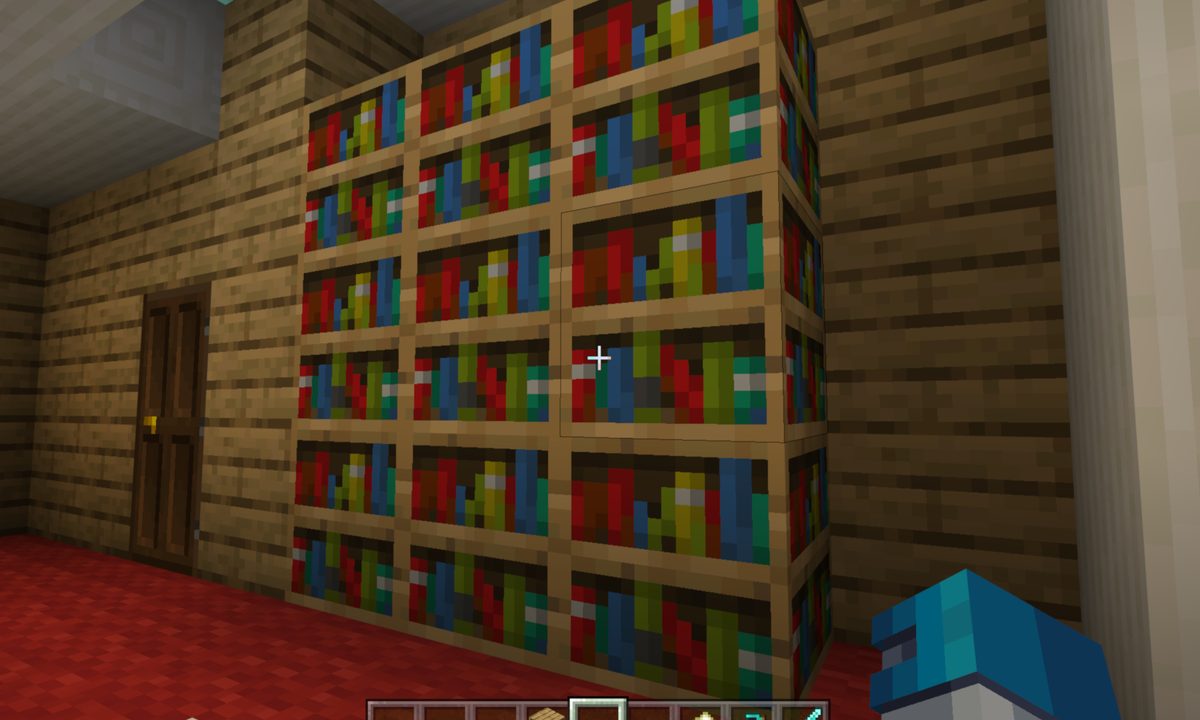
There are too many intricacies to fit all in a single tips and tricks guide on Minecraft. With so many biomes, enemies, items, and craftables it might seem impossible to learn everything the game can do. You probably know how the basics like how to make a bed, and maybe even how to make a map, but making a book isn't something many players think about.
You can create a book with a special message authored by you up to 50 pages. You can also create books containing enchantments that can be used on weapons and armor. If you simply want decorative bookcases in your hideaway, you’ll still need a few books as ingredients.

How to craft a book
Once you have your paper, leather, and crafting table ready, you can get to work on your very own book.
Step 1: Open your Crafting Table.
Step 2: Place one sheet of paper each in the top and middle square in the left column on the crafting grid.
Step 3: Place one sheet of paper in the top square of the middle column.
Step 4: Place one leather in the center square of the middle column.
Step 5: Drag the resulting book down into your inventory.

How to enchant a book
This method requires an Enchanting Table, one crafted book, and three lapis lazuli. You can obtain the latter ingredient by mining lazuli ore -- blocks speckled with blue flakes -- found between 11 and 27 blocks below the surface.
Step 1: Open your Enchanting Table.
Step 2: Place one book in the left square.
Step 3: Place three lapis lazuli in the right square.
You’ll see three enchanting options just to the right, each with a number displayed on the far right. This number is the experience level you need to unlock and select the enchantment. If you don’t have enough experience, venture forth to kill mobs for XP and then return to the table.
Step 4: Select an enchantment. You’ll need to move the cursor over the enchantment to decipher the language.
Step 5: Drag the resulting enchanted book-- still in the left square -- down into your inventory.
Step 6: Repeat steps 2, 3, and 4 until you create the enchanted book you want.

How to make a book and quill
For this, you’ll need additional ingredients. First, grab an ink sac dropped by a fallen squid. You also need a feather dropped by fallen chickens and parrots. Tamed cats will deliver feathers too.
Step 1: Make sure the book and quill are located in your Hotbar. Select and open the book.
Step 2: Type your message on any page. Each book has 50 pages, so be sure to leave lots to read.
Step 3: To finish writing, click/select/tap the Sign button -- it turns green when highlighted.
Step 4: Enter a title and byline for your signed book.
Step 5: To “publish” your signed book, click/select/tap the Sign and Close button -- it turns green when highlighted.
We can also help you make a bookshelf too if you want to build up a library.


