
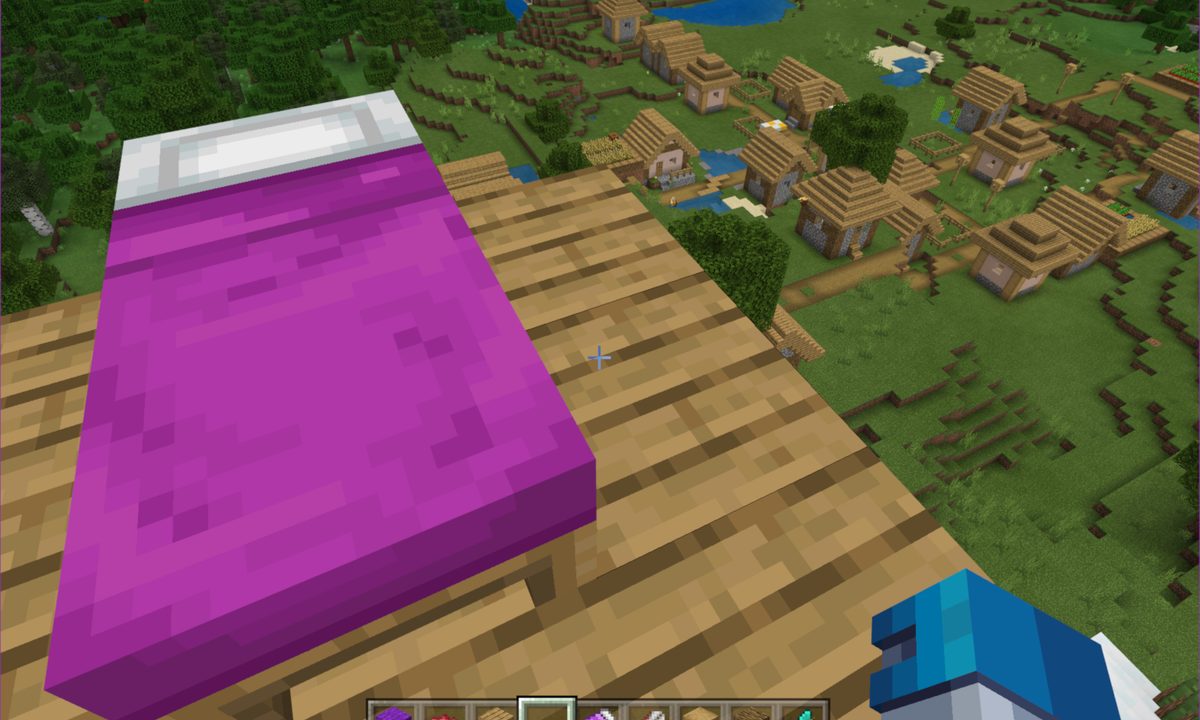
One tip that applies to real life and Minecraft is that everyone needs to sleep -- even villagers. However, you can’t simply create a cool house and sleep on the floor. That’s bad for your virtual back, for starters. Instead, we will show you how to make a bed in so you can quickly pass the time while the skeletons roam outside your door.
Beds aren’t just for skipping to a new day in Minecraft, however. They serve as spawn points too, overriding your realm’s default spawning location. You’ll appear within a few blocks of your bed unless something blocks the spawn point, forcing you to reemerge in the world’s default location — which could be miles away.

How to make a bed
This method is based on white wool. If you want a colorful bed, move on to the next section in this guide.
Step 1: Open your Crafting Table and drag one wood block from your inventory to any of the nine squares in the crafting grid.
Step 2: Drag the resulting four wood plank blocks into your inventory. You’ll need three wood plank blocks to create a bed.
Step 3: Place one wood plank block each into the bottom three squares in the crafting grid, as shown above.
Step 4: Place one wool block each of the same color into the middle three squares in the crafting grid.
Step 5: Drag your new bed into your inventory.
How to make colorful beds
Sheep are typically black, white, gray, light gray, and brown. If you want purple or blue sheets, you’ll need to dye the wool first. That means gathering items and combining them in the Crafting Table or Furnace.
Here is the current color palette, what you need to create each dye, and how to create them. Remember to drag the resulting dye down into your inventory so you can apply it to wool later. Note that green is the only dye that requires the Furnace.
Black (Crafting Table)
- One Ink Sac or Wither Rose in the first box
Blue – Light (Crafting Table)
- One Blue Orchid in the first box
- One Blue Dye in the first box and one White Dye in the second box
Blue – Normal (Crafting Table) * One Lapis Lazuli or Cornflower in the first box
Brown (Crafting Table)
- One Cocoa Beans in the first box
Cyan (Crafting Table) * One Blue Dye in the first box and one Green Dye in the second box
Gray – Dark (Crafting Table)
- One Black Dye in the first box and one White Dye in the second box
Gray – Light (Crafting Table)
- One Azure bluet in the first box
- One Gray Dye in the first box and one White Dye in the second box
- One Black Dye in the first box and one White Dye in boxes two and three
Green (Furnace) * One Fuel and one Cactus
Lime (Crafting Table)
- One Green Dye in the first box and one White Dye in the second box
Magenta (Crafting Table)
- One Allium or Lilac in the first box
- One Blue Dye in the first box, one Red Dye in the second box, and one Pink Dye in the third box
- One Blue Dye in the first box, one Red Dye in the second and third box, and one White Dye in the first box, middle row
- One Purple Dye in the first box and one Pink Dye in the second box
Orange (Crafting Table)
- One Orange Tulip in the first box
- One Red Dye in the first box and one Yellow Dye in the second box
Pink (Crafting Table)
- One Pink Tulip in the first box
- One Peony in the first box
- One Red Dye in the first box and one White Dye in the second box
Purple (Crafting Table) * One Blue Dye in the first box and one Red Dye in the second box
Red (Crafting Table)
- One Poppy, Red Tulip, Rose Bush, or Beetroot in the first box
White (Crafting Table) * One Bone Meal or Lily of the Valley in the first box
Yellow (Crafting Table)
- One Dandelion or Sunflower in the first box
Step 1: Once you have your dye place a block of wool in the first box on the bottom row and your dye next to it in the second box, as shown above. The base color of your wool doesn’t matter, as the wool changes to the color of your dye.

Step 2: Use your colored wool to make a bed exactly as you did in the first section to make a colored bed.


