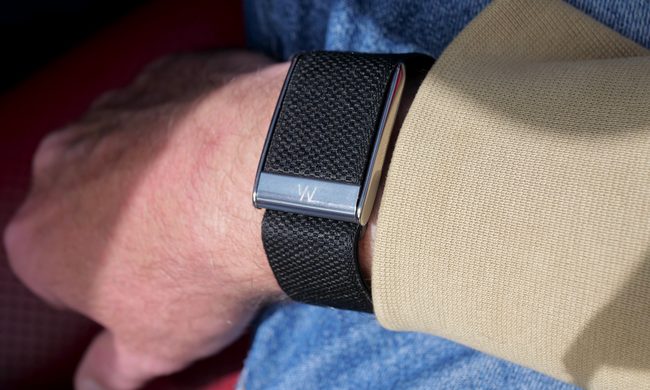
Finding the right size watch band can be tough. If it’s too small, it won’t fit comfortably, but if it’s too big it can slide up and down your wrist (and won’t provide accurate readings). Some of the Apple Watch lineup, like the Ultra, only comes in one size, but for most Apple Watches, you can choose between a smaller and larger size.
Apple has caught on that a one-size-fits-all style doesn’t work for everyone and introduced the Solo Loop and the Braided Solo Loop to its vast collection. Unlike the infinitely-adjustable Sport Loop, the Solo or Braided band — not to mention the buckle and even various sport bands — should be more precisely calibrated. If you bought one of the Solo bands for your watch, read how to measure your wrist specifically for it.
Now, for all other watch band types, we offer some critical background information and then show you how to measure your wrist and the options for choosing the right band for you.
Know your band size and type
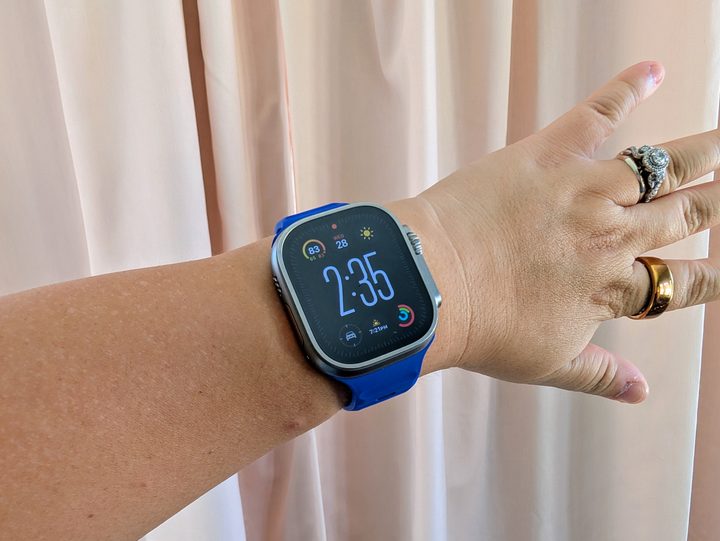
Apple has conveniently aligned band and face sizes, making the task of choosing a band somewhat easier. The smaller Apple Watch measures either 38mm or 40mm, and the larger Apple Watch comes in at either 42mm or 44mm, measured from top to bottom, depending on the series. Apple has made size changes to the smaller and larger models over the years, hence the “or” in our description, but thankfully, those size changes are small enough that an Apple Watch band that fits a 38mm Series 3 Apple Watch also fits the 40mm Series 6. Similarly, a band that fits a 44mm Series 5 also fits a 42mm Series 2. In other words, all bands for 38mm and 40mm cases are compatible with each other, as are all bands for 42mm and 44mm cases. 49mm bands are compatible with 44mm, 45mm, and 46 mm cases.
| Apple Watch sizes (metric) |
Apple Watch sizes (imperial) | |
| Series 1 | 38mm/42mm | 1.49 inches/1.57 inches |
| Series 2 | 38mm/42mm | 1.49 inches/1.57 inches |
| Series 3 | 38mm/42mm | 1.49 inches/1.57 inches |
| Series 4 | 40mm/44mm | 1.65 inches/1.73 inches |
| Series 5 | 40mm/44mm | 1.65 inches/1.73 inches |
| Series 6 | 40mm/44mm | 1.65 inches/1.73 inches |
| Series 7 | 41mm/45mm | 1.61 inches/1.77 inches |
| Series 8 | 41mm/45mm | 1.61 inches/1.77 inches |
| Series 9 | 41mm/45mm | 1.61 inches/ 1.77 inches |
| Series 10 | 42mm/46mm | 1.65 inches/1.81 inches |
| Ultra | 49mm | 1.93 inches |
| Ultra 2 | 49mm | 1.93 inches |
Know your wrist size
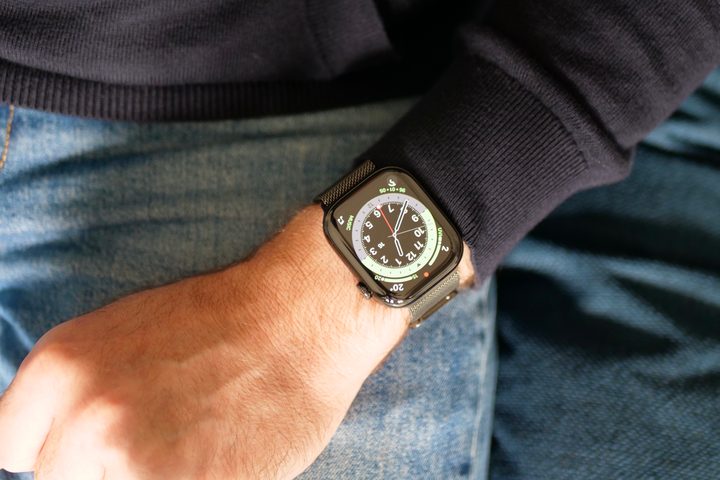
The best way to calculate your wrist size is to use the Apple Watch band size chart — which will help you whether or not you intend to buy an Apple-branded band. Apple has its own instructional sheet that gives you step-by-step directions on how to measure your watch band size. It involves printing the band model, cutting it out, wrapping it around your wrist, and noting the number it comes out to. The average female wrist is between 140mm (5.5 inches) and 170mm (6.7 inches), while the average male wrist is between 165mm (6.5 inches) and 195mm (7.8 inches).
Some bands are easier to measure than others. For adjustable bands like the Sport Band and Sport Loop, the options are S/M for shorter bands or M/L for longer bands. However, not all bands fall into that category. You can’t adjust the Solo Loop, for example, so you need to buy the correct size.
Know Apple band sizes
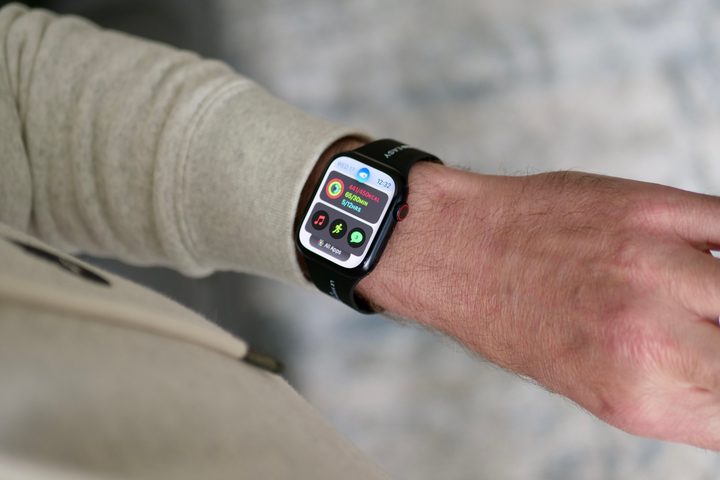
Apple, as well as numerous third parties, construct a variety of band types for each size watch and they conveniently fall in just two size categories. Some bands are available only for limited models. For example, the Solo Loop and Braided Solo Loop bands are only compatible with Apple Watch SE and Apple Watch Series 4 or newer. Bands will only fit the selected case size and are not compatible with other case sizes, so a size 5 for a 40mm case does not work with a 44mm case, and vice versa.
- Apple Watch Sport Band: Size S/M (shorter) and M/L (longer) for all watches.
- Apple Watch Sport Loop: One size band for each watch size.
- Apple Watch Solo Loop: 12 sizes for each watch size. You will need to calculate your size.
- Apple Watch Braided Solo Loop: 12 sizes for each watch size. You will need to calculate your size.
- Apple Watch Leather Loop: One size band for each watch size.
- Apple Watch Milanese Loop: One size band for each watch size.
- Apple Watch Silver Link Bracelet: One size band for each watch size.
- Apple Watch Classic Buckle: Three sizes for each watch size (S/M/L)
- Apple Watch Modern Buckle: Three sizes for each watch size (S/M/L)
Use adapters for older bands
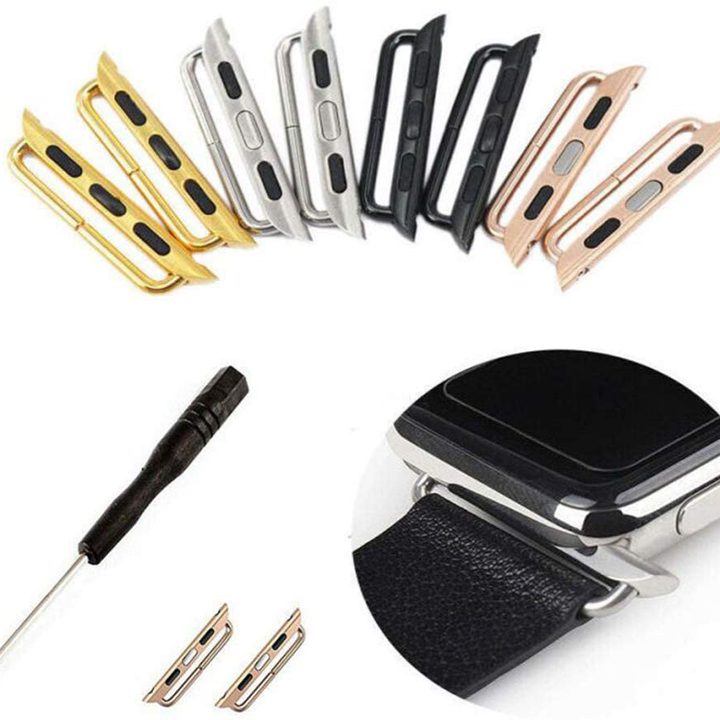
There’s a brisk market for Apple Watch adapters, devices that let you attach your old watch band to your new Apple watch. There are two main types of adapters: A tube design with screws, and an interchangeable adapter with a traditional spring bar in the middle, for which you may need a simple tool — unless you have a quick-release band, which already includes the spring bar. These adapters come in a variety of sizes and finishes to match your watch. They are as easy to use as swapping out the original Apple band. You can find them on Amazon or Etsy, as well as many other vendors.
- Slide the band to remove it.
- Attach your new band to the adapter.
- Slide the adapter onto your watch until you hear a click.
While, in theory, you can use an adapter to attach larger straps to a smaller Apple Watch — such as a 42mm strap to a 38mm watch or vice versa — it’s not such a great idea to force a strap onto the wrong size case. It will look awkward, and the oversized adapter may interfere with your sleeves or other clothing, while the undersized band will show gaps. It’s easy enough to pair the right-size Apple Watch strap with your chosen watch or use an adapter to continue wearing some of your favorite old bands if they fit.