
If you aren’t pleased with the performance of your laptop’s built-in webcam during Zoom meetings, you may want to consider buying a separate, higher-quality webcam instead. And these days, doing so doesn’t just mean you’re no longer stuck with your laptop’s subpar webcam. Buying a standalone webcam can enhance your video on Zoom and open you up to other use case possibilities, such as live streaming and facial recognition security options.
From 4K and budget options to those optimized for Windows Hello, you’ll be sure to find the best webcam for your needs on our list of the best webcams for Zoom.
Logitech BRIO Ultra HD
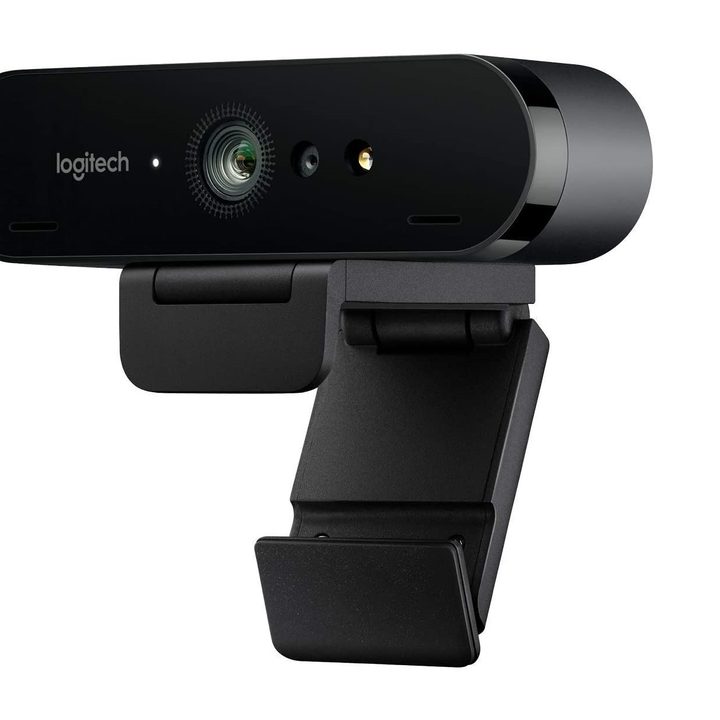

Need a solid 4K option and you have a little room in your budget to spend a little more? Look no further than the Logitech BRIO Ultra HD webcam .
It’s a (usually) $200 webcam that comes with a 4K video capture resolution, optical and infrared sensors, an adjustable mounting clip, dual omnidirectional microphones, noise cancellation, and includes 5X digital zoom, pan, tilt, and autofocus features.
It’s certified compatible with a number of video calling apps including Skype for Business, Cisco Jabber, and of course, Zoom. The BRIO also features a privacy shade, support for Windows Hello, and a cool lighting correction feature called RightLight 3 which auto-adjusts imperfect lighting conditions to enhance your video.
GoHZQ W8A
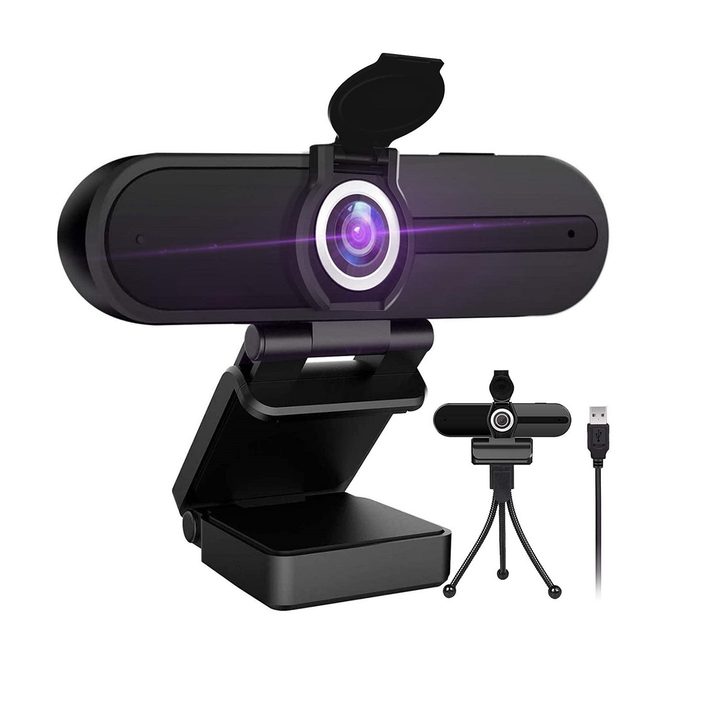

Let it be known that you don’t actually have to spend a lot to snag yourself a 4K webcam. In fact, if you need a budget 4K webcam that will be easy on your wallet, the GoHZQ W8A webcam is worth a look.
For less than $35, this 4K webcam comes with its own tripod and includes an 8MP lens, native dual noise reduction microphones, a CMOS image sensor, a privacy cover, and a 180-degree rotating clamp. The webcam also features an interesting Play/Pause button that lets you freeze and unfreeze your video stream as a privacy measure during a video call.
And we’ve sung this webcam’s praises before. When we wrote about it earlier this year, we especially liked its “excellent 4K image quality” and found that the microphones “sounded very good” during meetings. It’s not the fanciest webcam on this list, but it does hold its own when it comes to performance.
Dell UltraSharp
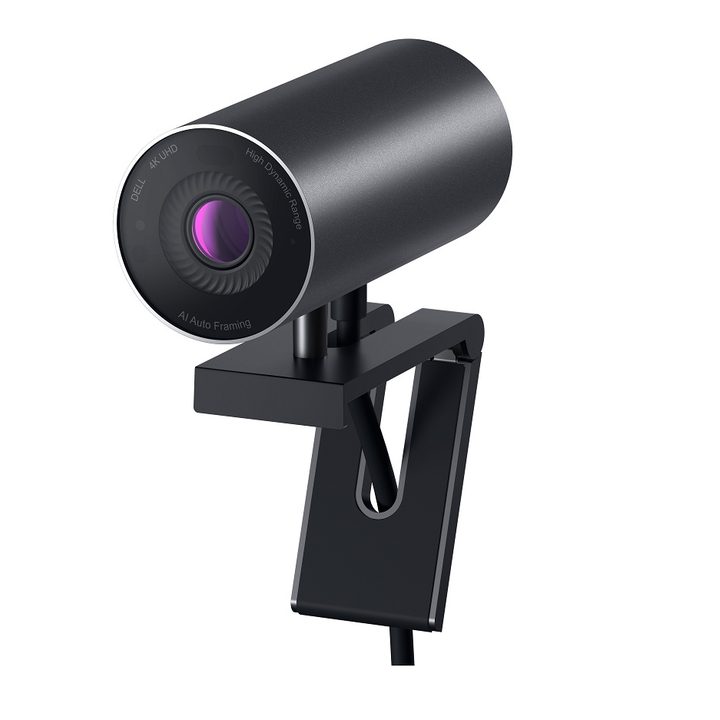

If you need a 4K webcam but struggle with having to attend Zoom meetings in low-light conditions, this Dell UltraSharp webcam is a particularly good option. It’s a 4K HDR 8.3MP webcam with autofocus, up to 5x digital zoom, and 3D/2D video noise reduction. The video noise reduction is especially helpful in low-light situations as it “automatically eliminates motion blur and grainy images.” This webcam also has a privacy shutter cap and works with Windows Hello to secure your device.
And if your monitor has a display with ultra-thin bezels? No worries. The webcam’s mount is designed to fit perfectly with thin bezels, keeping itself out of your display’s way.
NexiGo AutoFocus
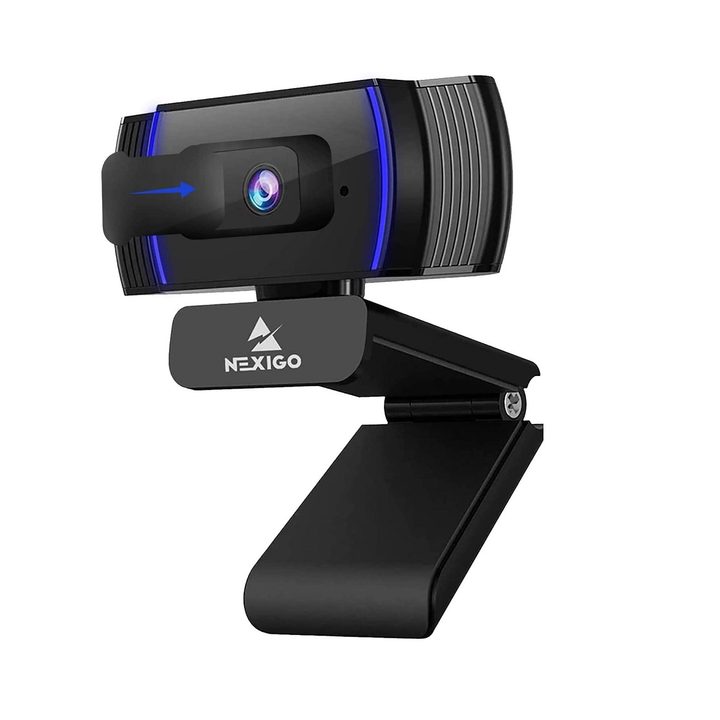

Not everyone’s home is quiet enough for a Zoom call. That said, if it’s hard to find a quiet place for you to attend your Zoom meetings, there are ways to reduce the noise. One way is the NexiGo AutoFocus webcam . The NexiGo’s built-in microphone includes a handy noise cancellation feature that “reduces ambient noise.”
In addition to noise cancellation, this $55 webcam includes a 1080p resolution, a privacy cover, autofocus, and over 15 adjustable video quality settings.
Kaysuda CA20
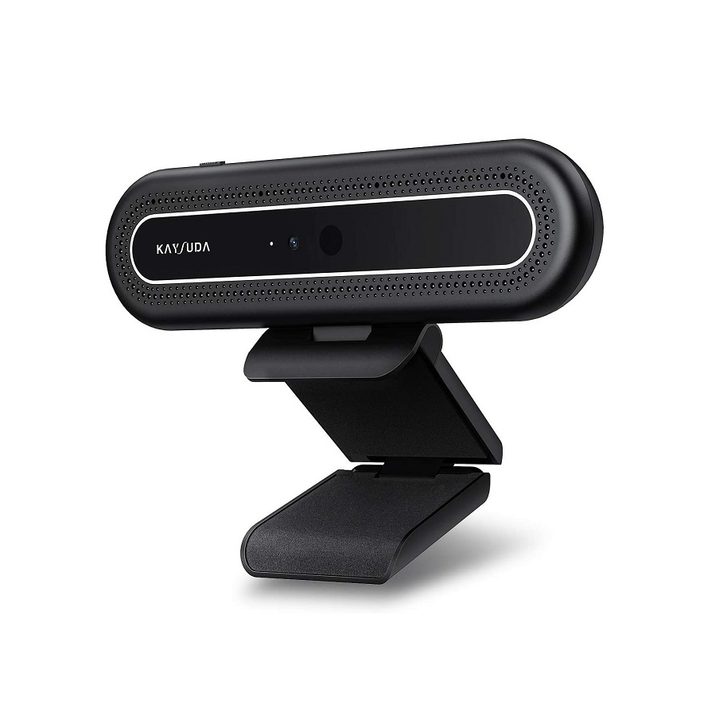

Need a less expensive all-in-one solution that can handle Zoom meetings and unlock your laptop with Windows Hello? Take a look at the Kaysuda CA20 webcam .
$70 gets you a 1080p infrared webcam with two omnidirectional microphones, a mount with an adjustable hinge, and a privacy switch that turns the camera on and off.
Logitech C920x HD Pro
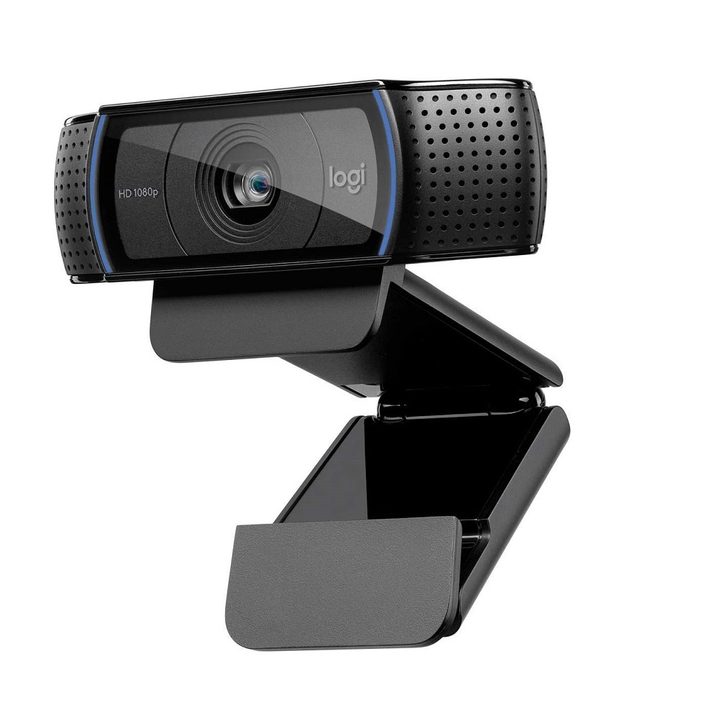

If you have a Chromebook, the Logitech C920x HD Pro webcam is a great mid-range option for Zoom calls, streaming, or recording. (This webcam will also work with non-Chromebook devices, but it has been specially certified by Logitech “to meet Google’s compatibility standards.”)
It features Full HD 1080p video recording and calling at 30 fps, dual omnidirectional microphones with noise cancellation, automatic light correction, an adjustable clip mount, and if you’re interested in creating “professional quality” live broadcasts, you’ll also get three months of access to an XSplit License so you can do things like adjust music, text, or your background (with the XSplit VCam feature).



